Touch Controls Explained: Tap, Drag, Swipe and Hold
Phone games use four gestures: tap, drag, swipe and hold. A tap presses something once. A drag moves something while your finger stays down. A swipe is a quick flick in one direction, and a hold keeps your finger pressed. This page explains what each gesture usually does, then shows eight games that use them.
The examples span puzzle games, shooting games and physics games.
What does a tap do?
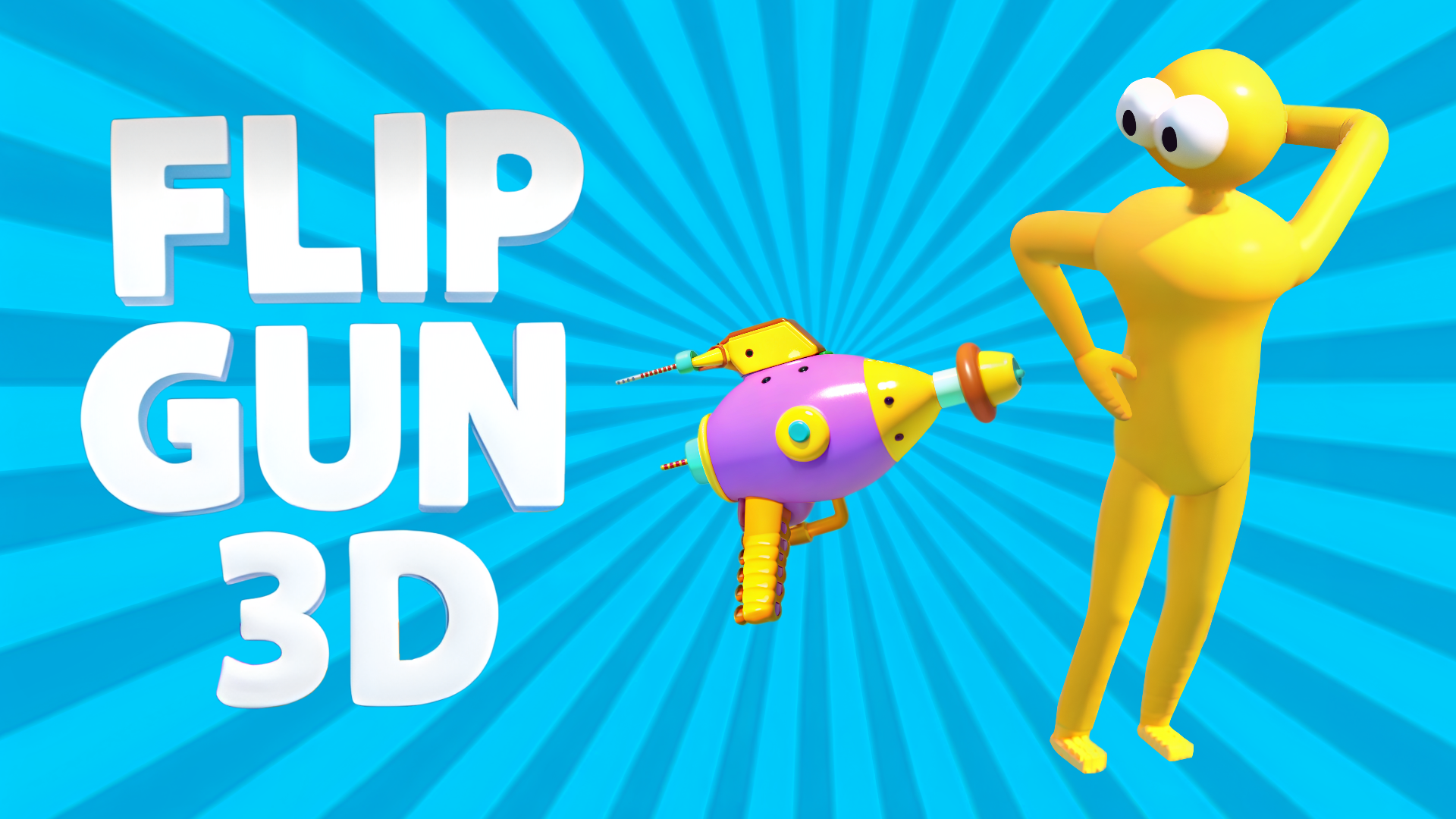
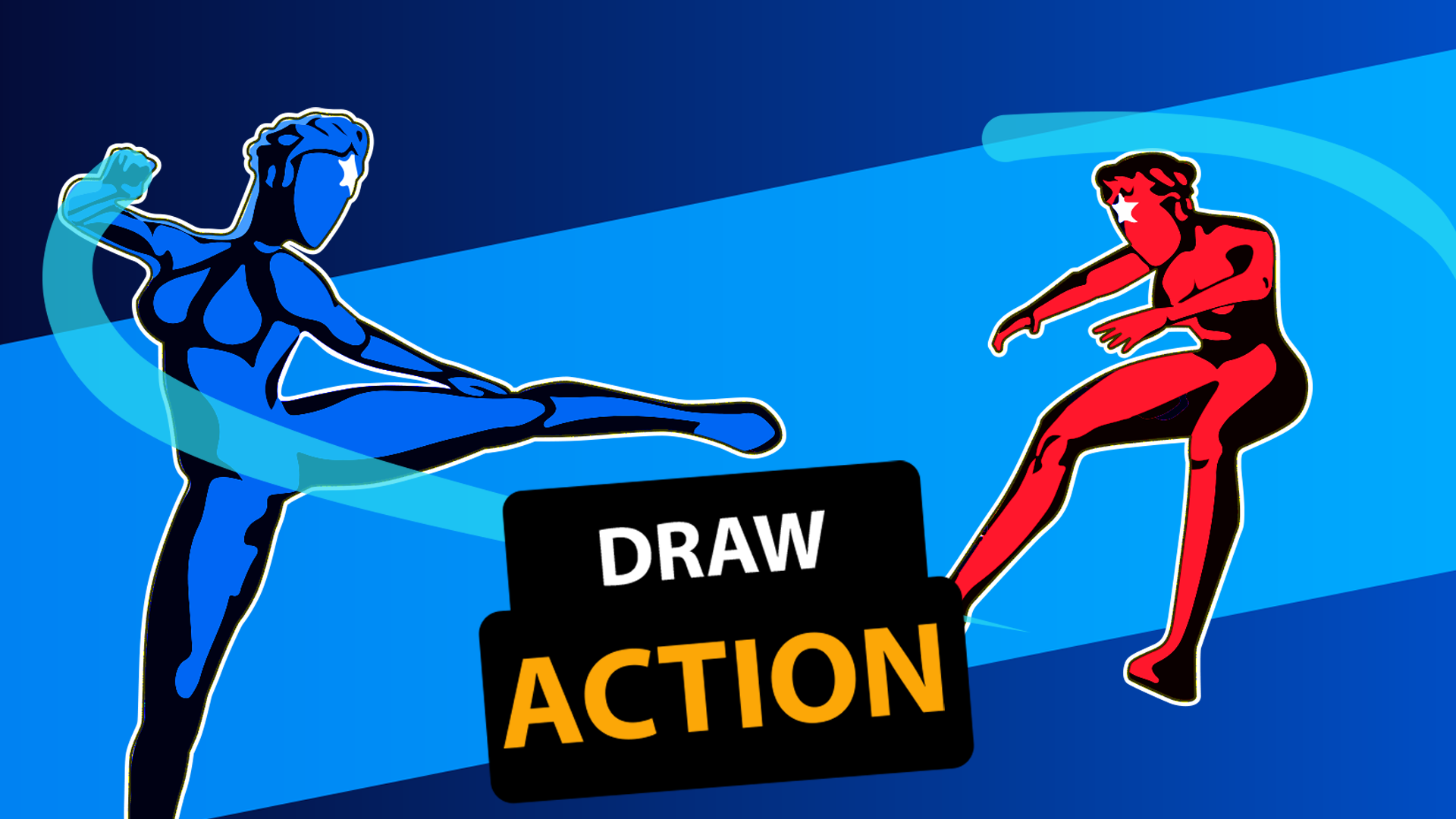
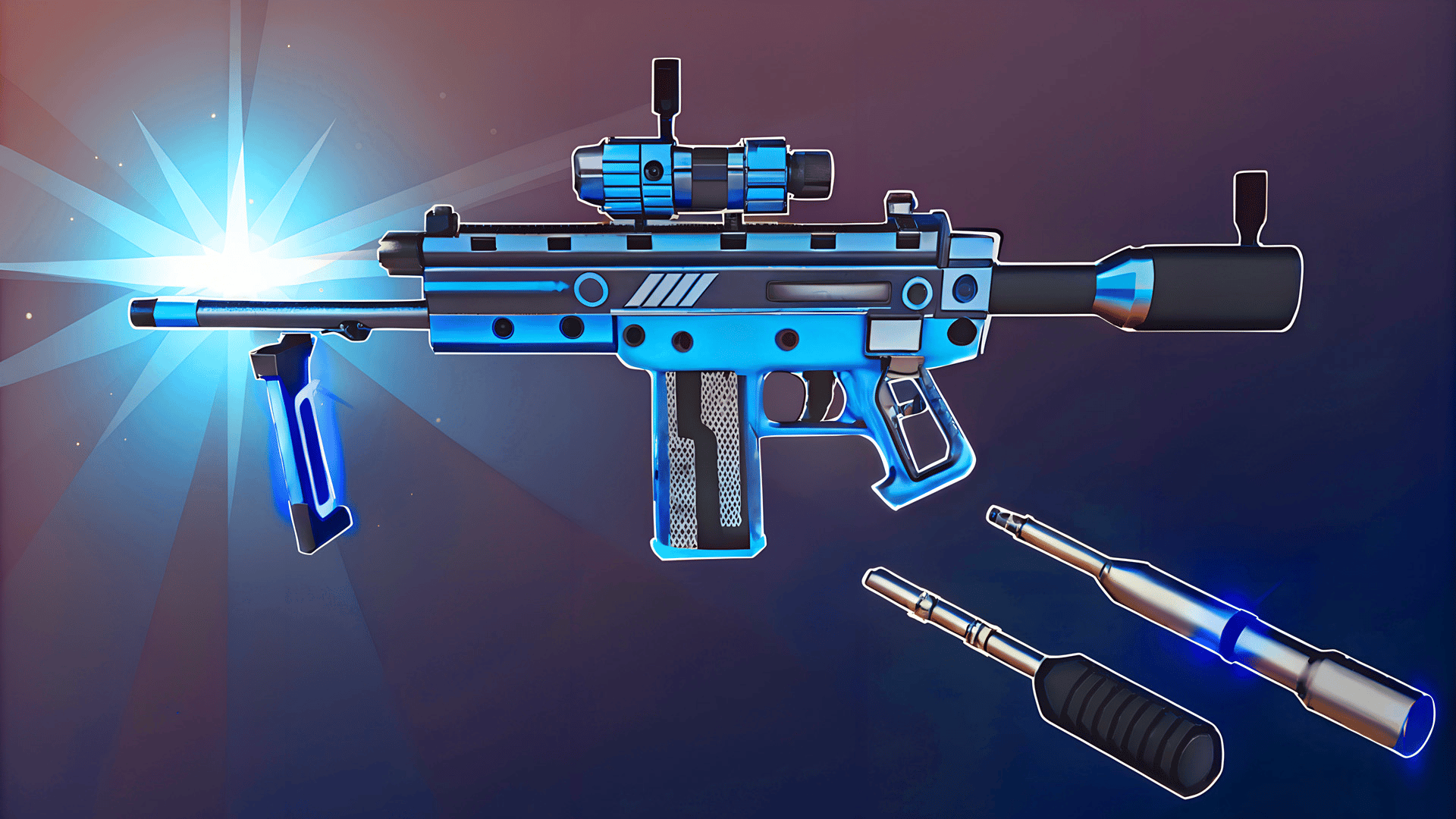
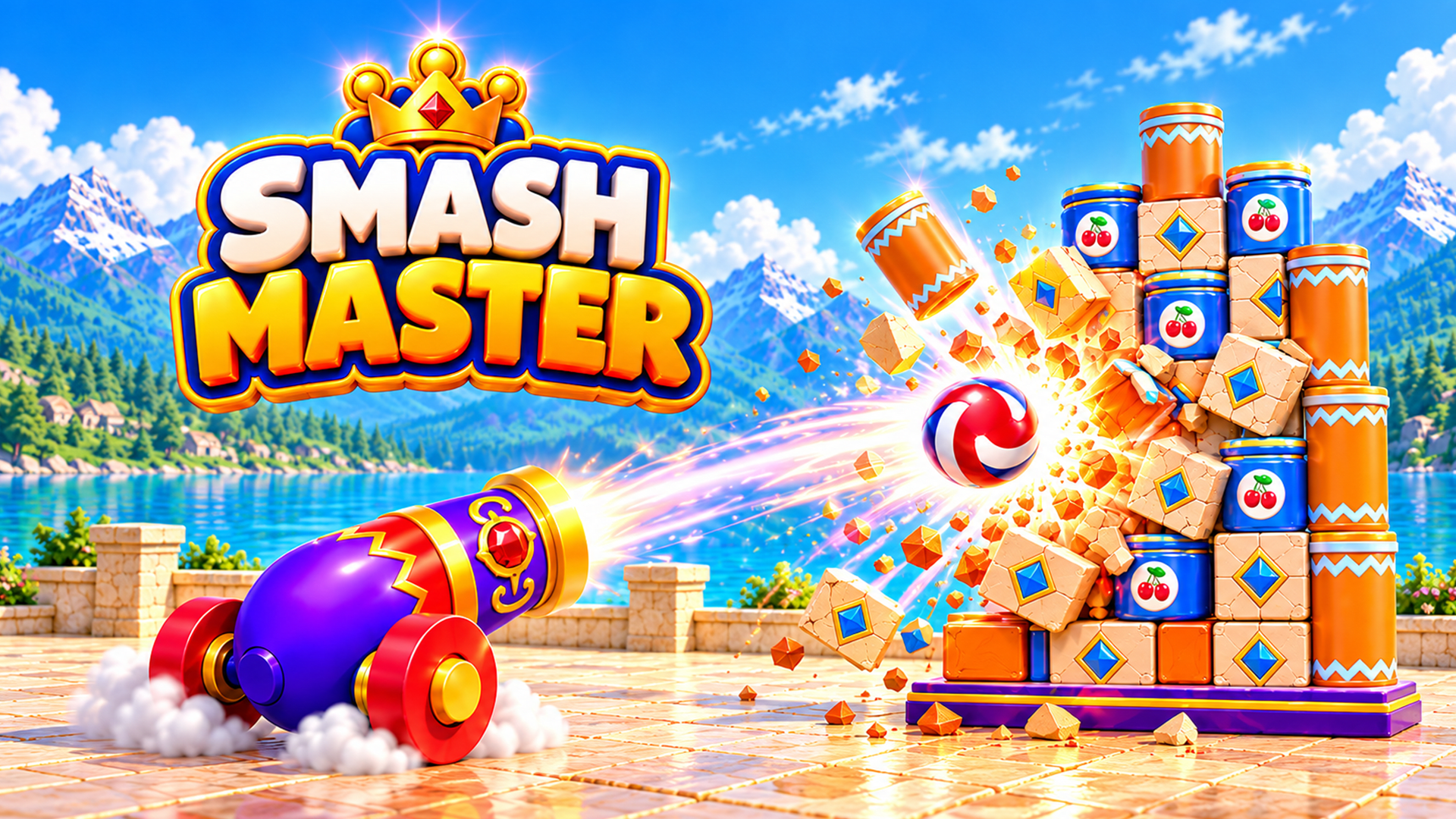
A tap is a choice or a trigger. In Flip Gun 3D Ragdoll Shooter it fires the gun, and every level gives you a limited number of shots. In Smash Master you aim a cannon, then tap or release to fire at a stack of crates and barrels. In Draw Action a tap selects: you press a limb of the blue character before you draw.
A tap is also the easiest gesture to repeat on a small screen, since your finger lifts after each press and the picture stays clear.
What does a drag do?
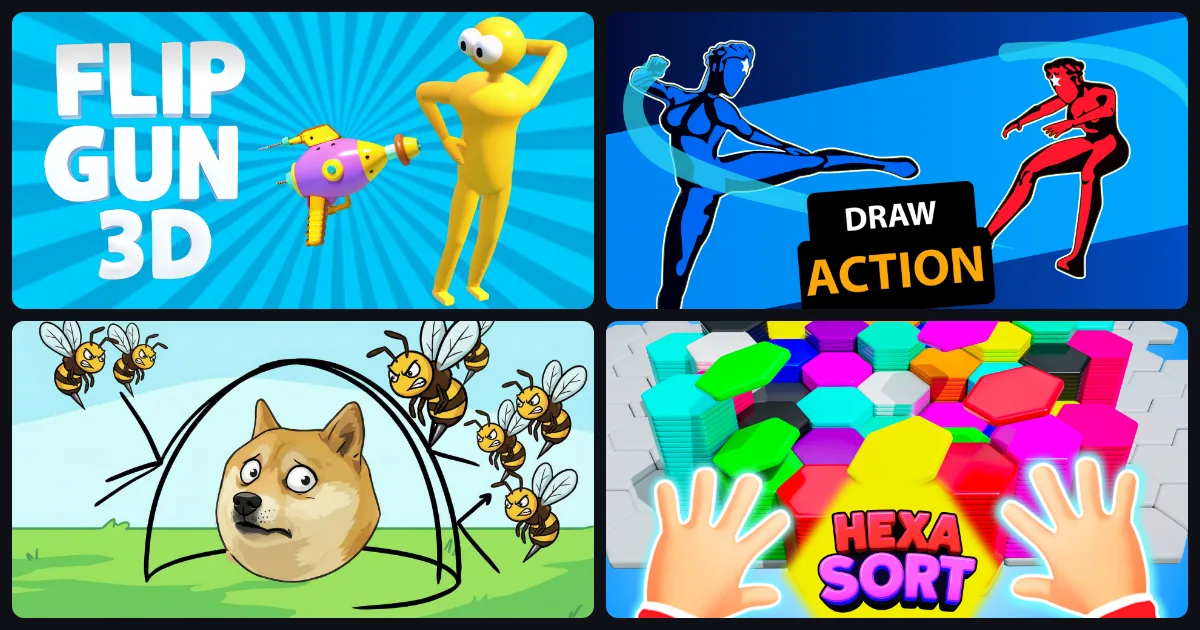
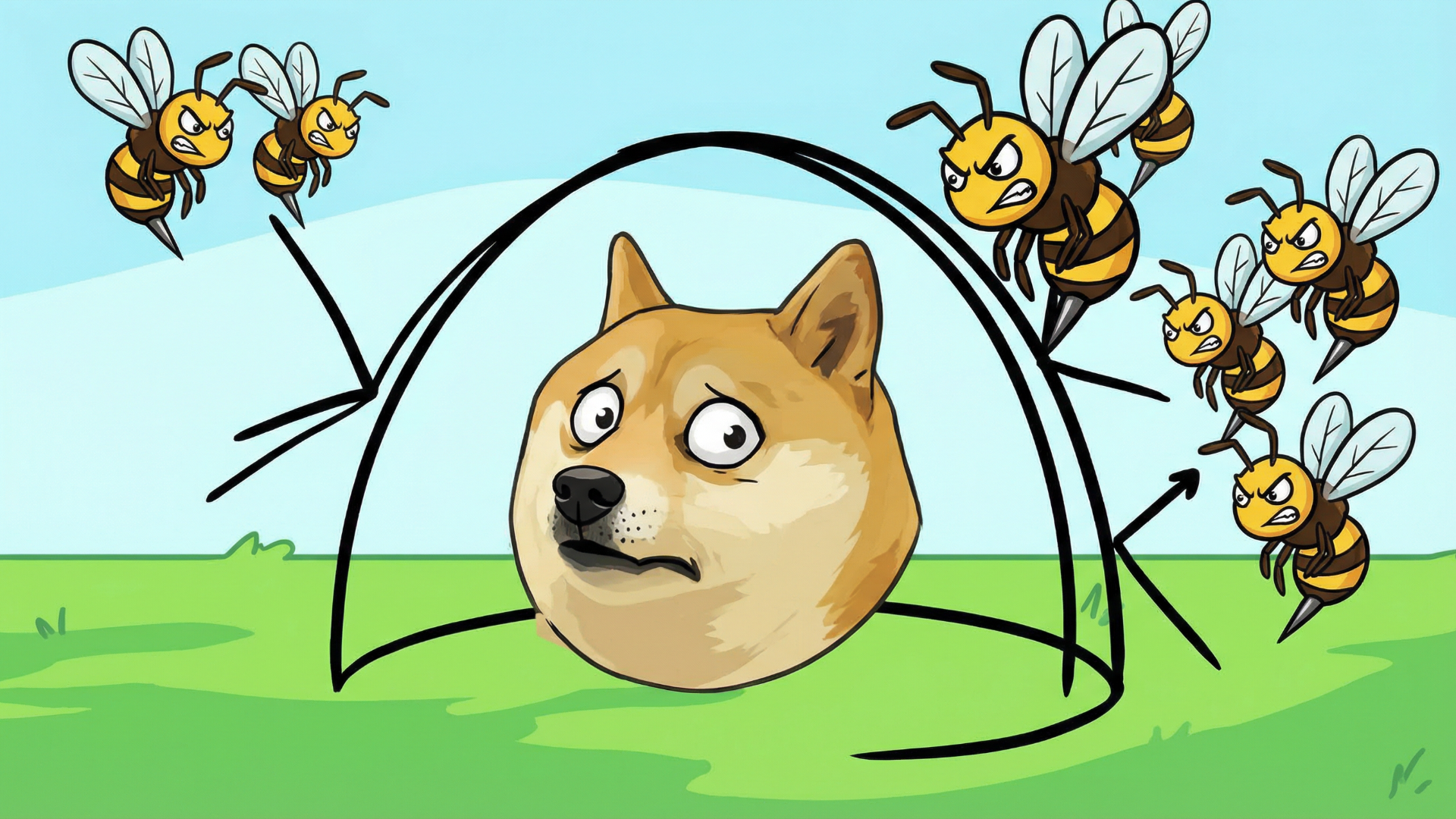
A drag moves or draws, and your finger decides the path. Save The Pets: Draw to Save asks you to draw a line that blocks bees from a dog, and shorter lines earn more stars. Draw Action uses the same motion for attacks, since the pattern you draw picks the strike. Weapon Upgrade turns the drag into steering: your finger moves your character through the level.
Because your finger covers part of the screen, drawing games reward a quick look before you start. Plan the line, then draw it. In Save The Pets the dog must survive for at least ten seconds, and lava, water, spikes and bombs also threaten him, so check them first. In Draw Action the aim is to drain the enemy or push him into the water, and pushing is the faster win.
What do swipe and hold do?
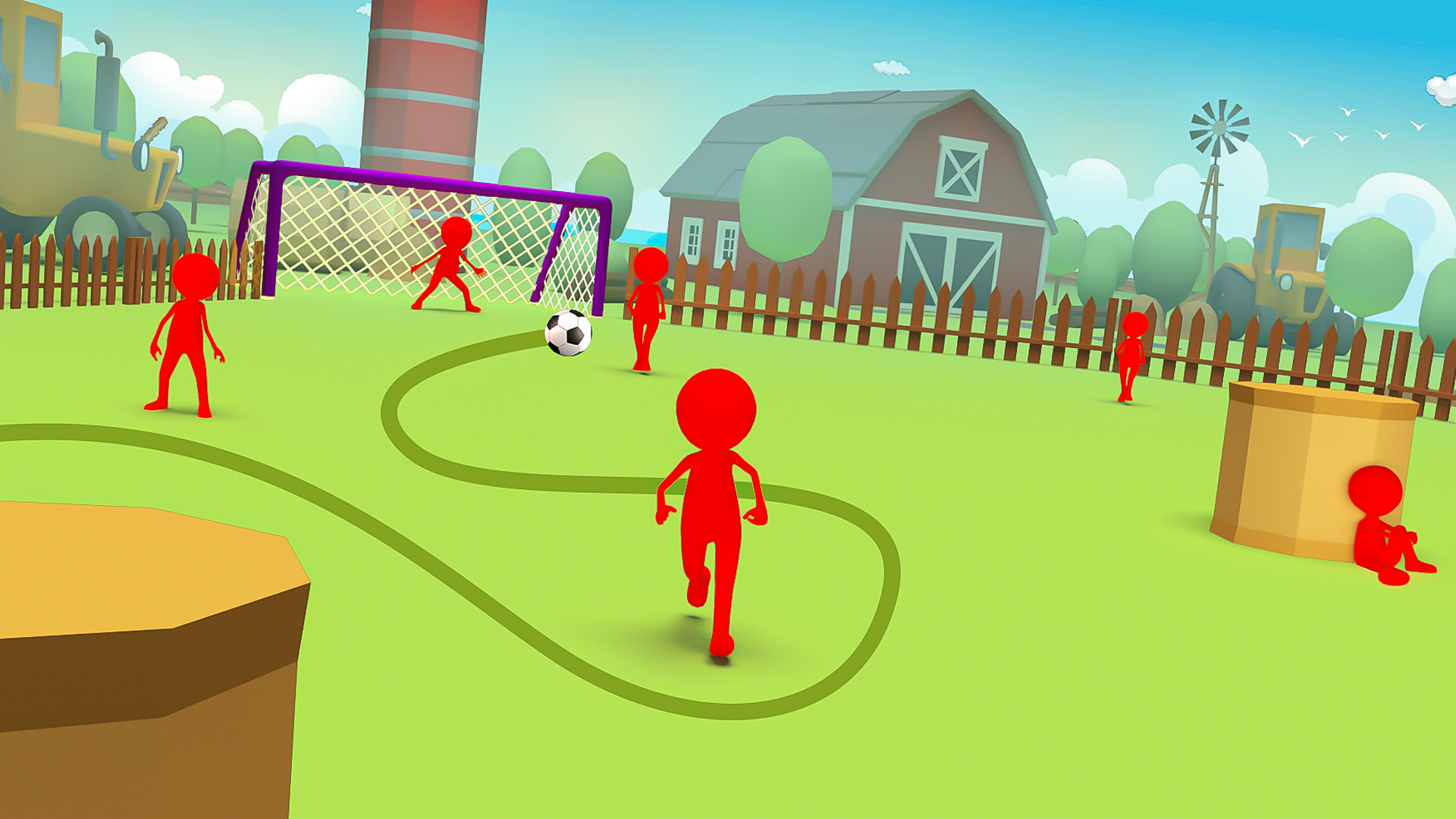
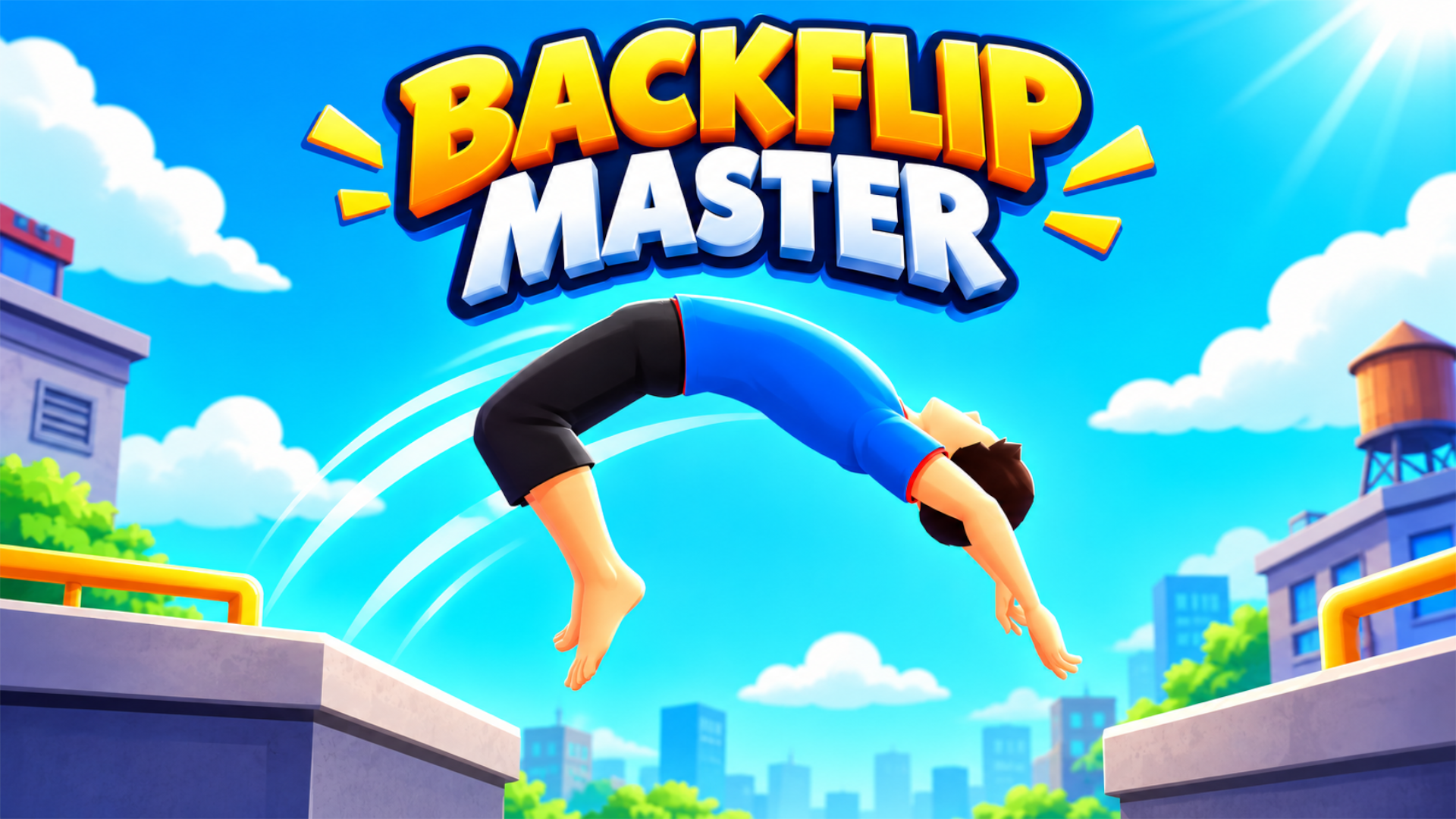
A swipe is a drag that cares about speed and direction. Wonder Goal: Fun Football Kick uses one swipe to guide the ball toward the goal and around defenders. A hold keeps pressure on, and Backflip Master: Parkour Stunts is built on it. You tap and hold to crouch, keep holding to spin and release to land.
In that game the crouch builds jump power, so the moment of release matters more than how fast you tap. A hold has a cost: while your finger stays down, it covers a corner of the picture. Place the phone so the part of the screen you need sits away from your thumb.
Which game does not name a gesture?
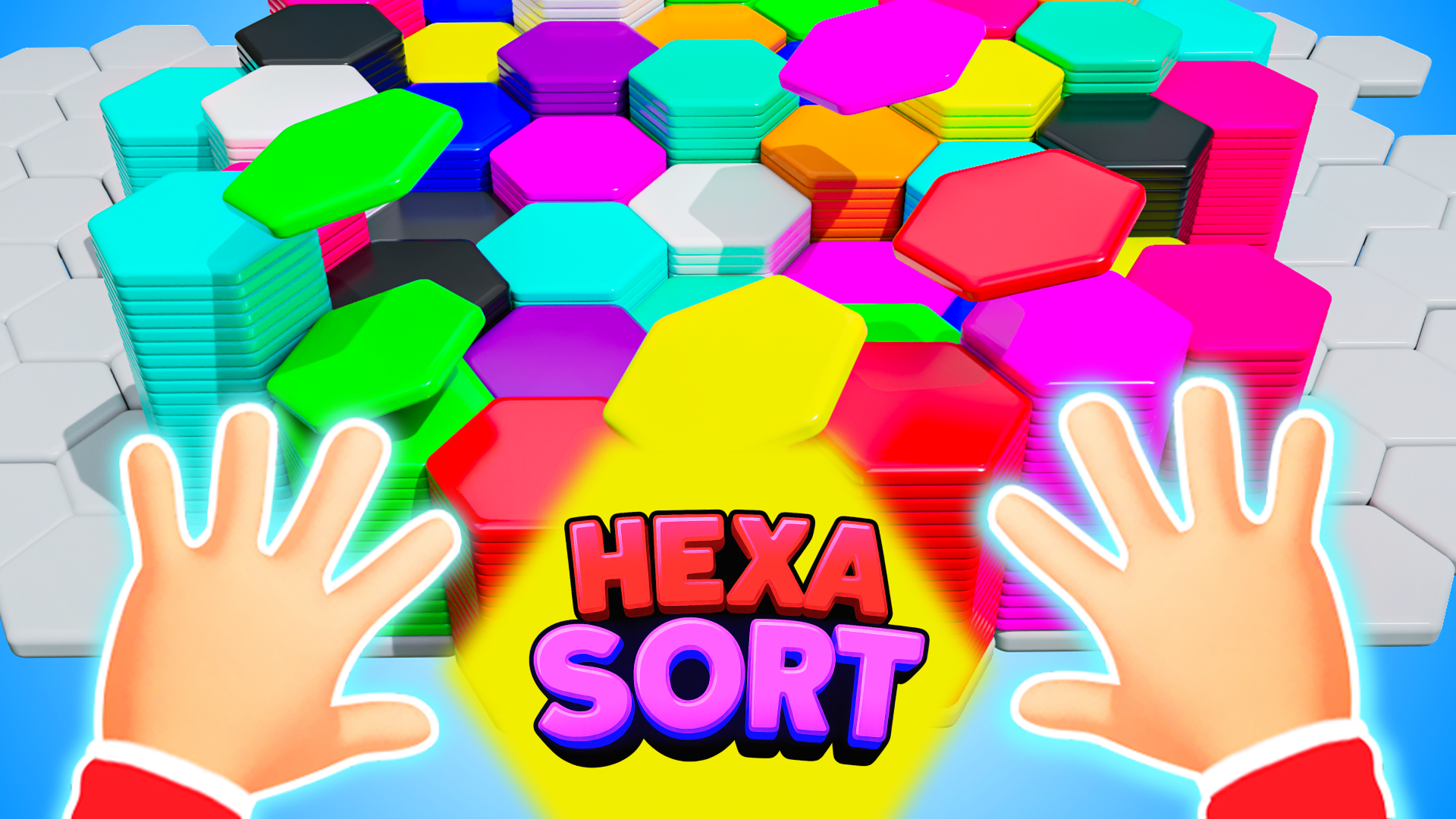
HexaSort lists on-screen touch controls without naming a gesture. You place stacks of hex tiles on a board and match colors until the stacks merge. The game has optional in-game purchases and starts free, so check its first level for the gesture it expects, and use a hint if you are stuck.
If a game shows no hint about its gesture, try the simplest one first. Tap an object before you drag it, and drag before you swipe. A wrong guess costs a second, and the game usually answers with a highlight or a move.
Where should you start?
Try Flip Gun 3D Ragdoll Shooter for the plainest tap. Move to Save The Pets when you want to practice a steady drag, then to Wonder Goal for a swipe you time. Backflip Master comes last because it is the only one here that asks you to hold. All eight run on phones, and the ones laid out for tall screens work best with a thumb on the lower half of the display. Joysticks are a fifth control that appears in bigger 3D games, where a circle on the screen replaces the WASD keys. None of these eight games relies on one in its description.
Games in this guide
Related categories
More guides
See all- Landscape or Portrait? Screen Orientation in Phone Games
How to tell whether a game wants an upright phone, a sideways one or either, with six examples of the three cases.
- Why Some Browser Games Run Only on Desktop
How to tell a computer-only game before you press Play, plus the key and mouse layouts of seven desktop games.
- Full Screen, Reload and Sound: Fixing Common Game Problems
A short repair order for stuck browser games: page buttons first, then tab, sound, browser and key checks.