Weapon Upgrade

Rotate your phone for a bigger game
- No purchases
- Shooting
- Desktop and mobile
- Portrait
 Up nextPlay next
About Weapon Upgrade
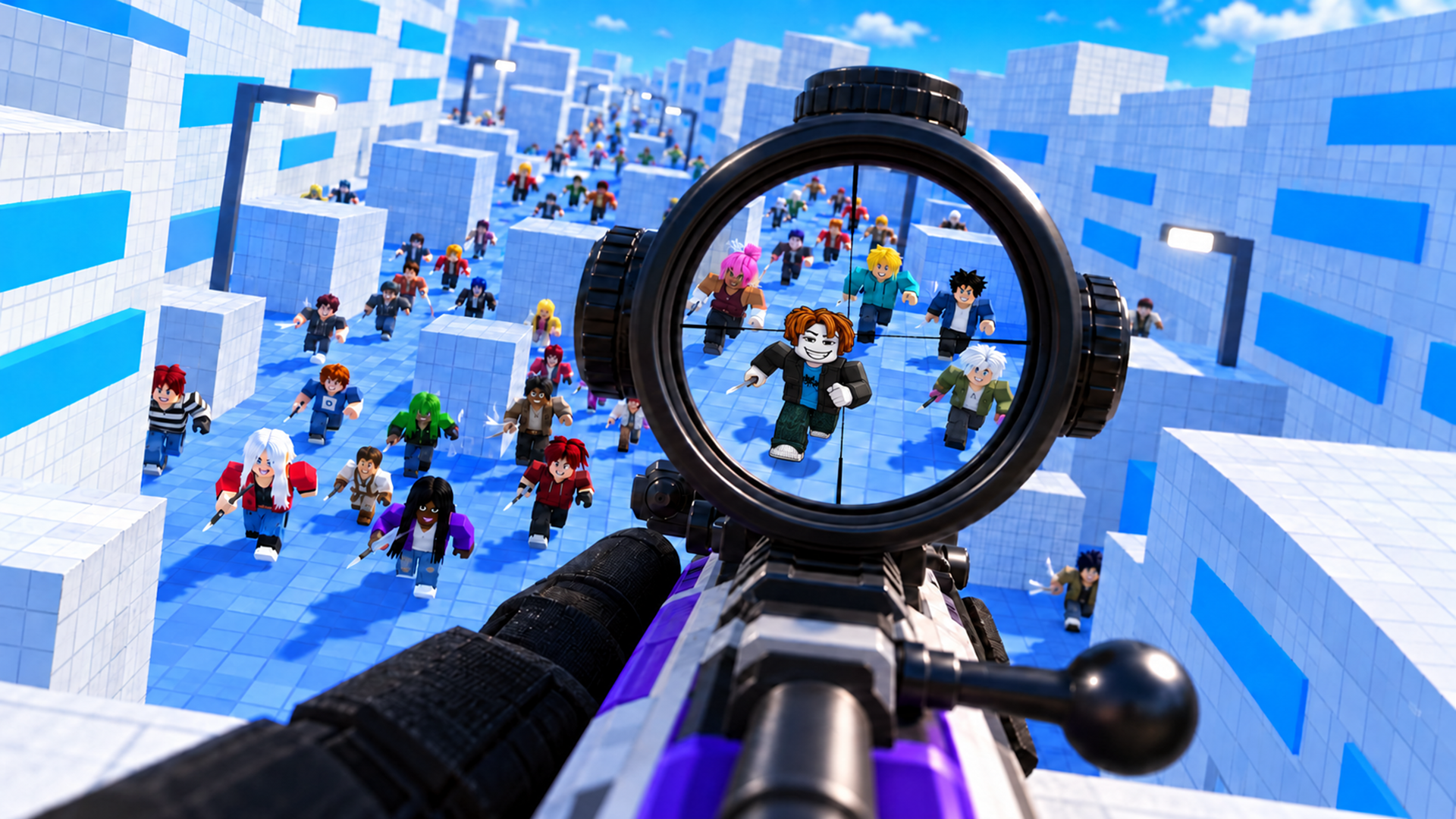
Weapon Upgrade turns a shooting runner into a gun workshop. In the runner part you shoot enemies and obstacles to unlock powerful weapons, and you test your accuracy on targets as you go.
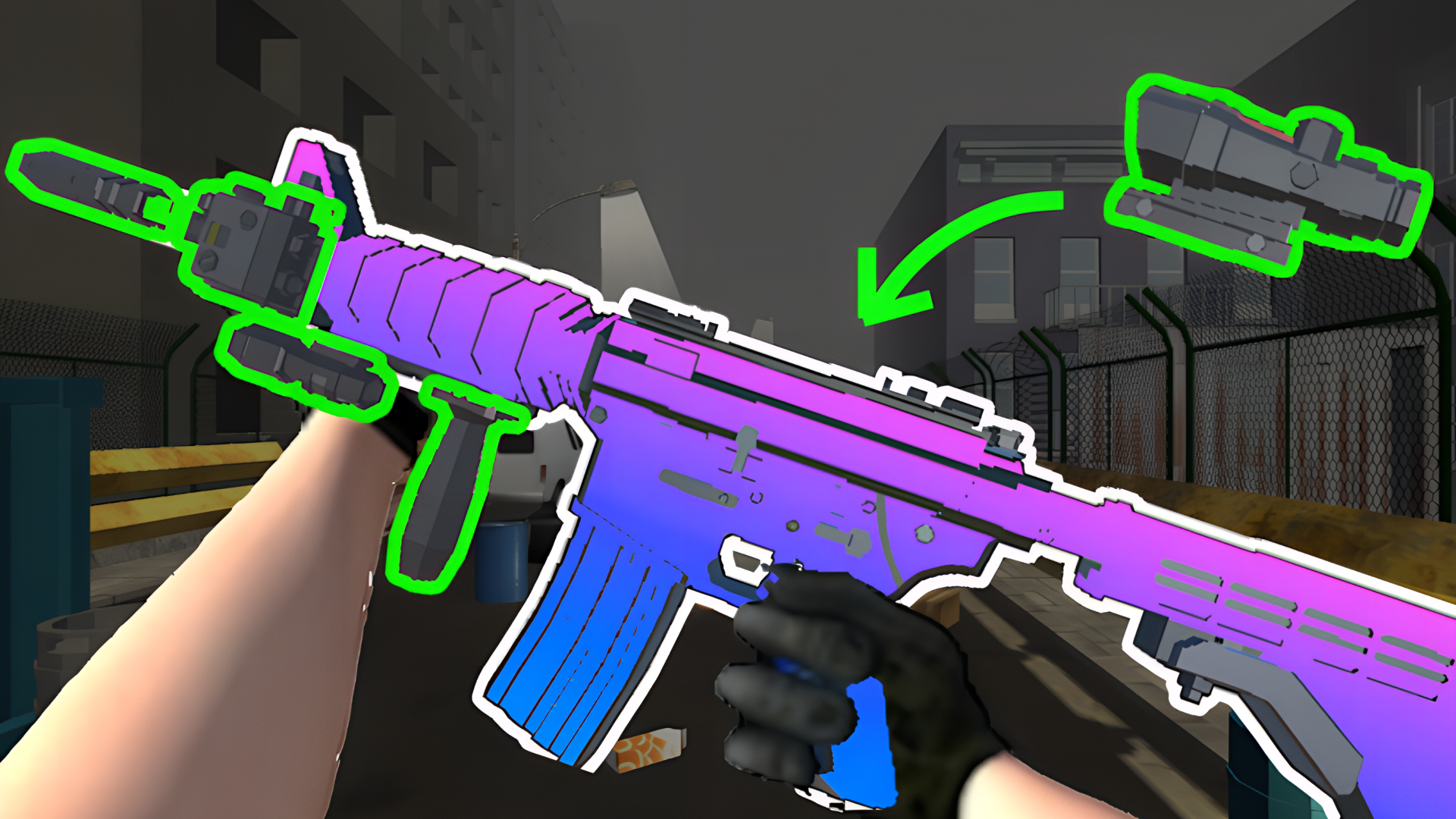
Beyond the lane, the focus moves to the gun itself. You craft by connecting parts, so a simple gun evolves into advanced firepower. You move with the mouse on a computer or a finger on a phone.
The gun floats in front of the camera, pointed down a white lane with pale blue edges. Targets and number boards stand along it, green and purple characters block the way with numbers floating above them, and stacks of green bills lie on the floor. In the crafting scene the weapon sits above a blank three-by-three grid on a wooden table. A map view shows a green island with a red camp of tents.
Weapon Upgrade has no in-game purchases. Hold a phone upright to play; tablets and computers run it too.
How to play
- Move with the mouse on a computer or with your finger on a phone.
- Shoot enemies and obstacles along the way to unlock powerful weapons.
- Aim at the targets to test your accuracy.
- Connect parts to upgrade your weapon, from a simple gun to advanced firepower.
Controls
- Desktop
- Move around with the mouse.
- Mobile
- Move around with your finger.
Tips
- Shoot obstacles as well as enemies, since both help unlock stronger weapons.
- Use the targets as a chance to test your aim while you keep moving.
Frequently asked questions
Does the weapon crafting grid cost anything to use?
No. Weapon Upgrade has no in-game purchases.
Do I hold my phone upright to run the lane?
Yes. The layout is built for portrait screens, and it also runs on tablets and computers.
How do I upgrade a weapon?
Connect parts. A simple gun can evolve into advanced firepower.