Why Some Browser Games Run Only on Desktop

Some browser games open only on desktop and laptop computers. The cause is usually the controls: a game that needs a dozen keys and two mouse buttons has no comfortable place for a thumb. This guide shows how to spot those games before you press Play, and what their controls look like in seven examples.
All seven games below are listed for computers, and phones and tablets are not supported for them. You can find more in racing games, shooting games and simulation games.
Why do some games need a computer?
A keyboard gives you many separate buttons. A mouse gives you a pointer that moves in tiny steps and two buttons you can hold. Many 3D games use both at once, with one hand walking and the other aiming.
A touch screen can imitate part of that with an on-screen stick. A game with weapon choices, camera keys and a pause key asks for more buttons than a small screen can show comfortably. Developers also choose what to support. A game built around the keyboard may come without a touch version. That is a decision about the game, not a fault in your device.
How can you tell before you press Play?
Open the game page and read the Good to know box. It shows the device the game is made for, along with the screen direction, the language and whether the game has in-game purchases. For these seven games, the device information points to computers.
We do not know what each game does if someone opens it on a phone anyway, so we promise nothing there. If a page says computer, use a computer.
On a computer, the Full screen button gives the game the whole display. Exit full screen takes you back to the page.
What do desktop-only controls look like?
The seven games show four patterns. Each one is described here from the game's own description.
- Driving keys: Driver Club: Highway Racing is a traffic racer for desktop. W or the up arrow speeds you up, S slows you down and A and D steer. C swaps the camera and P pauses.
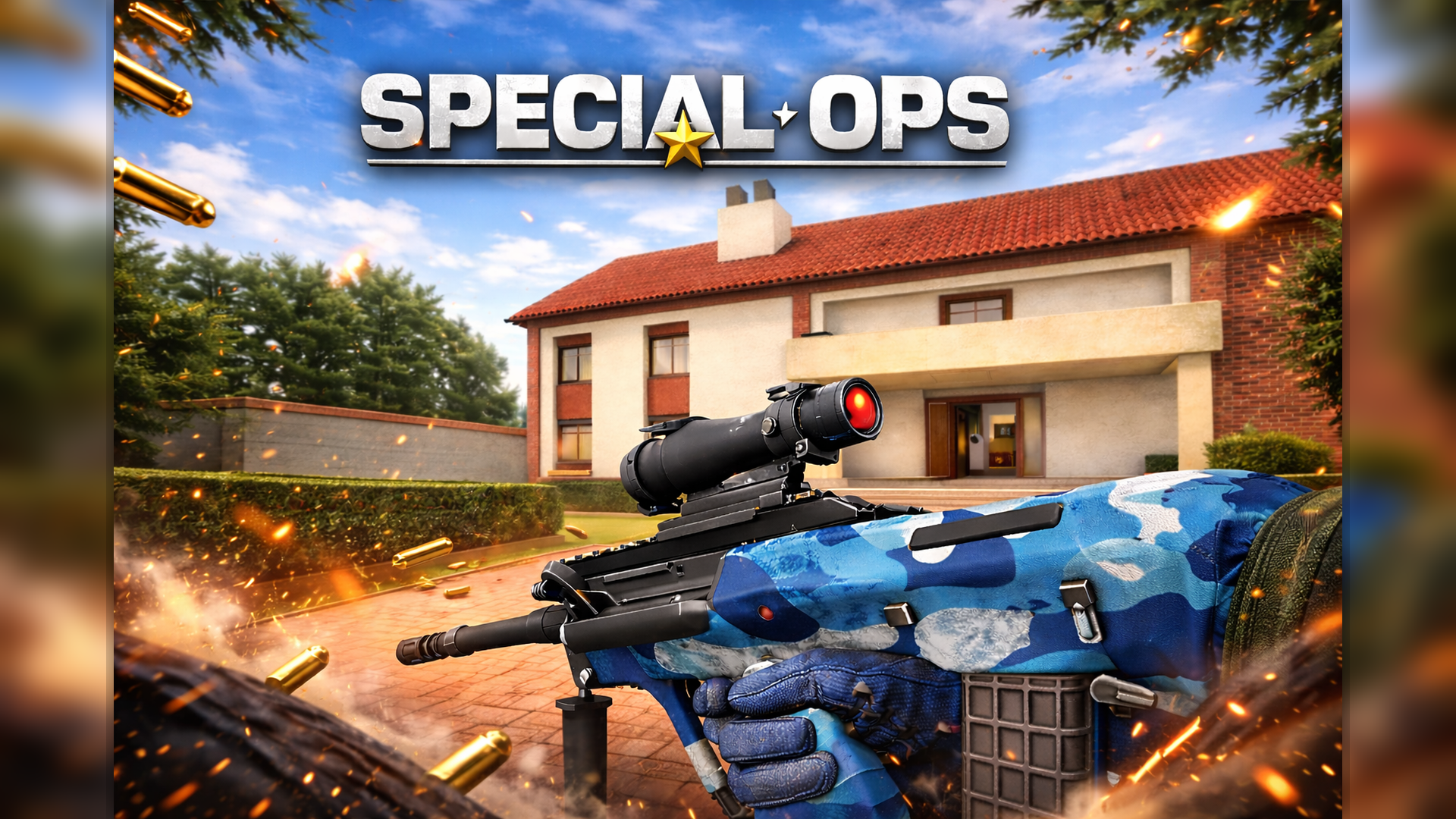
- Mouse aim and weapon keys: Special Ops: GO is an online first-person shooter for desktop computers. You walk with WASD, shoot with the left mouse button, aim with the right one and choose weapons with 1, 2 and 3. Tab opens the leaderboard.
- Two people, one keyboard: Sky Balls 3D rolls a ball along a narrow track in the sky, and it is a computer-only game. In one-player mode you use WASD or the arrows. In two-player mode, the first player takes WASD and the second takes the arrows.
- Walk, swing and pick a tool: Demolition Foreman is a first-person demolition game for desktop. WASD walks, Shift runs, and you hold the left mouse button to wind up a strike and let go to hit. Number keys pick the tool.
- Mouse only: Find Match 3D needs just the mouse on a desktop computer. You click objects to select three matching ones and clear the board before time runs out.
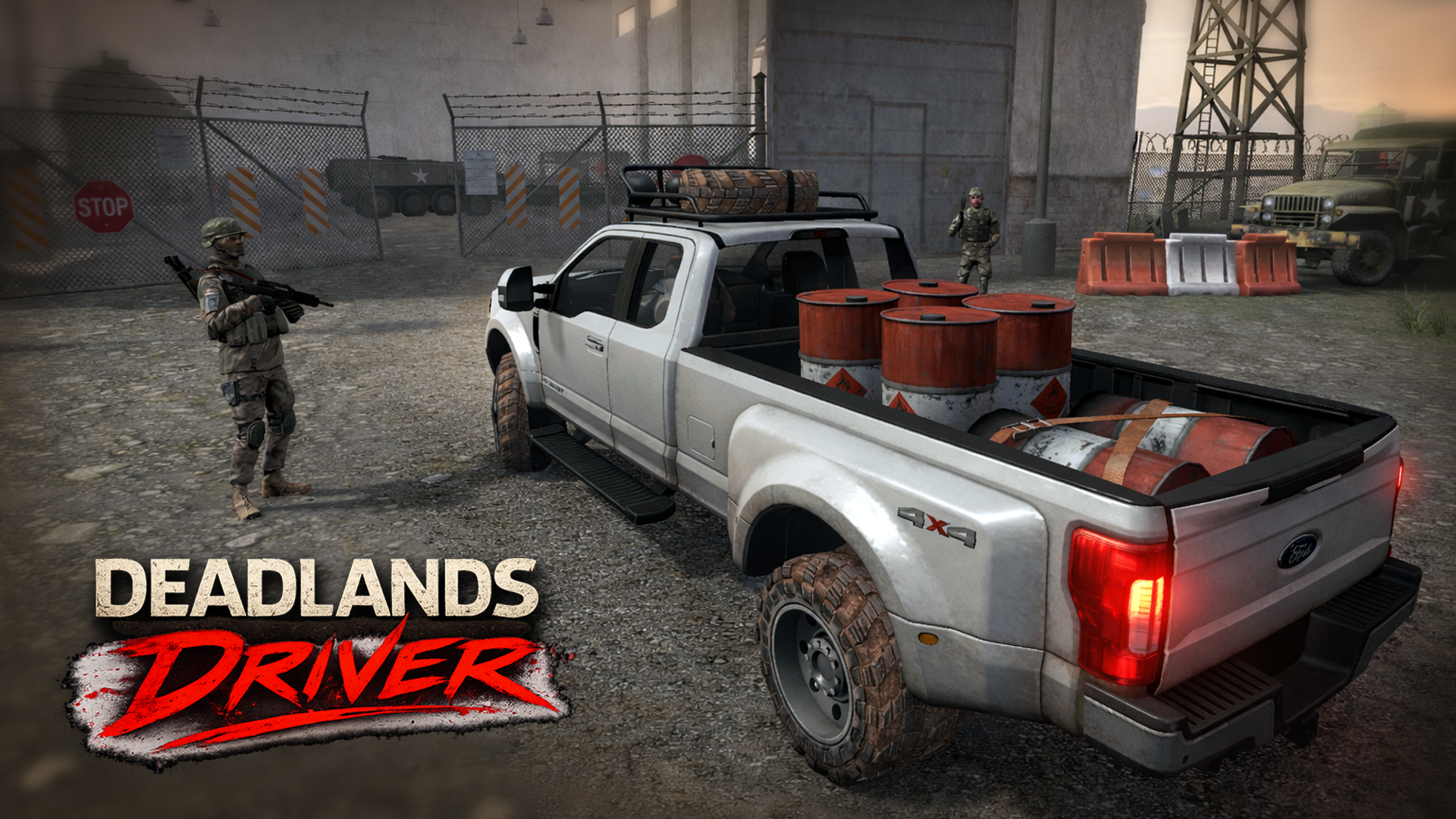
- Interaction keys: Dead Lands Driver Open World is an open-world zombie driving game for desktop computers. E starts missions at the map markers, I opens your inventory and Esc pauses. Holding left click and dragging turns the camera inside the car.
- Controls shown in the game: Cooking City is a restaurant simulator for desktop and laptop computers. Its description points you to the controls shown in the game itself. The game offers optional in-game purchases, and you open it free in your browser.
Desktop-only does not always mean complicated. Find Match 3D uses one input, while Special Ops: GO uses most of the keyboard.
What can you do on a phone instead?
Browse the same categories on your phone and check the device information on each page before you open a game. Games made for phones and tablets show that in the same box.
Favorites and play history stay in your browser's local storage on that device. A favorite you save on a phone will not appear on your computer, so write the game name down if you plan to switch. When you reach a computer, search for the title and press Play.
Where should you start on a computer?
For a short session with simple input, begin with Find Match 3D. It asks only for clicks and a quick eye. If you like driving, Driver Club: Highway Racing has a short key list and a leaderboard of the fastest drivers.
Two people at one desk can try Sky Balls 3D. For a first-person game with a long key list, open Special Ops: GO and read the controls once before the match starts. Full screen also helps in the 3D games.
Games in this guide





Related categories
More guides
See all- Full Screen, Reload and Sound: Fixing Common Game Problems
A short repair order for stuck browser games: page buttons first, then tab, sound, browser and key checks.
- Coins, Gems and Upgrades: How In-Game Currencies Work
The difference between money you earn by playing and money you pay for, shown through six idle and tycoon games.
- Before You Buy an In-Game Item: Six Questions to Ask
A six-question check to run before any in-game payment, with five puzzle games that offer optional purchases.