Landscape or Portrait? Screen Orientation in Phone Games
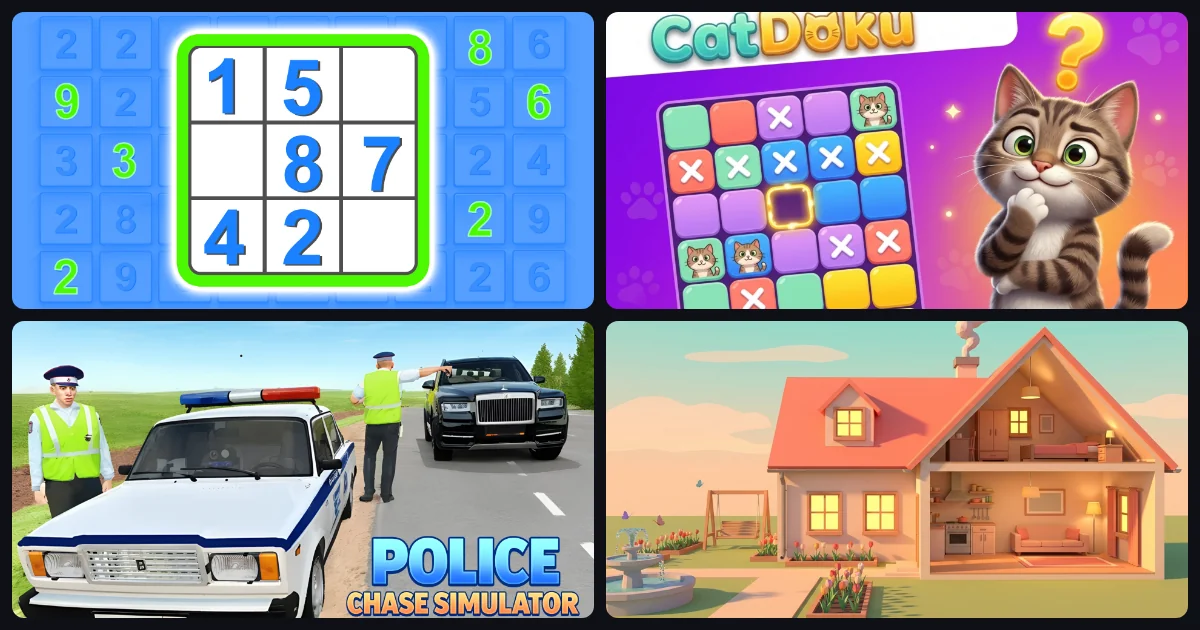
Phone games come in three kinds: tall screen only, wide screen only, or both. You can tell which before you press Play, because the Good to know box on each game page shows the screen orientation. This page explains the three cases and shows six games that sit in each one.
The examples come from puzzle games, sports games and simulation games.
What do portrait and landscape mean?
Portrait is the tall shape you get when you hold a phone upright. Landscape is the wide shape you get when you turn it sideways. A game built for one shape can look cramped or tiny in the other, which is why the page states the orientation before you start.
Which games are built for a tall screen?
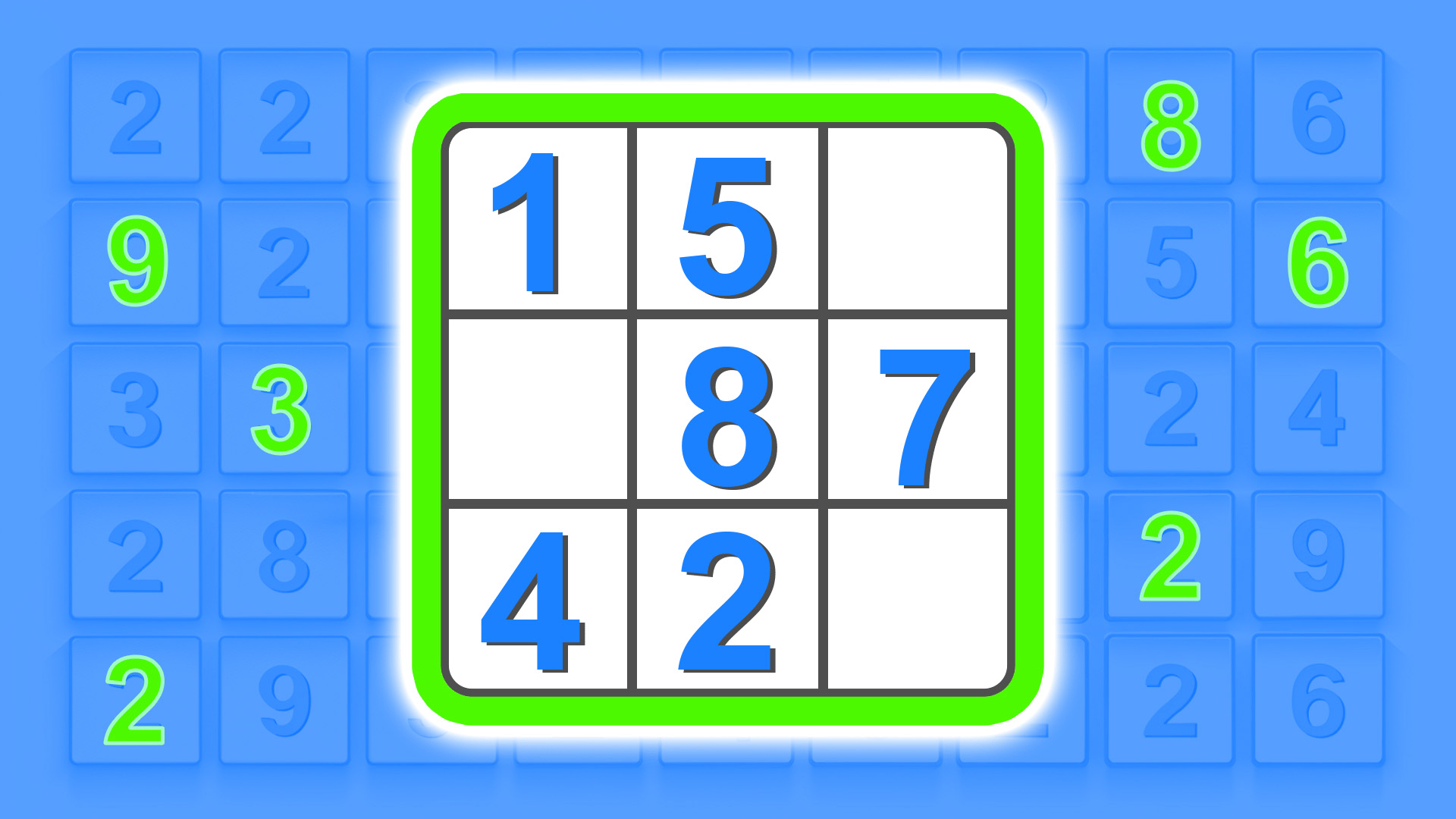
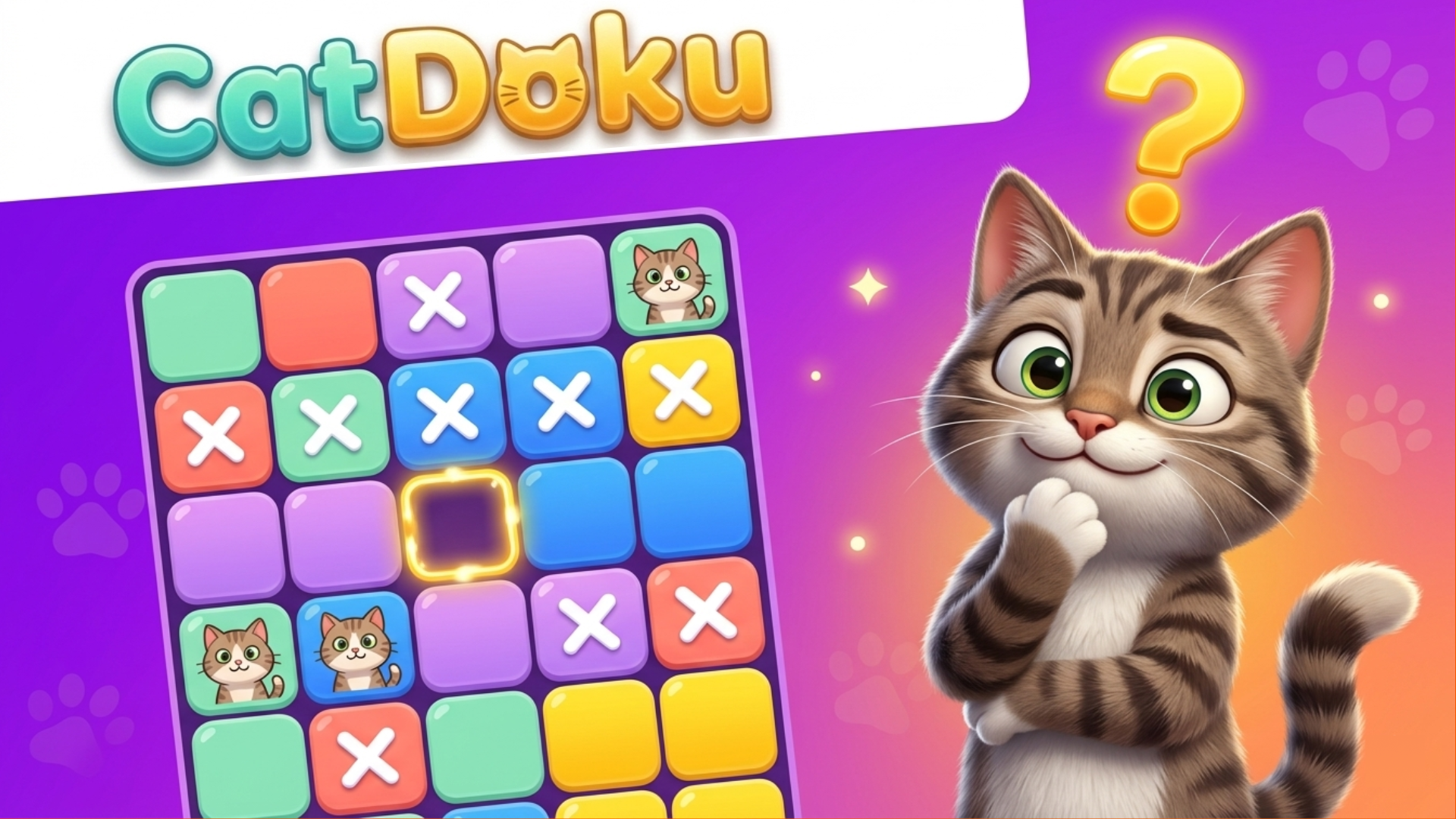
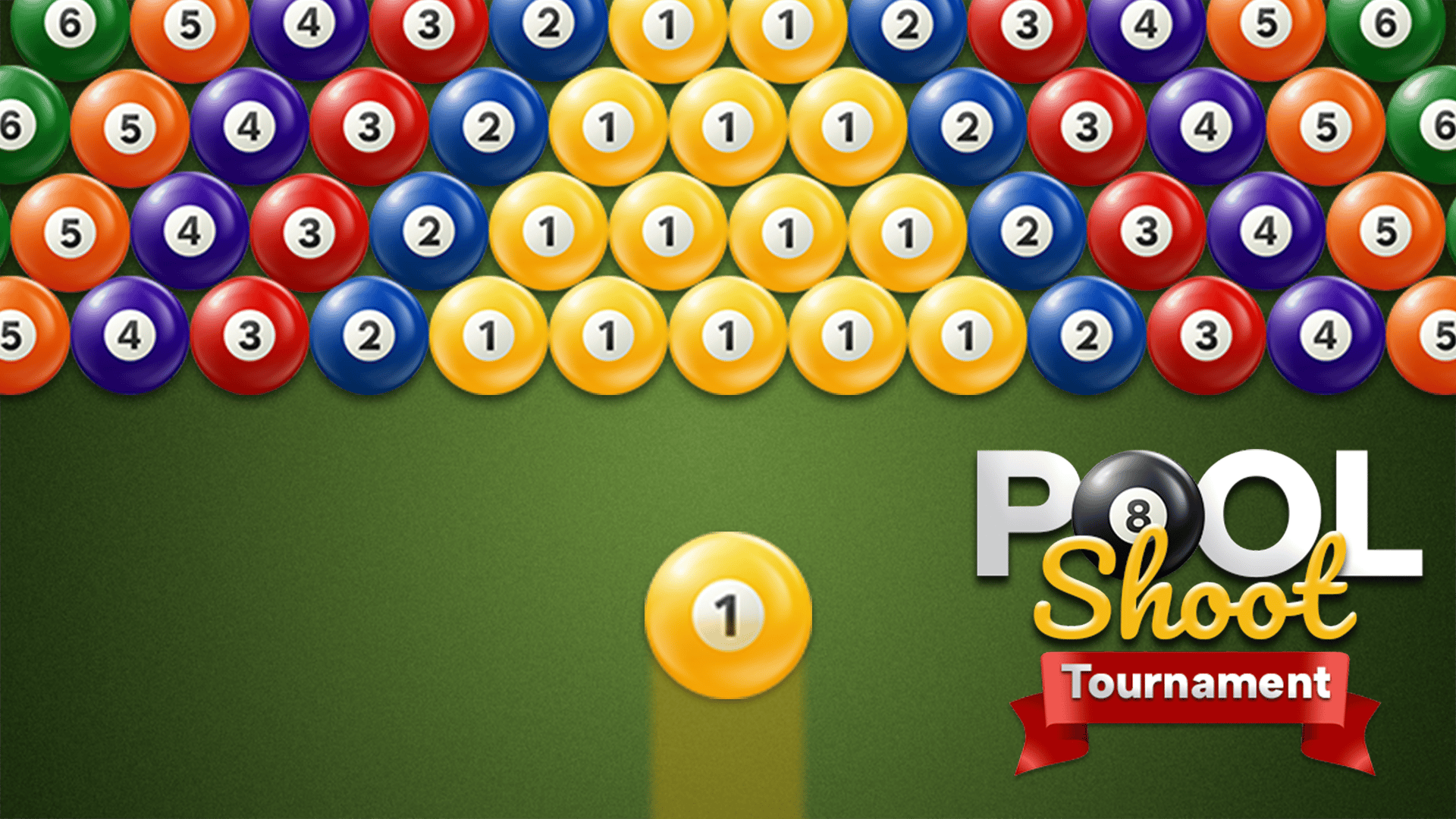
Sudoku is laid out upright, with a grid of 81 cells. CatDoku is also an upright puzzle: you place cats so that each row, column and color zone holds one, and no two touch. It has optional in-game purchases and opens free. Pool Shoot Tournament aims colored balls at a descending wall, and you aim with a finger on the same tall screen.
Neither shape is better. Portrait suits games with a column of choices, such as grids and lists, and landscape suits games with a wide scene, such as a street or a field. Check the box on the game page, then hold the phone to match.
Which game wants a wide screen?
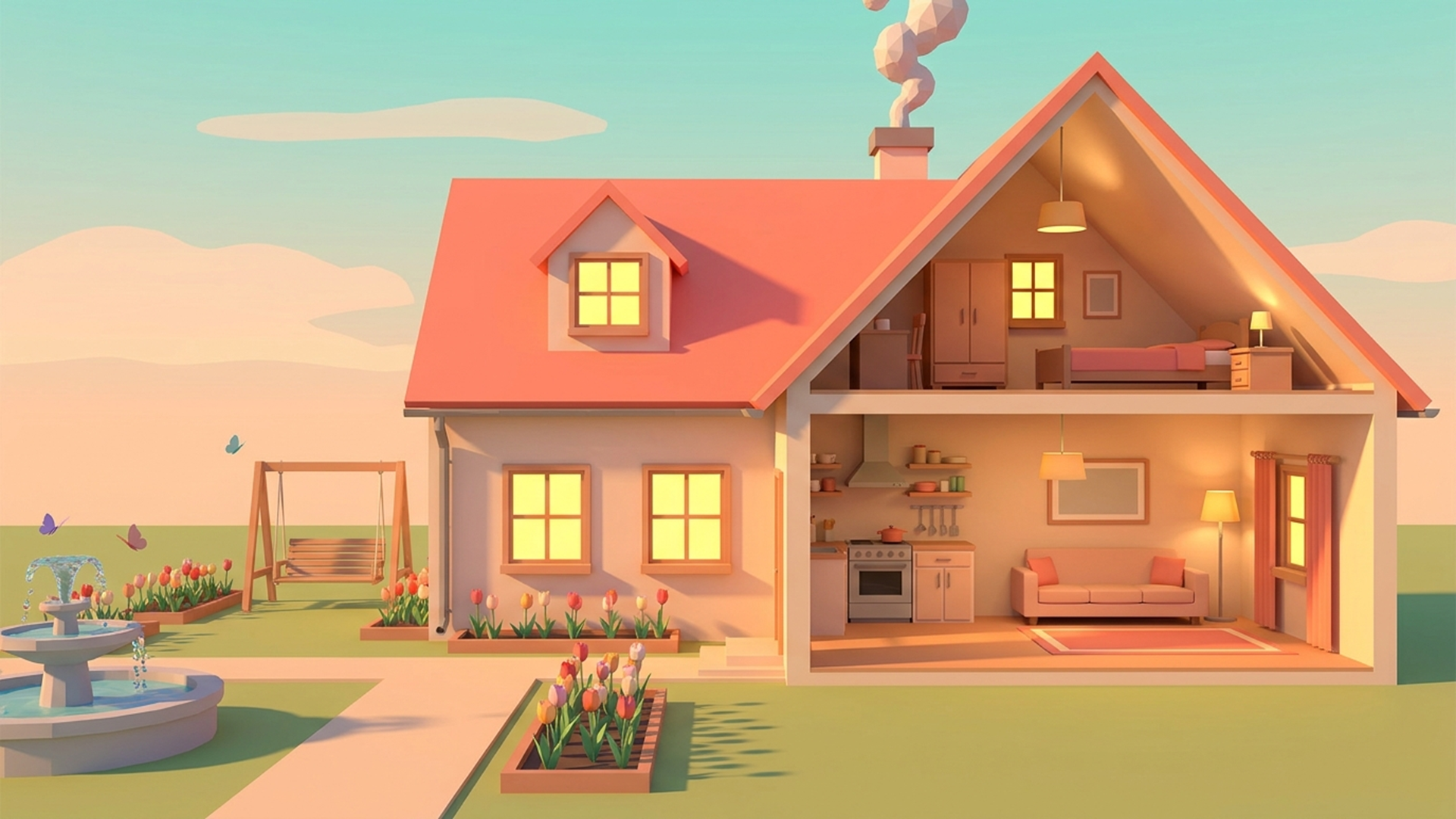
Dream Home is about building a house and then walking through it. Its description says to use a computer or a sideways phone. A wide view gives you room for walls, furniture and the yard in one frame. Turn the phone before you press Play.
These three tall-screen games also run on computers, where you simply play in the browser window. The orientation note matters most on phones and tablets.
Which games take either orientation?
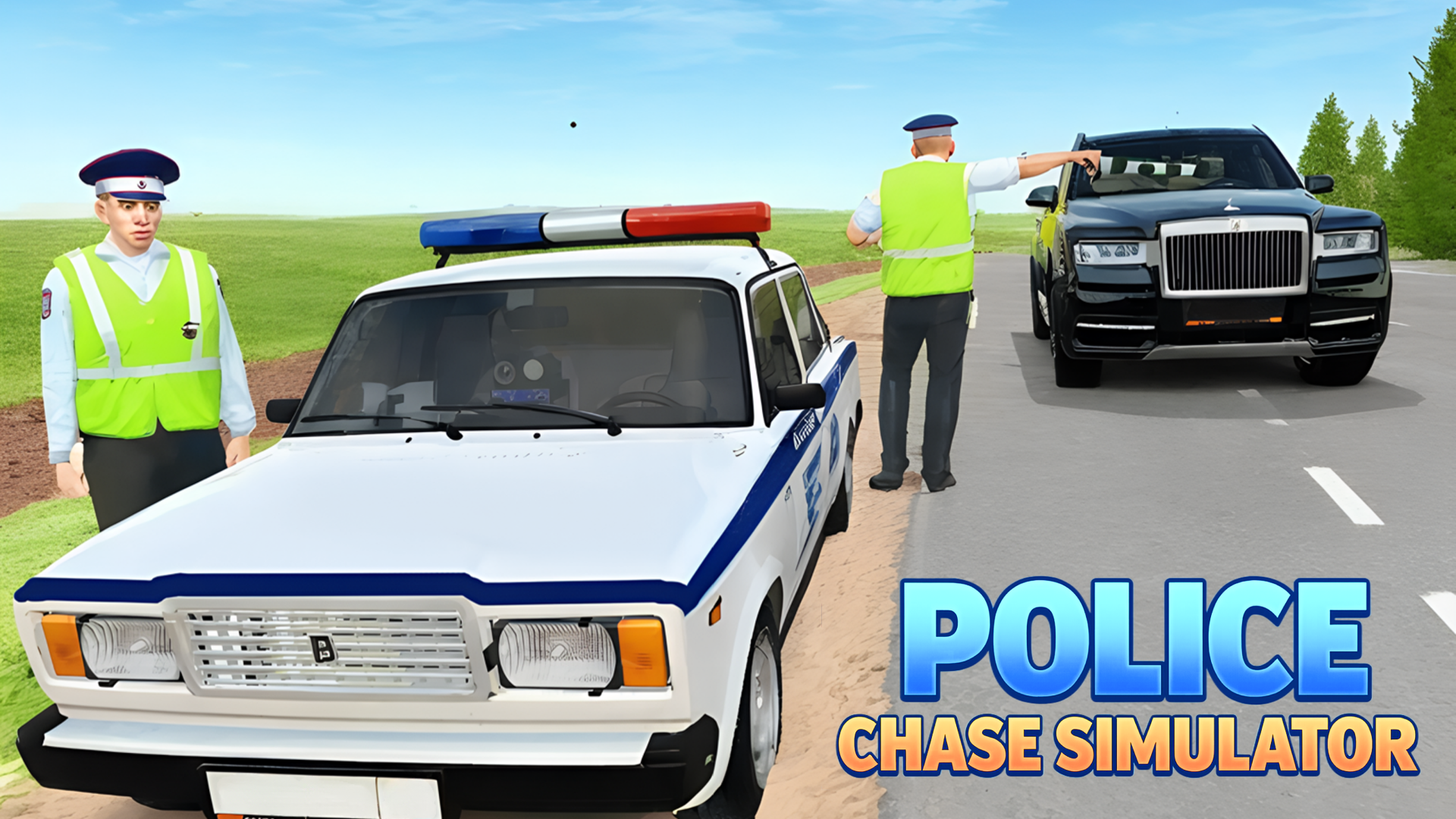
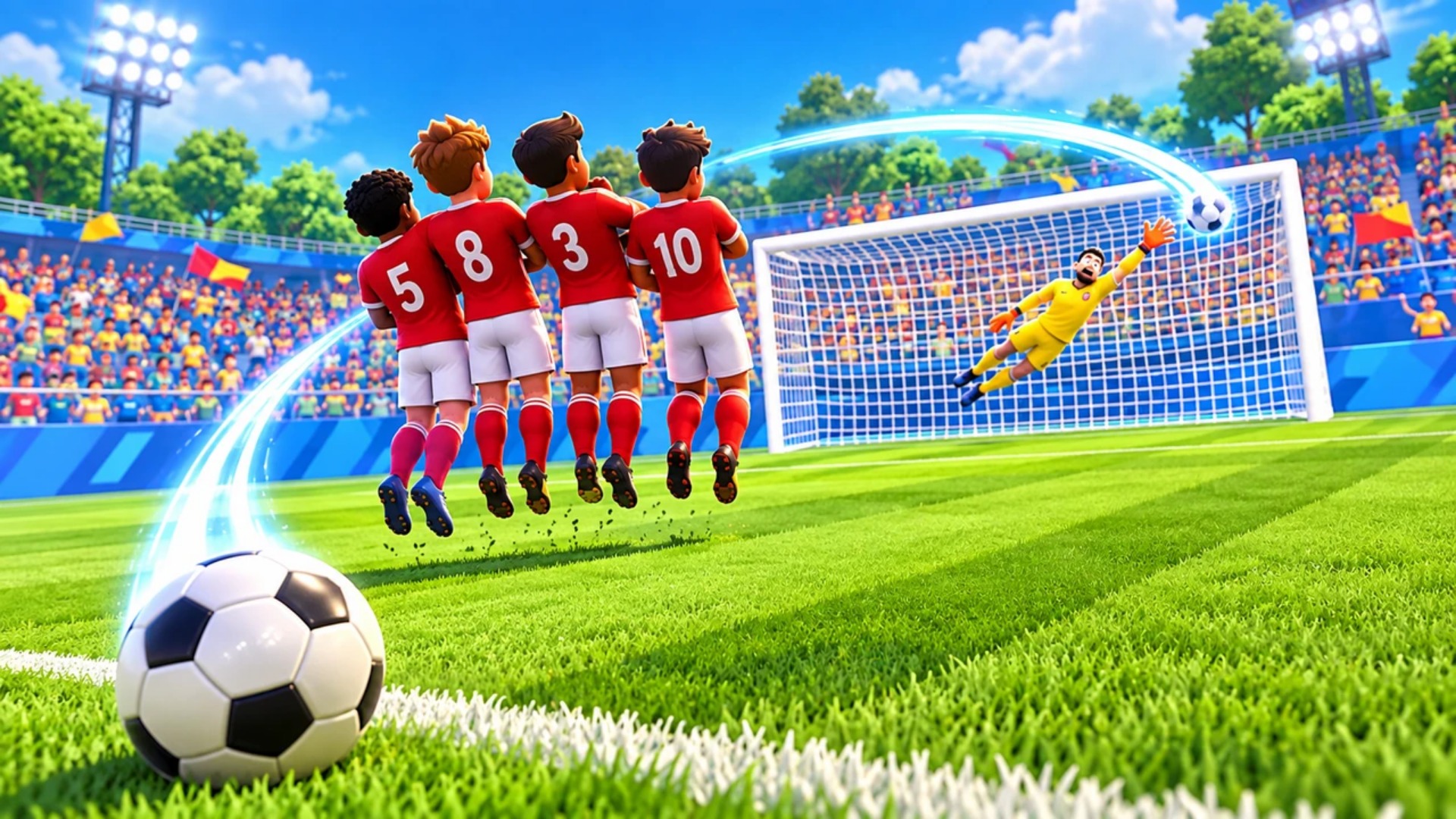
Police Chase Simulator tells you to rotate your phone however you like, and the game runs in either orientation. Football Free Kick also runs both ways, and you swipe up from the ball to shoot. When a game takes either, pick the one that fits the grip you have: tall for one hand, wide for two. A wide window needs your hands in two places, so use it when you can rest the phone on a table or hold it with both hands.
How do you choose by situation?
Let the way you hold the phone decide. On a bus or in bed, one hand is often all you have, and a tall-screen game fits that grip. Sudoku asks you to tap a cell, then a number, and its Notes button lets you jot down candidates. Pool Shoot Tournament ends the moment one ball from the advancing wall touches the bottom, so it rewards quick, steady aiming.
When you have a table and both hands, a wide game gets room to breathe. Dream Home lets you take client orders, build to the brief and walk through the result by day and by night. If you do not know which grip you will use, pick a game that takes either, such as Football Free Kick, which tours seven stadiums, from a park to the moon.
How do you switch, and what if the screen will not turn?
Turn the phone first, then press Full screen on the game page so the picture fills the display. If the screen refuses to rotate, check your phone's rotation lock. On most phones it sits in the quick settings panel, and it keeps the screen upright even when you turn the phone.
A game that is not built for the shape you hold does not break, but it may show a thin strip of picture. Switch the phone, or use Reload game after turning it.
For a quick test, open a game, rotate once and watch the picture. If it fills the screen, you are in the right shape. If you see bars at the edges, turn the phone again.
Games in this guide
Related categories
More guides
See all- Why Some Browser Games Run Only on Desktop
How to tell a computer-only game before you press Play, plus the key and mouse layouts of seven desktop games.
- Full Screen, Reload and Sound: Fixing Common Game Problems
A short repair order for stuck browser games: page buttons first, then tab, sound, browser and key checks.
- Coins, Gems and Upgrades: How In-Game Currencies Work
The difference between money you earn by playing and money you pay for, shown through six idle and tycoon games.