Full Screen, Reload and Sound: Fixing Common Game Problems
A browser game that stays blank, plays without sound or ignores your keys usually needs one of a few simple fixes. This guide puts them in order, starting with the buttons on the game page and moving to general browser steps. Each fix costs a few seconds, so you can stop as soon as the game works.
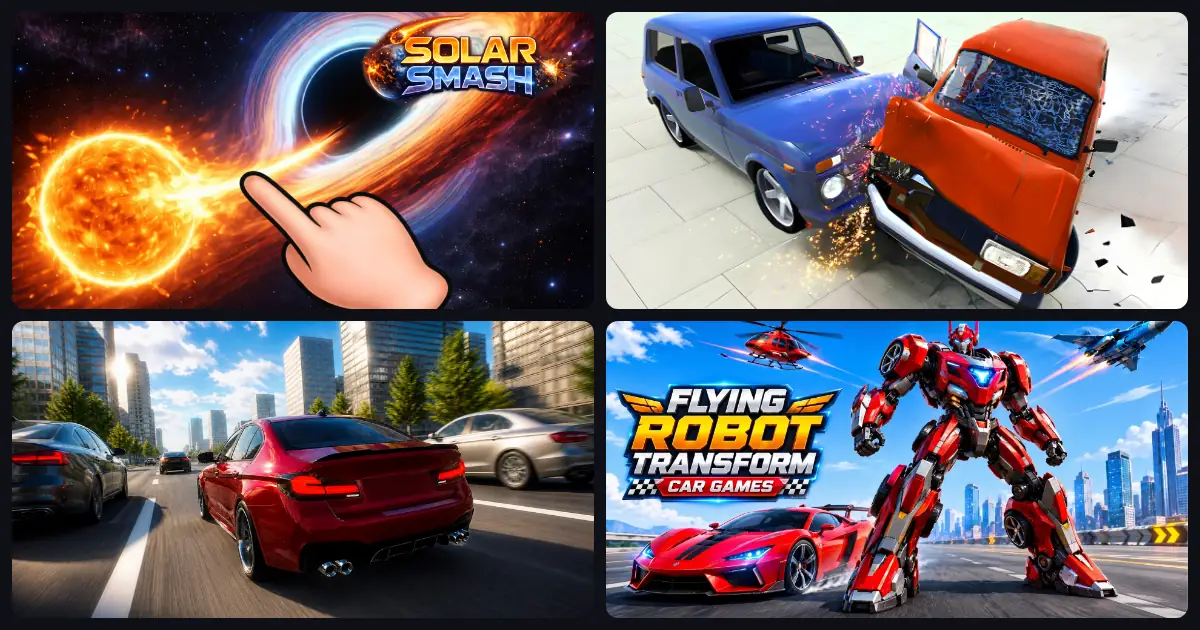
The five examples are landscape games from simulation games, racing games and physics games, where a wide view helps.
What do the buttons on the game page do?
Every game page has the same few buttons. Play starts the game. Full screen enlarges it to fill your display, and Exit full screen returns you to the page. Reload game loads the game again inside the page. Share opens your device's share menu or copies the page link.
Use Reload game when the picture is frozen or the game never leaves its loading screen. A reload starts the game from its opening screen, and anything the game has not saved can be lost. So wait a little before you press it in the middle of a good run.
What if the game stays blank or will not load?
A browser game has nothing to install, but it still fetches its pictures and code when you press Play. The first load can take a while, especially for a big 3D game. Give it a minute before you decide it is stuck.
If nothing changes, work down this list:
- Press Reload game on the page.
- Refresh the whole browser tab.
- Close other tabs and programs that use a lot of memory.
- Update your browser to its current version and try again.
- Open the page in a different browser to see whether the problem follows you.
Check your internet connection too. If a page loads slowly, the game will load slowly. When none of this helps, tell us on the contact page which game and which browser you used.
Why is there no sound?
Start outside the game. Browsers can mute one tab on its own, and the tab shows a small speaker icon when it does. Click the icon or use the tab menu to turn the sound back on. Then check the volume of your computer.
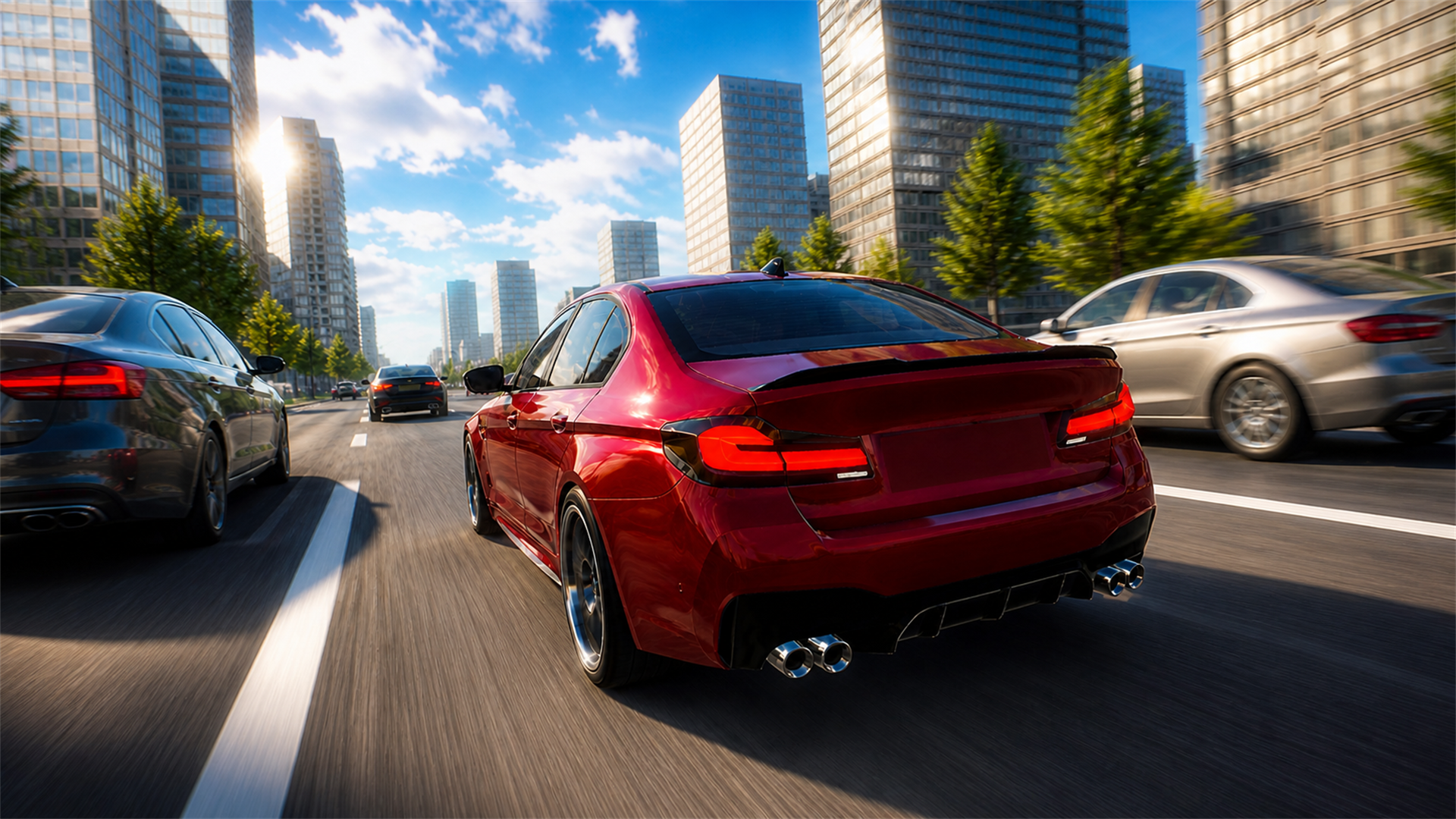
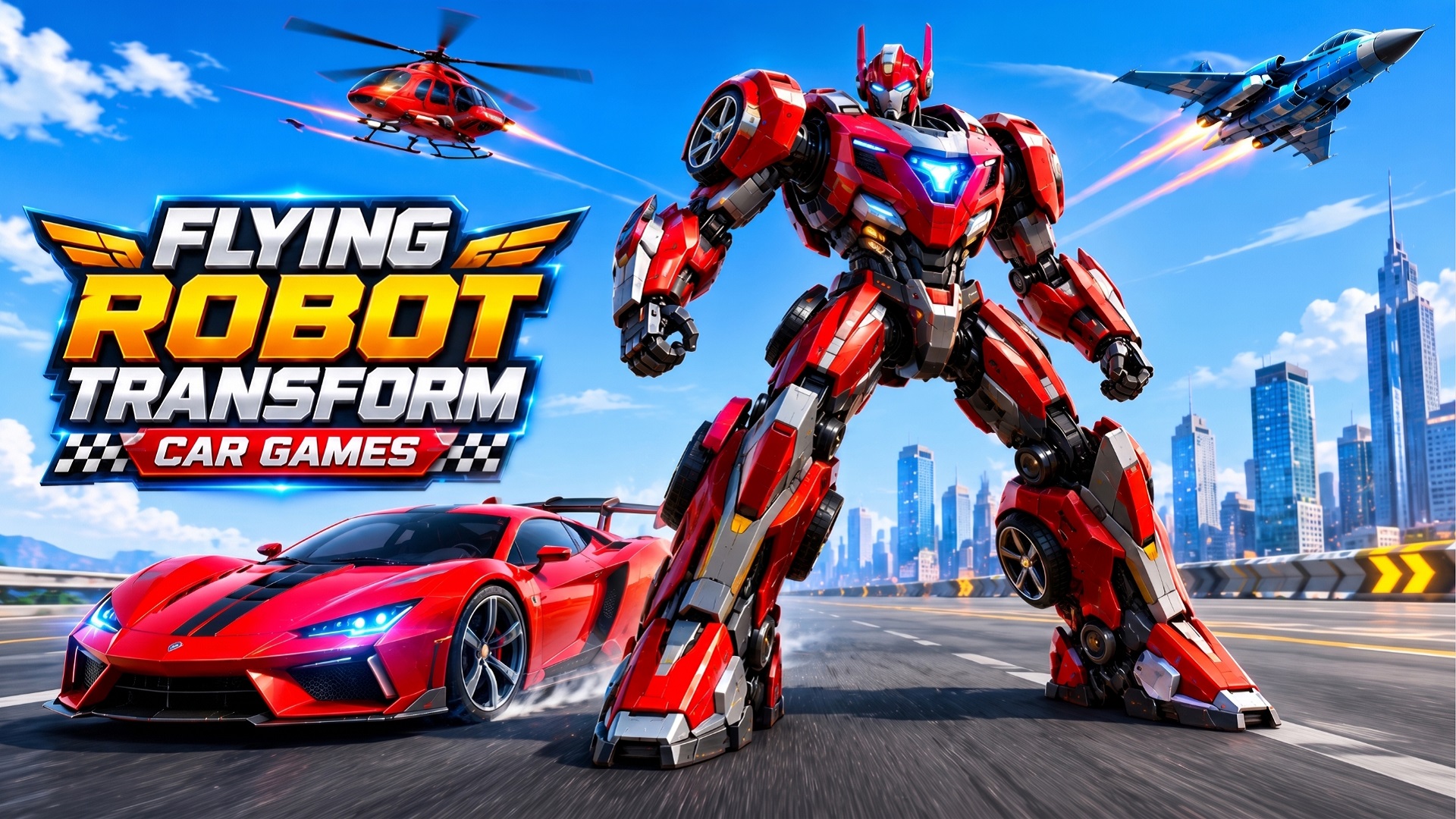
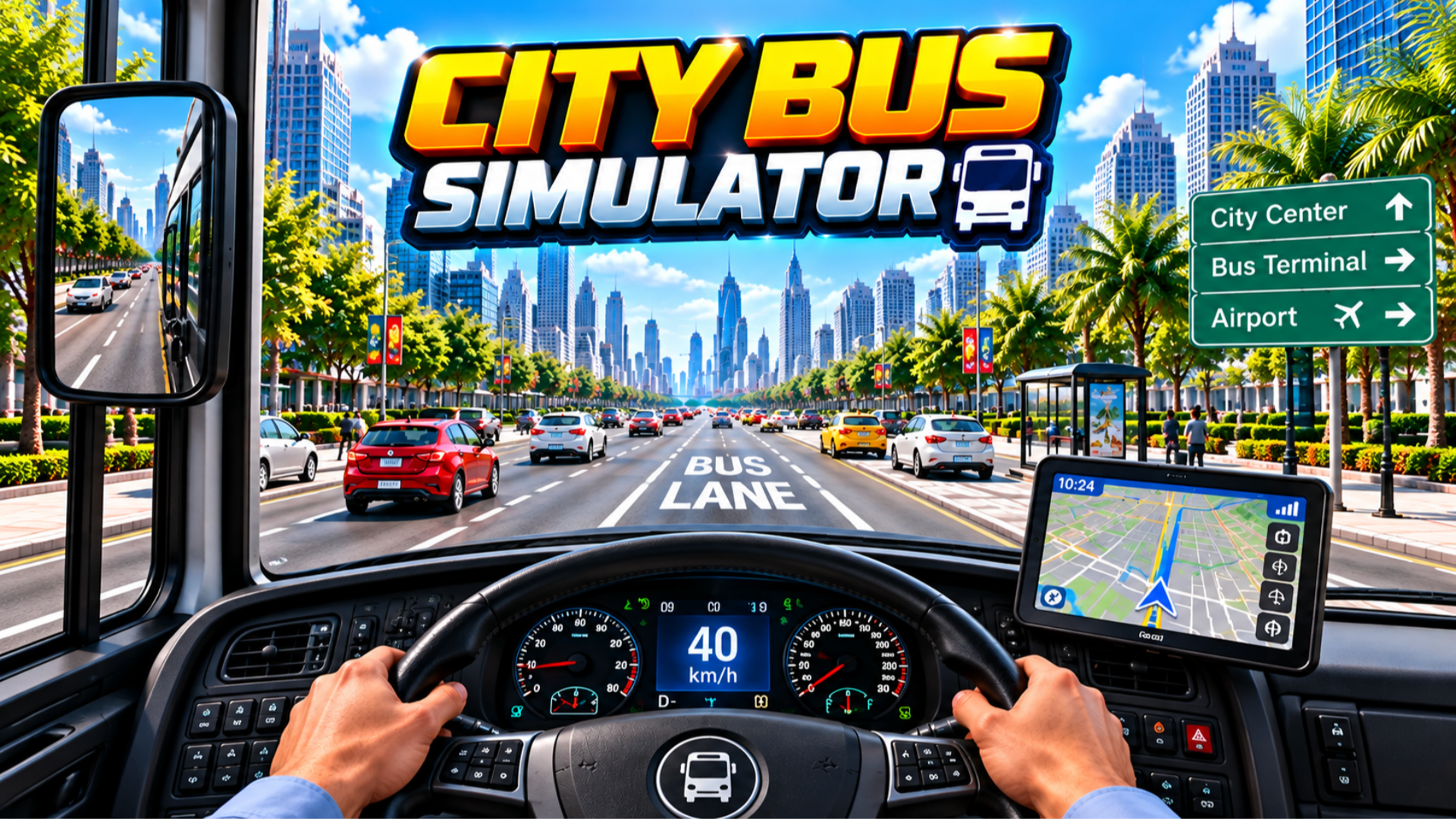
Games often have their own sound switch as well. Look for a speaker icon or a settings screen. City Bus Simulator Driving Games lists Ctrl for settings, so that is the first key to try there, and Flying Robot Transform Car Games opens its settings with Tab.
Why do the keys or mouse do nothing?
Click once inside the game picture before you press a key. The page needs to know the keyboard belongs to the game. If a browser menu or the page scrolls instead, the click did not land.
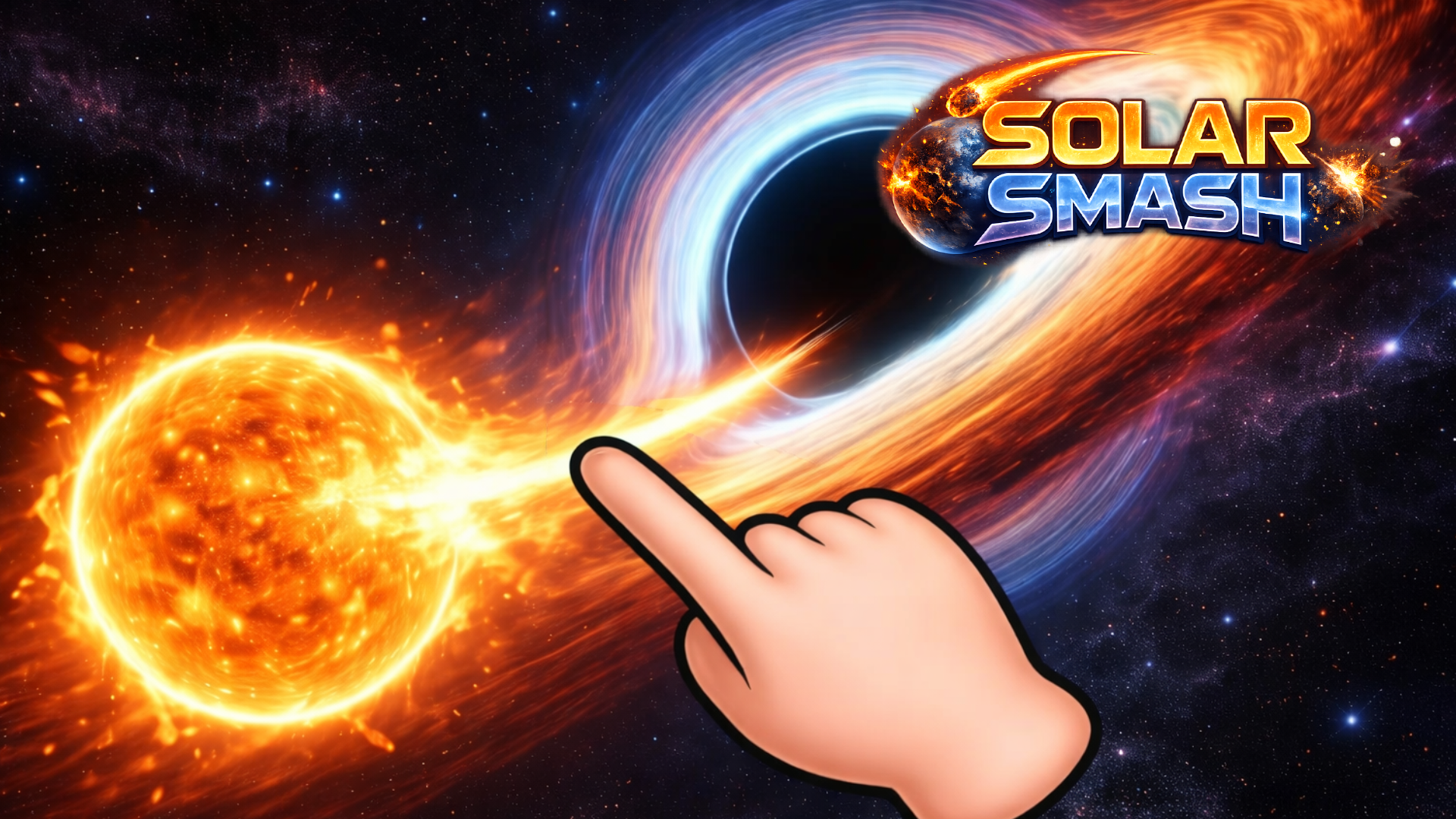
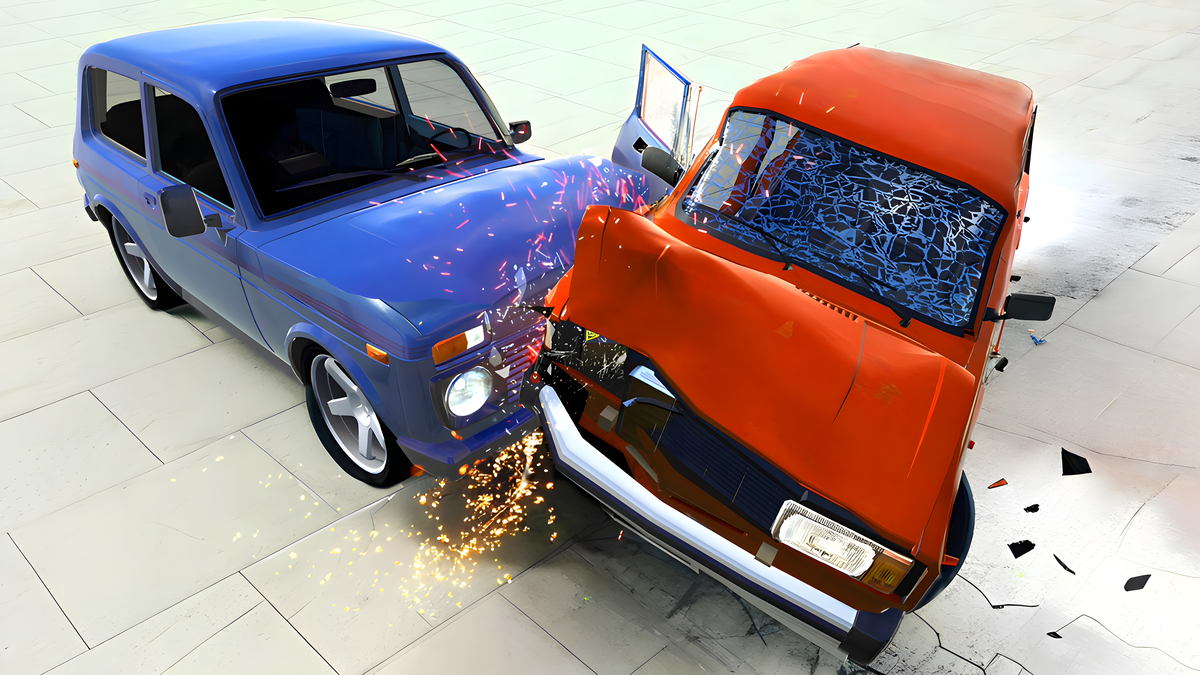
Then check the key list for the game. Beam Drive Car Crash Test Simulator uses WASD to drive, Space for the handbrake and C for the camera. Solar Smash needs only the left mouse button on a computer. TRAFFIC Rush Online accepts WASD or the arrow keys, and Flying Robot Transform Car Games adds Esc to pause and N to skip a level. Pressing a pause key by accident is a common reason the game seems frozen.
When should you use full screen?
Full screen helps most in wide-view games, since a bigger picture shows more road and more of the map. If the picture looks cut off or too small, try Full screen first and Exit full screen when you want your other tabs back.
If the game feels slow in full screen, return to the page and close other tabs before you try again. A smaller view asks less of your computer.
Where should you start?
Follow the order: wait for the load, press Reload game, refresh the tab, then check sound and keys. Test the fix on a game you already know. Solar Smash is a good one, because the whole game runs on mouse clicks and you can see at once whether it responds.
Games in this guide
Related categories
More guides
See all- Coins, Gems and Upgrades: How In-Game Currencies Work
The difference between money you earn by playing and money you pay for, shown through six idle and tycoon games.
- Before You Buy an In-Game Item: Six Questions to Ask
A six-question check to run before any in-game payment, with five puzzle games that offer optional purchases.
- How Browser Games Run Without a Download
What your browser does when you press Play, why the first load takes longer, and how heavy and light games differ.