Keyboard Controls in Browser Games: WASD, Arrows and Space
WASD means the W, A, S and D keys, which move your character up, left, down and right. Arrow keys do the same job, and many games accept either. This page explains why two layouts exist, what the other common keys usually do, and which of seven games list which keys.
The examples come from action games, shooting games and racing games.
Why does WASD exist?
The four letters sit in the same T shape as the arrow keys, but under your left hand. That frees your right hand for the mouse, which aims or looks around. Arrow keys suit games with no mouse, because your right hand can rest on them and your left hand can reach Space.
On a French AZERTY keyboard the same shape is ZQSD, because the letters sit in different places. Check the layout of your own keyboard if movement feels wrong.
What do the common keys do?
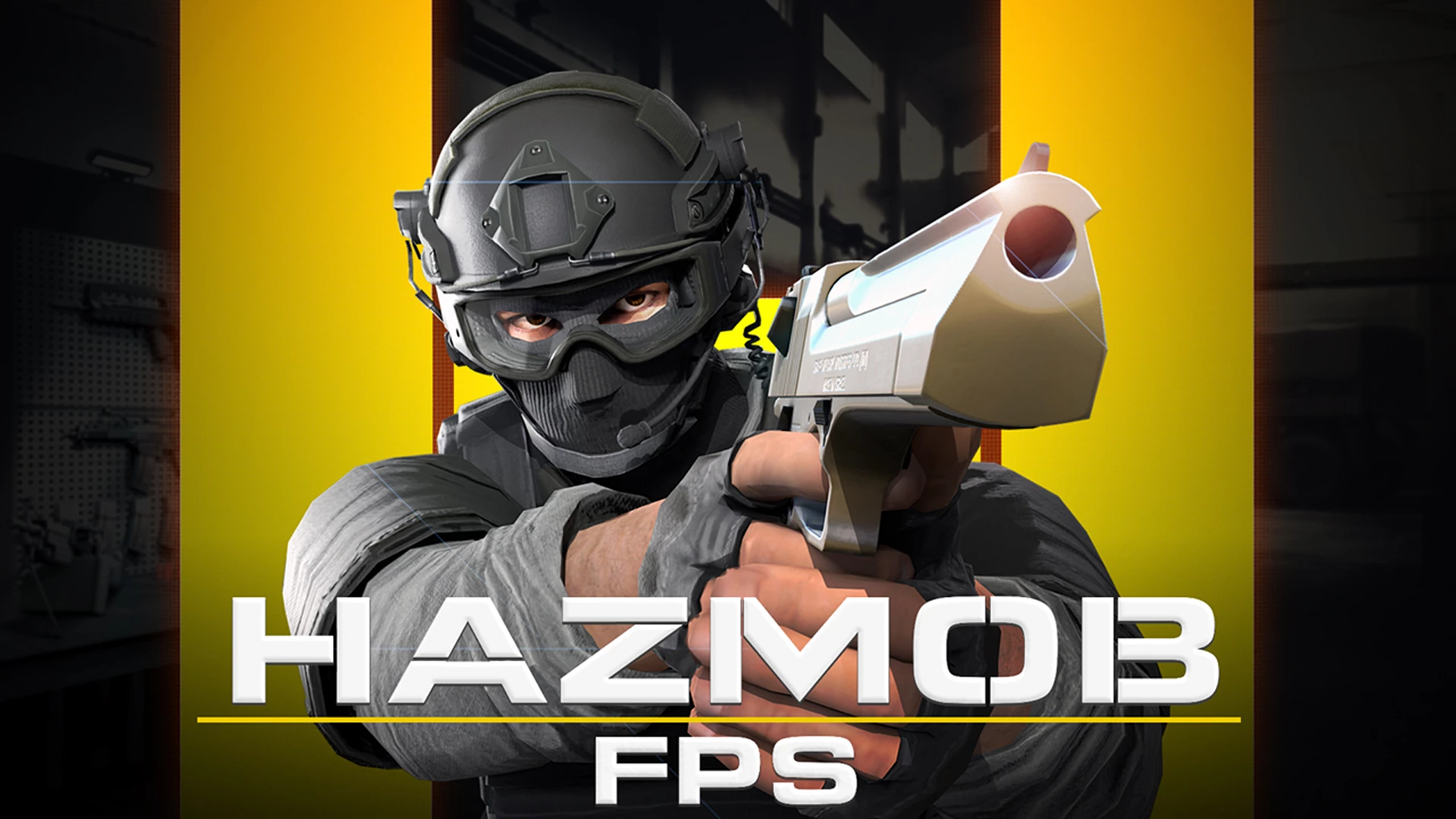
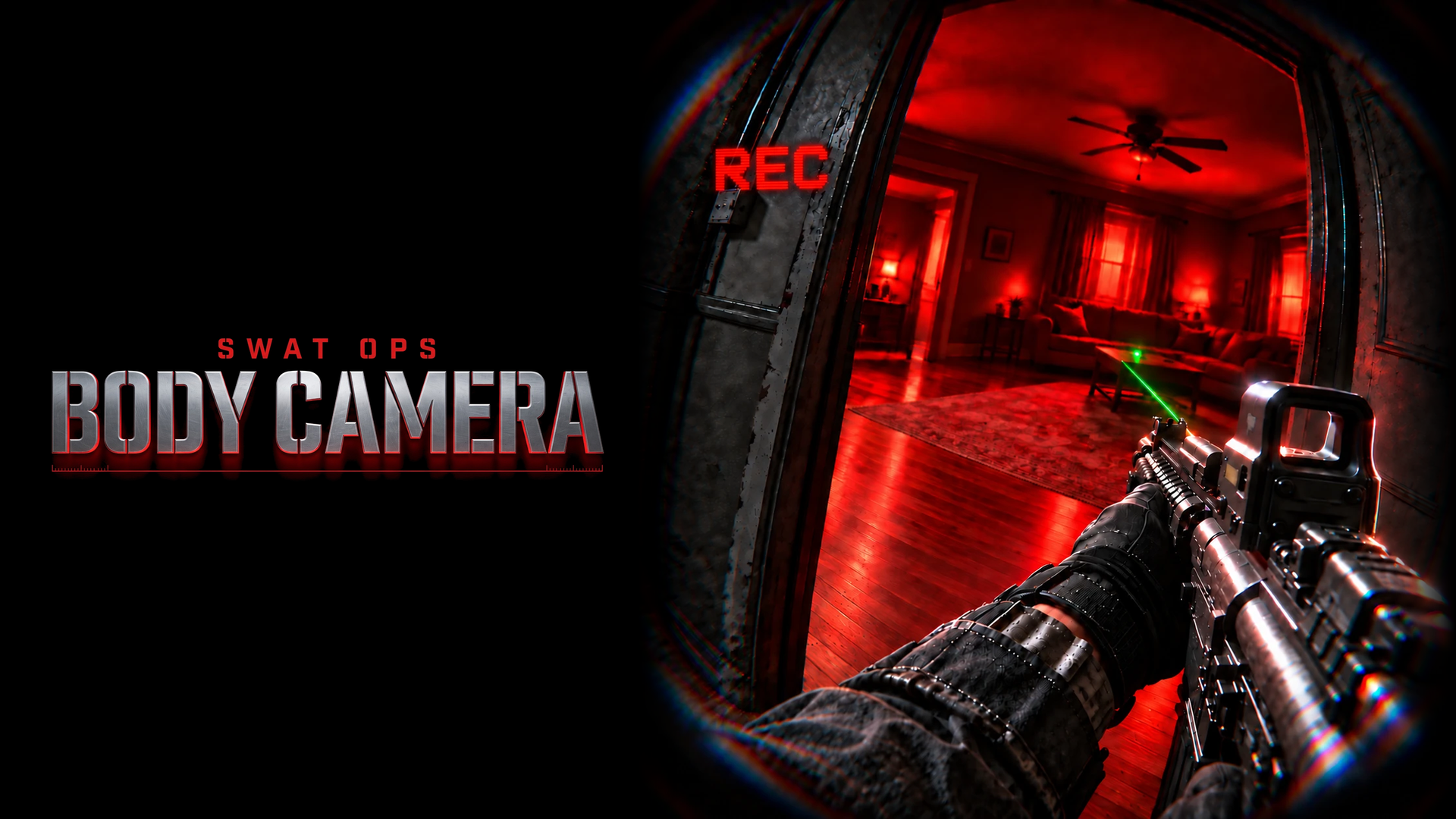
Space is almost always jump. Shift is the next most common key, but it changes meaning from game to game. Crouch is not standardized at all. Hazmob FPS: Online Shooter and SWAT OPS: Body Camera both lean on the keyboard, and both carry optional in-game purchases while opening free in your browser.
The lesson is to read each game's list once before you start. The next section compares the same keys across seven games, because the same key often does different work.
How do the same keys change between games?
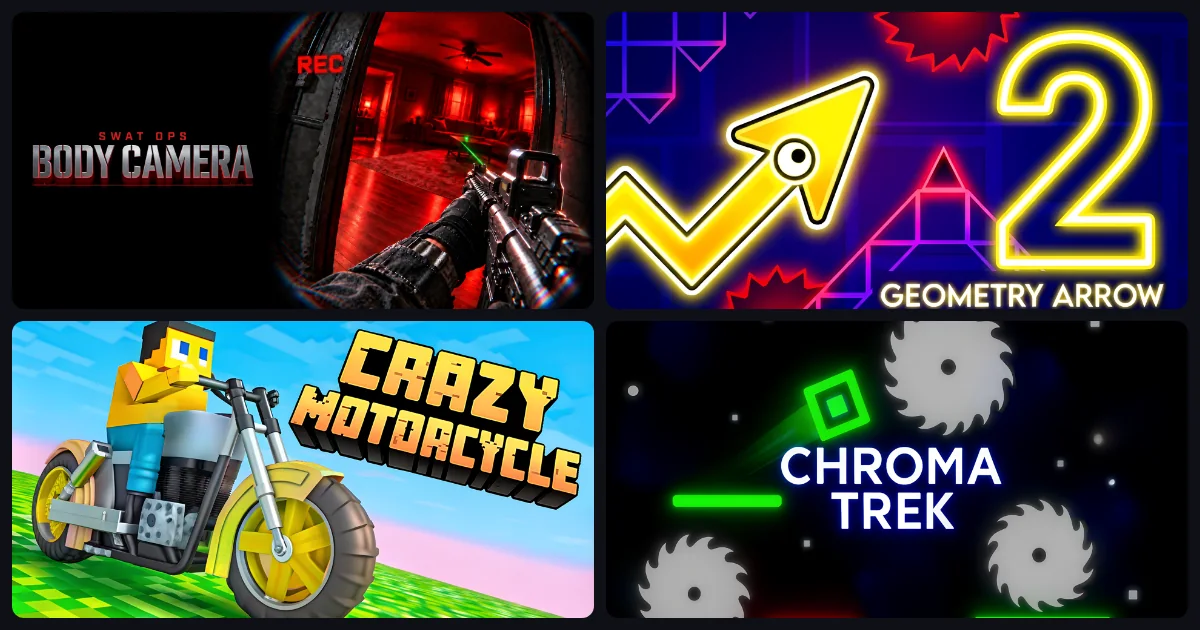
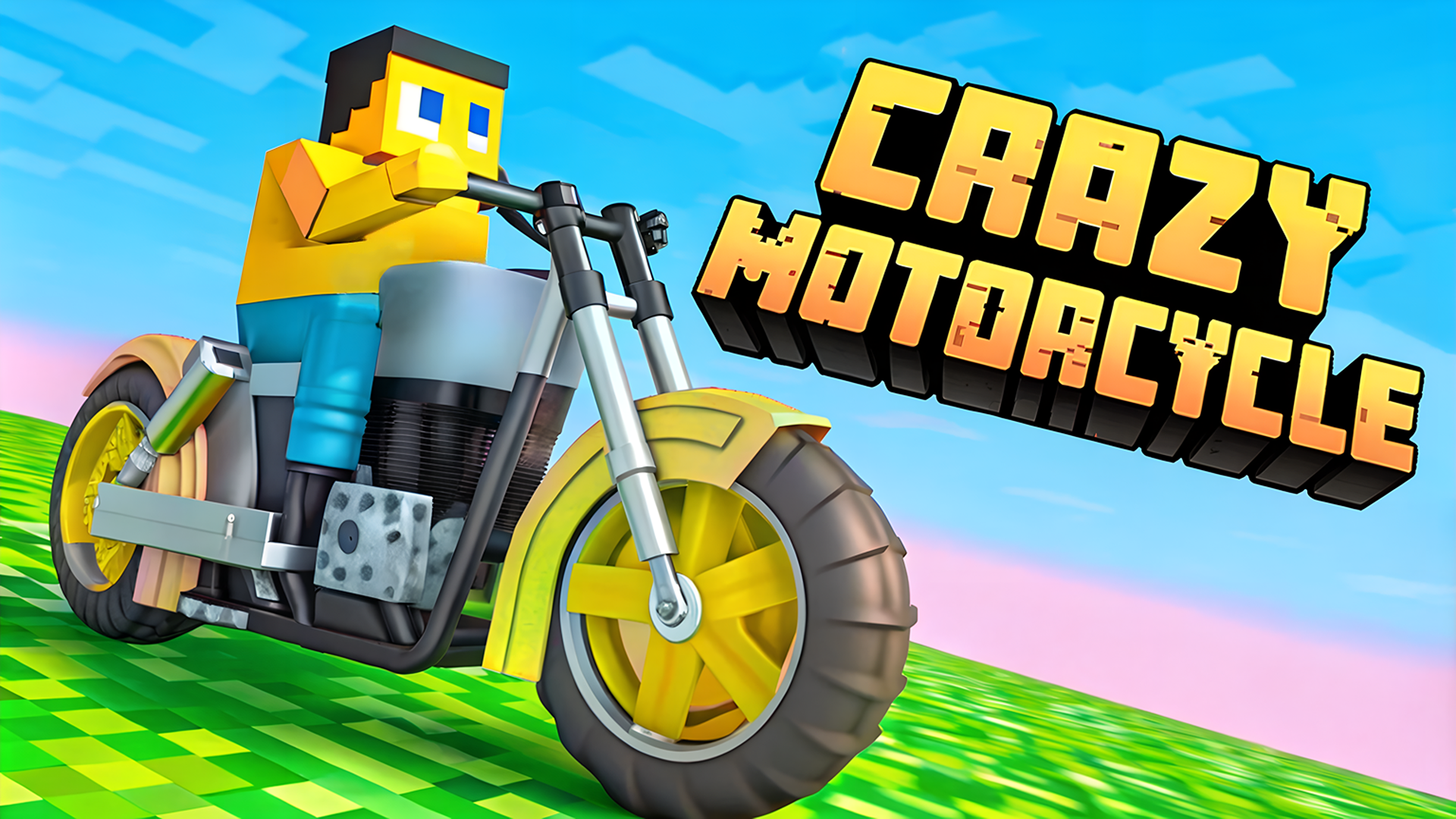
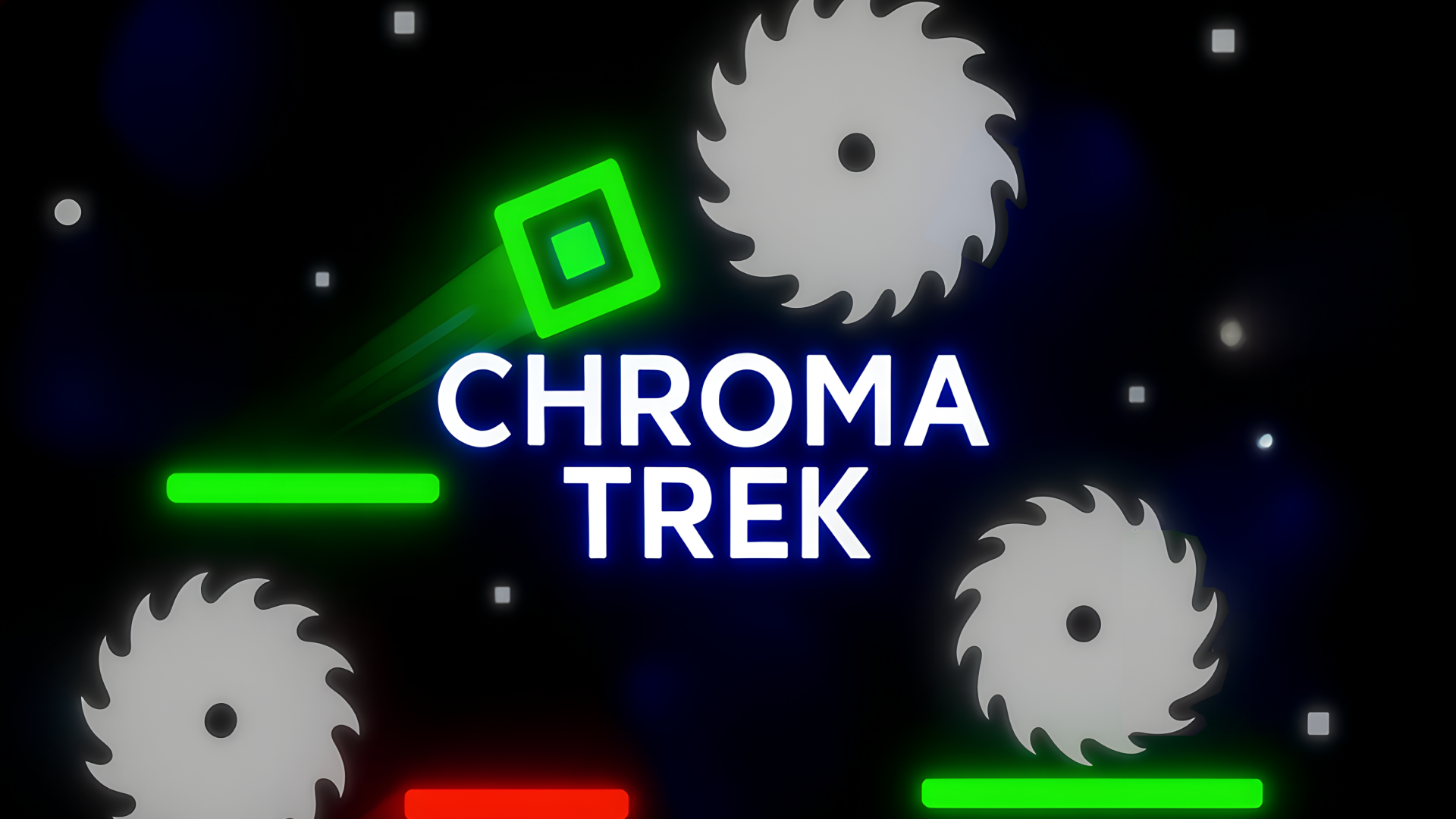
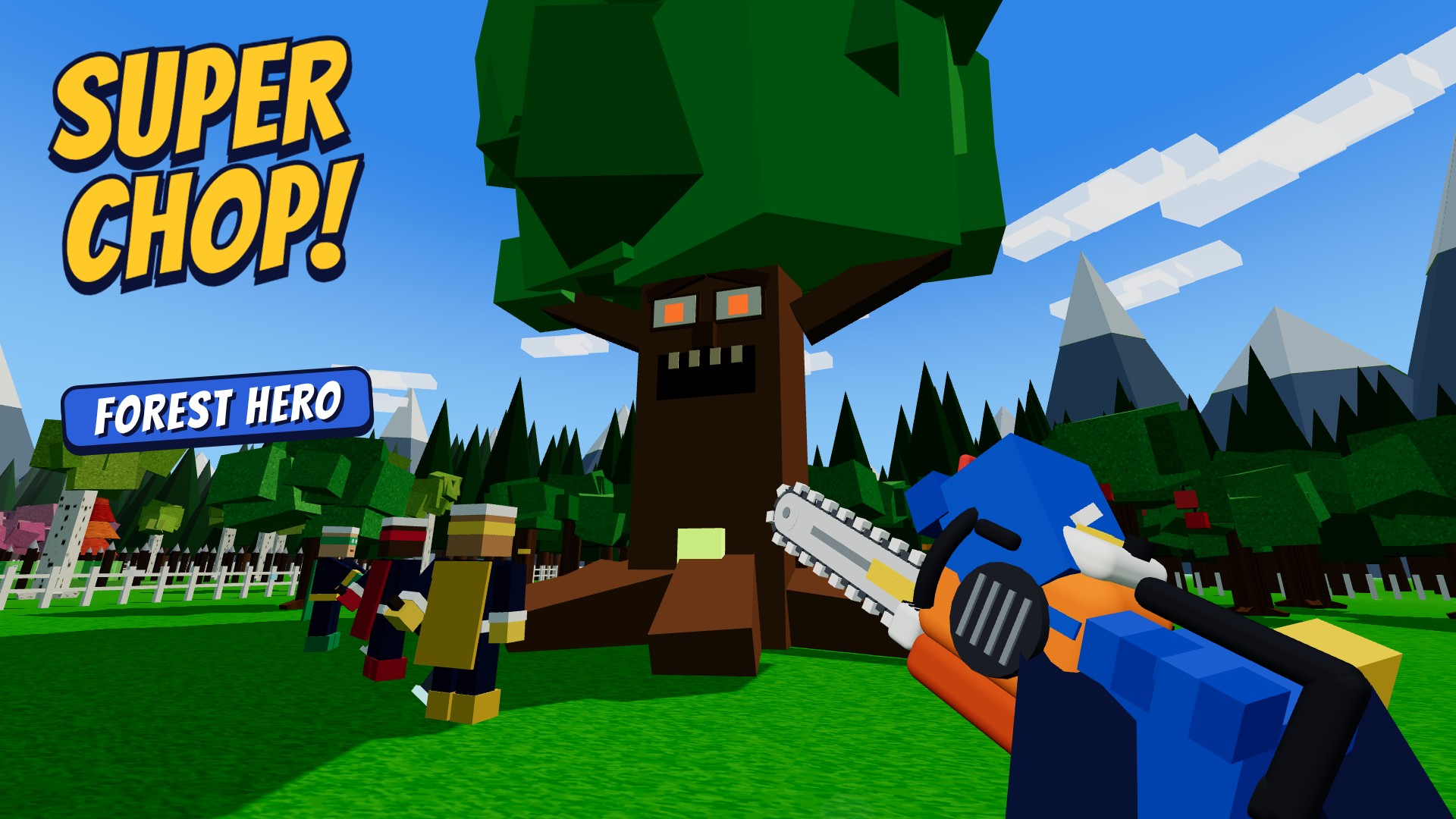
- Movement: WASD in Hazmob FPS, SWAT OPS, Super Chop: Forest Hero and I am Crazy Bird. Crazy Motorcycle takes WASD or the arrow keys. Chroma Trek uses A and D or the left and right arrows.
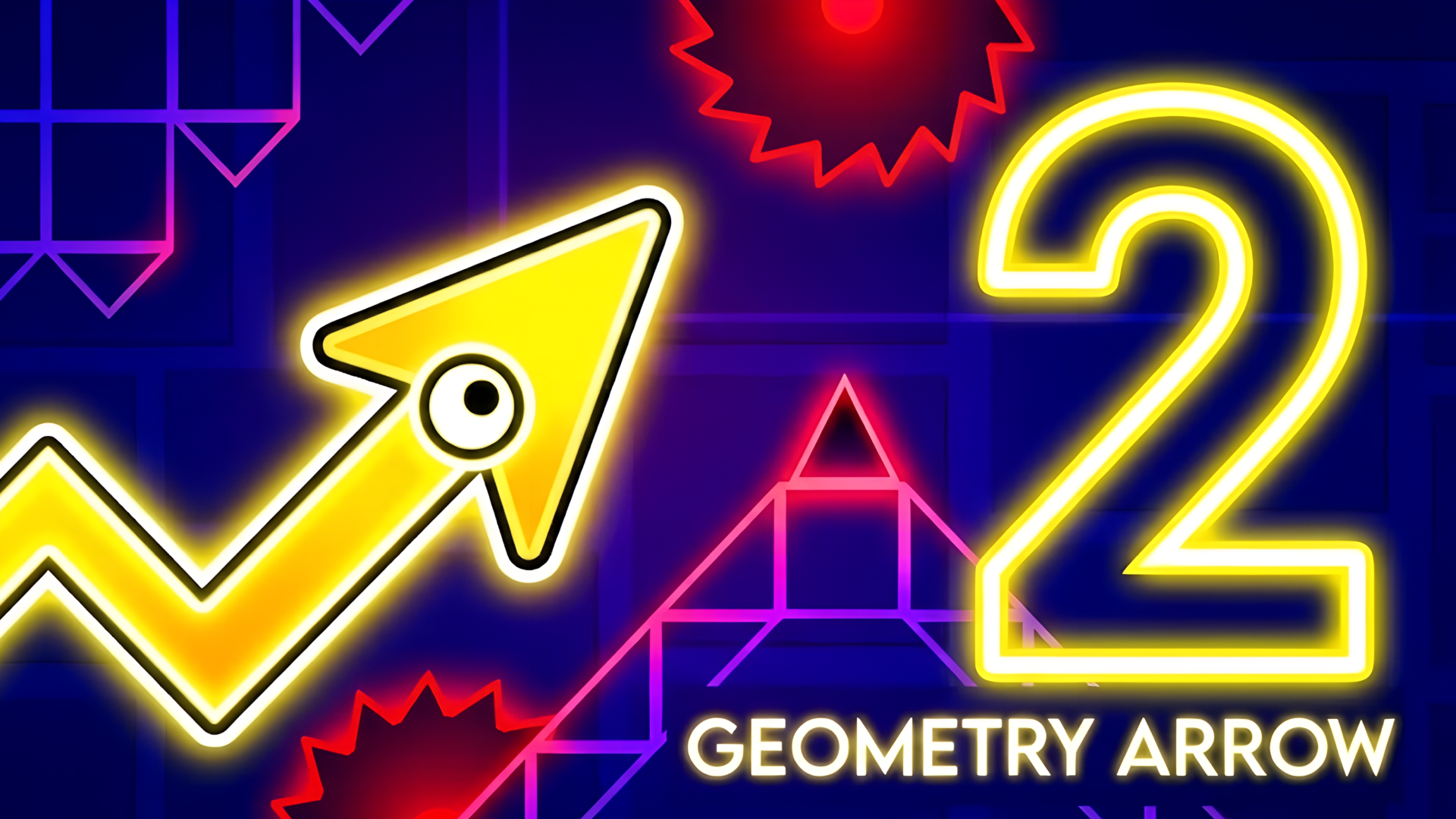
- Space: it jumps in Hazmob FPS, SWAT OPS, Super Chop, Crazy Motorcycle and Chroma Trek, where W also jumps. In I am Crazy Bird it takes off. In Geometry Arrow 2 it moves the arrow, and the left mouse button does the same.
- Shift: it runs in Hazmob FPS and Super Chop, sprints in SWAT OPS and boosts in flight in I am Crazy Bird.
- Crouch: C in Hazmob FPS, Ctrl in SWAT OPS. The other five list no crouch key.
- Left mouse button: it shoots in the two shooters, chops in Super Chop and hits things in I am Crazy Bird. Right click or V aims in Hazmob FPS, and right click aims in SWAT OPS.
- E: it uses things in Super Chop and picks up or drops an item in I am Crazy Bird. Hazmob FPS gives E and Q to alternative skills, with G for picking up a gun.
- Menus: Escape exits the level in Geometry Arrow 2. In SWAT OPS, Tab or Esc opens the menu. Super Chop uses B for its shop, and Hazmob FPS uses P for the leaderboard, pause and settings.
What happens to the mouse and Esc?
Many first-person games hide the pointer once you click inside them, so the mouse turns the camera instead of moving a cursor. The game asks the browser to lock the pointer, and the browser always lets you release it: press Esc to get the cursor back. In SWAT OPS the same key also opens the menu, and in Geometry Arrow 2 it leaves the level.
Click the game window first, or your keys may go to the page instead of the game. If keys stop working, click inside the game again, or use Reload game on the page.
Which game should you try first?
Begin with Geometry Arrow 2 or Chroma Trek. Geometry Arrow 2 needs one input, and Chroma Trek needs a move pair and a jump, so you can learn either without a menu. Add Crazy Motorcycle when you want steering and a jump together. Save Hazmob FPS and SWAT OPS for last, since their key lists run to a dozen or more.
Games in this guide
Related categories
More guides
See all- Touch Controls Explained: Tap, Drag, Swipe and Hold
Four gestures, four jobs: what each one does in a game, with eight examples you can try on a phone.
- Landscape or Portrait? Screen Orientation in Phone Games
How to tell whether a game wants an upright phone, a sideways one or either, with six examples of the three cases.
- Why Some Browser Games Run Only on Desktop
How to tell a computer-only game before you press Play, plus the key and mouse layouts of seven desktop games.