Geometry Arrow 2
Rotate your phone for a bigger game
- No purchases
- Arcade
- Desktop and mobile
- Landscape
 Up nextPlay next
About Geometry Arrow 2
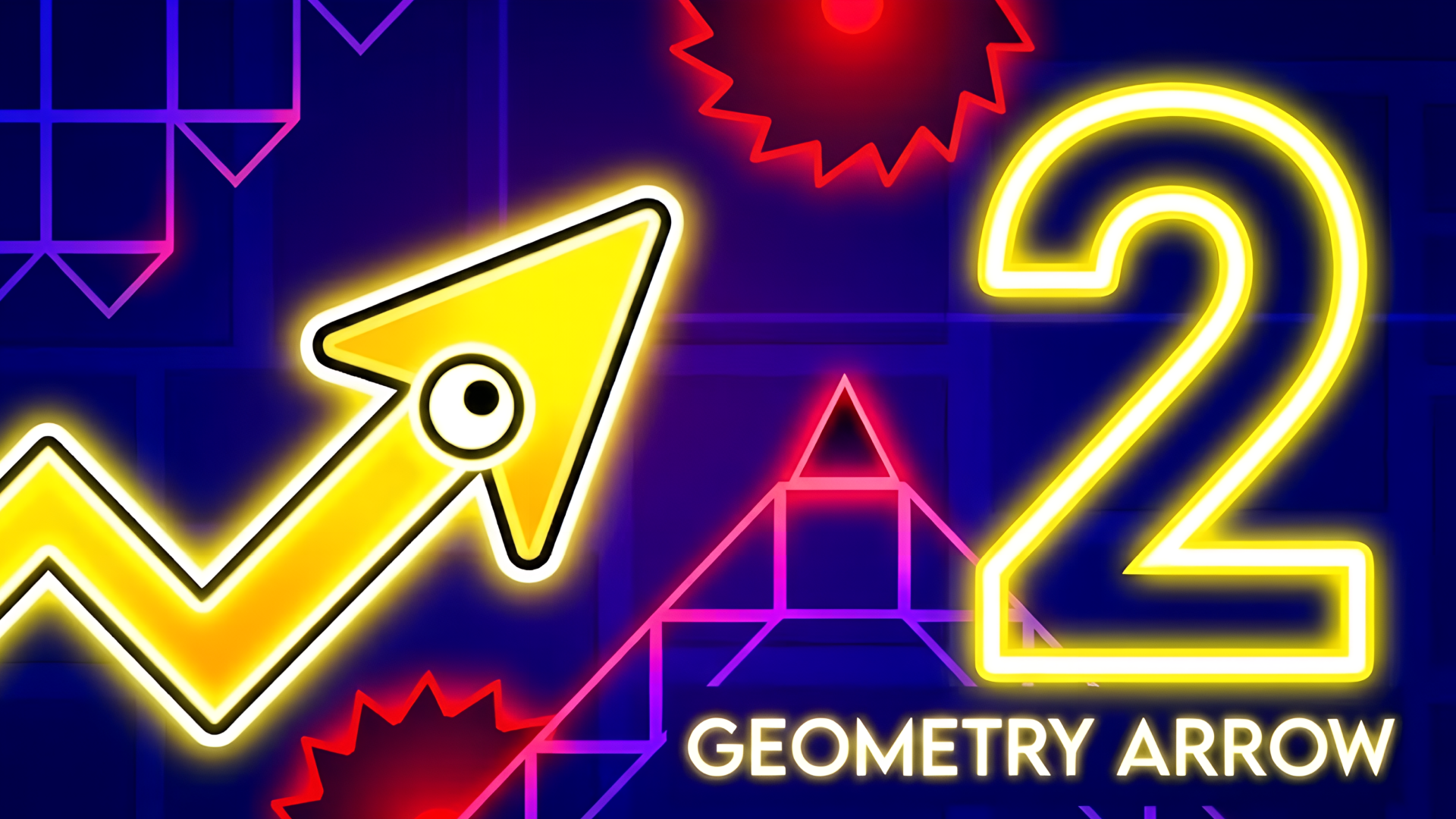
Geometry Arrow 2 is the sequel to a game about an arrow flying through a cave. The goal is to reach the end of the cave, a portal, alive while you dodge unique obstacles.
The new part adds a second character, the Wheel. There are 13 levels of varying difficulty, each built from Arrow and Wheel segments, and you can customize how your arrow and ball look and swap block textures.
Everything is drawn in white outlines on solid black. Blocks form grid walls, and spikes point up from floors and down from ceilings. The arrow draws a long zigzag trail, while the wheel rolls along the ground with a comet tail and kicks up small teal splashes where it lands.
No in-game purchases are offered in Geometry Arrow 2, and its levels are laid out for landscape screens.
How to play
- Choose one of the 13 levels in the menu.
- Start by clicking with the left mouse button, pressing Space or touching the screen.
- Use the same input to steer the arrow past obstacles.
- Reach the portal at the end of the cave alive, or press Escape to leave a level.
Controls
- Desktop
- Left mouse button or Space moves the arrow. Escape exits the level.
- Mobile
- Touch the screen to move the arrow.
Tips
- Learn each obstacle by repeating the level until you reach the portal.
- Expect the Wheel segments to play differently from the Arrow segments.
- Scan floor and ceiling alike, because spikes point from both.
Frequently asked questions
Do the arrow and ball looks in Geometry Arrow 2 cost anything to change?
No. Nothing in the game is sold, and it opens free in your browser.
Can I use Space on a computer and touch on a phone?
Yes. Computers use the left mouse button or Space, and phones use touch.
How long is the level list in Geometry Arrow 2?
It has 13 levels, and their difficulty varies from one to the next.