How Online Multiplayer Works in Browser Games
Online multiplayer means other people play the same game as you through the internet, each on their own device. Your browser sends your moves to the game's server, and the server shows them to everyone in the match. This guide separates online play from two players on one screen and shows what five game descriptions say about it.
You can find more titles in multiplayer games, 2 player games and racing games.
What counts as online play?
In an online game, the other players are on other devices. You may meet them in a match, a guild or a ranking. In a local game, every player shares one device and one keyboard. The two feel very different, since online play needs a steady connection and local play needs only a table.
A game description only counts as an online promise when it says so. Words like players around the world, friends joining you or a global leaderboard point online. A game that lists two sets of keys points to the same screen.
Which games promise other players?
Five of the games here describe real people on the other side.
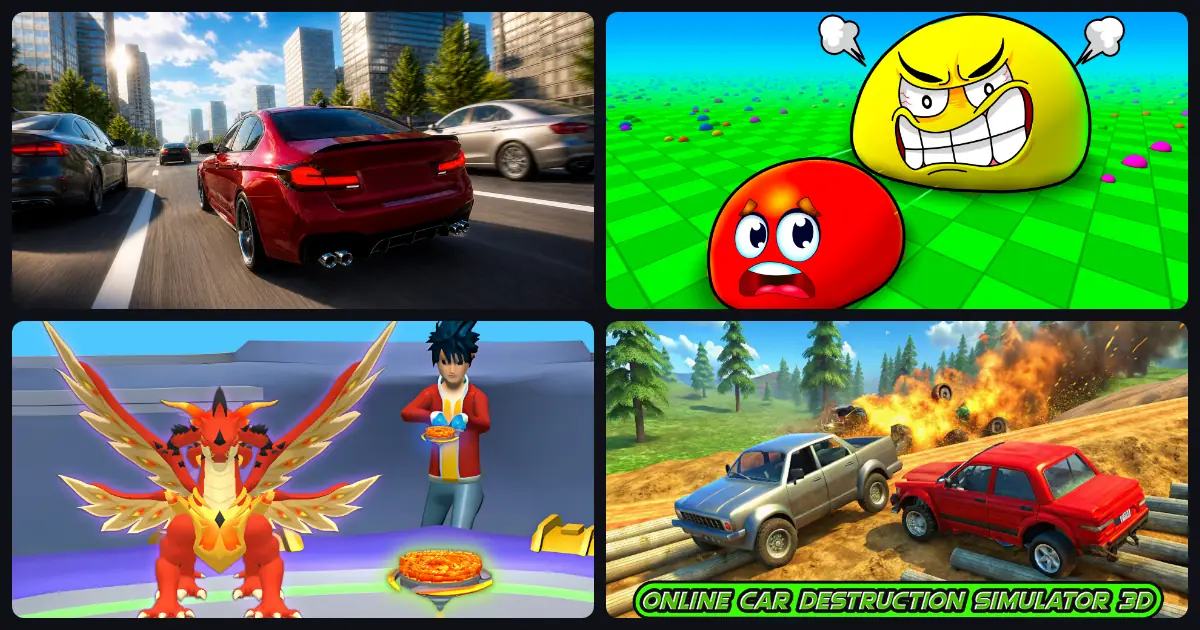
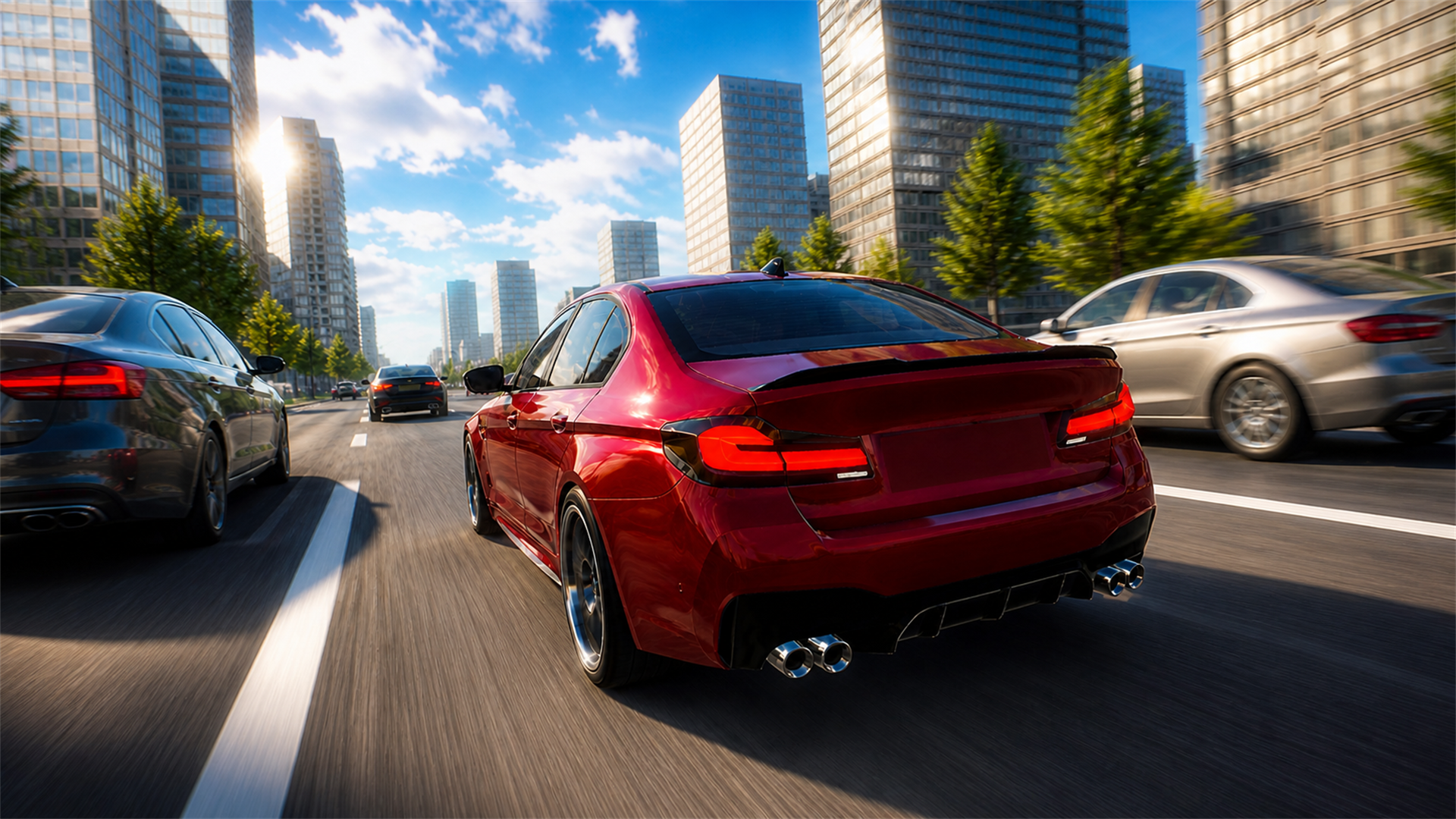
- TRAFFIC Rush Online has an online mode where you drive with other players or invite friends. Free Ride and Traffic modes sit beside it.
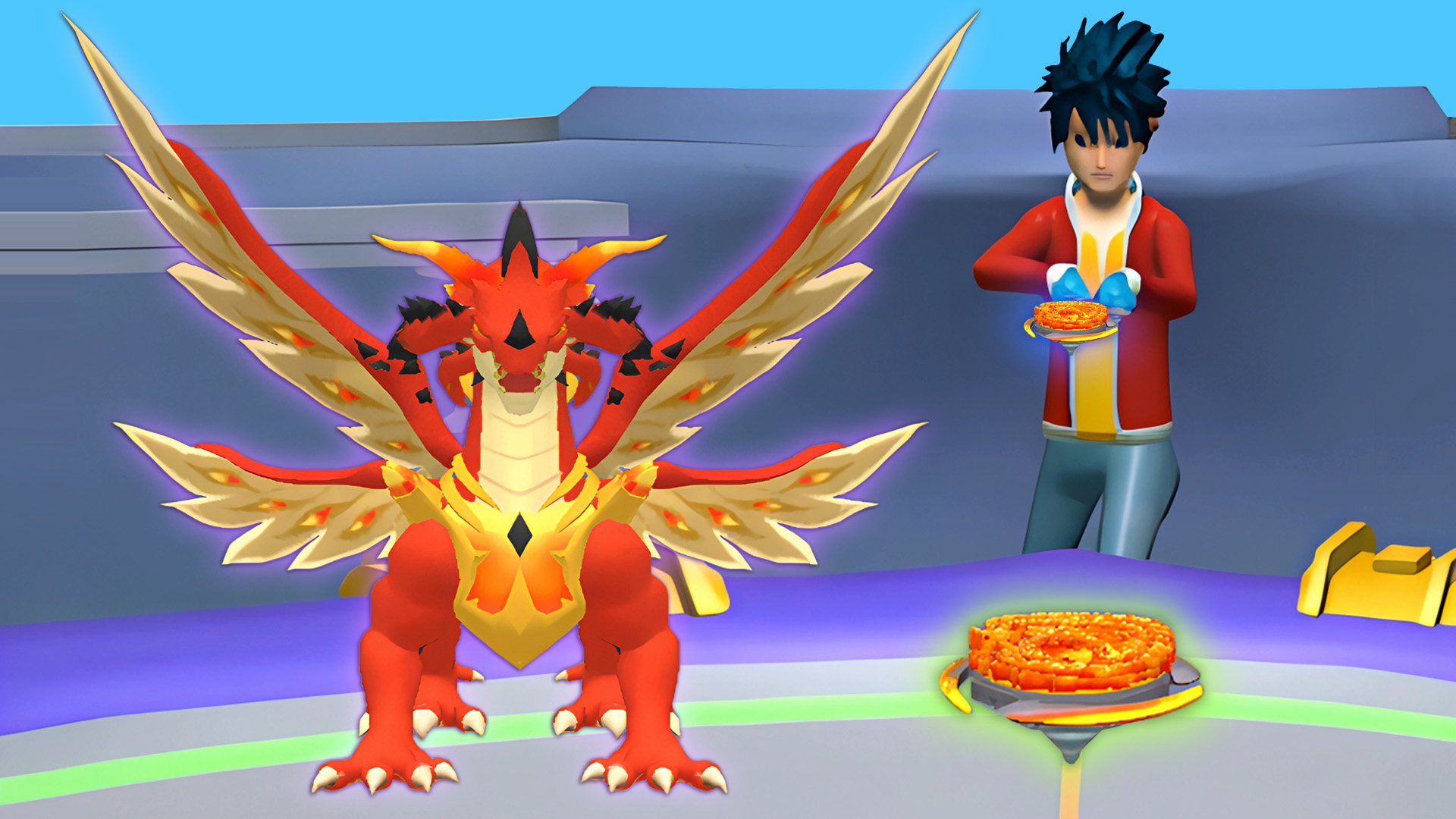
- Mystical Blade 3D asks you to build a blade from elements, blades and rings, then battle other players from around the world and climb the rankings.
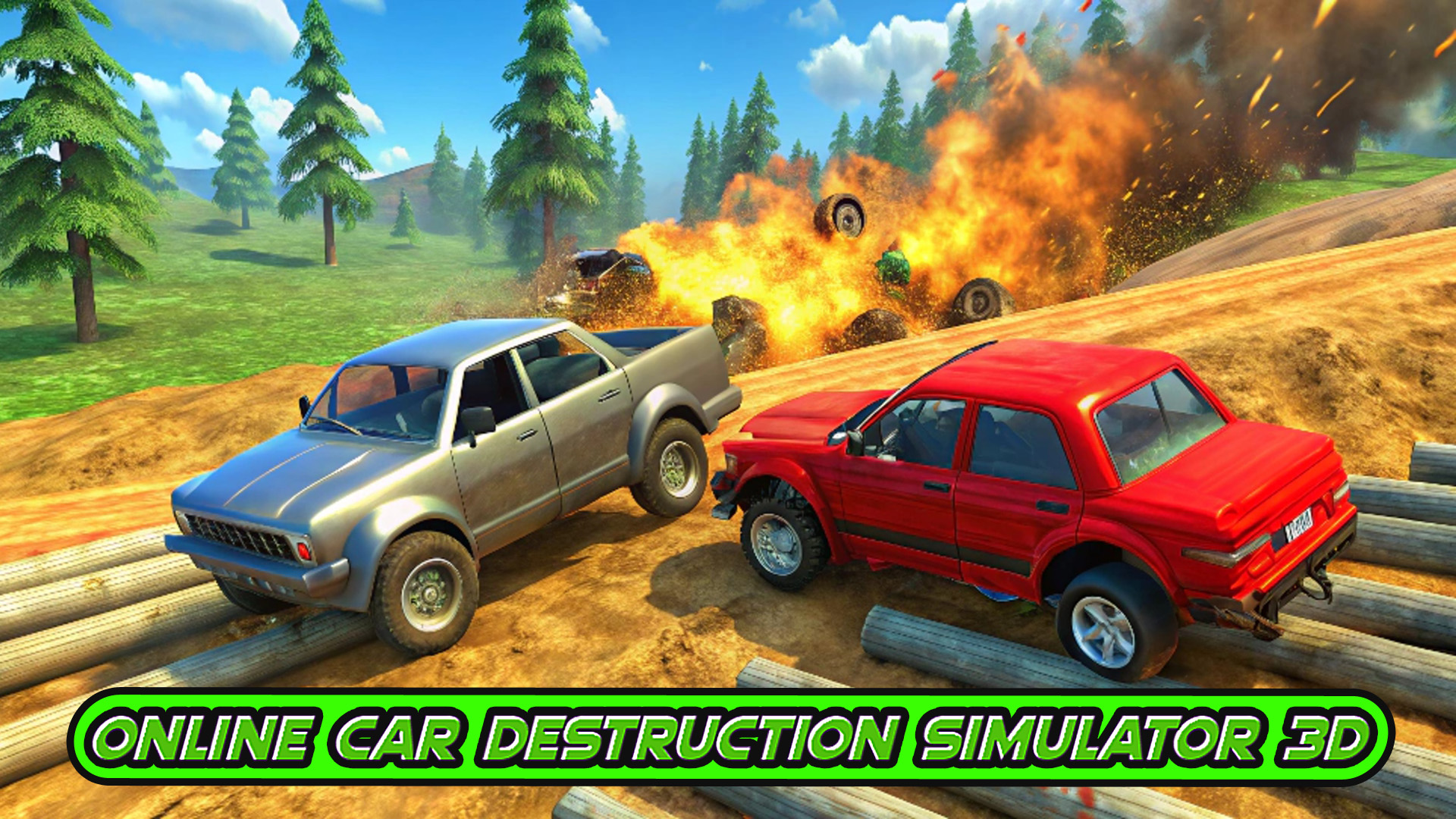
- Online Car Destruction Simulator 3D says multiplayer is part of the game. Its description does not list how matches begin, so open it to see.
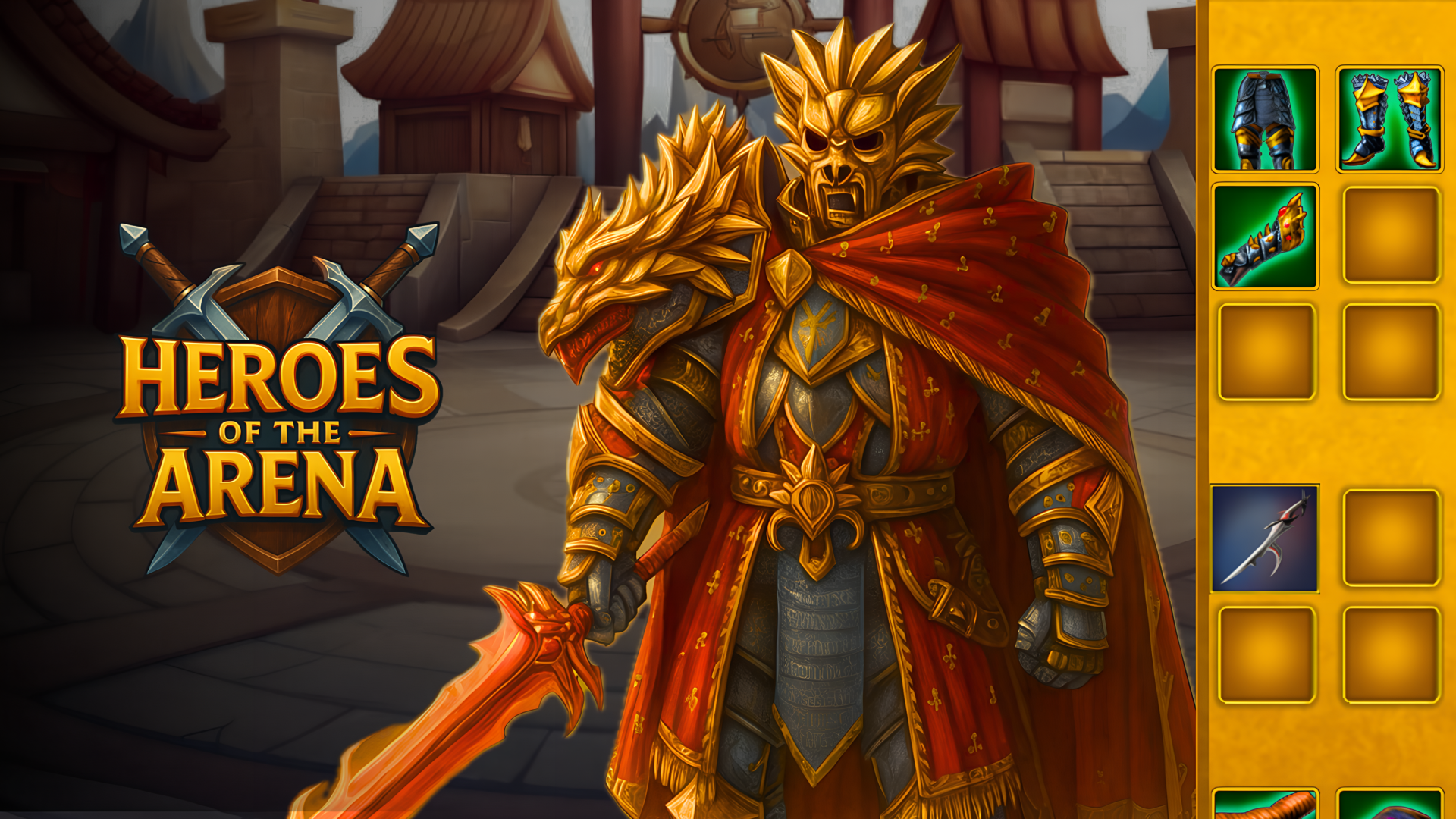
- Heroes of Arena is an online hero game with guilds, clan wars and boss raids. You can team up with friends to form a guild. The game offers optional in-game purchases.
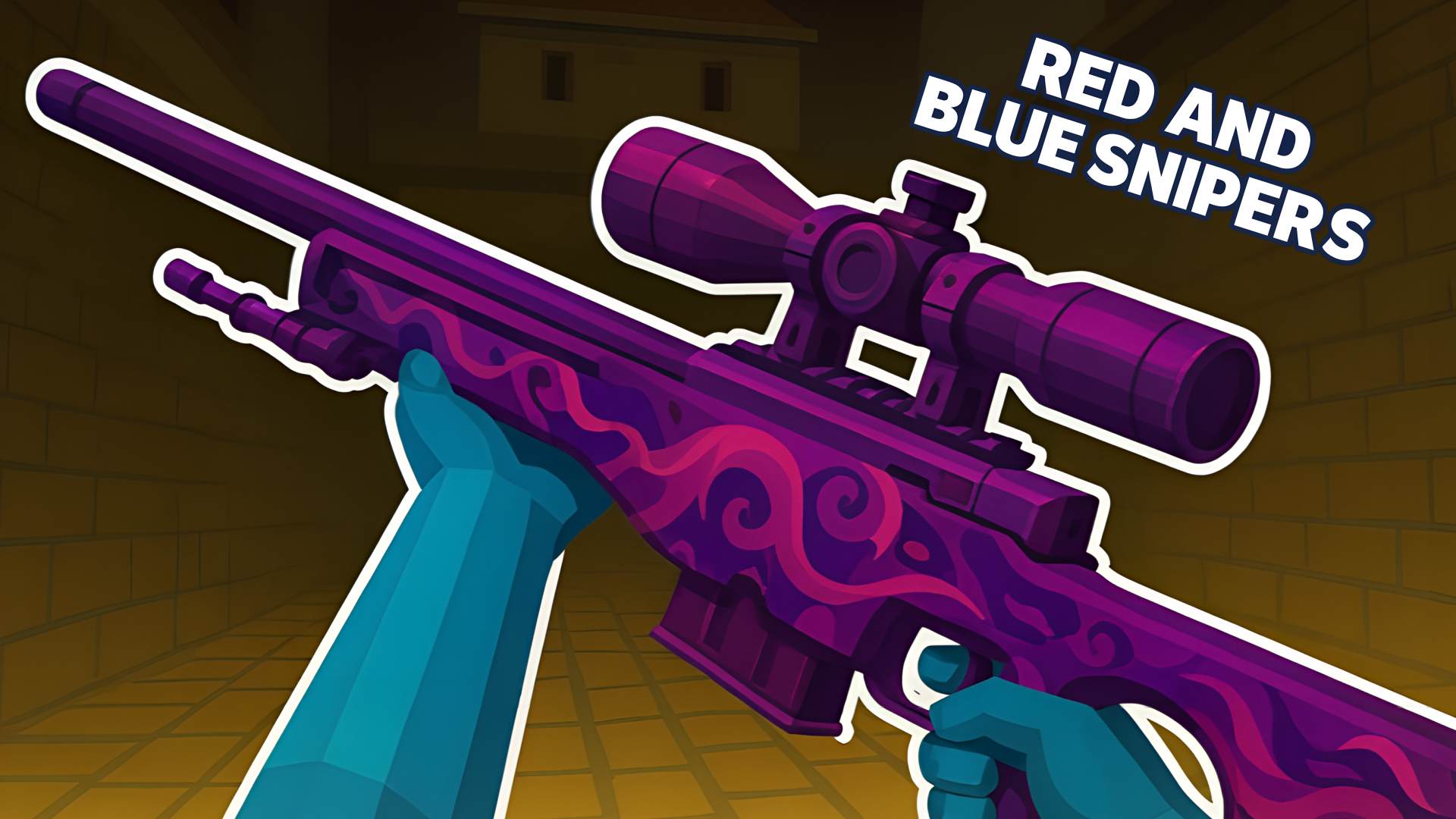
- Red and Blue Snipers is a sniper duel where you compete against players worldwide. Matches earn experience that moves you up its main leaderboard. It also includes optional purchases, and it opens free.
Are the opponents real people or bots?
These descriptions talk about players and never mention bots. So we cannot say how each game fills a match, and we will not guess. If it matters to you, watch the first match: names and a ranking list suggest real people, but only the game can confirm it.
A leaderboard is a good clue about scale. It ranks players against one another over many matches, which is the point of a shared ranking. Red and Blue Snipers makes this central. Mystical Blade 3D does the same with its rankings.
What happens if the connection drops?
The descriptions do not describe a dropped connection, so no rule is promised for these games. In general, a match on a shaky connection can freeze or end. Use the Reload game button on the page to load the game again, and check your internet connection before you rejoin.
A wired or strong connection helps more than anything the game offers. Close other tabs that stream video first, since they compete for the same bandwidth.
What if you want two players at the same screen?
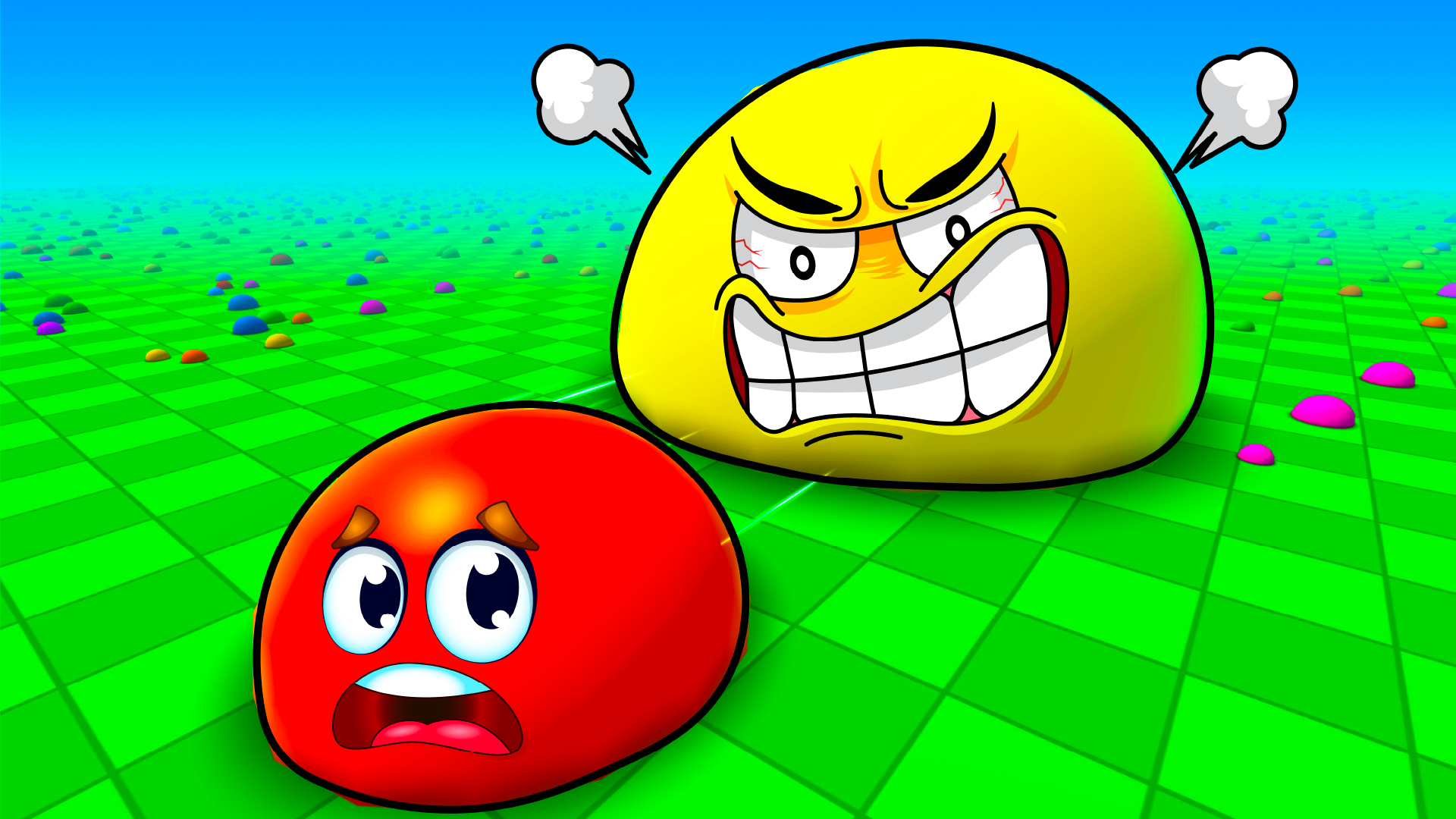
Some games keep everyone on one device. Eat Blobs Simulator has a local 2-player mode. Player 1 moves with W, A, S and D, and Player 2 uses the arrow keys, all on one keyboard. Its description describes no online matches. The coins you earn unlock new blob skins for later games.
That is the other half of multiplayer, and it needs no other players online. Our guide to two player games on one device lists more of them.
Where should you start?
Try TRAFFIC Rush Online if you want to meet other drivers. Its description says you can invite friends or meet new players, and Free Ride lets you explore the city without restrictions. Choose Mystical Blade 3D when you like building before you fight. For a rival at your own desk, pick Eat Blobs Simulator.
Games in this guide
Related categories
More guides
See all- How Two-Player Games on One Device Work
Shared keyboards, passed phones and one-key duels: how two-player games on one device work, and which ones to try first.
- Games With No In-Game Purchases: What the Label Means
What the no in-game purchases label means, how to check it, and eight puzzle, arcade and sports games that sell nothing inside.
- Idle and Tycoon Games Explained
How idle, tycoon and merge games work, how their controls and pace differ, and simple upgrade habits that help from the first minute.