Eat Blobs Simulator
Rotate your phone for a bigger game
- No purchases
- Arcade
- Desktop and mobile
- Landscape
 Up nextPlay next
About Eat Blobs Simulator
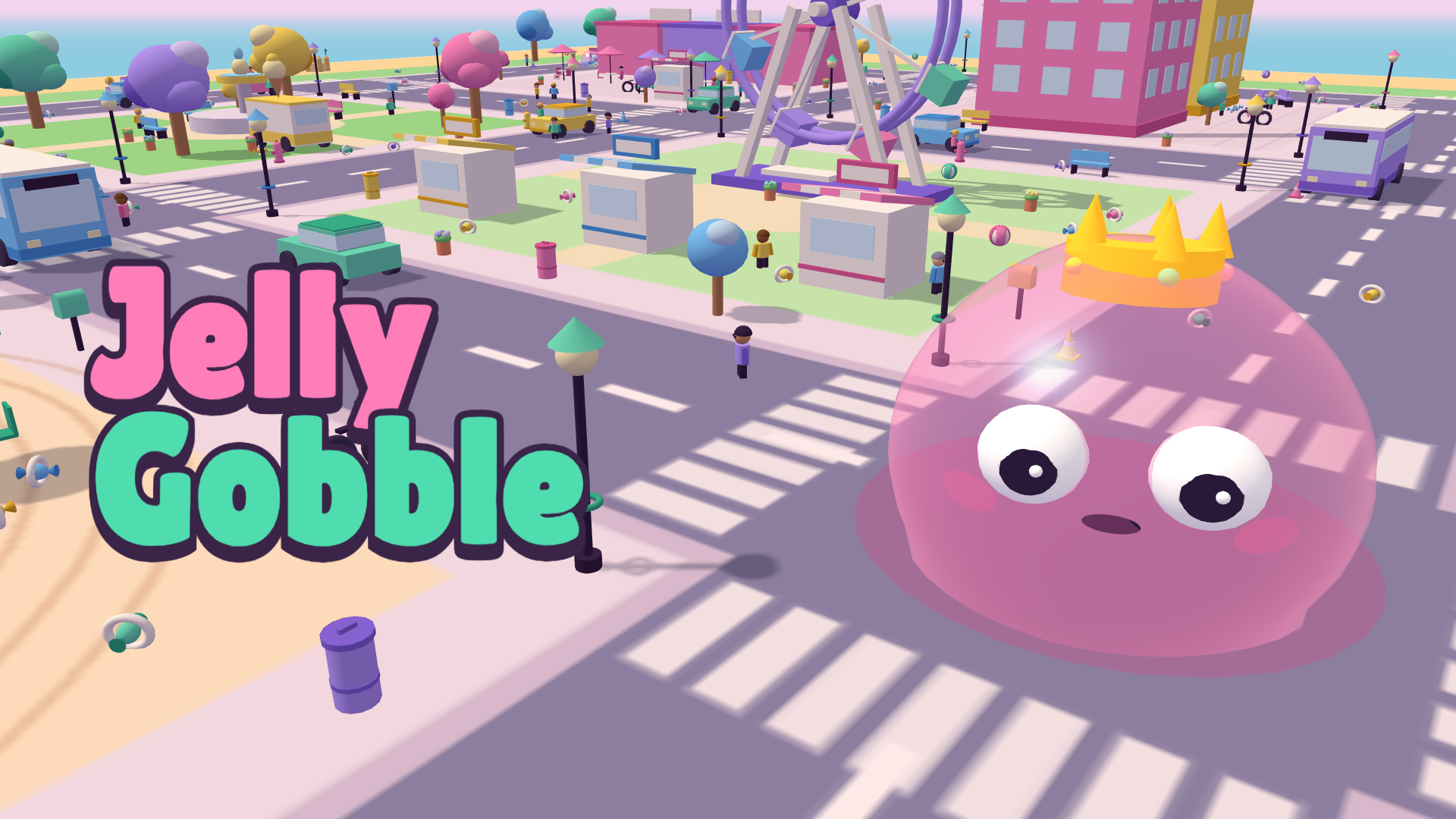
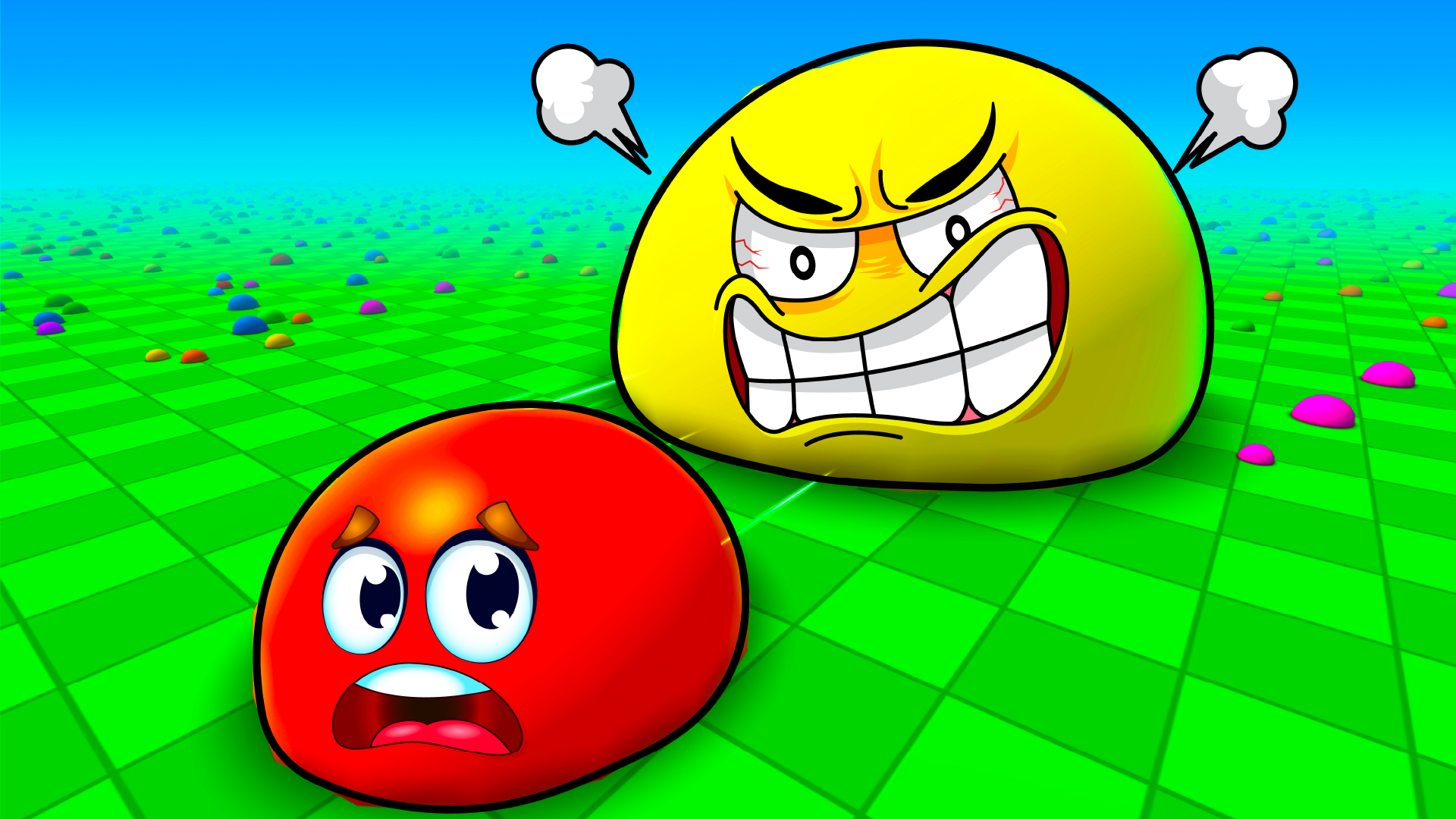
Tiny slimes can become arena champions, and Eat Blobs Simulator starts every one of them small. You pick a blob, type a nickname and head out to gather the colorful slime pieces scattered across the map. Each piece makes you bigger, and size changes who you can challenge.
Smaller blobs turn into targets, while larger players can end your run if you drift too close. Eating another blob gives a major growth boost, but chasing one small target too far can lead you straight into a bigger one. Camera control and awareness of the map matter more as the arena fills up.
You earn coins and rewards while playing, and they unlock new blob skins for later matches. Rewards depend on the size you reach and the coins you collect. You can play alone or share one keyboard with a friend in local 2-player mode.
No in-game purchases are included. All devices show it in landscape.
How to play
- Choose a blob and enter a nickname.
- Collect the small slime pieces around the map to grow.
- Hunt blobs smaller than you, and stay away from bigger ones.
- Spend your coins on new skins between matches.
Controls
- Desktop
- Player 1 moves with W, A, S and D, and Player 2 with the arrow keys. In single-player, hold the left mouse button and move the mouse to rotate the camera, and use the mouse wheel to zoom.
- Mobile
- Move with the on-screen joystick.
Tips
- Check the sizes around you before you chase. A bigger blob behind you ends the hunt.
- Grow on small pieces first, then go after opponents once you are clearly larger.
Frequently asked questions
Does Eat Blobs Simulator have two-player mode?
Yes. Player 1 uses W, A, S and D, and Player 2 uses the arrow keys on the same device.
What do coins do?
You can use them to unlock new blob skins for future matches.
Is Eat Blobs Simulator free?
Yes. No in-game purchases anywhere. Loading it in the browser is free.