How Two-Player Games on One Device Work
Some two-player games need two accounts and an internet connection. Others need one screen and two people. This guide covers the second kind: games where you and a friend share a keyboard or pass a phone back and forth, with no matching and no waiting for an opponent.
The format comes in a few shapes, and each one suits a different mood. The games below link to their own pages, and the two-player games page lists the rest.
What does sharing one device look like?
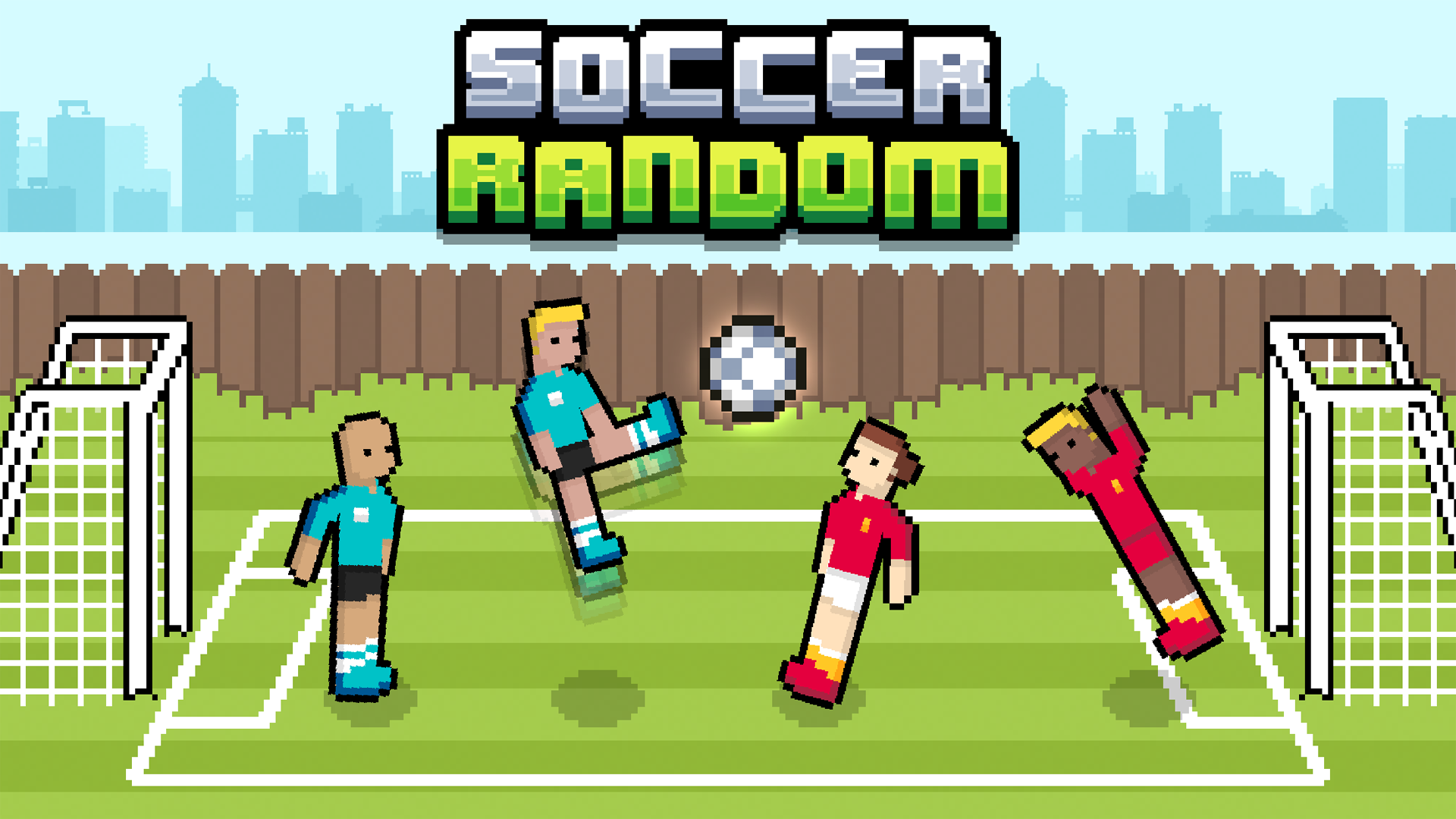
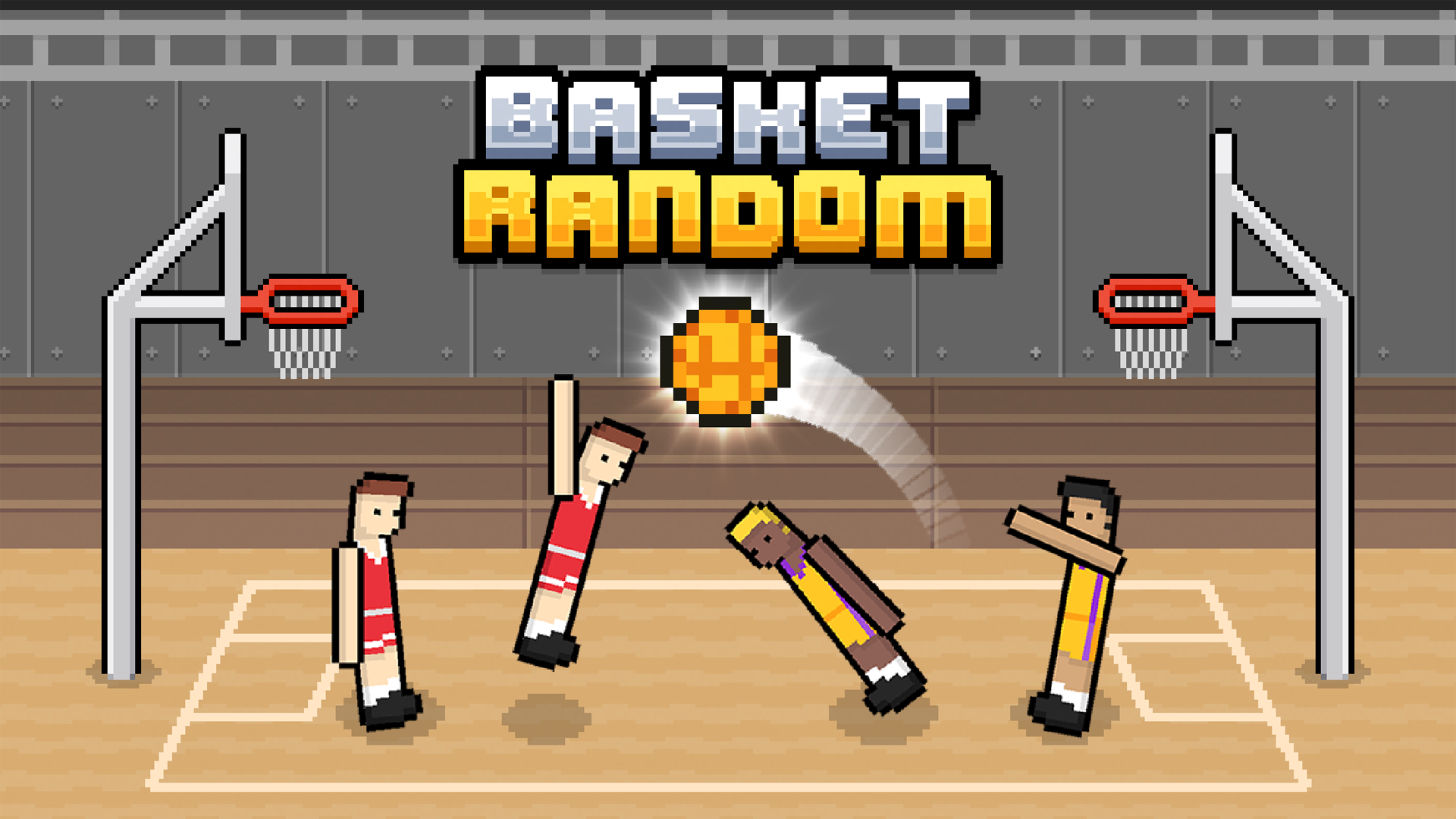
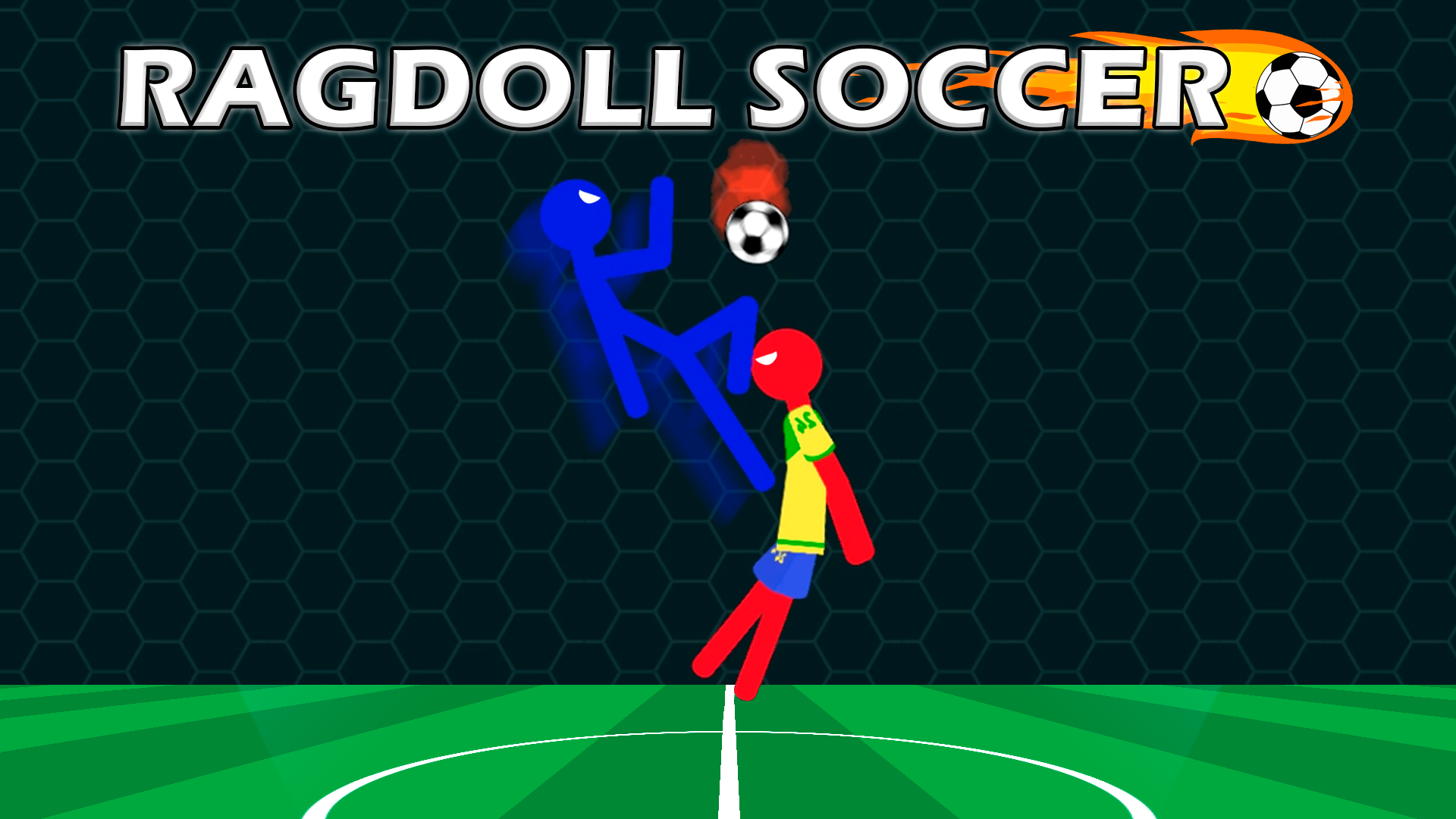
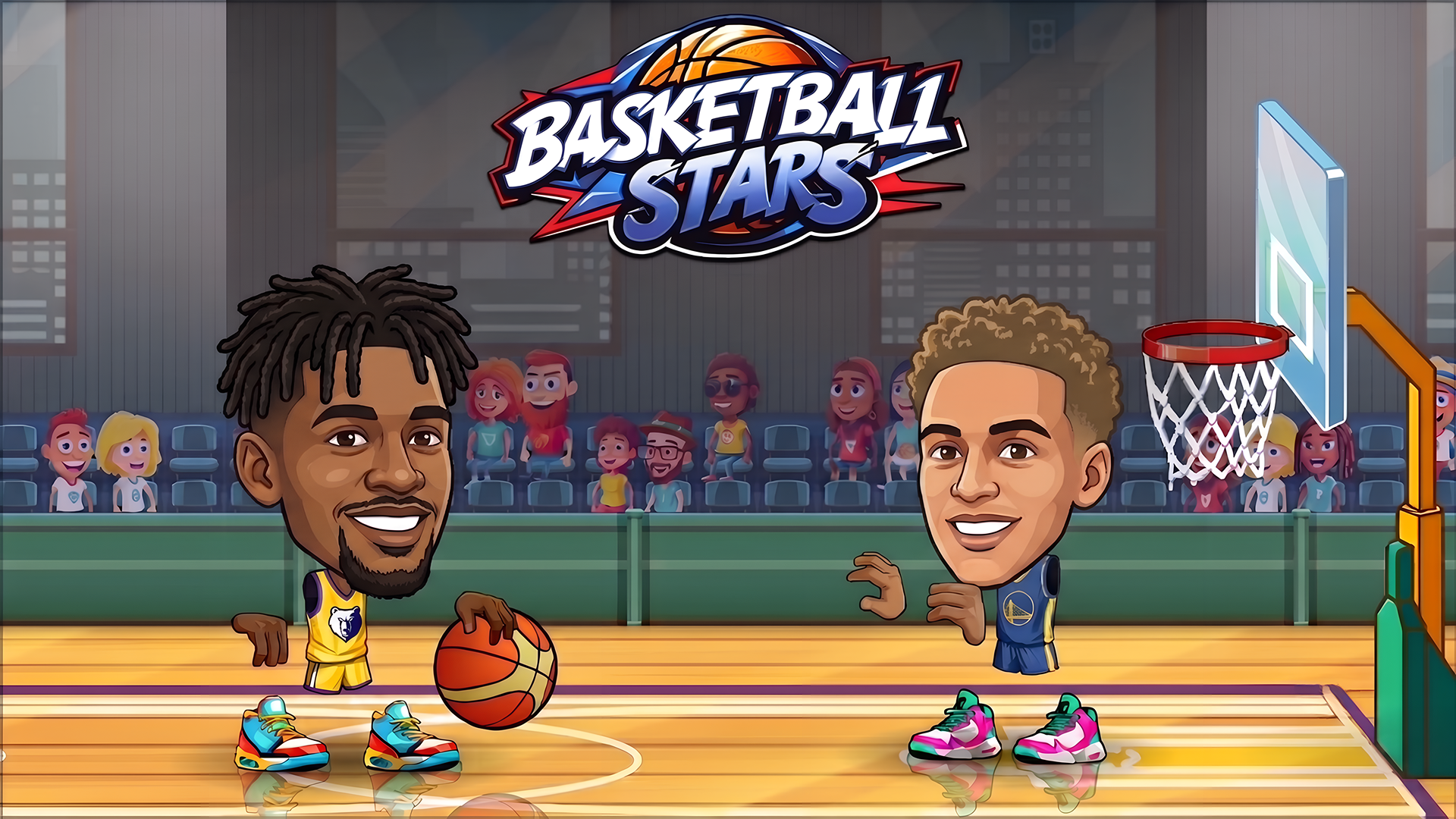
On a computer, each player gets a key or a small cluster of keys. In Soccer Random and Basket Random, each player has exactly one key: Player 1 uses W and Player 2 uses the Up Arrow. Basketball Stars asks for more. In a two-player game, Player 1 uses WASD and B, while Player 2 uses the arrow keys and L.
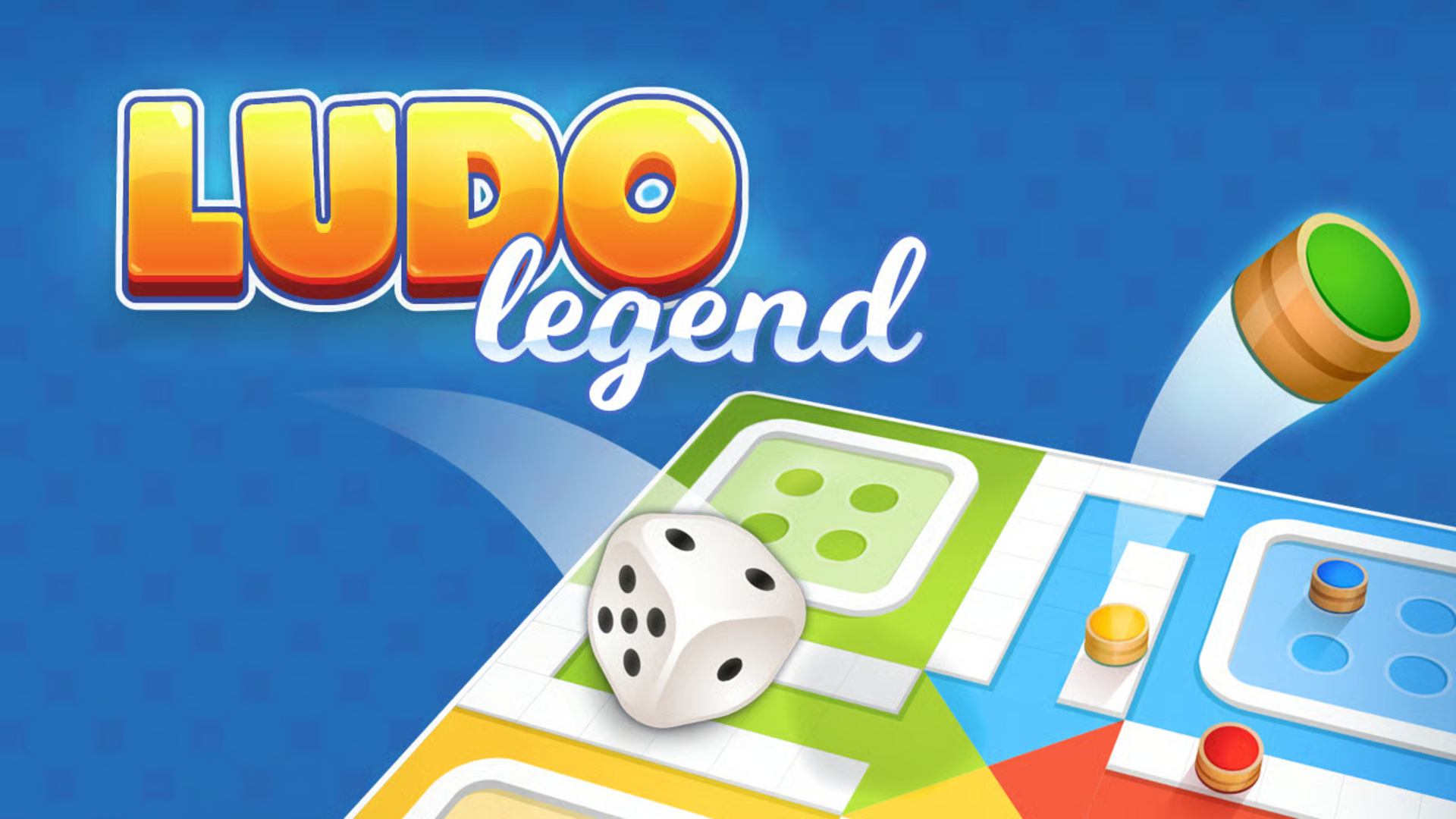
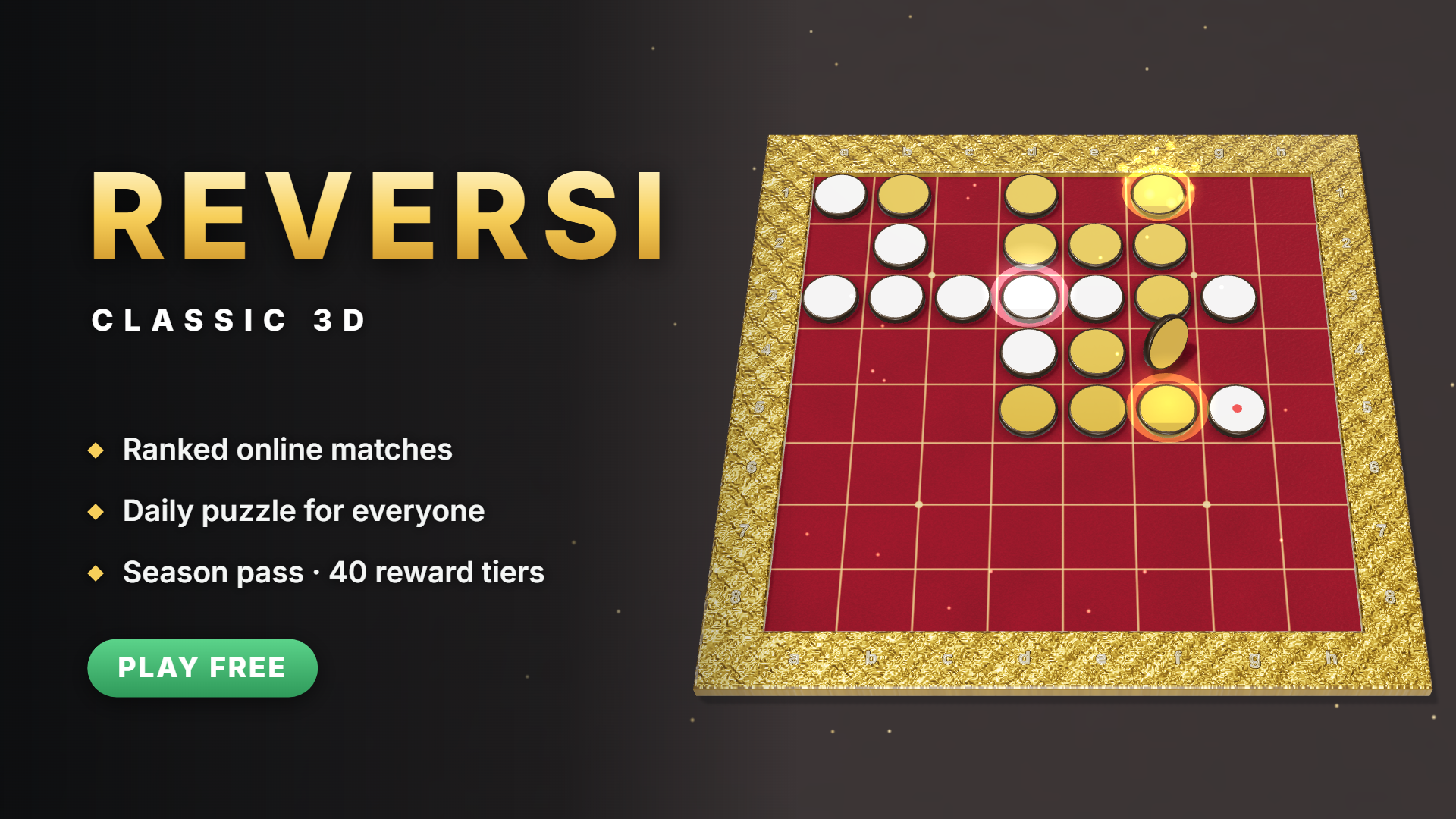
Board games work the other way. Ludo Legend lets you pass one device around, and Reversi Classic lets you sit down with a friend and share one screen. Only one person acts at a time, so nobody fights over the keyboard.
Not every game with a two-player tag works like this. Some match you with strangers online instead. Read the mode names and the controls on the game page before you ask someone to sit next to you.
Sports duels with one-key controls
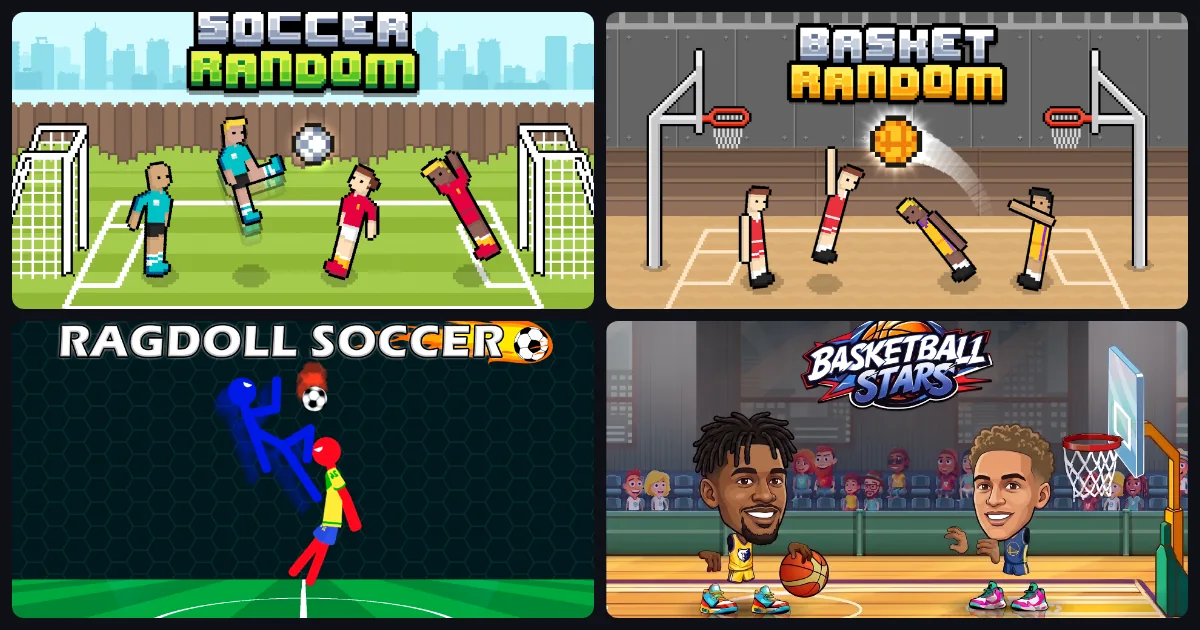
Soccer Random and Basket Random are the easiest place to start. Each match is decided by wobbling ragdoll bodies, and one key does everything: jump, kick, block and shoot. There are no moves to learn, so a first-time player can compete from the first match. Both games also change the setup after a score, so a plan that worked once may fail on the next point.
Ragdoll Soccer offers single player or local multiplayer, plus championship and penalty shootout modes. On a computer it uses WASD with Q and E, or a mouse or gamepad. Basketball Stars is more traditional: you pick a team, enter a tournament and score with dunks and three-pointers, and a supershot bar unlocks a special dunk when it fills.
- Timing: In Soccer Random, wait for the ball to come close before you jump. An early jump leaves your player flailing in the air.
- Adapting: In Basket Random, jump late rather than early, and check how the characters and ball behave after each score.
- Dashing: In Basketball Stars, tap a direction twice to dash past a defender, then shoot or dunk.
More sports titles sit on the sports games page. Some racing games carry the two-player tag as well, and the racing games page is where to look for them.
Fighting games for two players
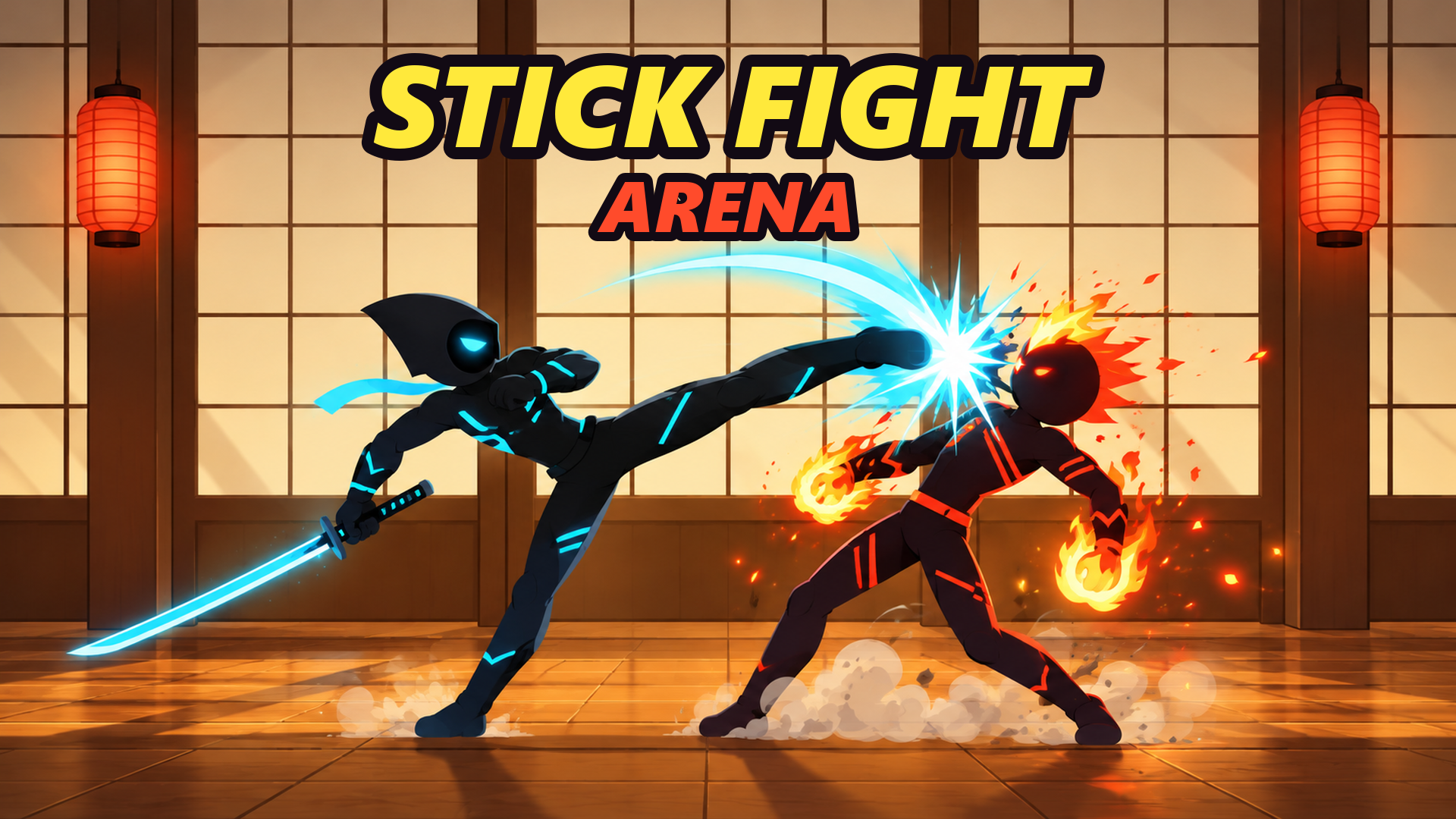
Stick Fight Arena is a stickman brawler with 18 fighters, a story mode, towers of opponents and a two-player mode on one keyboard. On a computer, A and D move, W jumps, S blocks and J attacks. Stamina drains on attacks and blocks, so constant attacking leaves you tired. Some extras are optional in-game purchases, and the game opens free.
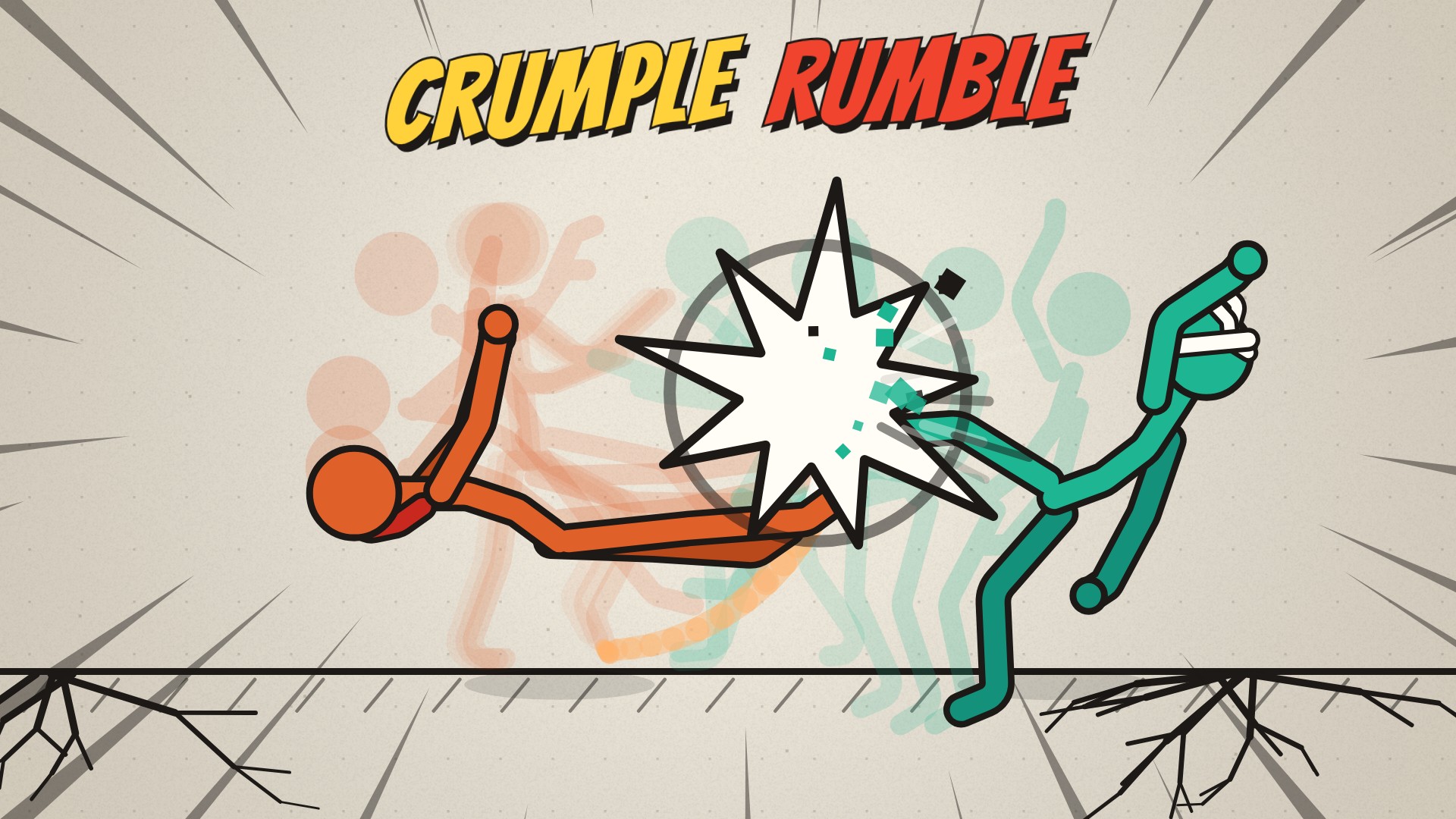
Crumple Rumble is a lighter option: a notebook-paper brawl with five doodle fighters and a 2 Players mode among its modes. Fights run to three rounds. Punch, kick, block, dash and a special move all have separate keys, so check the in-game controls before you split the keyboard.
Shared-keyboard fighting works well when both players agree on a layout first. The fighting games page has more choices.
Board games for a slower match
A shared screen suits turn-based games well. In Ludo Legend, rolls of a die carry your tokens around the board, and a 6 releases each one from the start. If an opponent lands on your token, it goes back. Do not park a token just ahead of an opponent.
Reversi Classic is the board game Othello. You place a disc so it traps your opponent's discs inside a line of yours, and they flip to your color. Grab the corners when you can, because discs there can never be flipped back. The game also offers play against the computer on five levels, which helps a beginner learn the rules before a match against a person. Reversi Classic also has optional in-game purchases, and you can play it without buying anything.
Tips for a smooth first session
- Agree on keys before the match starts, and sit so both players reach their own key without leaning over each other.
- Start with a one-key game if one player is new. The rules fit in one sentence.
- Swap sides after a few matches. Player 1 and Player 2 often use different keys, and the layout can feel easier on one side.
- Switch to a turn-based game when the keyboard gets crowded. A phone passed back and forth works fine for Ludo or Reversi.
Games in this guide
Related categories
More guides
See all- Games With No In-Game Purchases: What the Label Means
What the no in-game purchases label means, how to check it, and eight puzzle, arcade and sports games that sell nothing inside.
- Idle and Tycoon Games Explained
How idle, tycoon and merge games work, how their controls and pace differ, and simple upgrade habits that help from the first minute.
- Relaxing Puzzle Games: Tiles, Sorting and Jigsaws
What makes a puzzle game calm, and a tour of mahjong, sorting, jigsaw and merge games that suit short, quiet sessions.