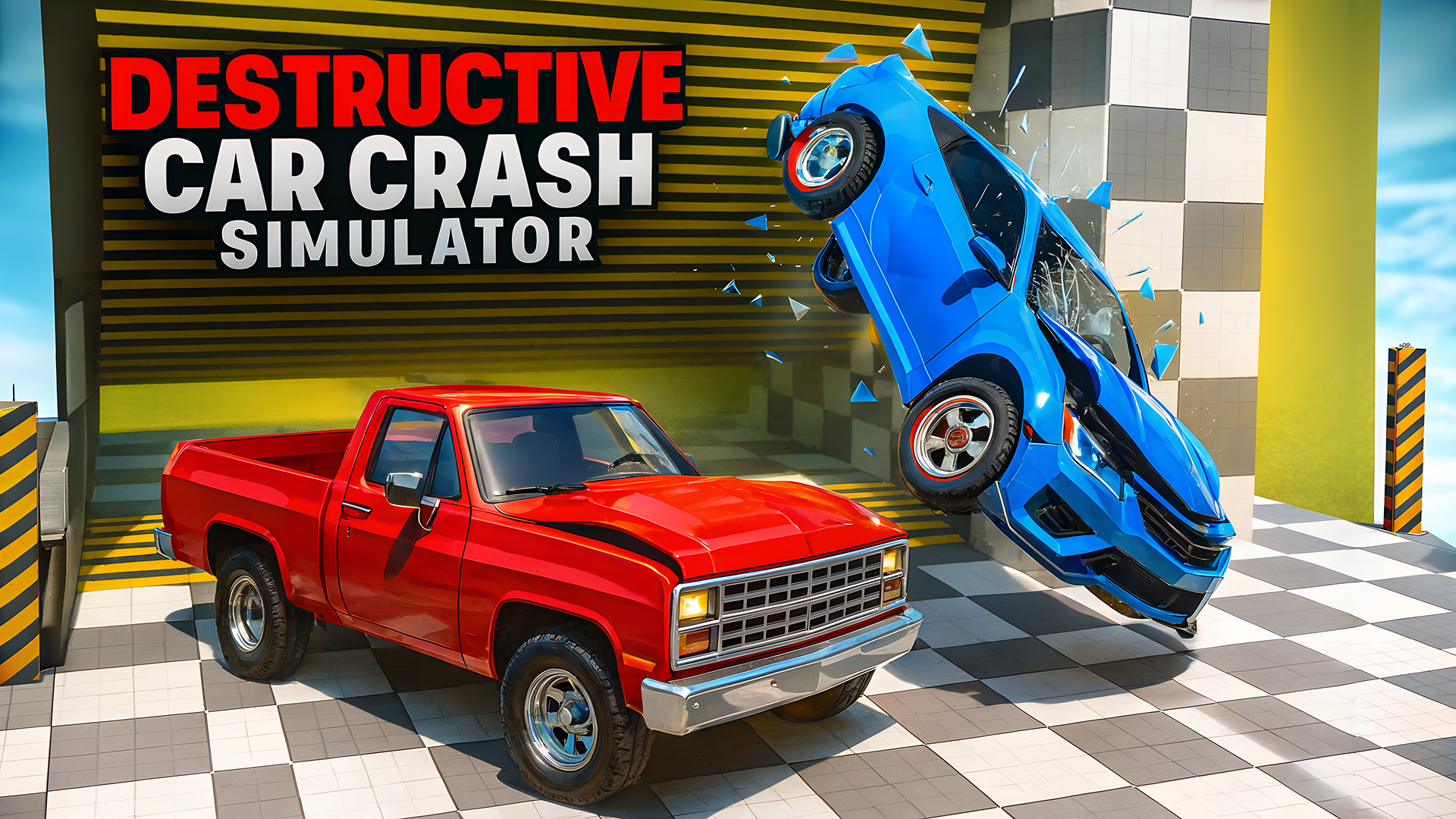
Online Car Destruction Simulator 3D

Rotate your phone for a bigger game
- No purchases
- Simulation
- Desktop and mobile
- Landscape
 Up nextPlay next
About Online Car Destruction Simulator 3D
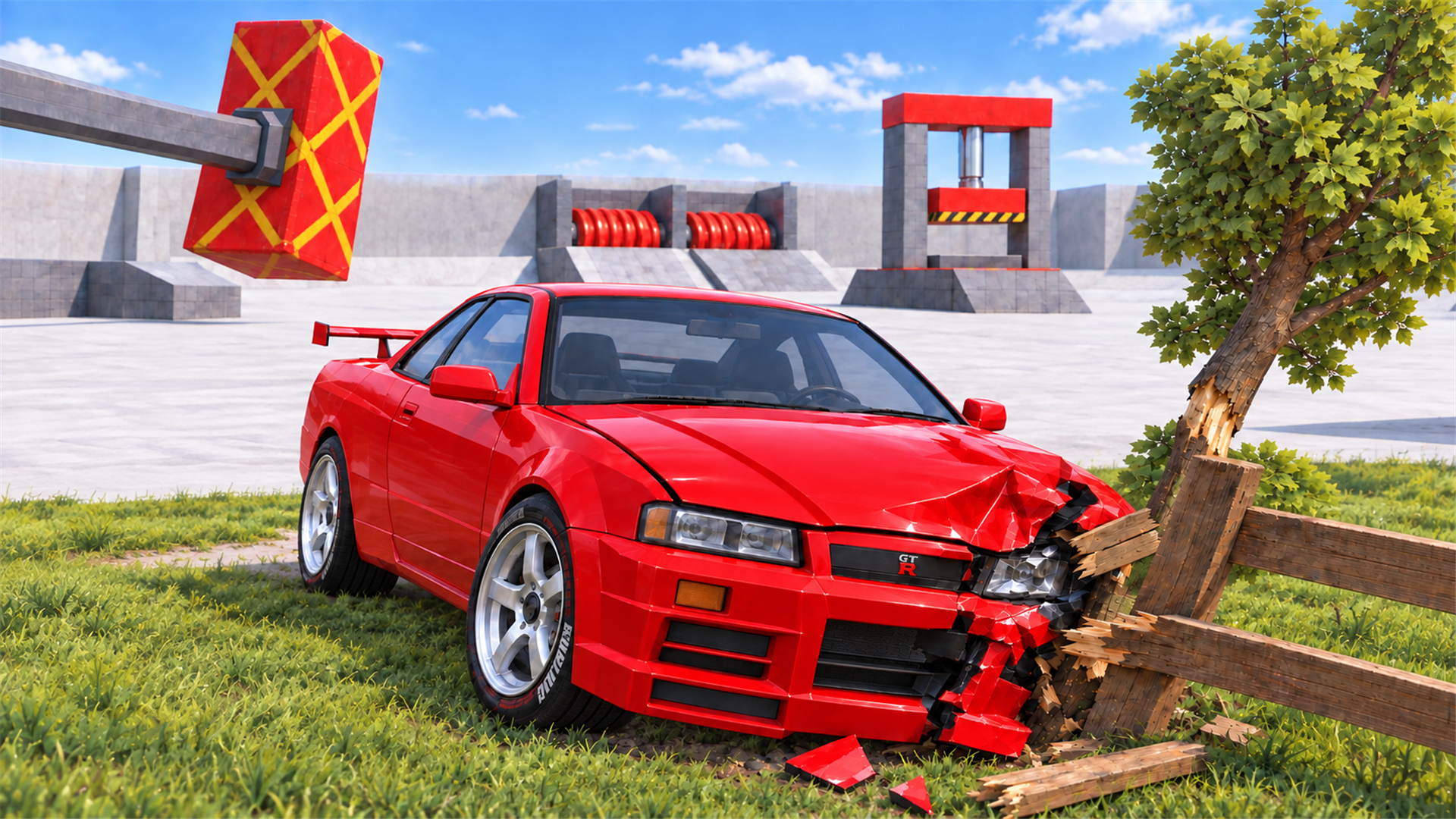
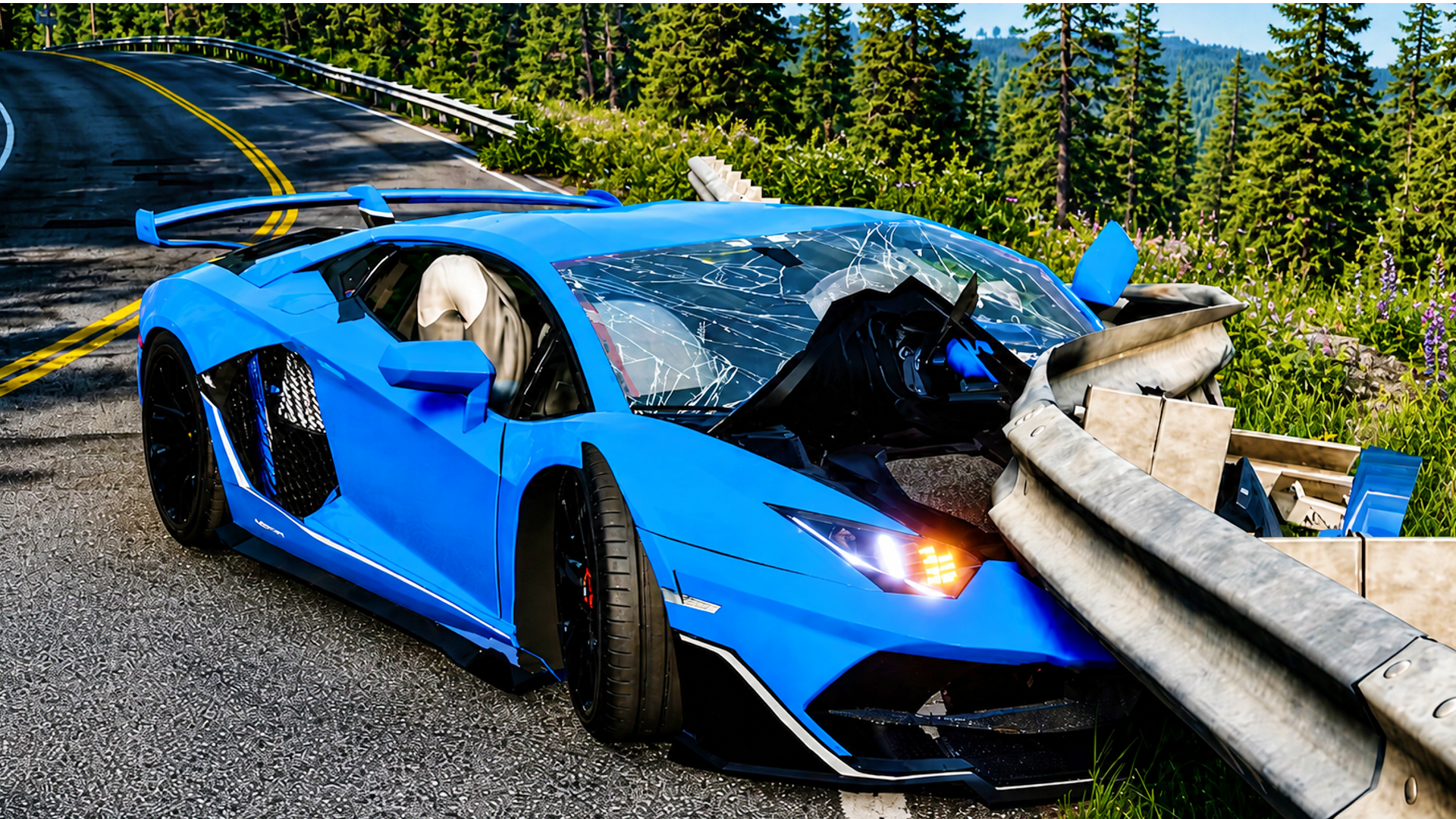
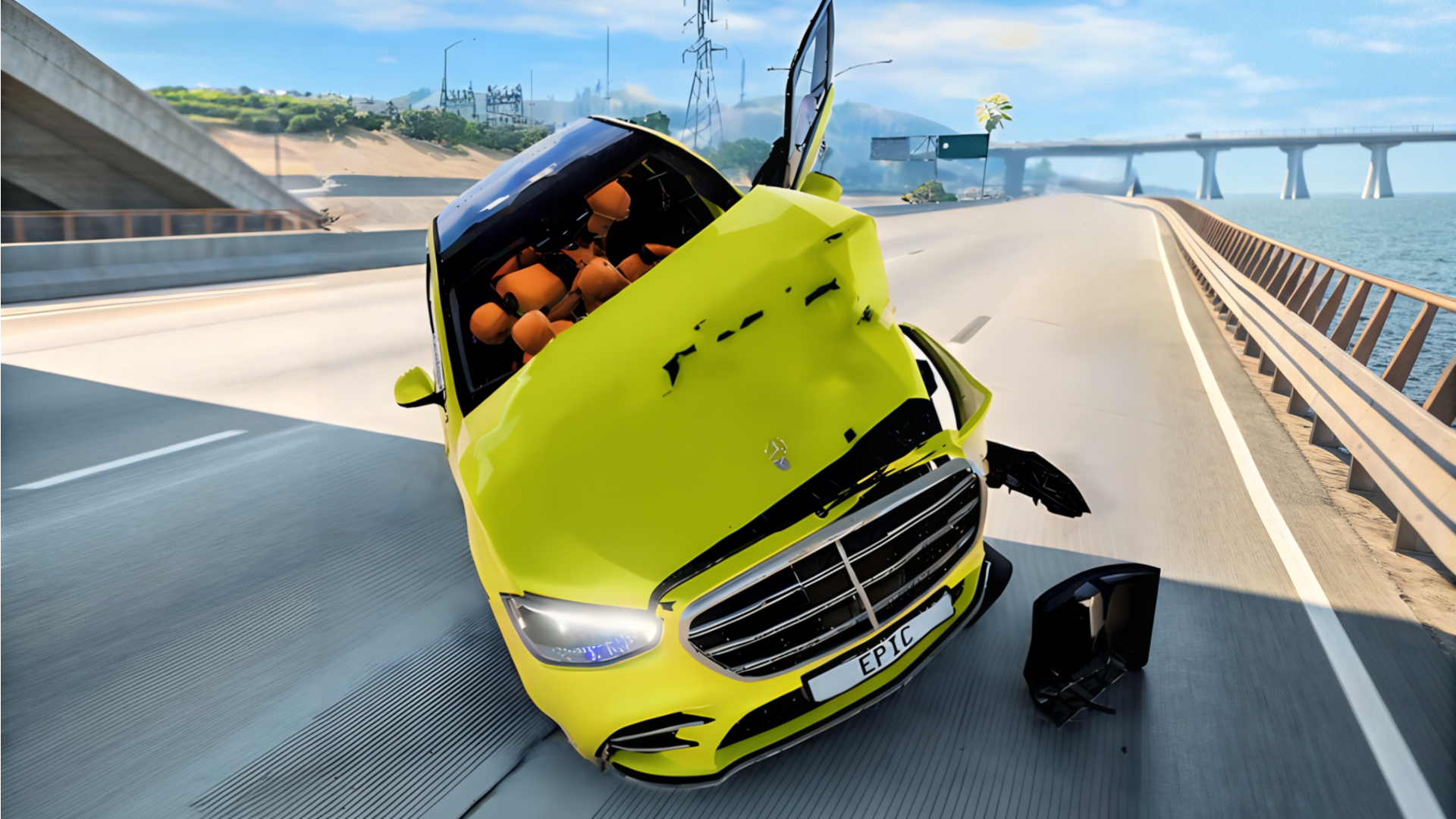
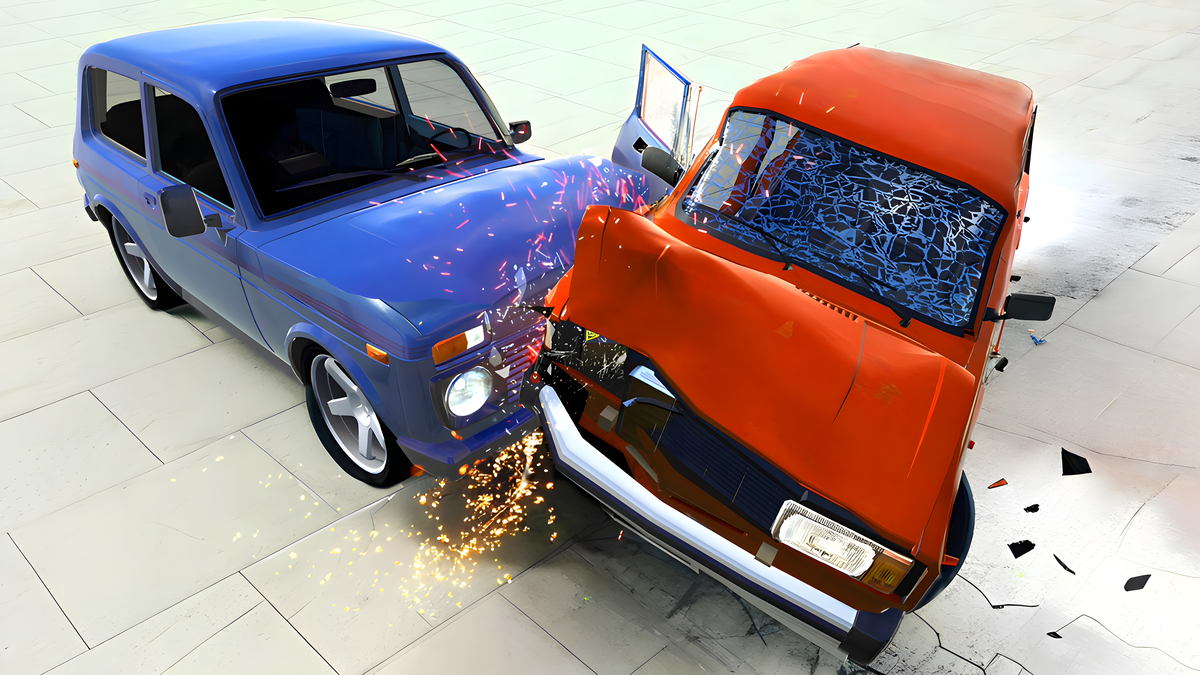
Online Car Destruction Simulator 3D has a plain goal: drive and crash cars however you like. The game emphasizes realistic vehicle crashes, with intricate damage effects as the cars take hits, and it includes multiplayer.
The cars include a silver sports car with blue stripes, a white hatchback and a dark car turned upside down with its underside showing. Some scenes take place on a winding mountain road with pine trees, green hills and a rocky slope, where tire marks and smoke trail behind a sliding car. Others take place in a white-tiled arena with yellow and black checkered walls.
Online Car Destruction Simulator 3D has no in-game purchases. It runs on phones, tablets and computers in landscape.
How to play
- Drive with W, A, S and D, or use the on-screen interface on a phone.
- Use the handbrake and nitro to slide and speed up.
- Crash into obstacles and other cars as often as you like.
- Slow time with B to watch the damage.
- Press R to reset the car or K to restore it after a wreck.
Controls
- Desktop
- W, A, S, D drive. Space is the handbrake and Shift is nitro. C changes the camera, U is the free camera, R resets the car, K restores it, B slows time and N switches cars. Tab or Escape pauses.
- Mobile
- Use the game interface.
Tips
- Press B to slow time during a crash and watch the damage unfold.
- Use the free camera on U to find a better angle.
Frequently asked questions
Does wrecking a car cost anything?
No. Online Car Destruction Simulator 3D has no in-game purchases.
What do I use to drive on a phone?
The game interface. Landscape is the layout on phones, tablets and computers.
How do I get a better view of a crash?
Press C to change the camera, U for the free camera or B to slow time.