Destructive Car Crash Simulator

Rotate your phone for a bigger game
- No purchases
- Simulation
- Desktop and mobile
 Up nextPlay next
About Destructive Car Crash Simulator
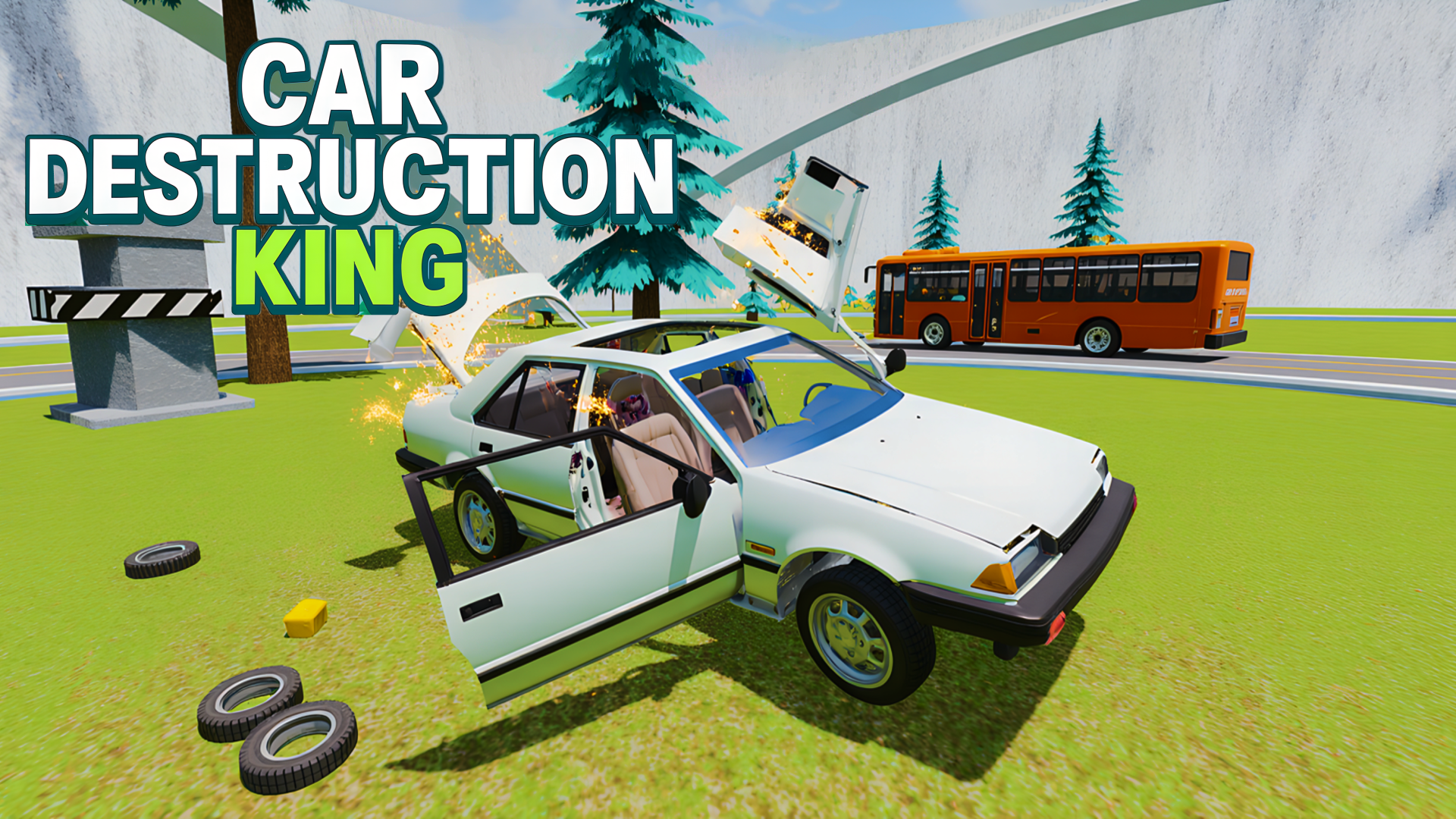
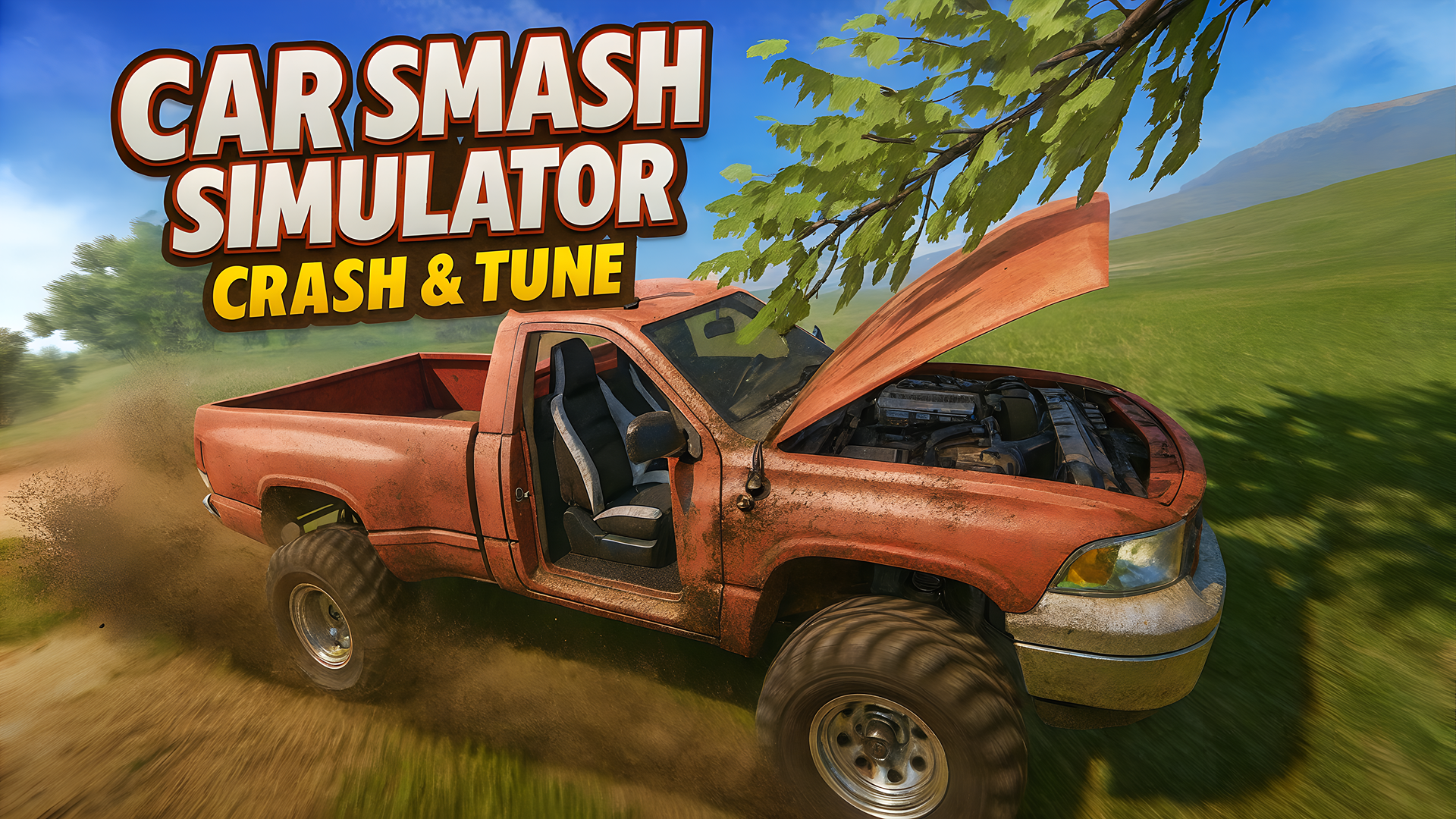
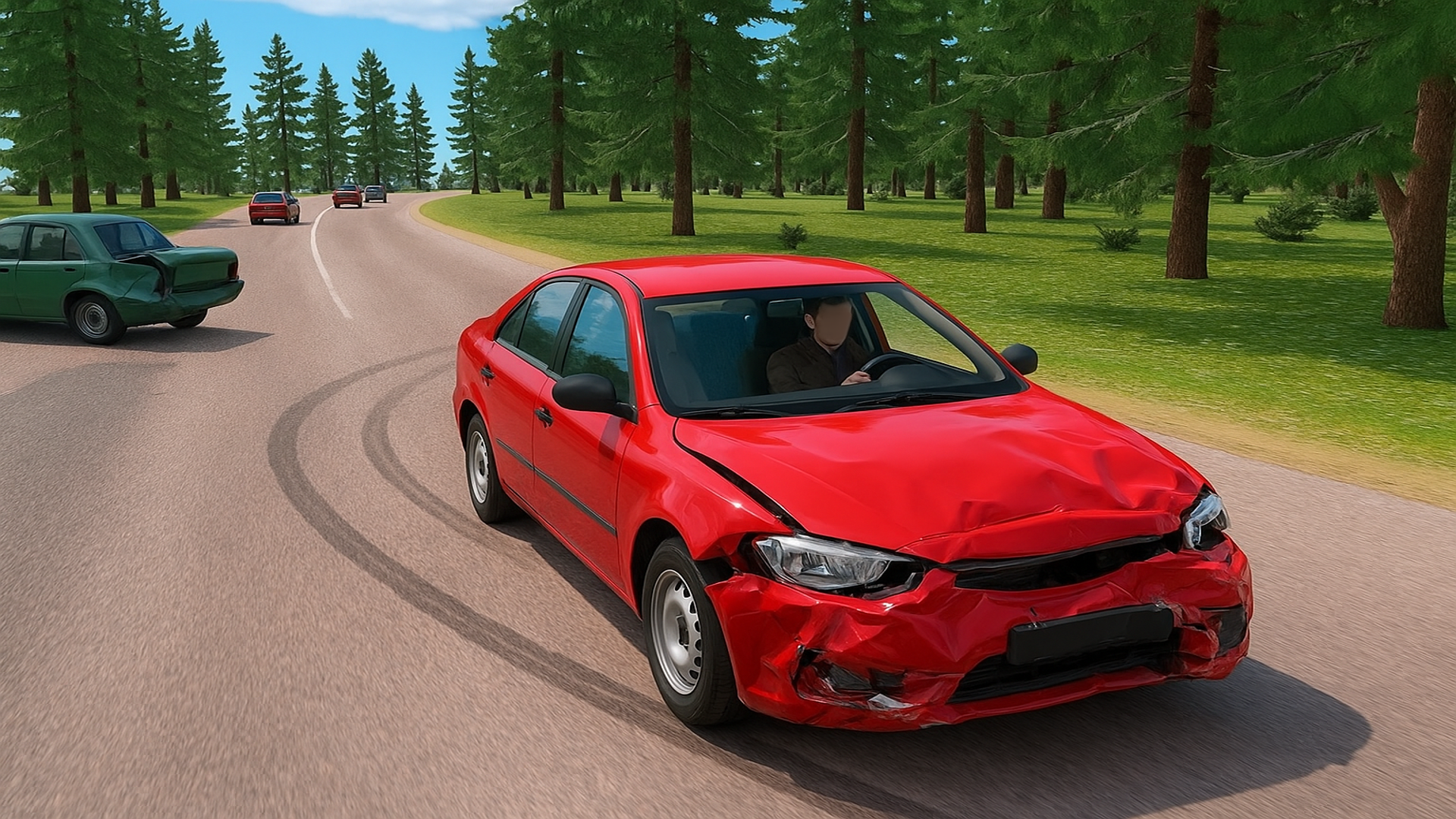
In Destructive Car Crash Simulator every car can be broken, dented and destroyed, and the damage and deformation follow a realistic model. You can arrange police chases, where a police car you hit starts hunting you.
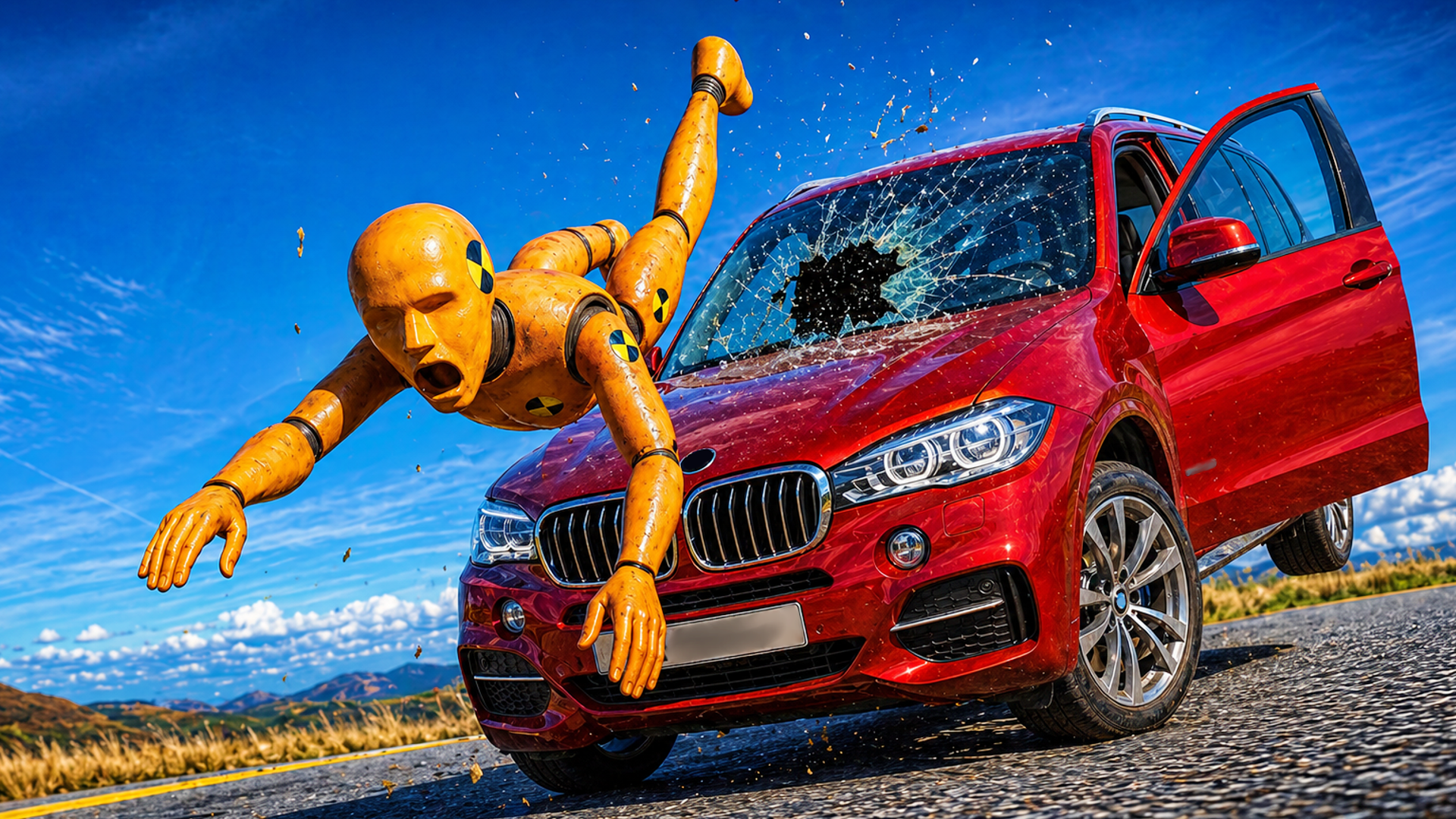
You can also run crash tests and watch cars come apart, with different maps, different cars and crashing props such as cannons, catapults and presses.
The test grounds range from a checkerboard hall, where a red pickup truck gets squeezed under a huge yellow and black striped press, to green hills with a striped cube on top and a sandy slope strewn with wreckage. A speedometer dial sits in the lower right corner. One camera sits in the driver's seat behind the steering wheel; another follows the car from behind.
Destructive Car Crash Simulator has no in-game purchases. It is built for phones, tablets and computers held either way.
How to play
- Pick a map and a car, then drive.
- Hit a police car to start a chase, or crash into the props.
- Press R or K to reset or restore the car, and N to switch to another one.
Controls
- Desktop
- Drive with WASD, Space for the handbrake and Shift for nitro. C changes the camera, R resets the car, K restores it, N switches cars and Tab or Esc pauses.
- Mobile
- Use the game interface on screen.
Tips
- Use the handbrake and nitro together to hit props at speed.
- Switch the camera with C to watch the damage from a different angle.
Frequently asked questions
Do the presses and cannons in Destructive Car Crash Simulator cost extra?
No. Destructive Car Crash Simulator has no in-game purchases.
Can I crash cars with the on-screen interface on a phone?
Yes. Phones and tablets use the on-screen game interface, held either way.
What happens when I hit a police car?
It starts hunting you, which sets off a police chase.