Crash Test Simulator 3d
Rotate your phone for a bigger game
- No purchases
- Simulation
- Desktop and mobile
- Landscape
 Up nextPlay next
About Crash Test Simulator 3d
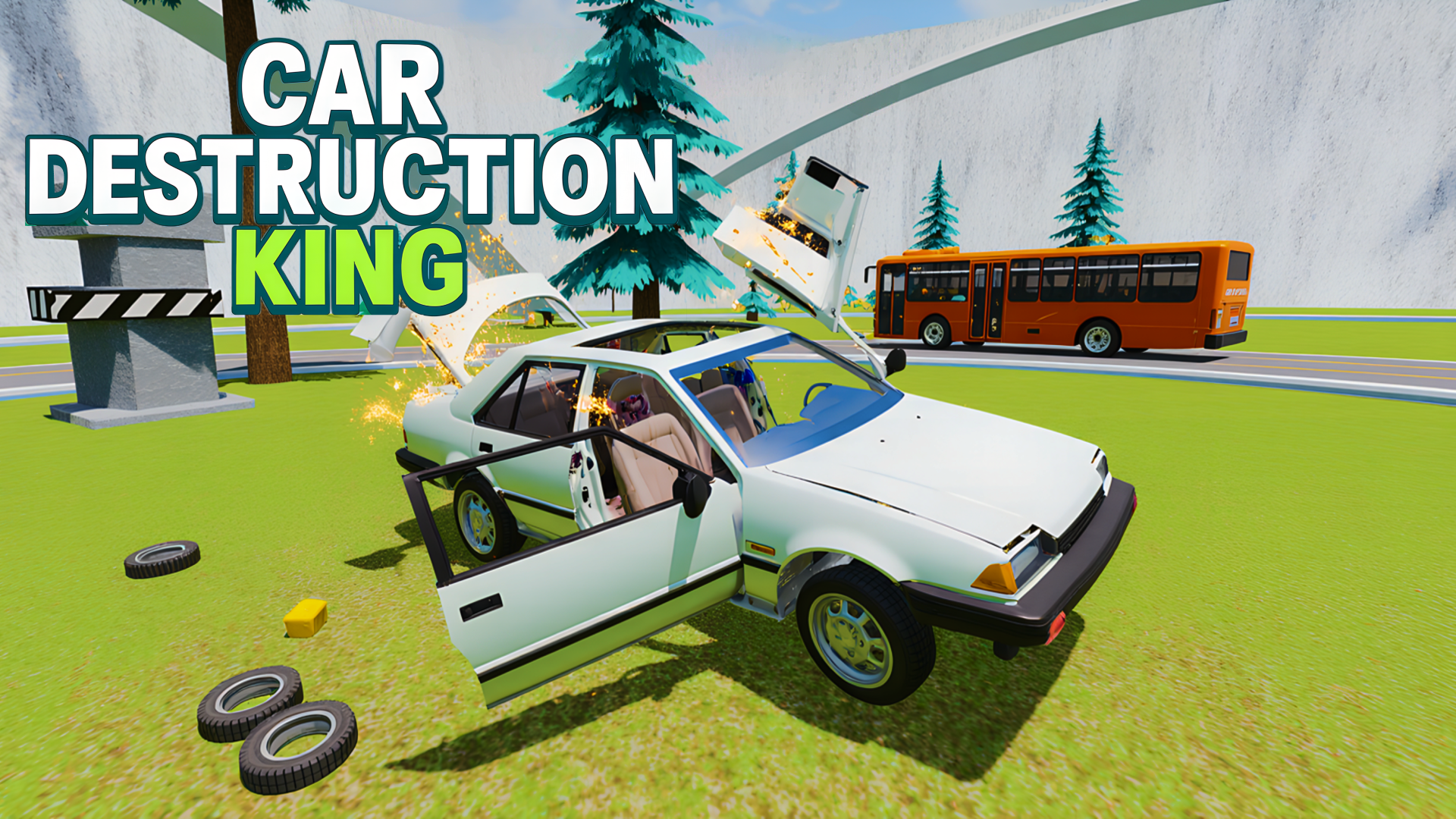
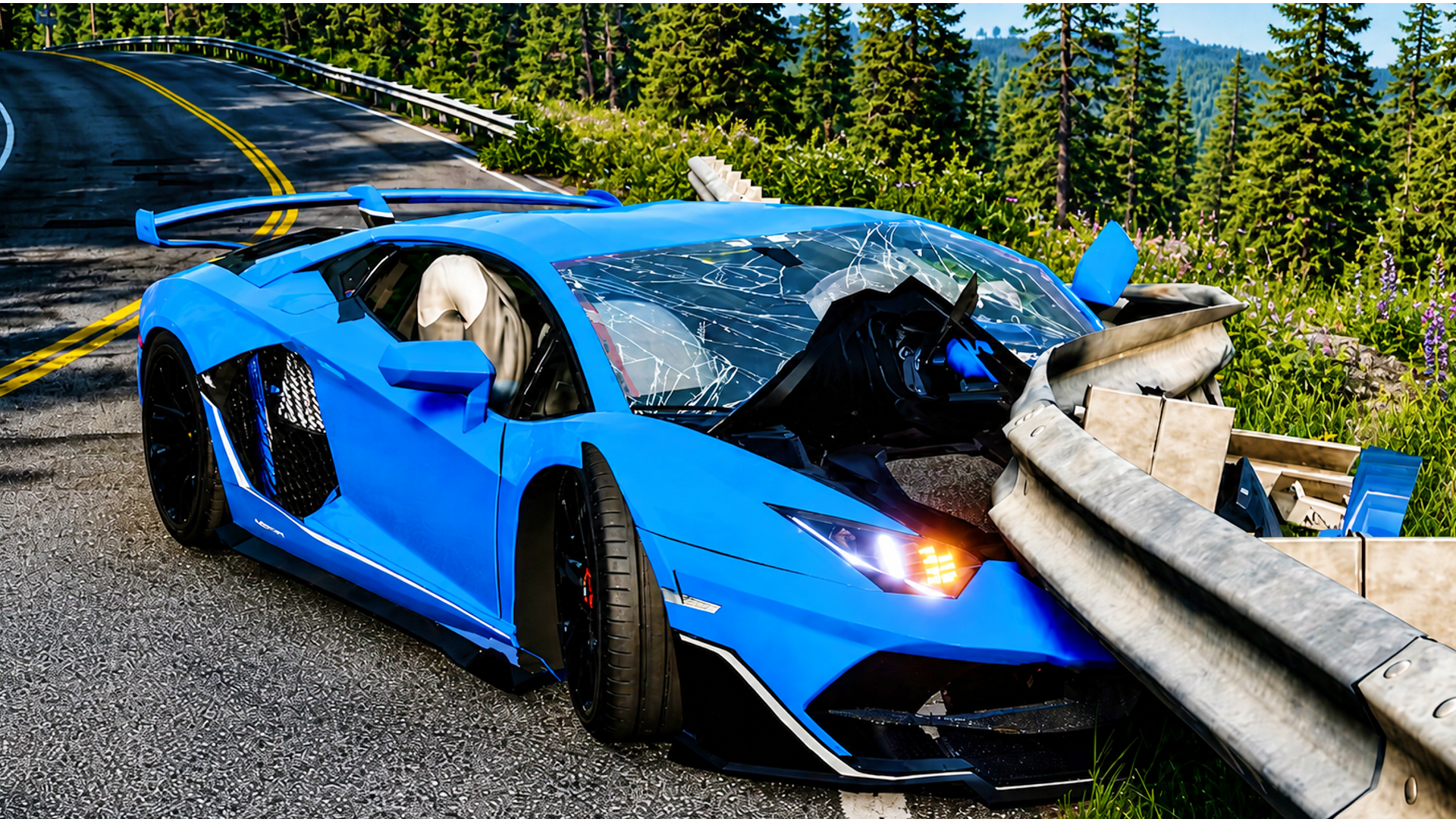
A white hatchback leaves the mountain road, flips over a rail and tumbles down the slope. That is an ordinary run in Crash Test Simulator 3d, where the point is to see how much punishment a car can take.
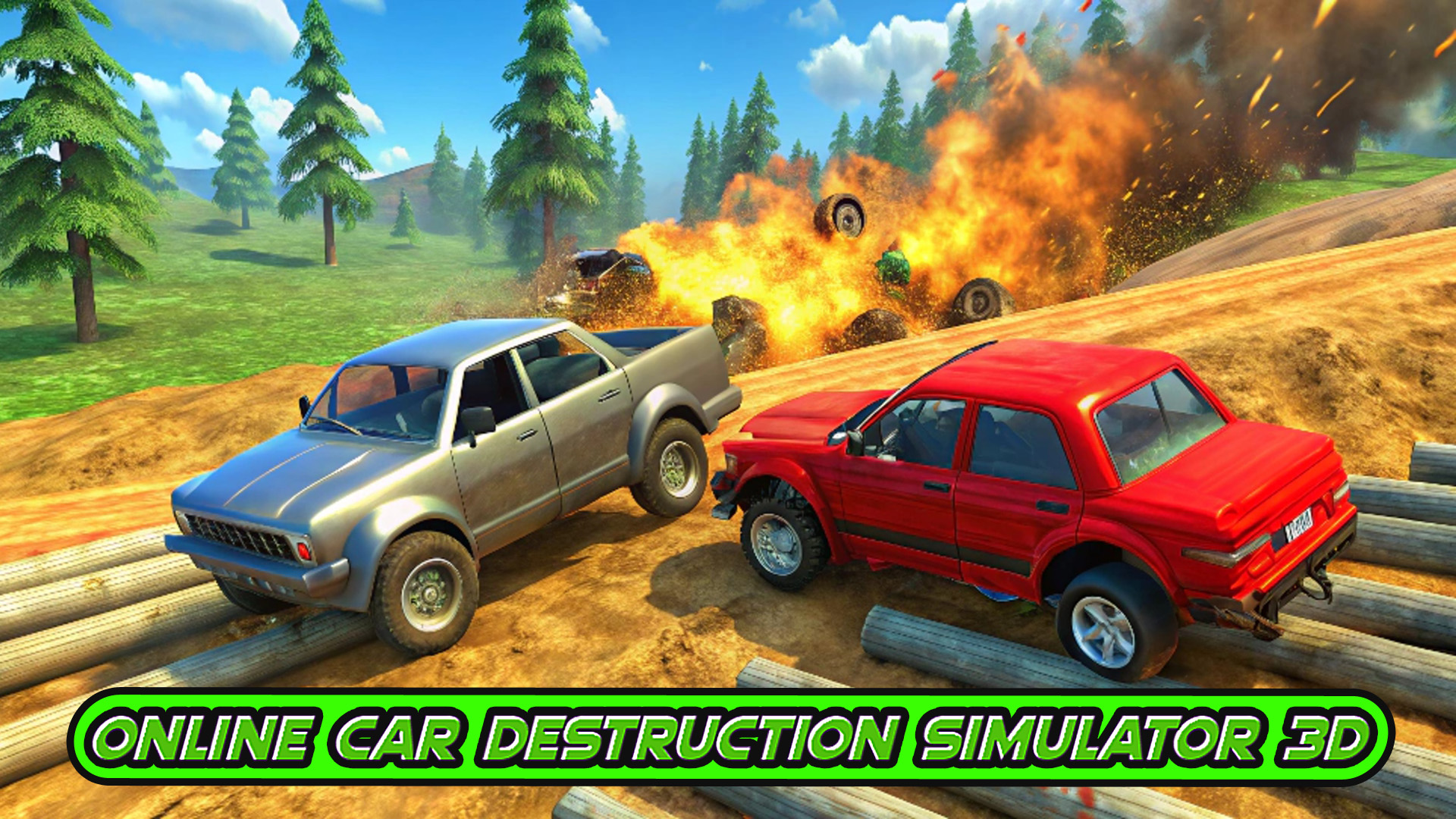
Each car loses parts in its own way, depending on what it hits and how fast. Doors swing open and the engine ends up exposed. Seven maps offer ski jumps, pits, spiked gaps, narrow tunnels and fuel barrels, plus hammers and crushers. A truck can flatten other cars.
The settings vary. One map is a green checkered field with a ramp at the far end, another a gray tiled yard with dark walls, a third a paved loop ringed with traffic cones. A speedometer with a gear indicator sits in the lower right corner.
Crash Test Simulator 3d has no in-game purchases. It is a crash game, not a parking game.
How to play
- Choose a car and one of the seven maps to start.
- Drive toward a ramp, hammer, crusher or pit.
- Hit the obstacle and watch the car parts fall off.
- Switch between the four camera views to follow the damage.
- Use the time dilation system to slow each crash down.
Controls
- Desktop
- Use the controls shown in the game.
- Mobile
- Use the on-screen touch controls.
Tips
- Speed decides how much gets destroyed, so take a long run-up before every ramp.
- Watch the speedometer in the lower right corner as you approach a fuel barrel.
- Run the same level with different cars to see how each one breaks apart.
Frequently asked questions
Does Crash Test Simulator 3d charge for extra cars?
No. Crash Test Simulator 3d has no in-game purchases.
Which screen position suits the game?
Computers, phones and tablets all run it. Hold a phone sideways, since the layout is landscape.
How many maps does it have?
Seven maps, with a choice of cars in different colors.