Beam Drive Car Crash Test Simulator

Rotate your phone for a bigger game
- No purchases
- Simulation
- Desktop and mobile
- Landscape
 Up nextPlay next
About Beam Drive Car Crash Test Simulator
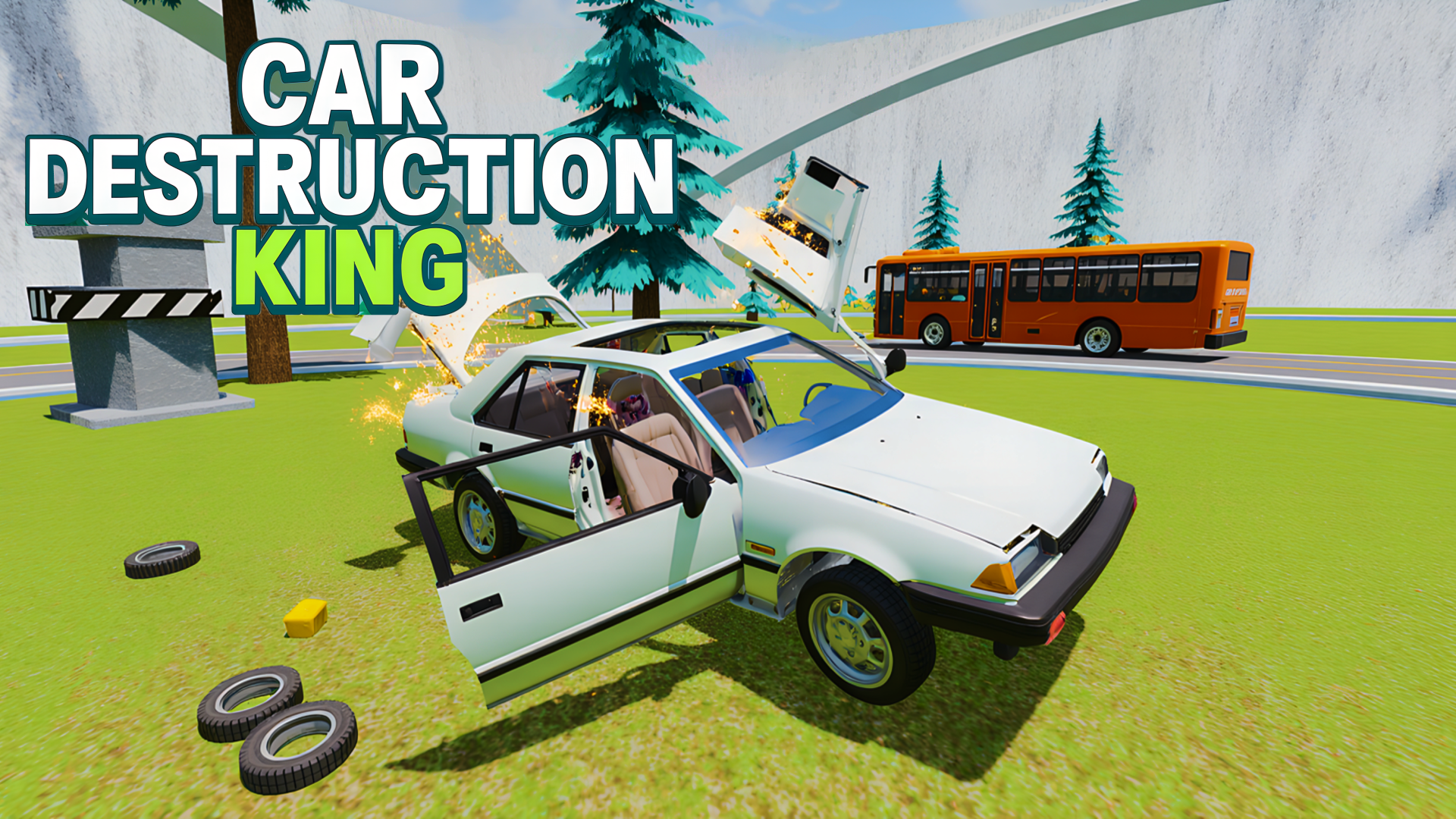
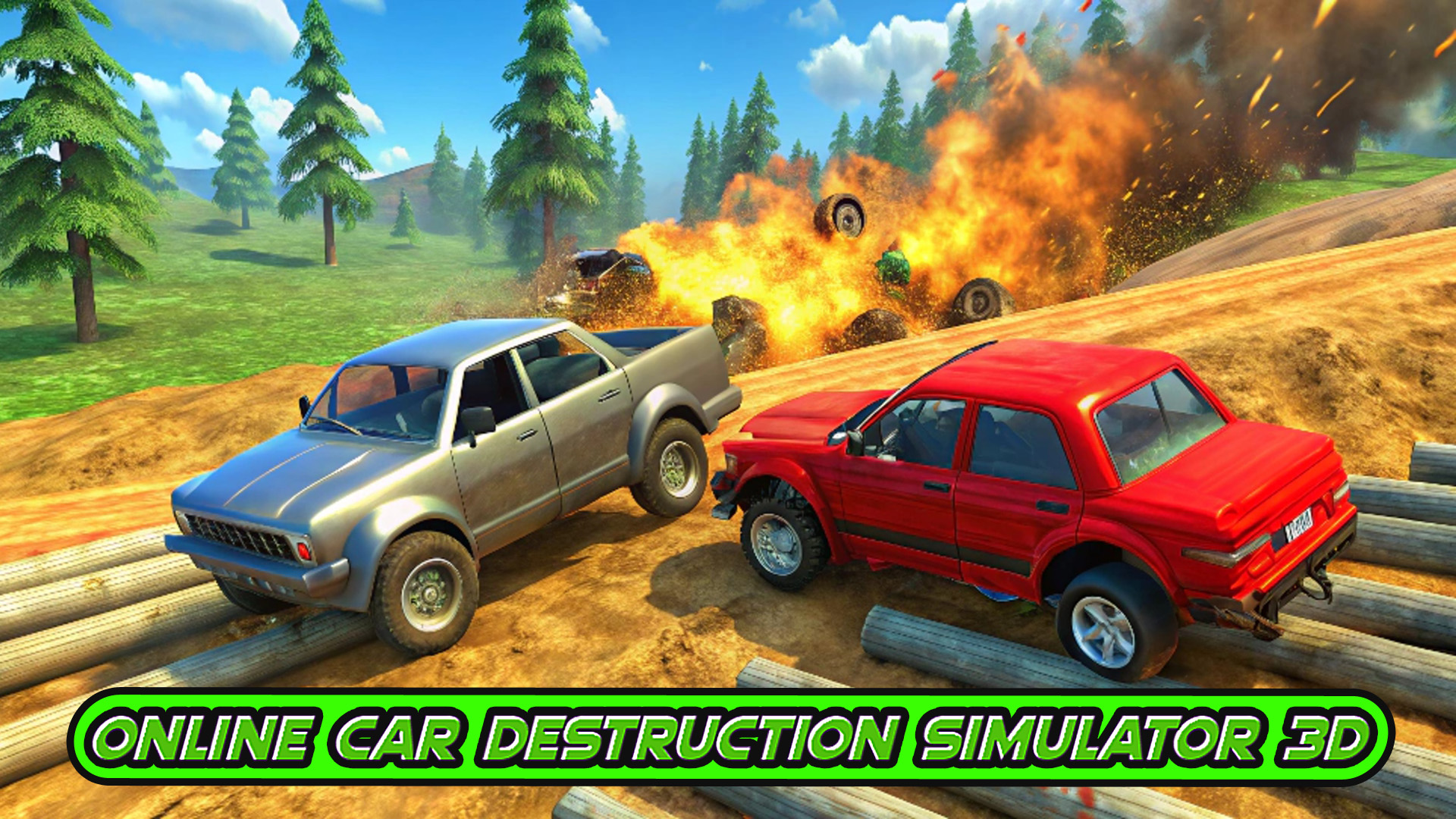
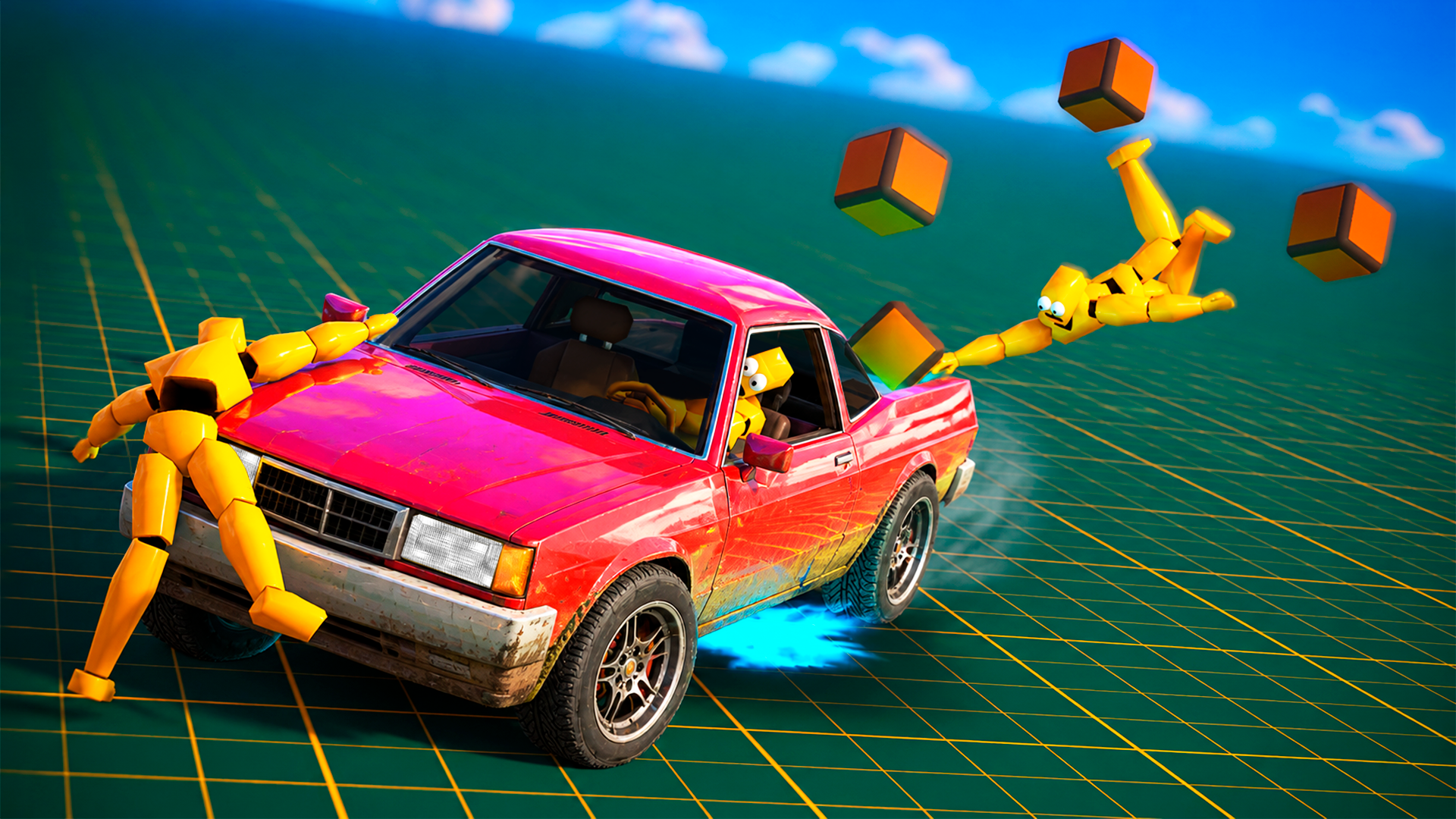
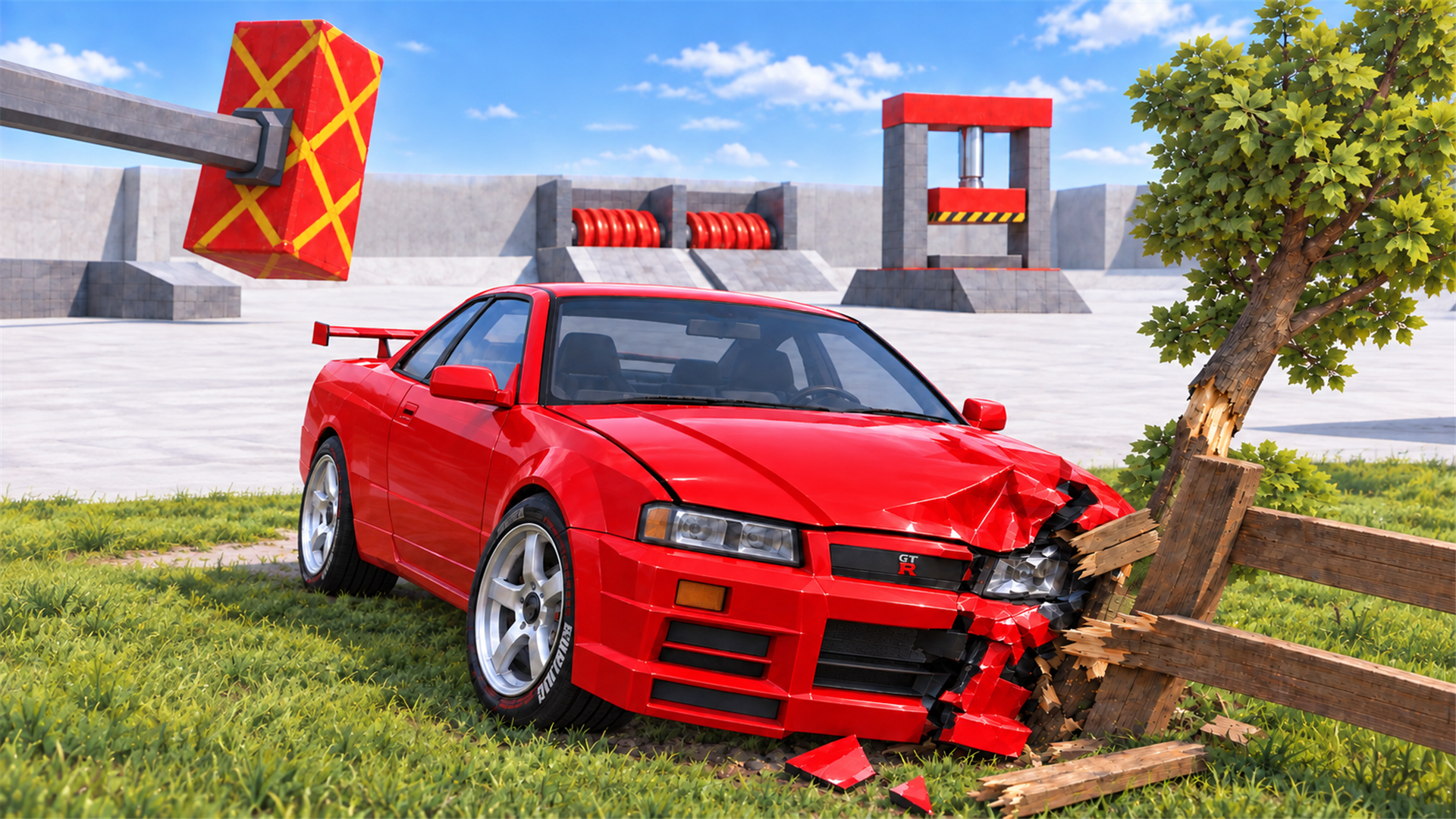
Beam Drive Car Crash Test Simulator is about what happens to a car when it meets an obstacle at speed. The game is a driving sandbox with destruction physics: cars crumple, tear apart and break into pieces, and you decide whether to protect one or ruin it on purpose.
There are two ways to play. Classic mode offers 8 ready-made maps, each with different challenges and content, for testing the cars. The Map Editor is a separate large world where you build your own maps, with your own obstacles and layouts. Three cars are named in the game: Caro, a muscle car, Flash, a futuristic electric car, and Syper, a sports car built for speed.
You can use turn signals, honk, switch the camera, look back and even get out of the car to walk around. You can also paint the cars and unlock new ones, while most are available from the start.
It comes without in-game purchases. Phones, tablets and computers can run it, laid out for landscape.
How to play
- Pick a car and a map, or open the Map Editor to build your own.
- Drive with WASD and use Space for the handbrake.
- Change the camera with C and look back with B.
- Use the horn, hazard lights and turn signals when you want realism.
- Crash into obstacles and watch how the car deforms.
Controls
- Desktop
- WASD to drive, walk or fly, Space for the handbrake, C to change camera, B to look back, H for the horn, J for hazard lights, Z and X for turn signals. The mouse wheel zooms the camera.
- Mobile
- Tap the on-screen buttons for left, right, forward and reverse.
Tips
- Try each map with a different car, since the cars come with different strengths.
- Use the Map Editor to build your own obstacles and test a car against them.
Frequently asked questions
Is Beam Drive Car Crash Test Simulator free?
Yes. It is free, with no download. No in-game purchases to worry about.
Can I make my own maps?
Yes. The Map Editor is a large separate world where you create the layout and obstacles.
Which devices work?
It supports computers, phones and tablets. Play in landscape on phone or computer.