Car Smash Simulator: Crash & Tune

Rotate your phone for a bigger game
- No purchases
- Simulation
- Desktop and mobile
- Landscape
 Up nextPlay next
About Car Smash Simulator: Crash & Tune
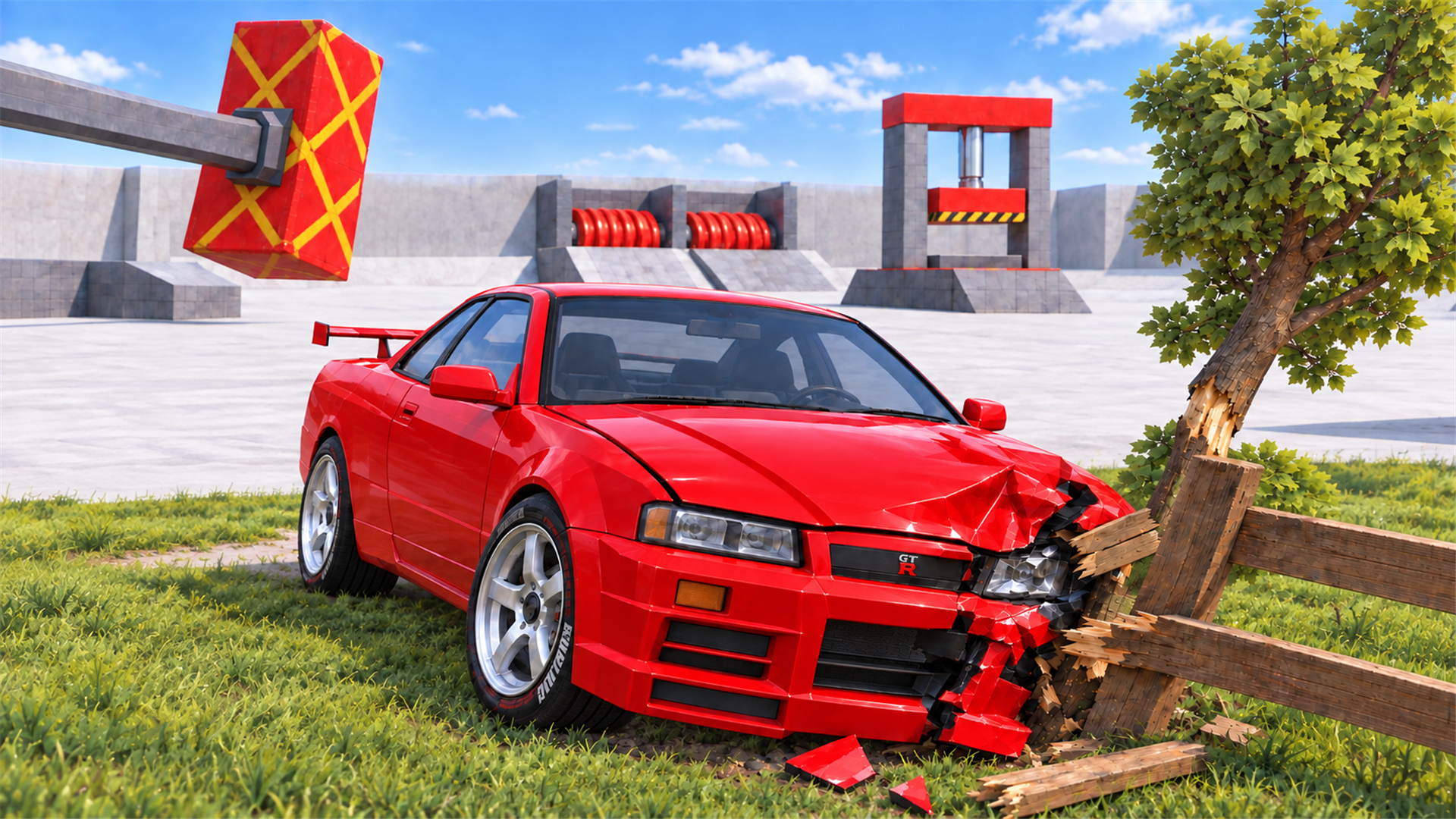
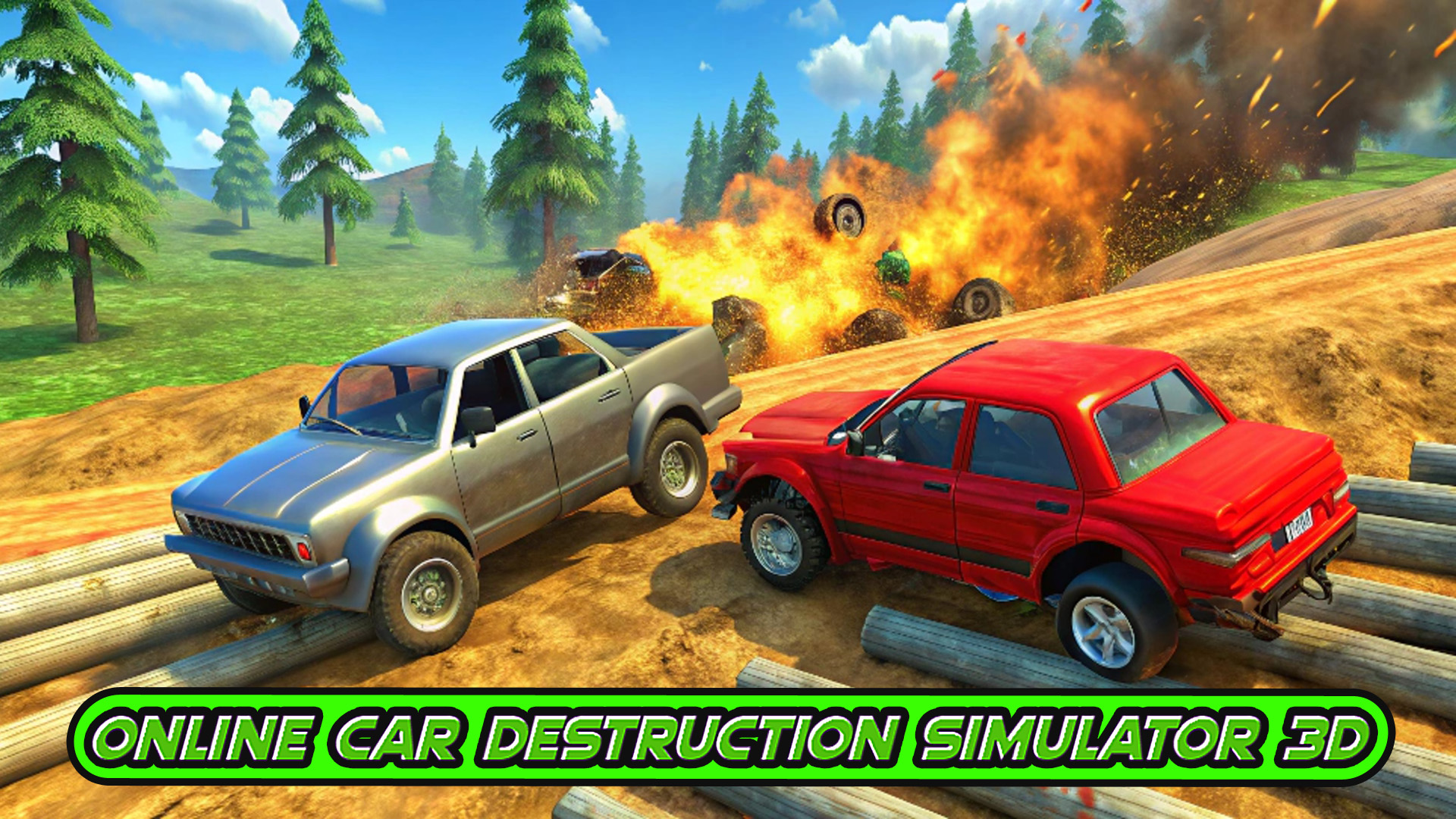
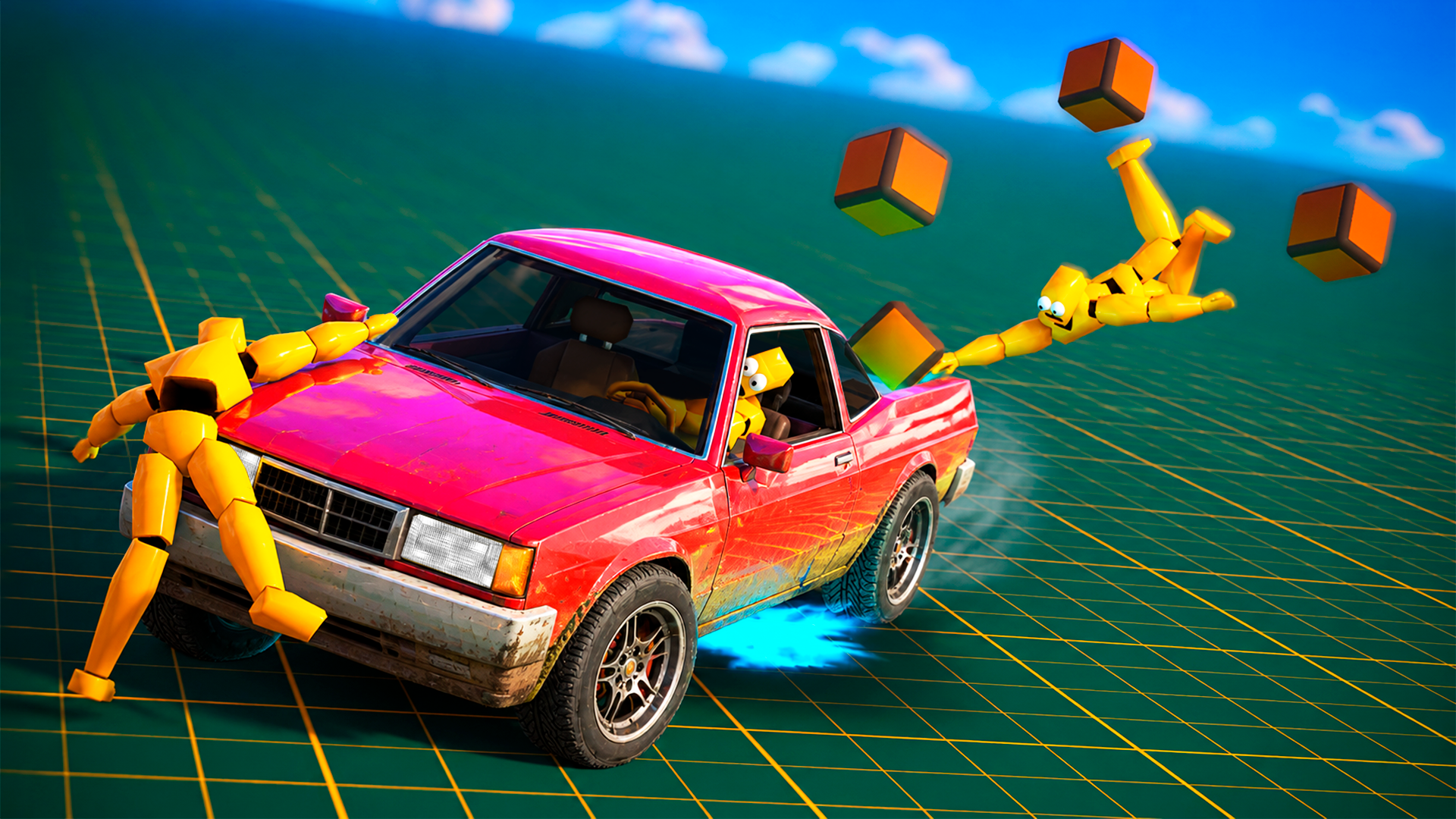
Metal bends, doors fly off and the wheels pop away. Car Smash Simulator: Crash & Tune is an open-world sandbox built around damage: you drive into zones filled with destruction tools and watch each car crumple in real time.
The zones include giant hammers, hydraulic crushers and mega ramps, and cars roam the world waiting to be found. Each one can be made your own with tuning. You can change the full body color or the color of single parts, and adjust the size, height and camber of the wheels. Some players come to wreck things, some to attempt stunts, and some to roam.
There is no fixed goal, which leaves the sandbox open to whatever you want to try next.
There are no in-app purchases here. The screen is wide, in landscape.
How to play
- Find a car and start driving.
- Head to a zone with hammers, crushers or mega ramps.
- Crash, jump and watch the damage.
- Tune the car with new colors and wheel settings.
Controls
- Desktop
- WASD to drive, Space for the handbrake, Shift for nitro, C for the camera, R to flip the car, K to repair it, N for the next car, B for slow motion and Tab to pause.
- Mobile
- Use the on-screen buttons.
Tips
- Use slow motion with B when you launch off a mega ramp.
- Press K to repair a wrecked car instead of searching for another.
Frequently asked questions
Is Car Smash Simulator: Crash & Tune free?
Yes. The game offers no in-game purchases. The game opens free in your browser.
What can I tune?
The body color, individual parts, and the wheel size, height and camber.
How do I repair a car?
Press K on a keyboard, or use the on-screen buttons on a phone.