Coins, Gems and Upgrades: How In-Game Currencies Work

In-game currency is the money a game invents for itself: coins, cash, training fees or views. You collect it while you play and spend it on upgrades, workers or new items. In many games you can also pay real money for extra currency, and that is the part worth understanding before you press Play.
This guide separates the two kinds, follows the upgrade loop in four games and shows where purchases enter. Most examples come from idle games and tycoon games.
What is the difference between earned and bought currency?
Earned currency comes from what you do. You sell a harvest, serve a customer or win a match, and the game pays you in coins. Bought currency comes from a payment you make inside the game, and the game decides what it costs.
The site is not involved in that payment. A purchase happens inside the game, the price appears in the game before you pay, and the site takes no payments. A card on a game page with the note Contains in-game purchases tells you the option exists, and the game still opens free.
How do you earn currency by playing?
Four games show the earning side clearly.
- Grow Slime pays in coins. You hit slimes for drops and sell those drops. The game also offers optional in-game purchases, and starting it costs nothing.
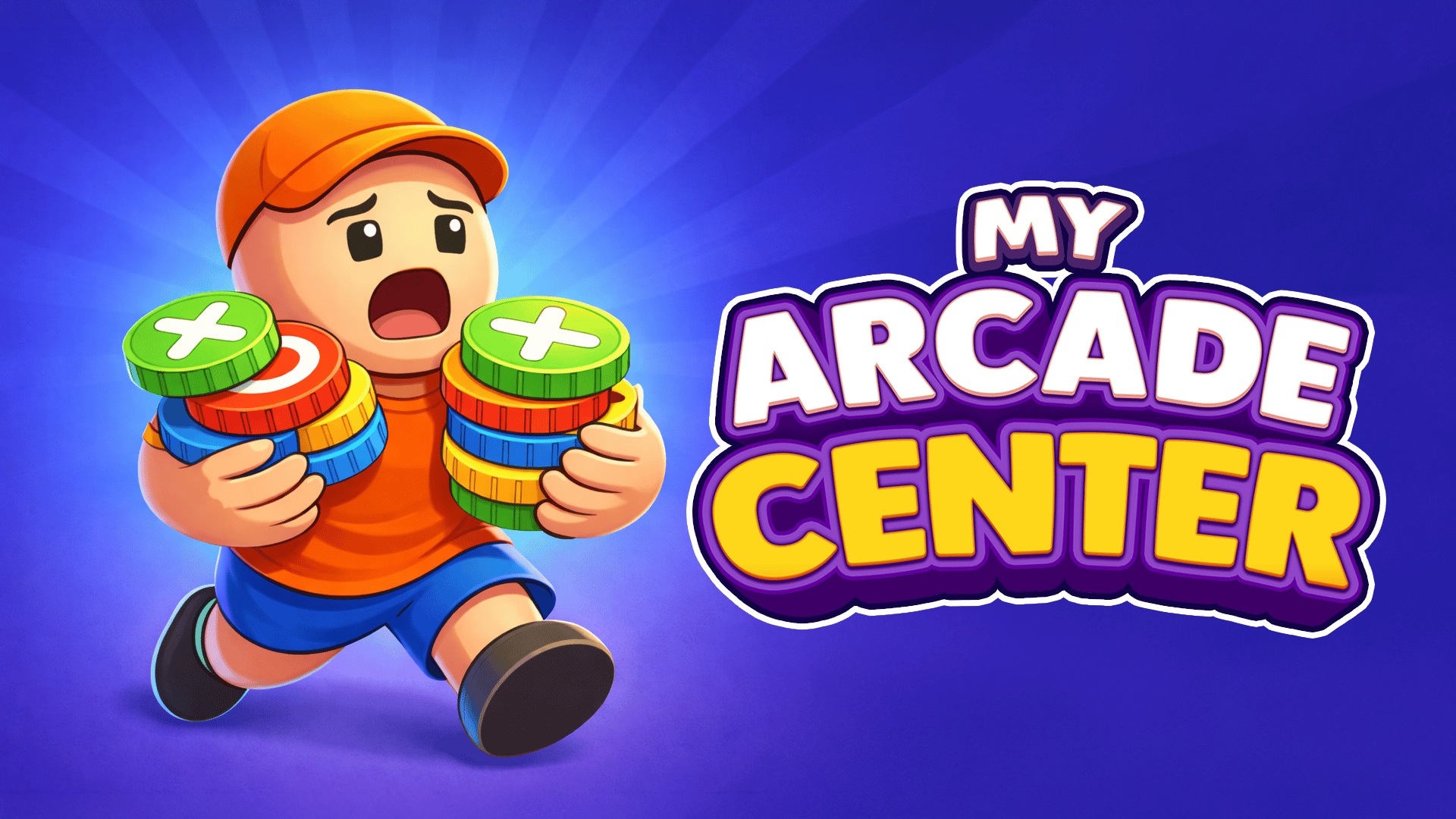
- My Arcade Center pays through earnings. Customers use your machines, money comes in, and you choose whether to upgrade equipment, hire staff or unlock more space.
- Kickoff Academy: Football Tycoon pays in cash and training fees. You also sell graduates or promote them to your squad.
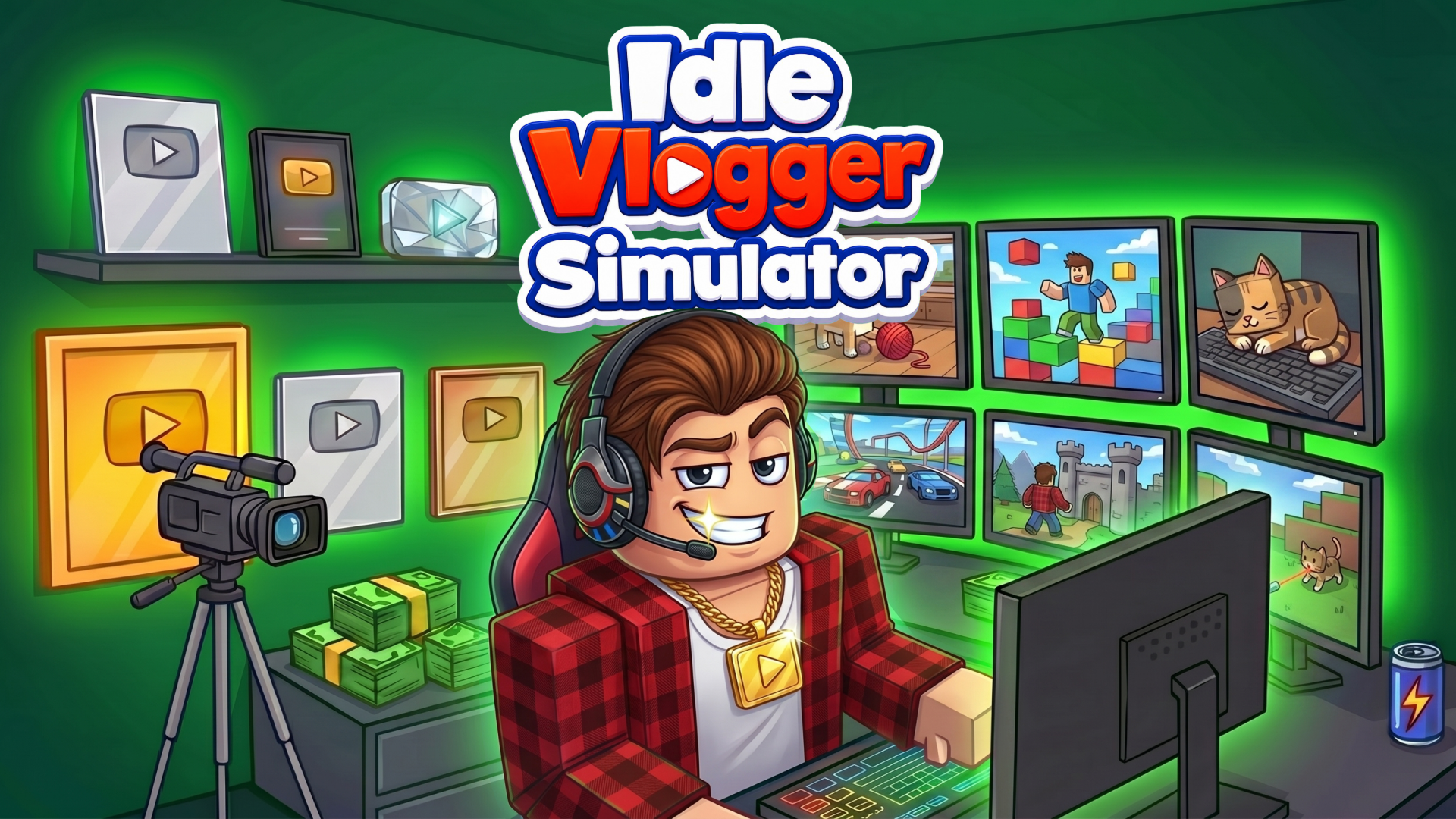
- Idle Vlogger Simulator turns views into money and subscribers. A bonus keeps building while you are away.
In each case the money has one source: your actions in the game.
How does the upgrade loop work?
The loop has three beats. You earn, you spend on something that raises your earning rate, and you earn faster. The game then shows a more expensive upgrade, and you repeat.
Grow Slime follows it literally. Its tips say to upgrade the farm so each slime earns more and then sell the drops. Kickoff Academy suggests hiring staff early so drills keep running while you do something else. My Arcade Center advises hiring help before the arcade gets crowded, and Idle Vlogger Simulator says to follow trending topics when you pick a theme.
Spend where the return is fastest. A worker who runs a task alone pays back faster than a skin that changes only the look.
Where does real money enter the picture?
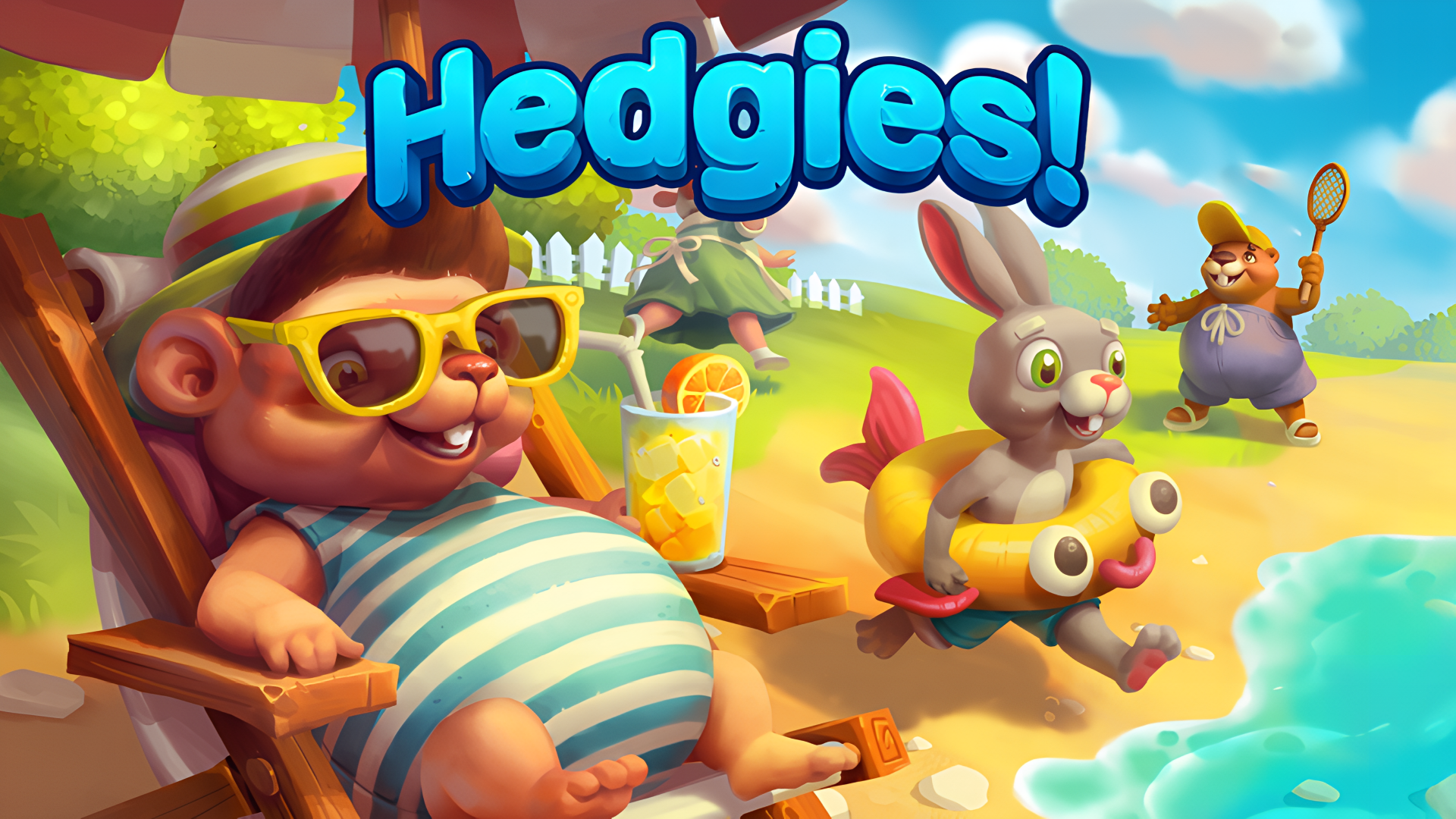
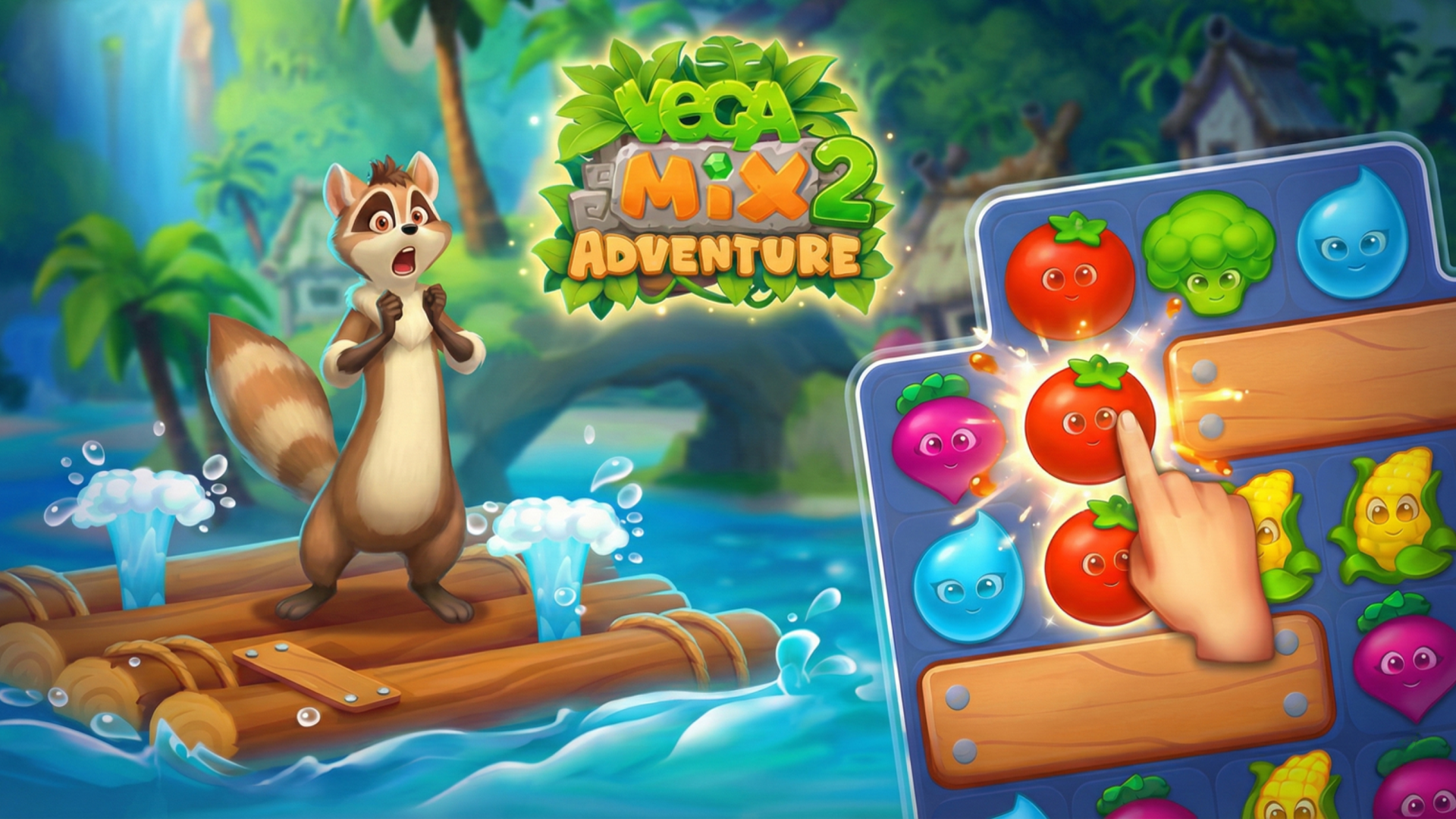
Two more games here carry the in-game purchases label. Hedgies is a cozy farming game where a hedgehog grows crops, cooks and fishes. Vega Mix 2: Adventure is a match-3 puzzle with rockets, bombs and rainbow flowers. Both offer optional purchases and open free.
Their descriptions name no currency and no price, so check inside the game. Look for three things: what the currency is called, what an item gives you and whether you could earn the same thing by playing a little longer. The payment provider handles refunds and payment problems, and our purchases page explains who to ask.
The site also does not store your progress or what you bought. Both stay with the game.
Where should you start?
To learn the loop without any payment option, start with My Arcade Center or Kickoff Academy. Their pages say the games have no purchases. When you meet a game with a currency you do not recognize, play it for a while and watch how fast you earn before you decide anything.
You can also use the No purchases filter on a category page to hide labeled games, or browse no in-app purchases games directly. Our guide to games without in-app purchases goes further.
Games in this guide


Related categories
More guides
See all- Before You Buy an In-Game Item: Six Questions to Ask
A six-question check to run before any in-game payment, with five puzzle games that offer optional purchases.
- How Browser Games Run Without a Download
What your browser does when you press Play, why the first load takes longer, and how heavy and light games differ.
- Rebirth and Prestige Explained: Why Games Reset Your Progress
What a rebirth or prestige reset takes, what it leaves you, and the signs that tell you the moment has come.