Sky Balls 3D
Rotate your phone for a bigger game
- No purchases
- Arcade
- Desktop
- Landscape
 Up nextPlay next
About Sky Balls 3D
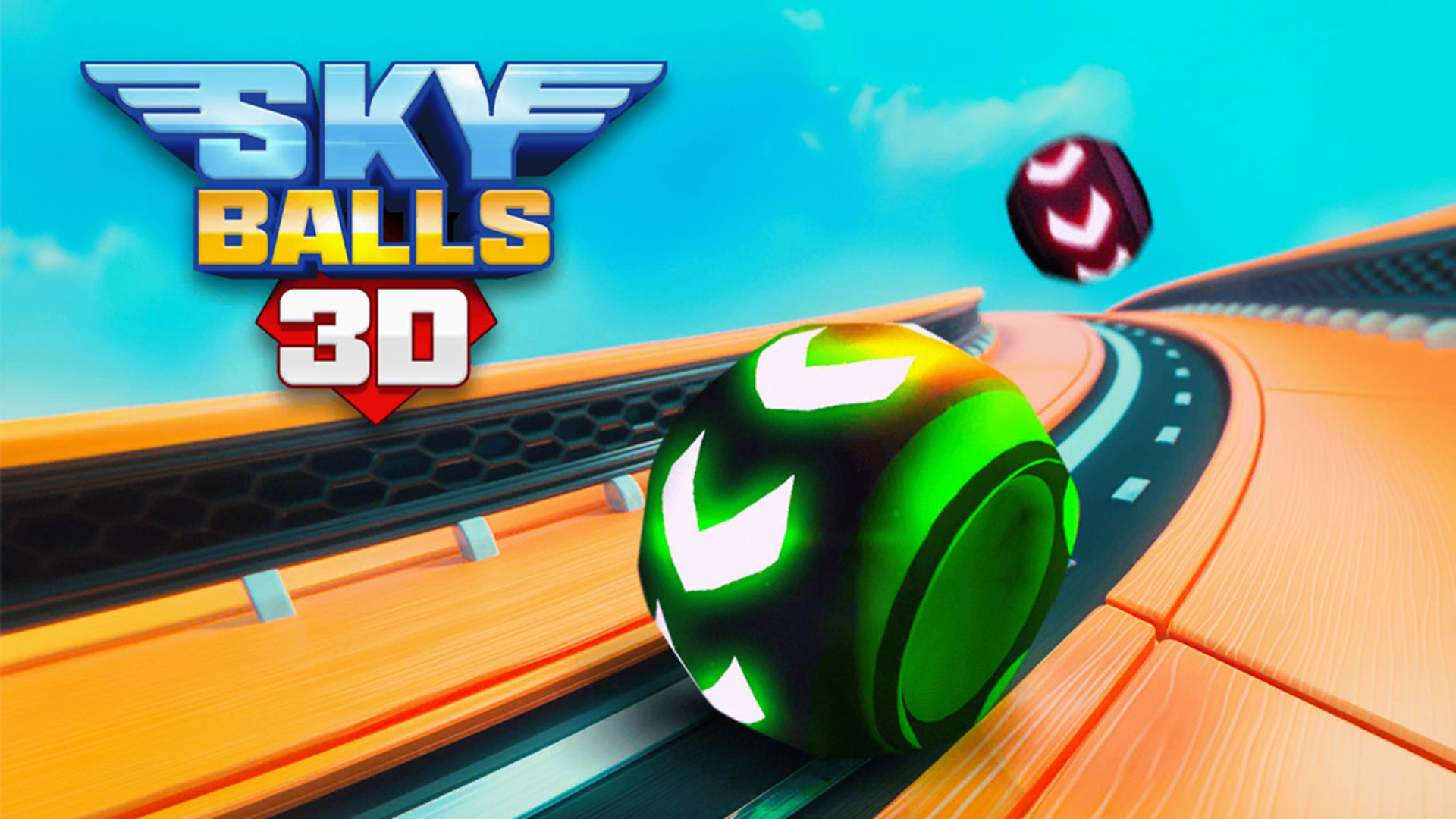
Sky Balls 3D keeps you rolling a ball along a narrow track high in the air, sometimes with guardrails and sometimes without. Reaction and reflexes decide whether you stay on.
Early rounds are easy to coast through, but once obstacles appear you have to play tactically around narrowing roads, curves, steep inclines and road barriers. Coins and keys unlock new ball skins and sky-boxes, across hundreds of levels in 1-player or 2-player modes.
The track is a brown ramp over blue sea and orange desert cliffs. Purple-and-white striped rails line some stretches, checkered cubes sit on the road, gold coins hover above it, and spinning black-and-yellow bars swing over a narrow section. The ball can be a soccer ball, a black one with cyan lines or a rainbow one.
Sky Balls 3D has no in-game purchases. It is built for desktop and laptop browsers, not phones or tablets.
How to play
- Pick 1-player or 2-player mode.
- Steer the ball along the track with WASD or the arrow keys.
- Stay on the track and avoid obstacles, traps and gaps.
- Collect coins and keys to unlock ball skins and sky-boxes.
Controls
- Desktop
- In 1-player mode use WASD or the arrow keys. In 2-player mode, player 1 uses WASD and player 2 uses the arrow keys.
- Mobile
- Not available on phones or tablets.
Tips
- Do not coast through the early levels, since obstacles come soon and balance matters more than speed.
- In 2-player mode, watch your own ball rather than your opponent's.
Frequently asked questions
Are the ball skins and sky-boxes for sale?
No. Sky Balls 3D has no in-game purchases, and coins and keys unlock them.
Can I steer with the arrow keys on a laptop?
Yes. Desktop and laptop browsers work, while phones and tablets are not supported.
What can I unlock?
Coins and keys unlock new ball skins and sky-boxes.