How Browser Games Run Without a Download
A browser game runs without a download because your browser already contains the tools a game needs. When you press Play, the game opens in a frame on the page and loads its pictures and code from a server. Nothing is installed, and you need no account to play.
This guide explains that process step by step, why the first load can be slower, and how it feels in five games from simulation games, puzzle games and new games.
What happens when you press Play?
Games are not stored on this site. The game opens in a frame inside the page and loads from the game provider's servers. From that moment, the provider, the game's developer and their advertising and analytics partners may use cookies, local storage and device identifiers. They can also see your IP address and device details, and they follow their own policies. Our privacy policy describes this in full.
One more detail is easy to miss. Cover images also load from the provider's servers, so your IP address is visible to them once a page with covers opens, before you press anything.
What runs the game inside the tab?
Modern browsers run JavaScript and can draw graphics with HTML5 canvas and WebGL. WebGL lets a page use your graphics chip, which is why a browser can show 3D scenes. A game is simply a web page written to use these tools. Your browser fetches the files, keeps them in memory and runs them.
That is also why the same game can look different on two computers. A recent browser and a decent graphics chip give smoother motion, and an old laptop with twenty tabs open gives less.
Why can the first load take longer?
The first time you open a game, your browser must fetch every file. Browsers often keep copies in a cache, so a later visit can start faster, though how long they keep them is up to the browser. Clearing site data or switching to another browser means a fresh load.
Size matters too. A game with many pieces to draw usually brings more files than a board of tiles. Open two of the examples below back to back and compare how long each takes to start.
How do heavy and light games feel?
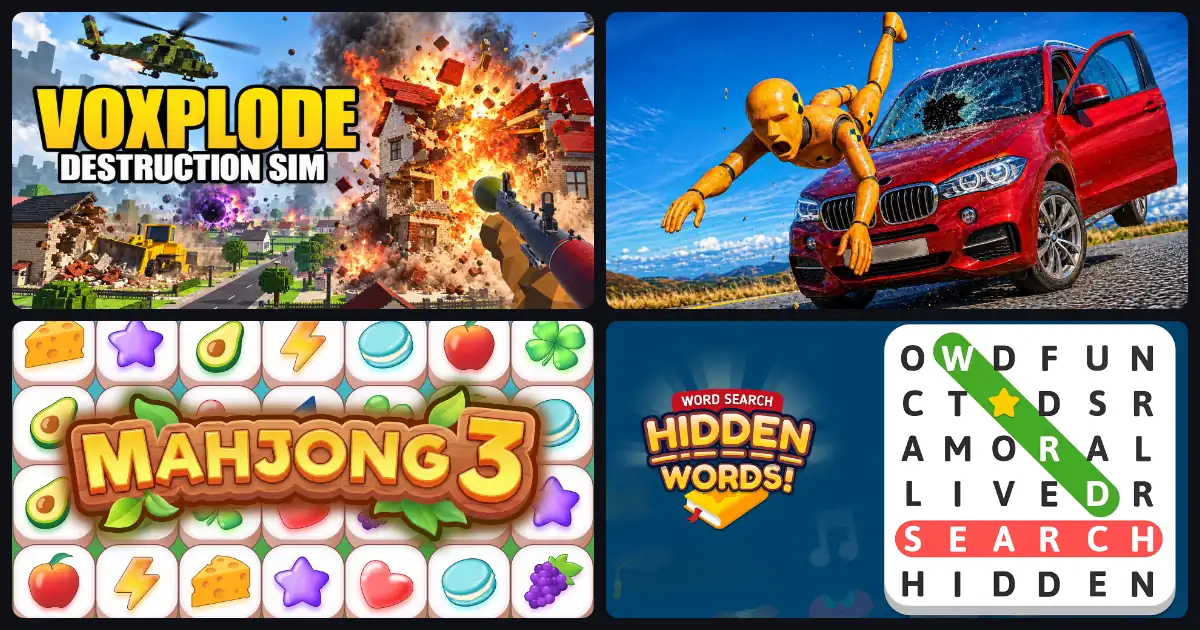
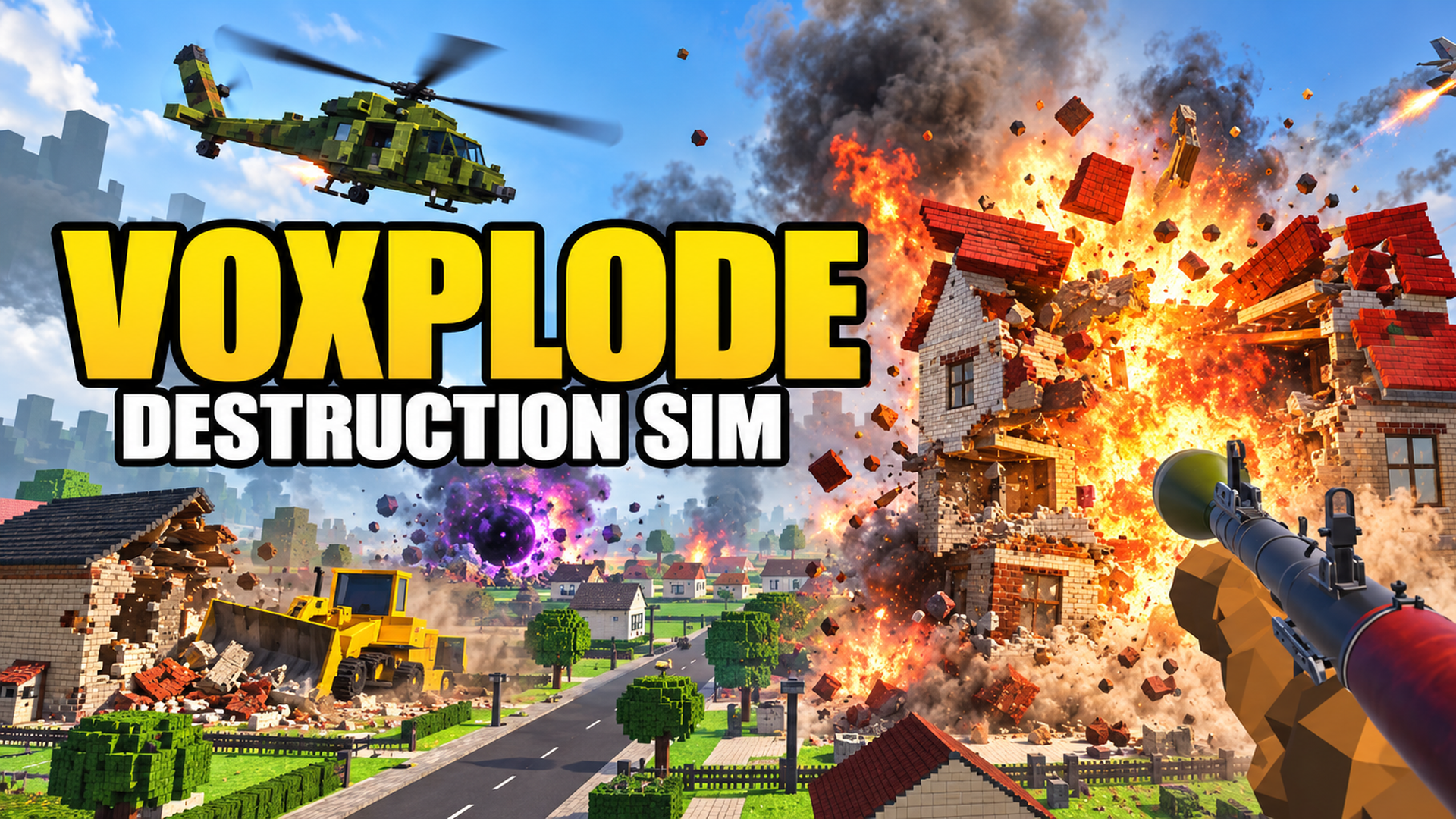
Voxplode: Destruction Sim is built entirely from voxels. Glass shatters, fire spreads and debris scatters as you bring buildings down with tools from a sledgehammer to C4. The game offers optional in-game purchases and opens free in your browser.
Realistic Car Crash King is another physics-heavy sandbox. Its cars have detachable parts and real-time metal deformation, so every crash plays out differently. These games are the ones to open in a fresh tab with other tabs closed.
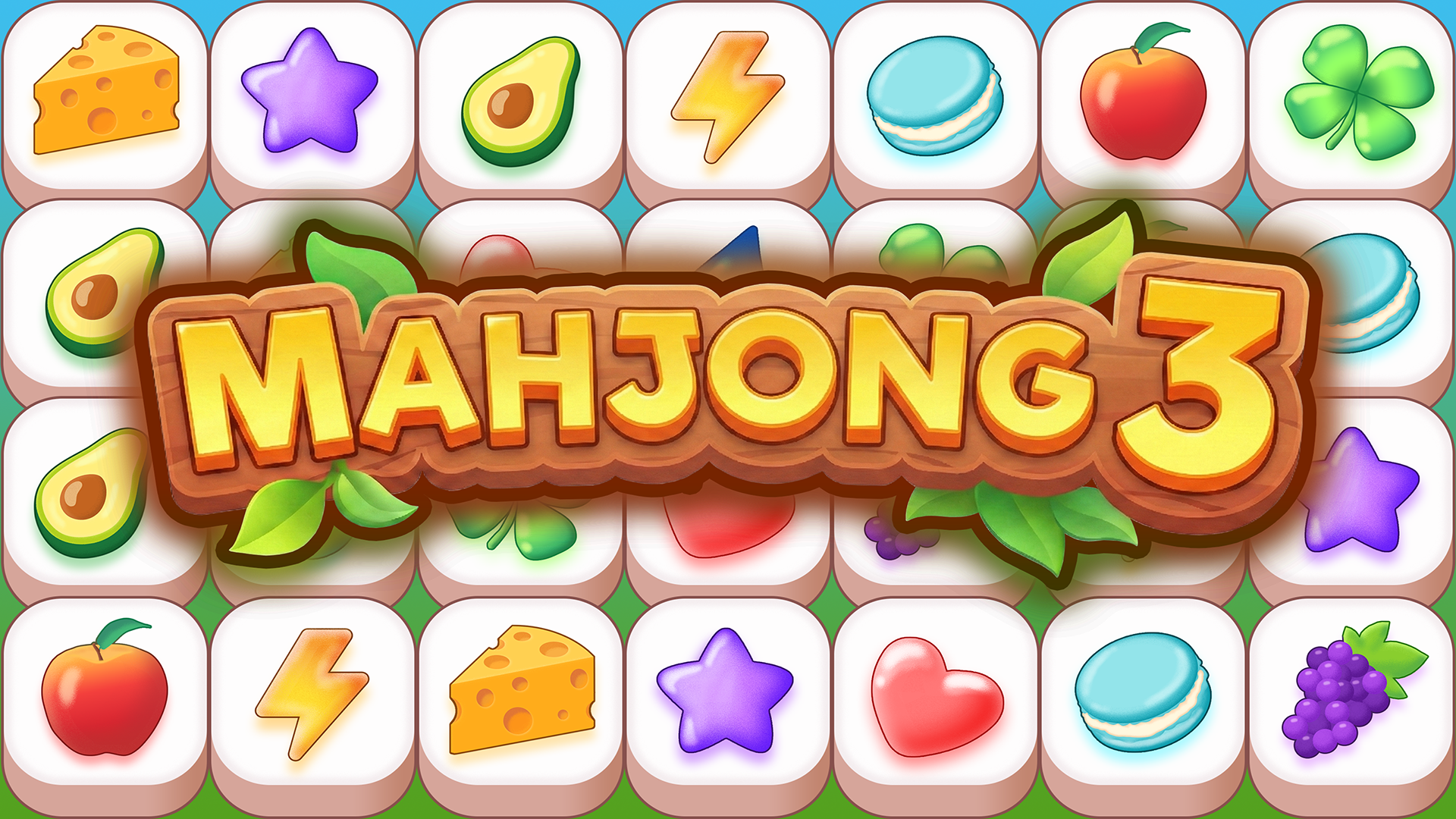
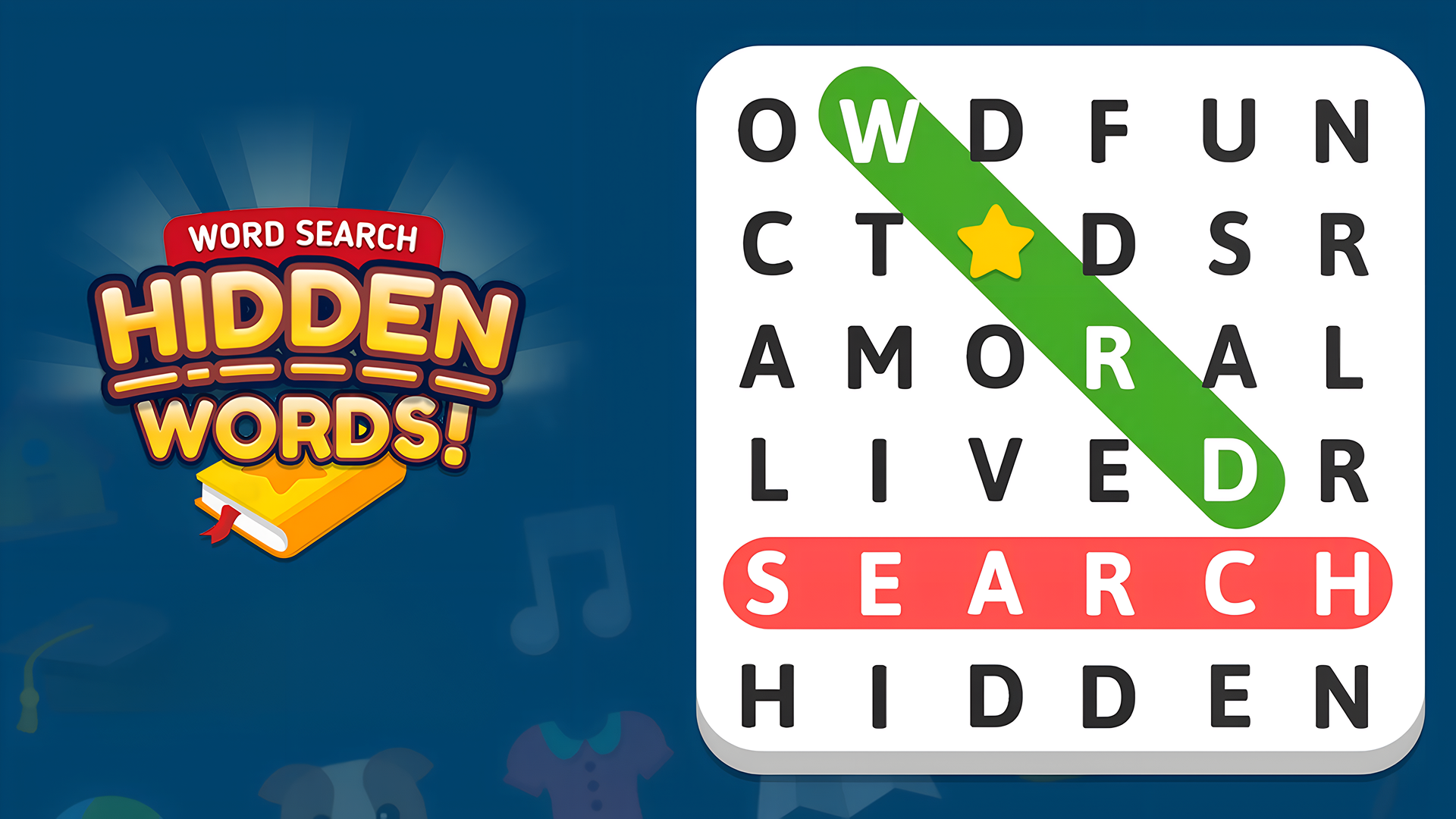
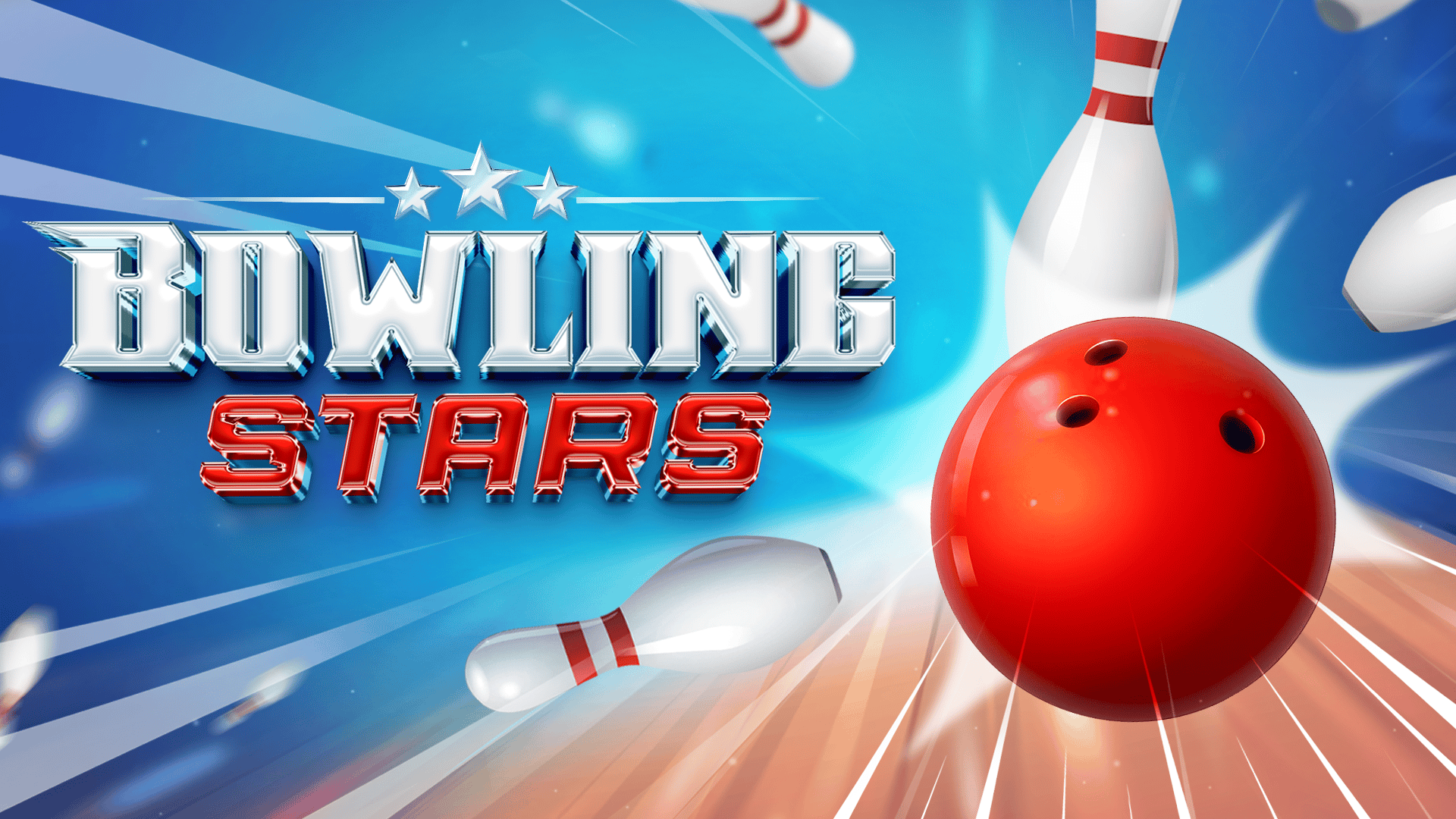
Mahjong 3 sits at the other end. It is a tile board that mixes match-3 and mahjong, with boosters and stars. Word Search Hidden Words is a letter grid where you swipe or drag across words. Bowling Stars asks for one swipe to set the throw and its curve. Games with this little motion give an older computer less to draw.
What do you not need?
You do not need to install anything, create an account or hand over a card number to open a game here. Favorites and play history stay in your browser's local storage on your own device, and the site does not receive them. Reloading the game with the Reload game button, or pressing Full screen, works in the same tab you already have open.
If a game keeps anything in your browser, clearing site data can remove it, so treat your progress as living inside the game.
Where should you start?
Open Mahjong 3 first to see a fast start, then Voxplode: Destruction Sim to see a heavier one. Notice the gap between the first load and the second visit. That gap is the cache at work.
Games in this guide

Related categories
More guides
See all- Rebirth and Prestige Explained: Why Games Reset Your Progress
What a rebirth or prestige reset takes, what it leaves you, and the signs that tell you the moment has come.
- How Online Multiplayer Works in Browser Games
How online play differs from sharing a screen, what five game descriptions say about other players, and what to expect.
- How Two-Player Games on One Device Work
Shared keyboards, passed phones and one-key duels: how two-player games on one device work, and which ones to try first.