Games You Can Play With Only a Mouse
On a computer, these six games need no keyboard. Their controls lists name only clicking and dragging, so a mouse or a laptop touchpad is enough. That suits one-handed play, shared laptops and anyone who does not want to learn keys. They are grouped by how much dragging you do.
They come from puzzle games, idle games and arcade games.
Who is mouse-only play for?
Anyone who wants the keyboard out of the way. A trackpad works the same as a mouse for a click, and a click-and-hold on a trackpad drags. If you play with one hand on the pointer, these are the games where the other hand has nothing to do. It also helps on a shared laptop where the keys are awkward to reach.
Which games are mostly clicks?
- Quizmania: Trivia game shows a question with four answers. You click one, and a progress bar unlocks clues for later questions.
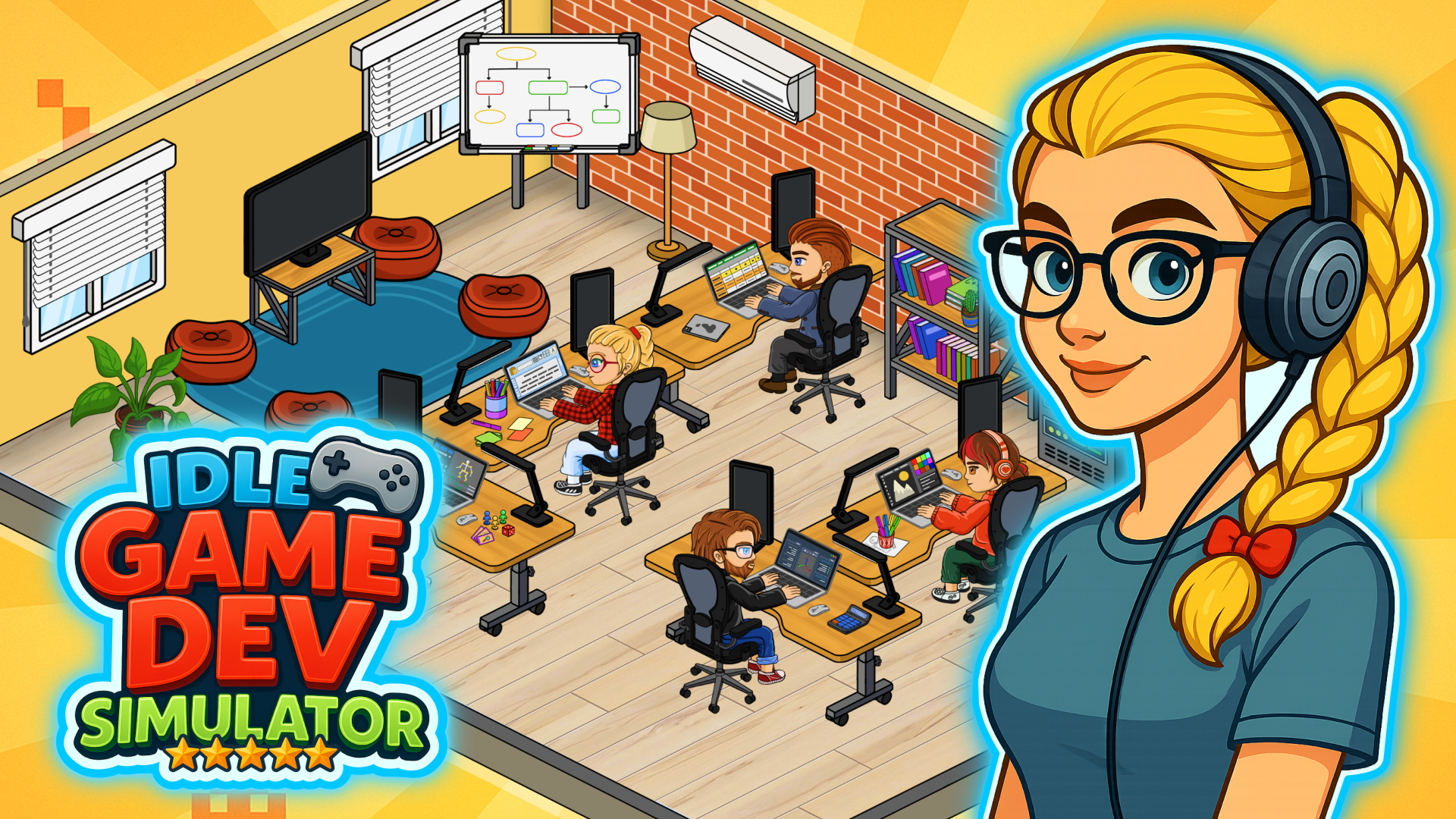
- Idle Game Dev Simulator starts in a garage. You click the middle of the room to open the action menu, then use the side panels to research, upgrade and hire. Experiments pay off, since some games you make will flop.
Which games add dragging?
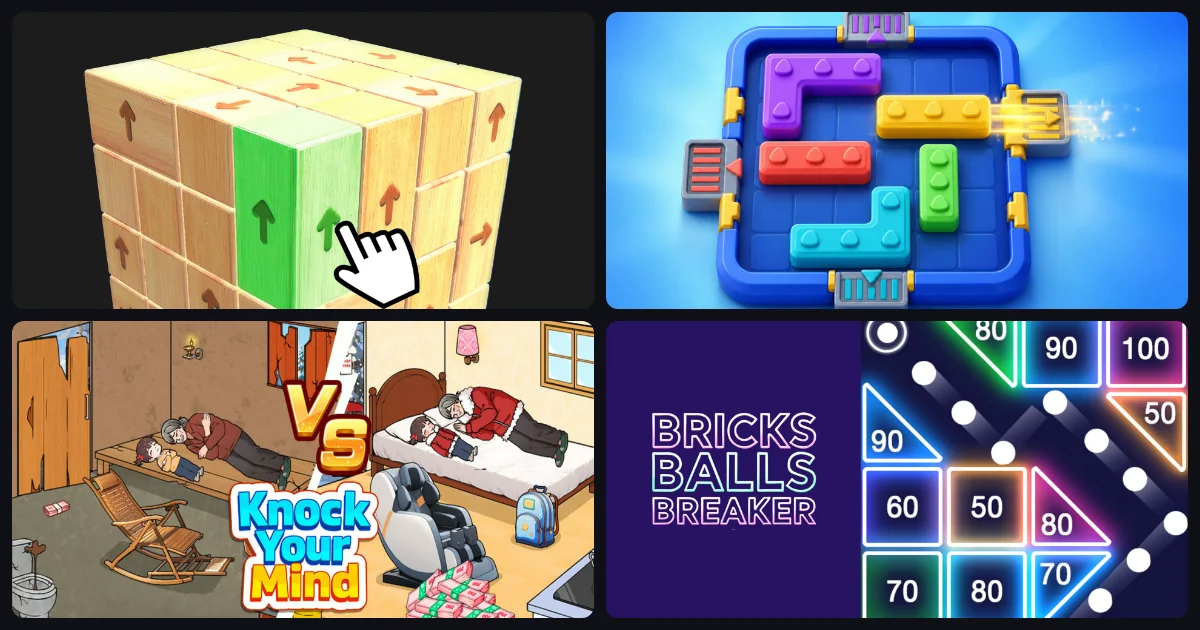
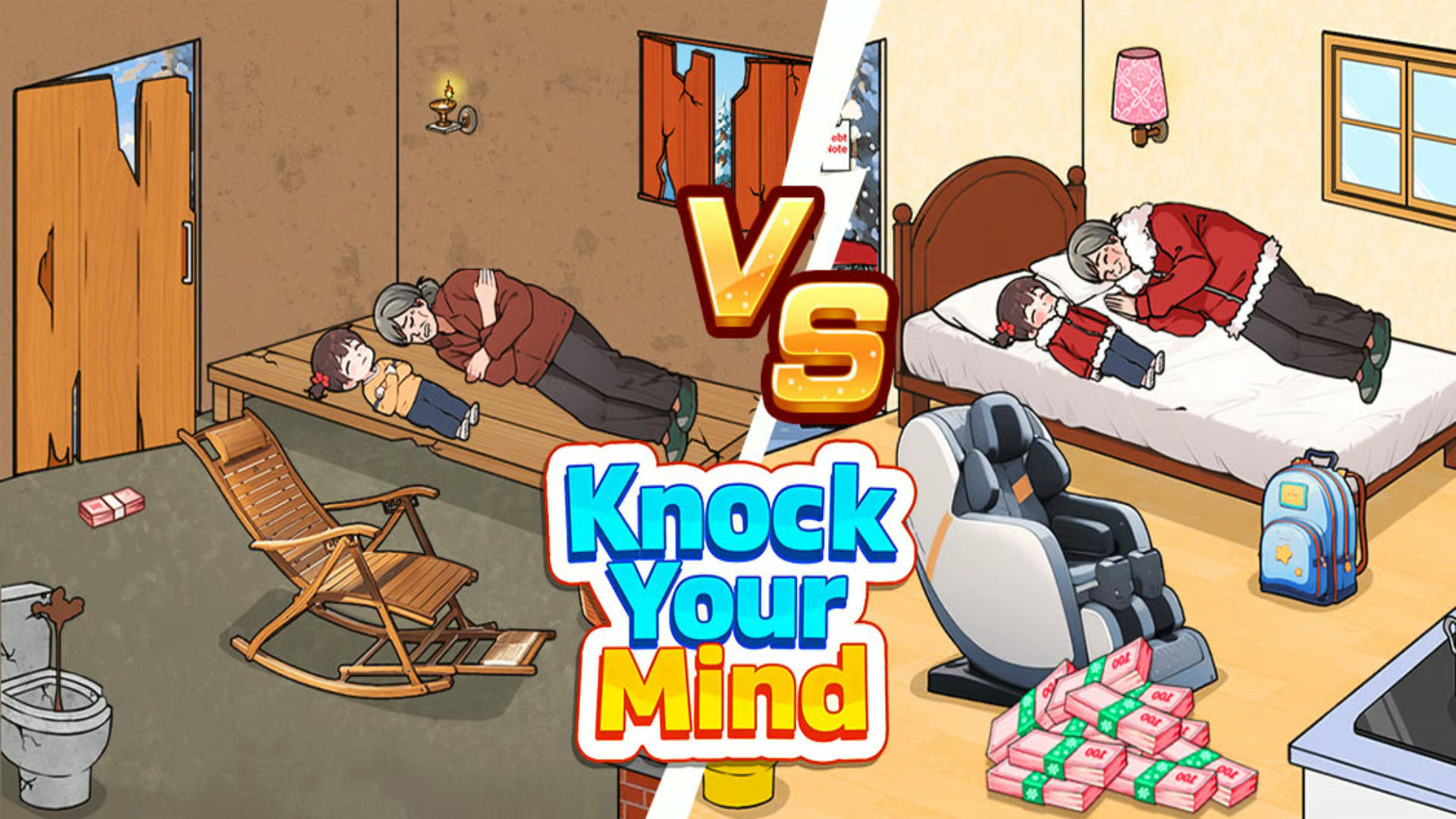
- Knock Your Mind collects quirky brain-teasers. You click, drag and interact with objects, and the obvious answer is not always the right one. Try odd actions before you give up on a level.
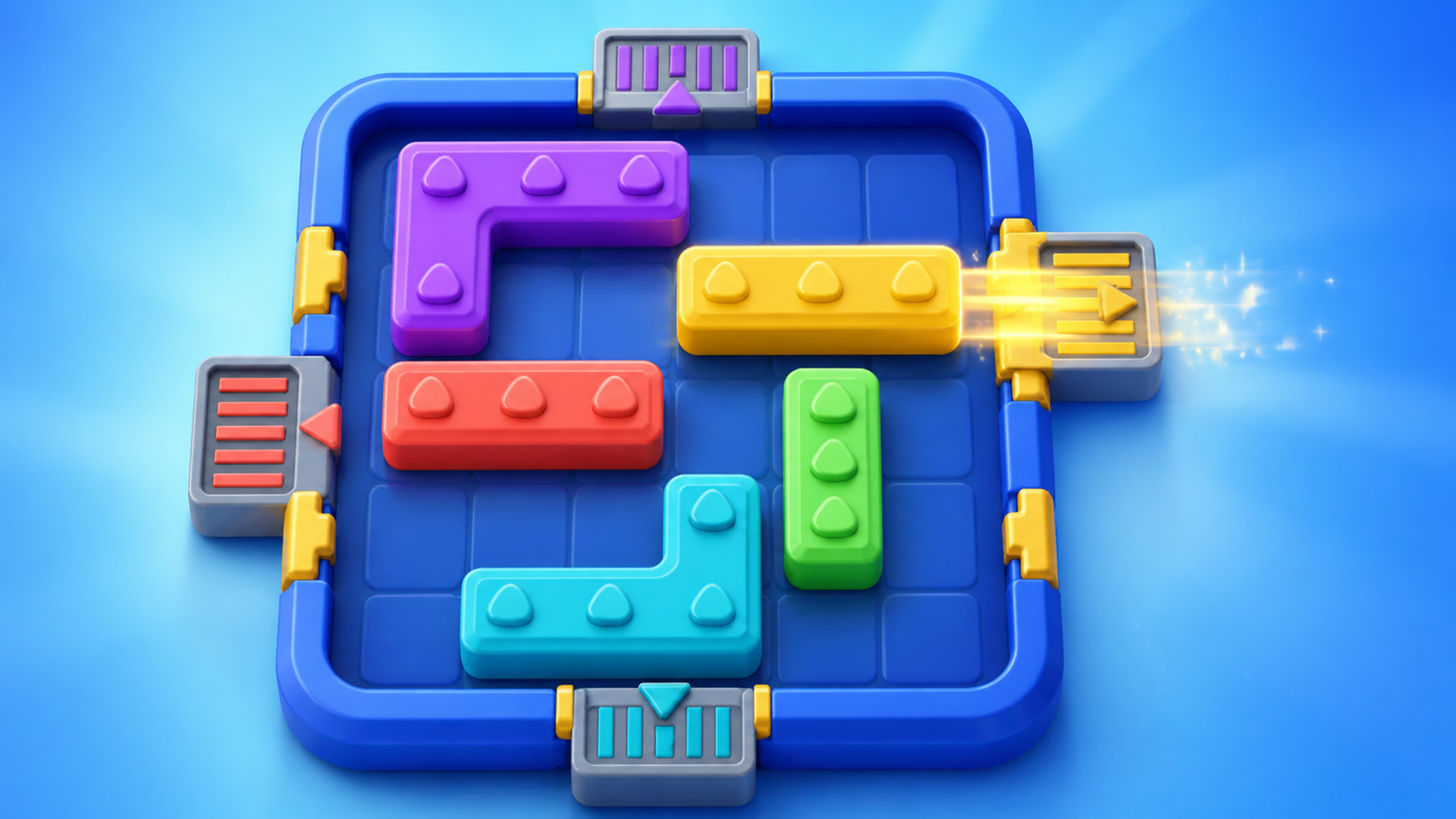
- ExitBlocks: Color Match Puzzle has you click and drag each block toward the gate of its color, before the timer reaches zero.
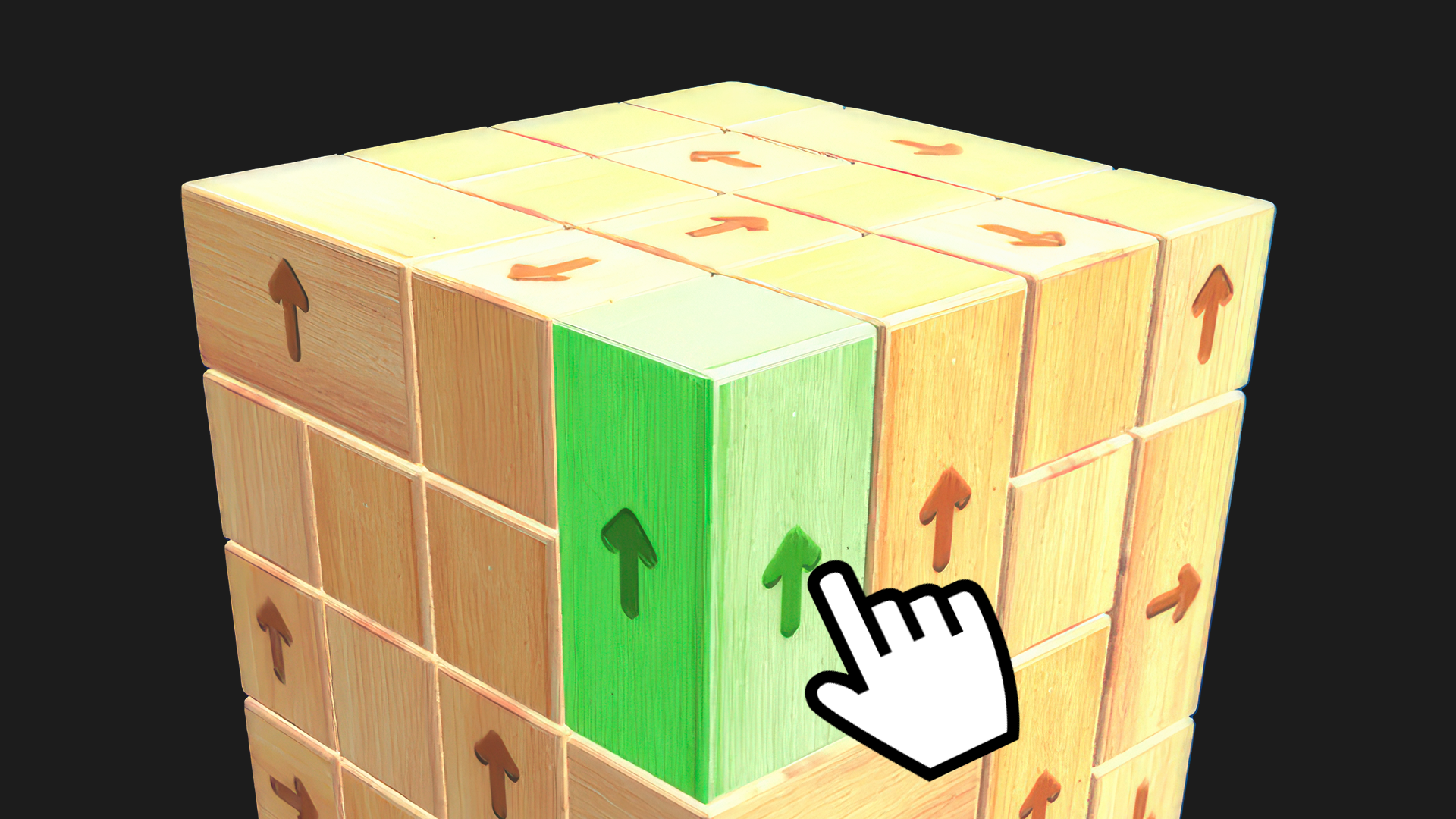
- Tap 3D Wood Block Away uses a drag to rotate a wooden structure and a click to remove a cube. A mouse with a button held down works for this, and so does a touchpad drag.
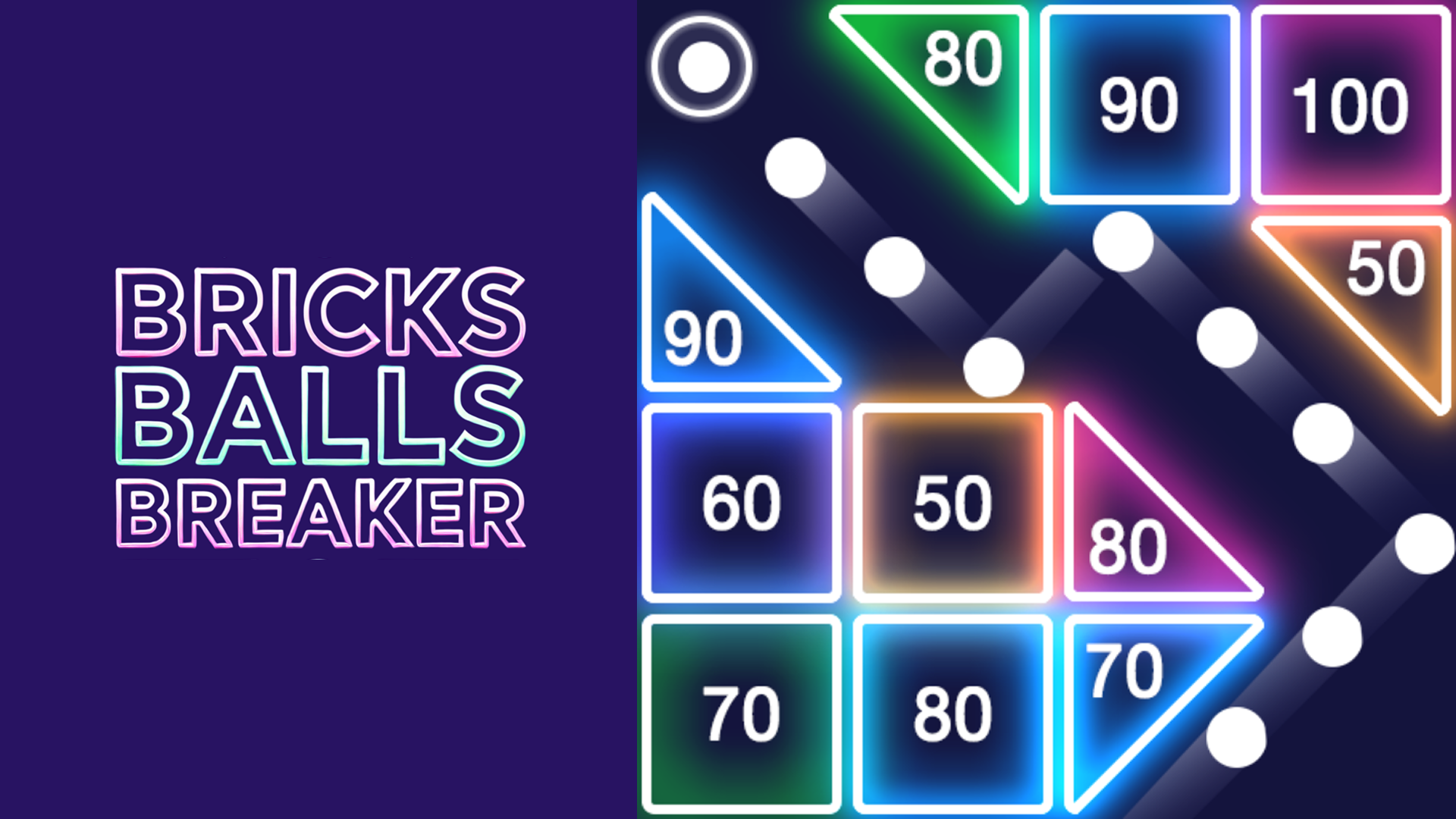
- Bricks Balls Breaker is a brick-breaking game where you hold the mouse and move it to aim, then release to shoot.
What makes mouse-only play comfortable?
Match the game to your pointer. Drag-heavy games such as ExitBlocks are easier on a mouse, because a touchpad drag needs a click held down while you slide. Click-only games, such as Quizmania, suit a trackpad well.
Slow down on timed layouts. ExitBlocks has a timer, so plan the first block before you drag it. Games like Idle Game Dev Simulator do not punish a slow click, so you can read each panel at your own speed.
All six also run on phones with touch, and none has in-game purchases. Several are laid out for tall screens, while Idle Game Dev Simulator plays sideways.
Check the hand you use for the pointer, too. Right-handed players often keep the mouse on the right and leave the left hand free for a drink or a note. Left-handed players can swap the main button in the system settings, which changes what a click means in every game here.
Where should you start?
Open Quizmania if you want the lowest effort, since every move is one click. Try Knock Your Mind for puzzles where thinking matters more than pointing. Pick Bricks Balls Breaker when you want a reflex test, and Idle Game Dev Simulator when you want a long, slow build. ExitBlocks is a good next step after Tap 3D Wood Block Away, because both ask you to plan which piece moves first.
Games in this guide
Related categories
More guides
See all- Keyboard Controls in Browser Games: WASD, Arrows and Space
A plain explanation of WASD, arrows and Space, then seven games with their key lists to practice on.
- Touch Controls Explained: Tap, Drag, Swipe and Hold
Four gestures, four jobs: what each one does in a game, with eight examples you can try on a phone.
- Landscape or Portrait? Screen Orientation in Phone Games
How to tell whether a game wants an upright phone, a sideways one or either, with six examples of the three cases.