Huskeydoku

Rotate your phone for a bigger game
- No purchases
- Puzzle
- Desktop and mobile
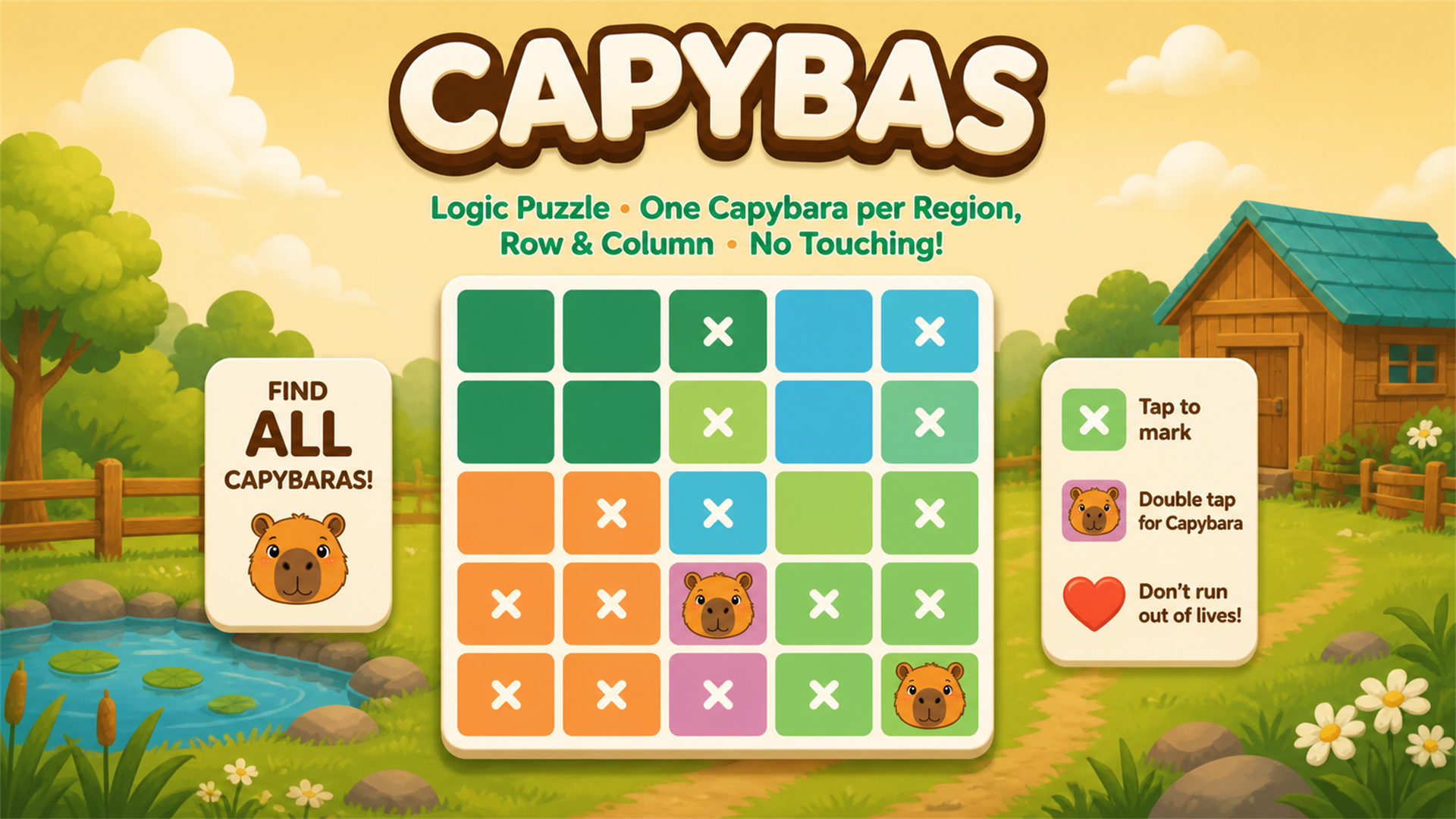 Up nextPlay next
About Huskeydoku
Huskeydoku puts a husky twist on classic sudoku. Each row, column and colored region of a grid may show a symbol only once.
Pick an empty cell to put a husky in it, and tap again to remove it. A hint button helps when you are stuck. The look is calm and cozy, which suits a quick break or a longer sitting. Huskeydoku has no in-game purchases.
How to play
- Choose an empty cell and tap or click it to put a husky there.
- Tap the cell again to remove it.
- Fill the grid with no symbol twice in a row, column or region.
- Use the hint button when stuck.
Controls
- Desktop
- Click a cell to place or remove a husky.
- Mobile
- Tap a cell to place or remove a husky.
Tips
- Start with a region that has few empty cells left, since it offers the least choice.
- Remove a husky as soon as two of them clash.
- Keep the hint button for a board that is truly stuck.
Frequently asked questions
Do the hint boosters cost anything?
No. Hints included, Huskeydoku has no in-game purchases.
Can I place huskies with a mouse as well as by touch?
Yes. The grid works on computers, phones and tablets.