Jewel Coloring

Rotate your phone for a bigger game
- No purchases
- Puzzle
- Desktop and mobile
- Portrait
 Up nextPlay next
About Jewel Coloring
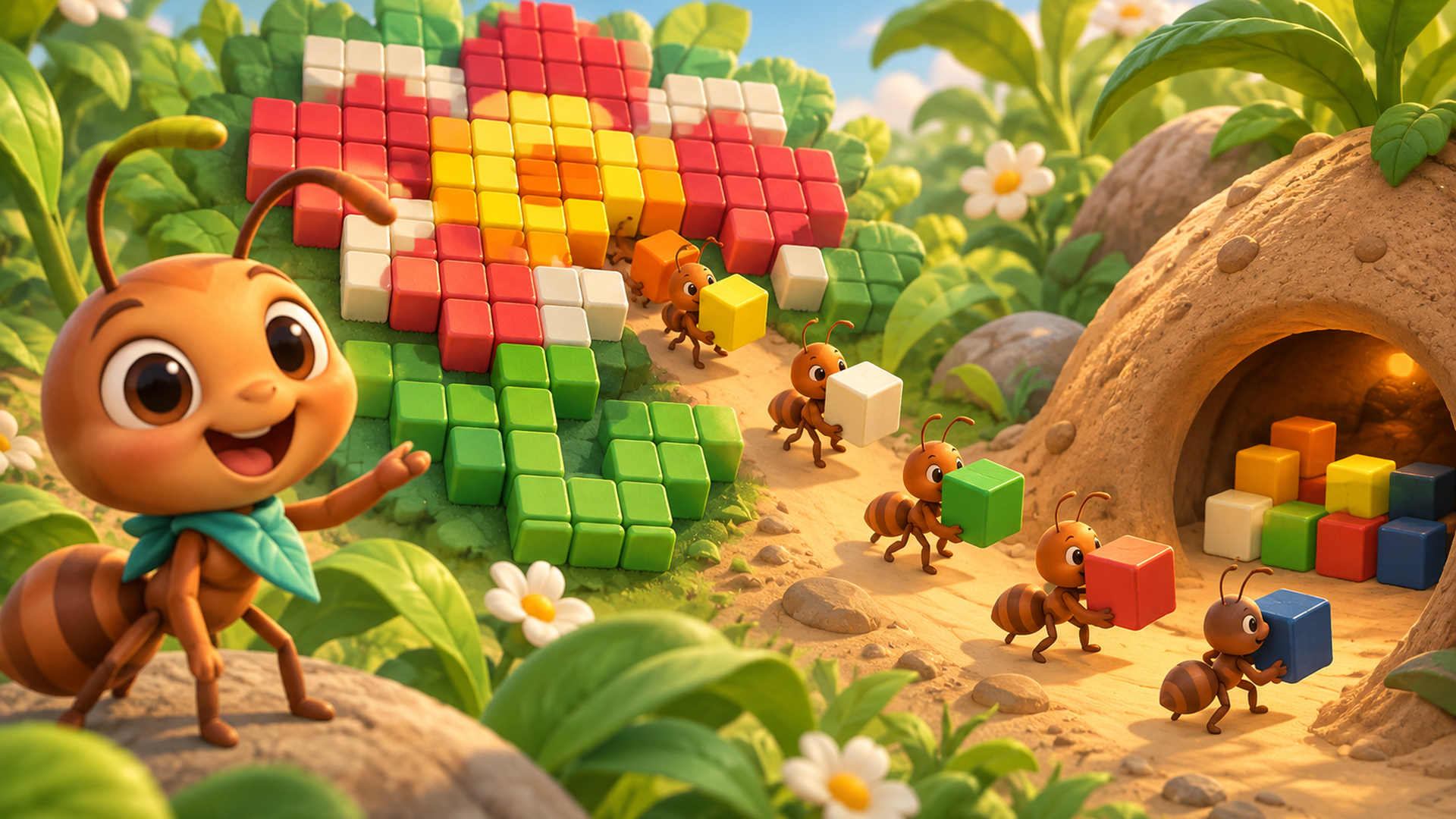
Jewel Coloring turns precious gems into vibrant mosaics. You drop each gem into a cell of its own color, and the buffer under the board gives you temporary storage to free up room.
Completing a color opens extra buffer space. A wand, a broom and a magnet help with tricky levels, and daily challenges earn monthly trophies.
No in-game purchases anywhere.
How to play
- Pick a gem, then pick where it goes.
- Put gems in cells of their own color.
- Park gems in the buffer below the board when you need room.
- Use the wand, broom and magnet when stuck.
Controls
- Desktop
- Use the left mouse button to pick up and place gems. Hold it and drag to pan, and use the wheel to zoom.
- Mobile
- Tap to pick up and place gems. Drag with one finger to pan and pinch to zoom.
Tips
- Finish a color to open extra buffer space, then use that room for the next gems.
- Use the buffer to plan, then place gems once the matching cells are free.
Frequently asked questions
Is Jewel Coloring free?
Yes. Start playing in the browser. Jewel Coloring is without in-game purchases.
Which devices can run it?
Use a computer, phone or tablet.