Logic Islands

Rotate your phone for a bigger game
- No purchases
- Puzzle
- Desktop and mobile
- Portrait
 Up nextPlay next
About Logic Islands
Numbers on the board name the size of an island, and everything that is not island has to be a wall that stays connected. Logic Islands asks you to build those islands cell by cell.
It draws on Nurikabe and carries you through six worlds with different rulesets, from classic rules to advanced mechanics such as Yin-Yang connectivity. Later worlds add ice blocks, one-way arrows and special orbs across 240 hand-picked puzzles.
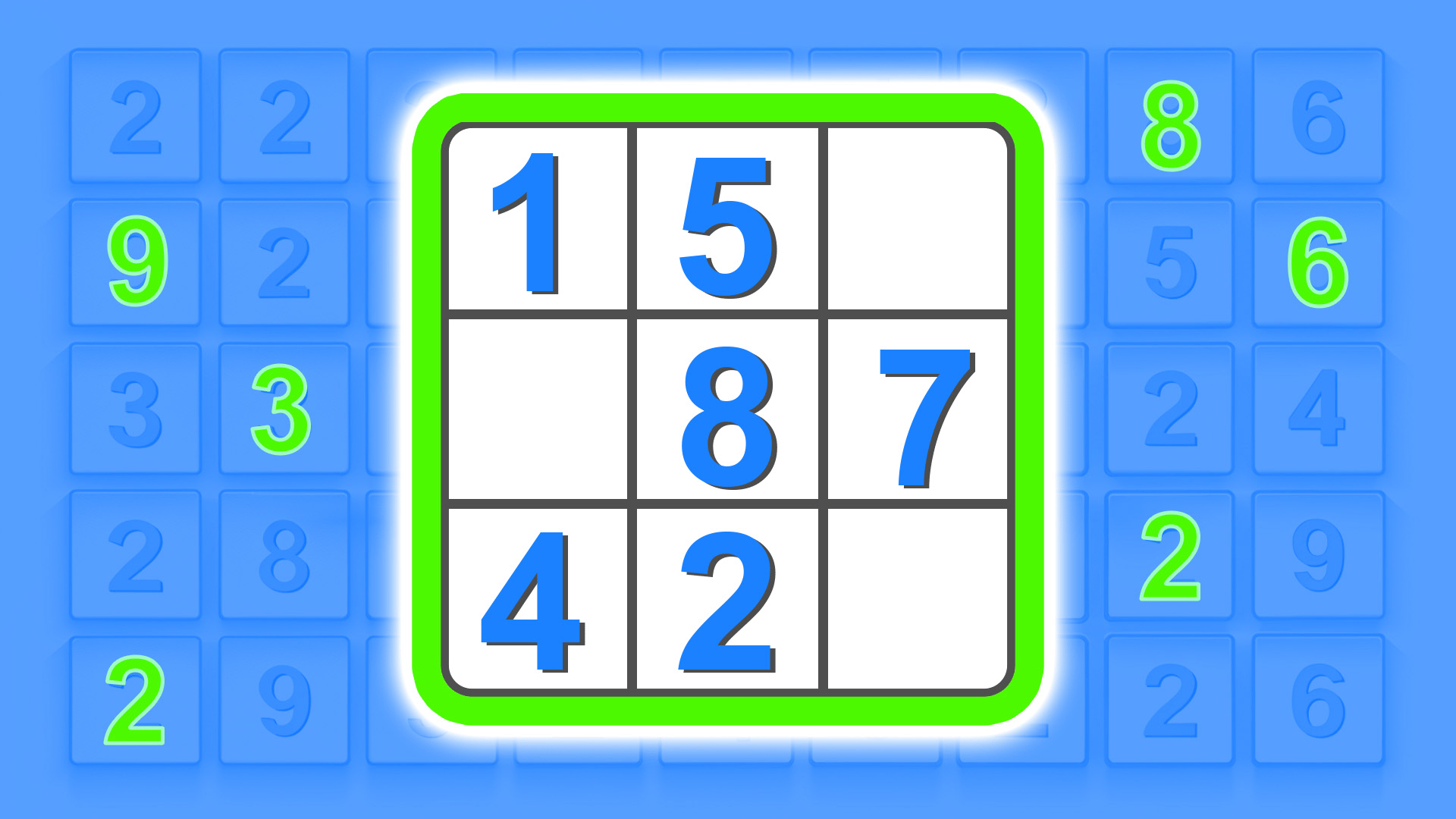
One board is four by four, with white island cells and black wall cells. A cell showing 6 or 2 gives its island size, a click flips a cell between island and wall, and a yellow outline follows the selected square.
Logic Islands has no in-game purchases, and the board is laid out for portrait screens.
How to play
- Click a cell to toggle it between island and wall.
- Give each numbered island exactly that many cells.
- Keep every wall cell connected to the others.
- Double-click or Ctrl+click to fill a connected area.
- Press Z to undo and R to restart.
Controls
- Desktop
- Click toggles cells, double-click or Ctrl+click fills areas, the wheel or Space switches draw modes, Z undoes, R restarts.
- Mobile
- Tap to toggle, double-tap to fill areas.
Tips
- Look at the smallest numbers first, since a small island has the fewest cells to claim.
- Use the fill gesture to mark a whole connected area at once.
- A wall cell cut off from the rest means an island is wrong.
Frequently asked questions
Do later worlds cost anything?
No. Logic Islands has no in-game purchases, whichever world you reach.
Can I fill an area in one go by touch?
Yes. Double-tap fills connected areas, on tablets, phones or computers.
How many puzzles are there?
240 hand-picked puzzles in six worlds.