Sword and Blade Games: Slicing, Dashing and Timing
Every blade game asks the same question: when do you swing? The answer changes with the style. A slicing game wants a clean direction, a dashing game wants a planned route, and a throwing game wants a release at the right moment. This guide covers four styles across six browser games and gives one timing tip for each.
They come from fighting games, action games and physics games.
How do slicing and dashing games differ?
Both are one-gesture games, but they ask for different thinking. Slicing is about the direction of the cut. Dashing is about where you end up afterward.
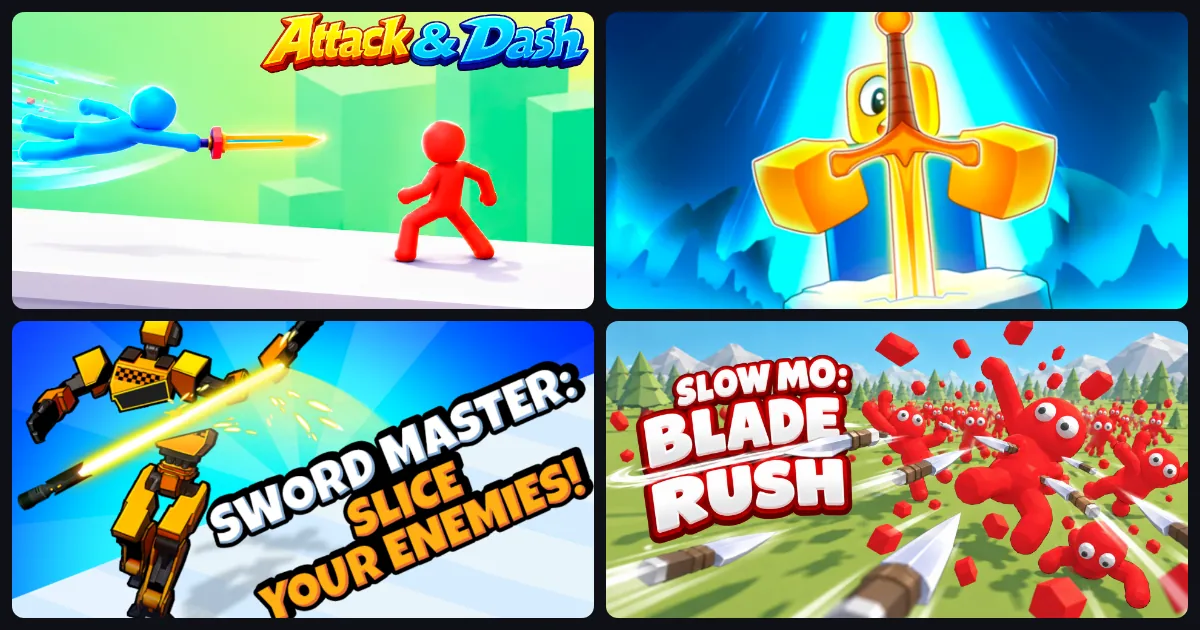
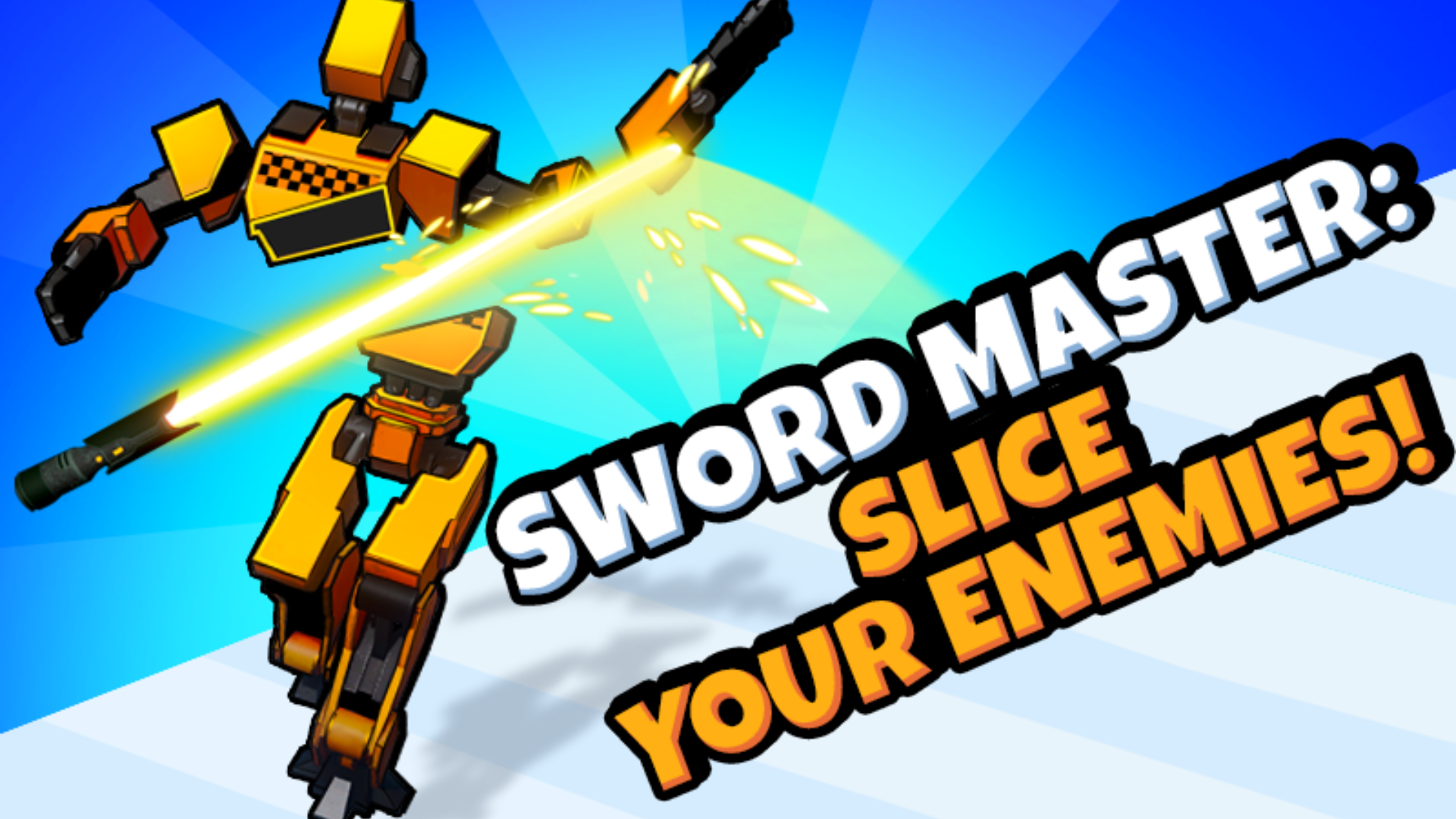
- Sword Master: Slice Your Enemies! is a 3D slicing game. You hold the left mouse button and move the mouse the way you want the blade to travel, and slow motion marks each strike. Weapons range from knives to sabers and lightsabers, and new ones unlock as you progress. Slice in the exact direction of the enemy for a clean cut, and test each new weapon the moment it appears.
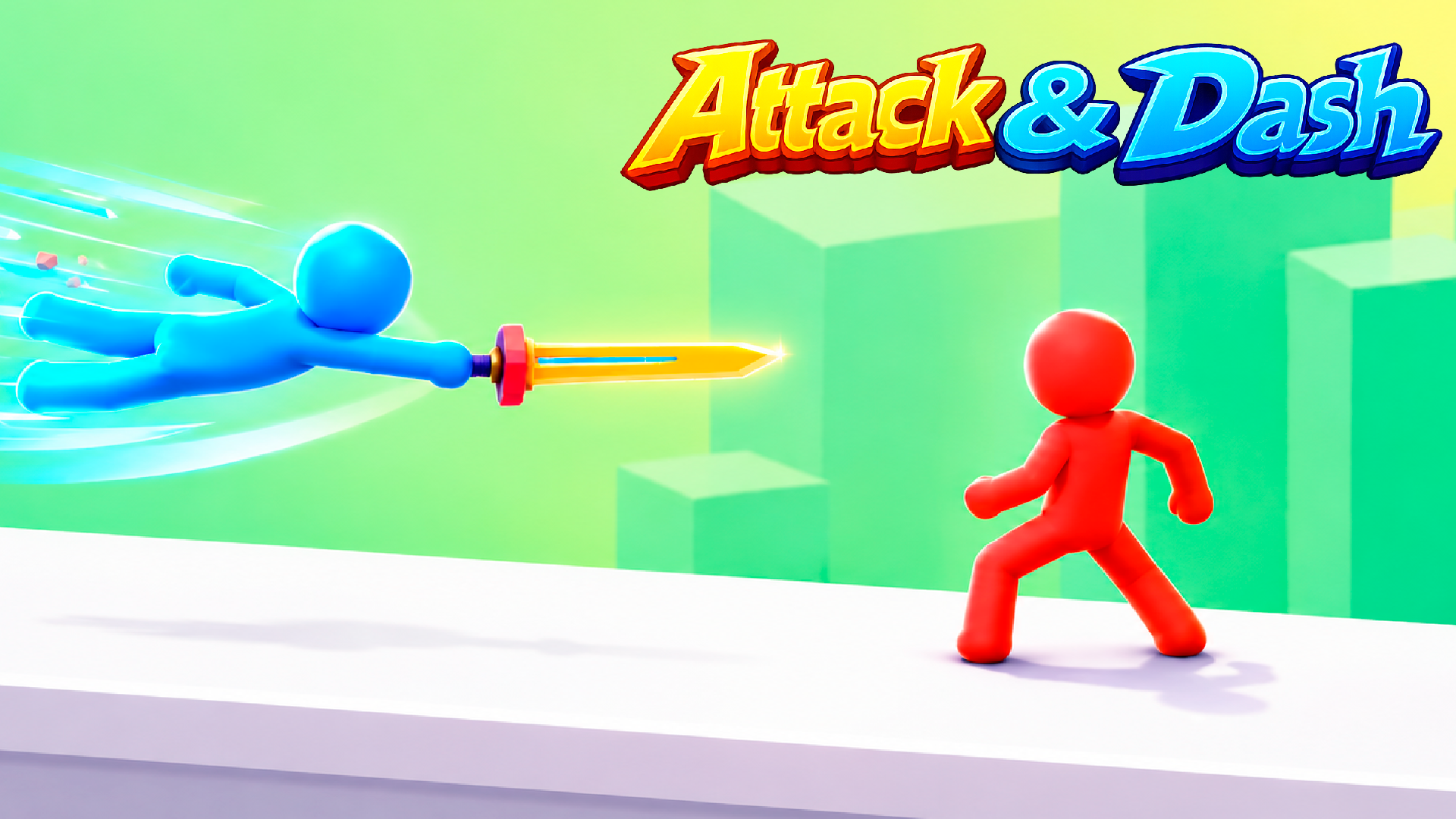
- Attack & Dash lets you play a stickman ninja one dash at a time. You hold the button, point and release, and the hero launches along that line. A wrong direction leaves you exposed, so study where enemies and obstacles sit before the first dash and plan the whole sequence of strikes.
How do you time a throw?
Throwing games add flight time. The blade leaves your hand, and the target keeps moving. You are timing the enemy as much as the release.
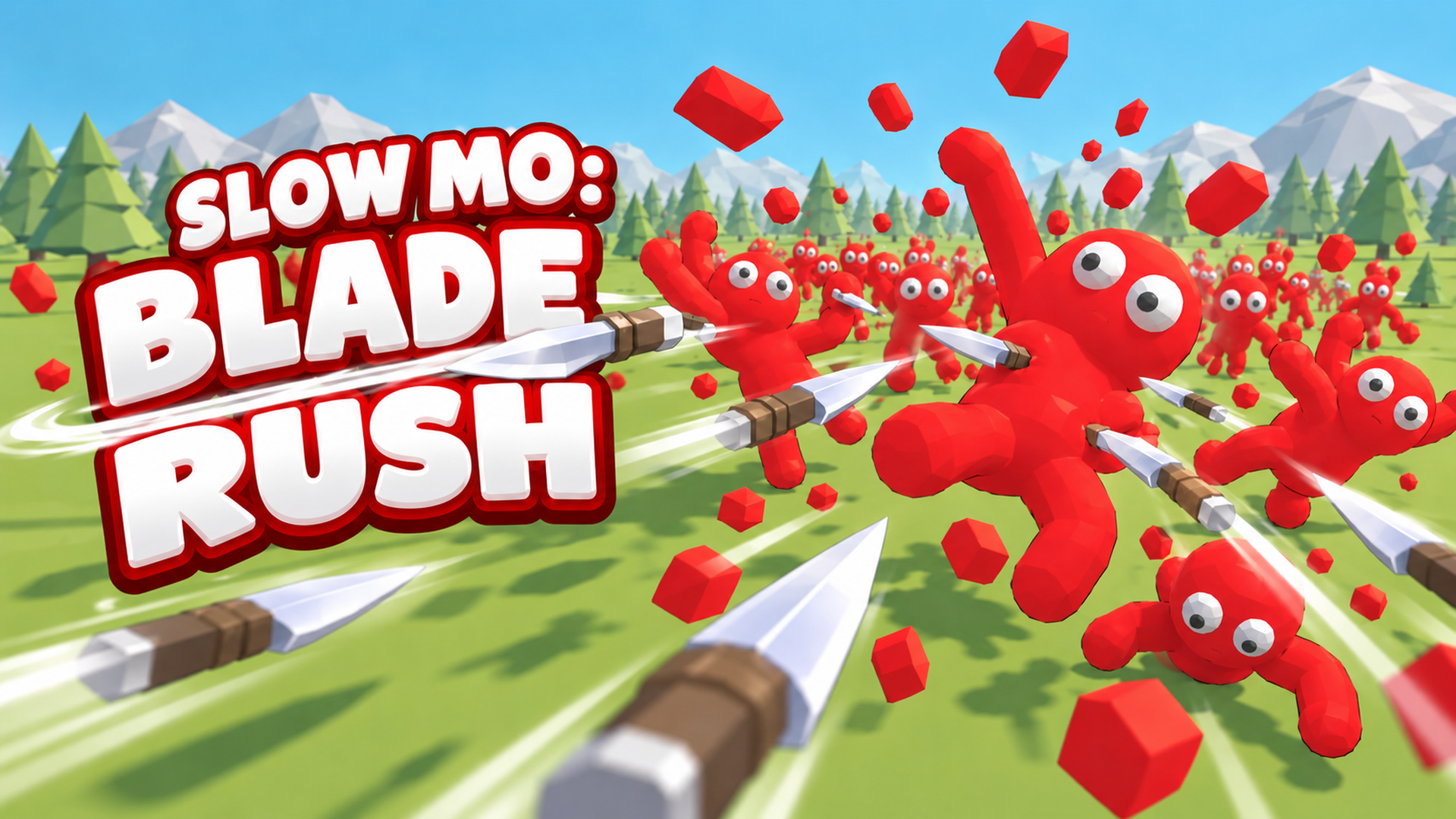
Slow Mo: Blade Rush shrinks the input to one click. A knife hangs in the air, time slows and your throw lands on jelly-like red enemies. If a blade passes through an x3 gate, it turns into a fan of three. Aim through the gate when you can. Later you face a giant blue boss, and fire, ice and lightning weapons suit that fight.
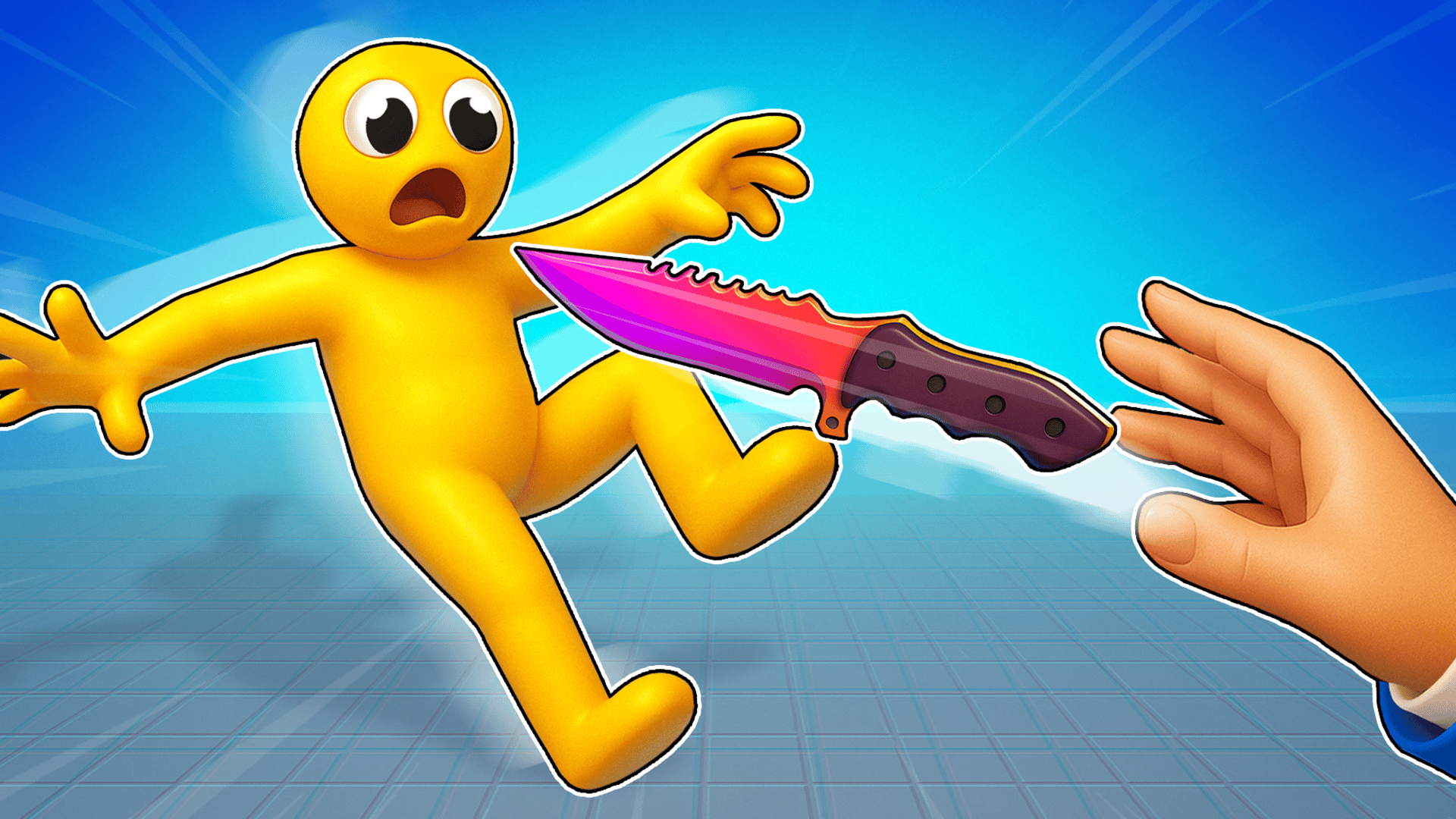
Ninja vs Ragdolls: Sharp Knife Throw! makes the target the puzzle. You aim with the cursor or your finger and throw with a click or tap. The ragdoll enemies move, so watch their pattern and throw at the right instant. Stages include destructible surroundings, and different knife types suit different levels. Because the enemies are ragdolls, the ragdoll games guide explains why each hit lands differently.
What changes in an open-world blade game?
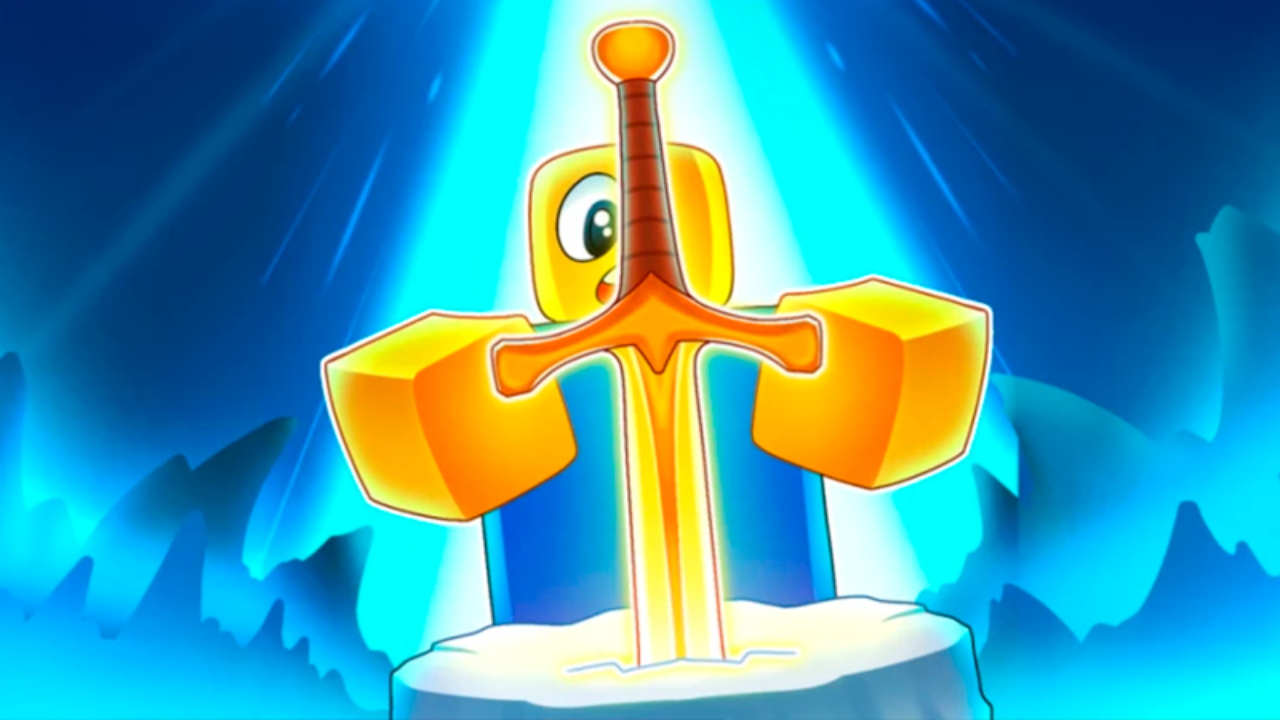
With a free camera, timing moves from a single gesture to a swing you set up. Robbie: Draw your Sword is about collecting swords, completing challenges and leveling up, and you unlock outfits, pets and abilities. Rotate the camera before you swing so you can see what you are aiming at, and gather swords between challenges. On a computer you move with WASD and swing with the left mouse button.
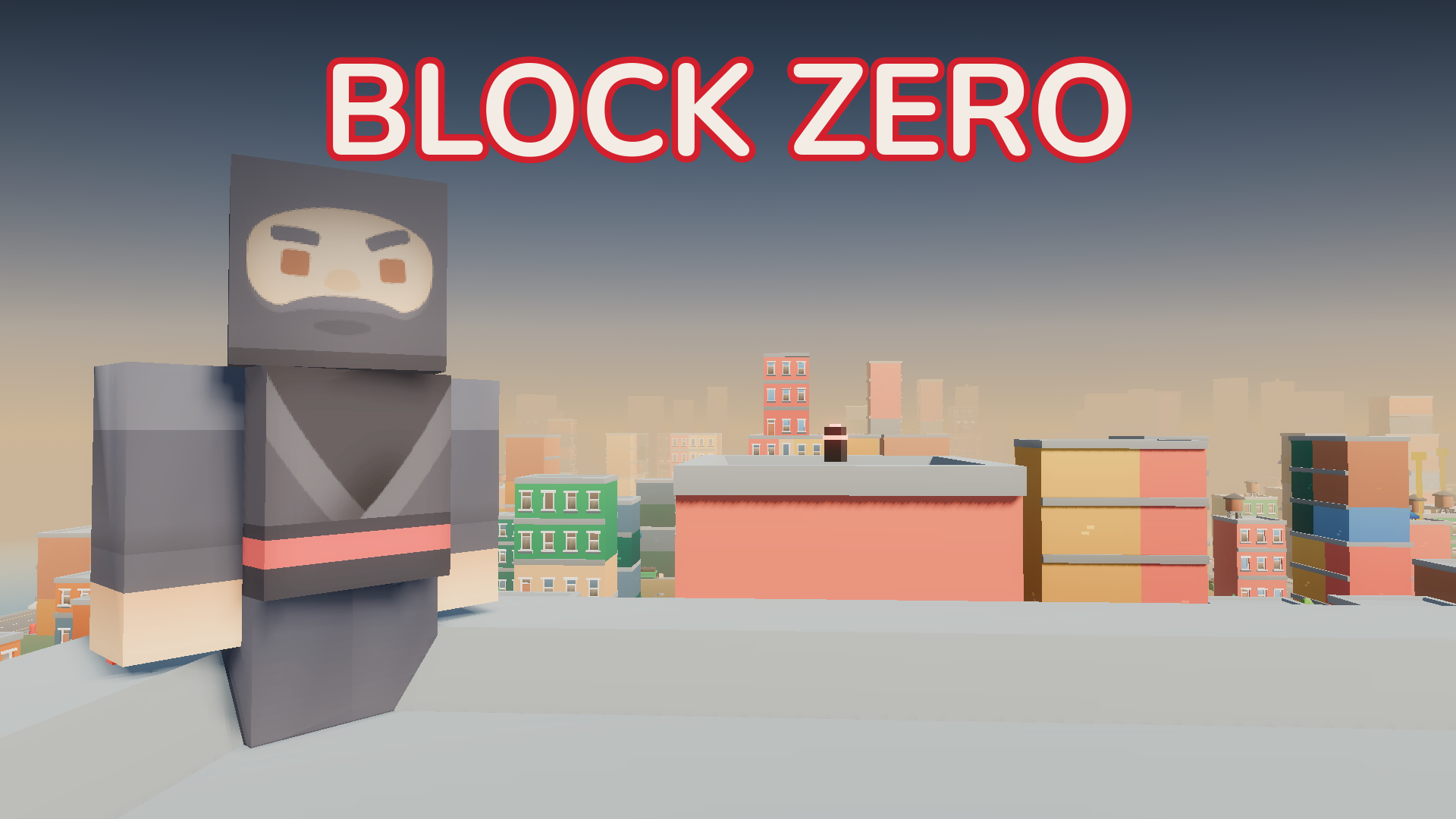
Block Zero swaps the sword for claws but keeps the timing. You play a blocky mutant in a low-poly city, run into walls to climb them and glide with a held jump. Three taps make a combo. Press E on a weakened enemy to absorb it, which heals you. Tap Space for a short jump and hold it for a high one.
Where should you start?
Start with Sword Master, because one gesture shows you the whole idea. Try Attack & Dash when you want to plan like a puzzle. Choose Slow Mo: Blade Rush for a quick session and Ninja vs Ragdolls when accuracy is the draw. If you want room to explore, open Robbie, and keep Block Zero for when you want movement as much as combat.
Games in this guide
Related categories
More guides
See all- Runner Games Explained: Gates, Crowds and Numbers
Which gates to take, which to dodge and what waits at the finish, with eight number, crowd and shape runners.
- How to Play Bubble Shooter: Rules and Aiming Tips
The matching rule, aiming habits and booster timing for bubble shooters, with six games from classic to rotating.
- Evolution Games Explained: From Small to Strong
Six evolution games sorted by what makes you stronger: PvP fights, merges, steering, DNA points, raised slimes and unlocked abilities.