Zombie Derby

Rotate your phone for a bigger game
- No purchases
- Arcade
- Desktop and mobile
- Landscape
 Up nextPlay next
About Zombie Derby
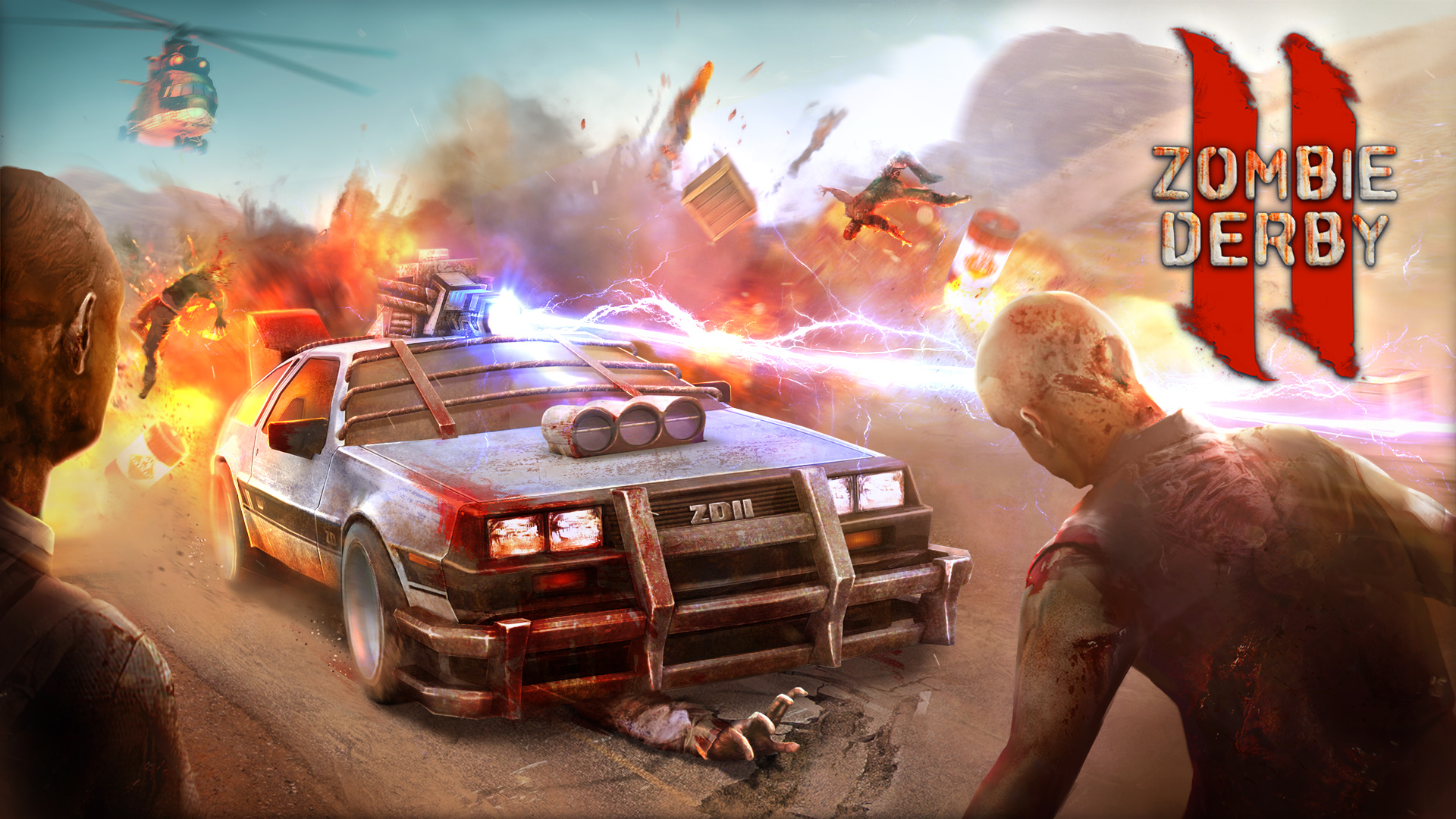
A battered pickup crosses a red desert, with rocky mountains behind it, cacti beside the road and a rusted tank near the track. Zombie Derby blends racing with zombie chaos: you drive straight at the undead crowd that stands in your way.
Fuel runs short, and a car that stops becomes easy prey. Nitro needs good timing, because it can be your one chance to clear a steep hill or a deadly gap.
A round gauge in the top left shows speed in km/h, a fuel icon and a colored bar for nitro. Short messages with a point value pop up as zombies go down, such as Killed or Stuntman.
Zombie Derby has no in-game purchases, and the road runs sideways across phones and computers.
How to play
- Accelerate to keep moving through the horde.
- Shoot the gun when zombies block your path.
- Use nitro to clear a hill or a gap.
- Tilt your car forward or backward in the air.
Controls
- Desktop
- Accelerate with W or the up arrow, shoot with the spacebar and use nitro with Left Shift or N. Tilt with the left and right arrows or A and D.
- Mobile
- Use the on-screen touch controls.
Tips
- Save nitro for hills and gaps instead of open road.
- Keep moving; with limited fuel, a stopped car is easy prey.
- Glance at the gauge in the corner to check your fuel and nitro.
Frequently asked questions
Do the nitro boosts cost anything extra?
No. Zombie Derby has no in-game purchases.
Is the desert run playable in a phone browser?
Yes. It runs on phones, tablets and computers, and the wide view suits landscape.
What happens when the car stops?
Fuel is limited, and once you stop you become easy prey for the zombies.