GT Cars Mega Ramps
Rotate your phone for a bigger game
- No purchases
- Racing
- Desktop
- Landscape
 Up nextPlay next
About GT Cars Mega Ramps
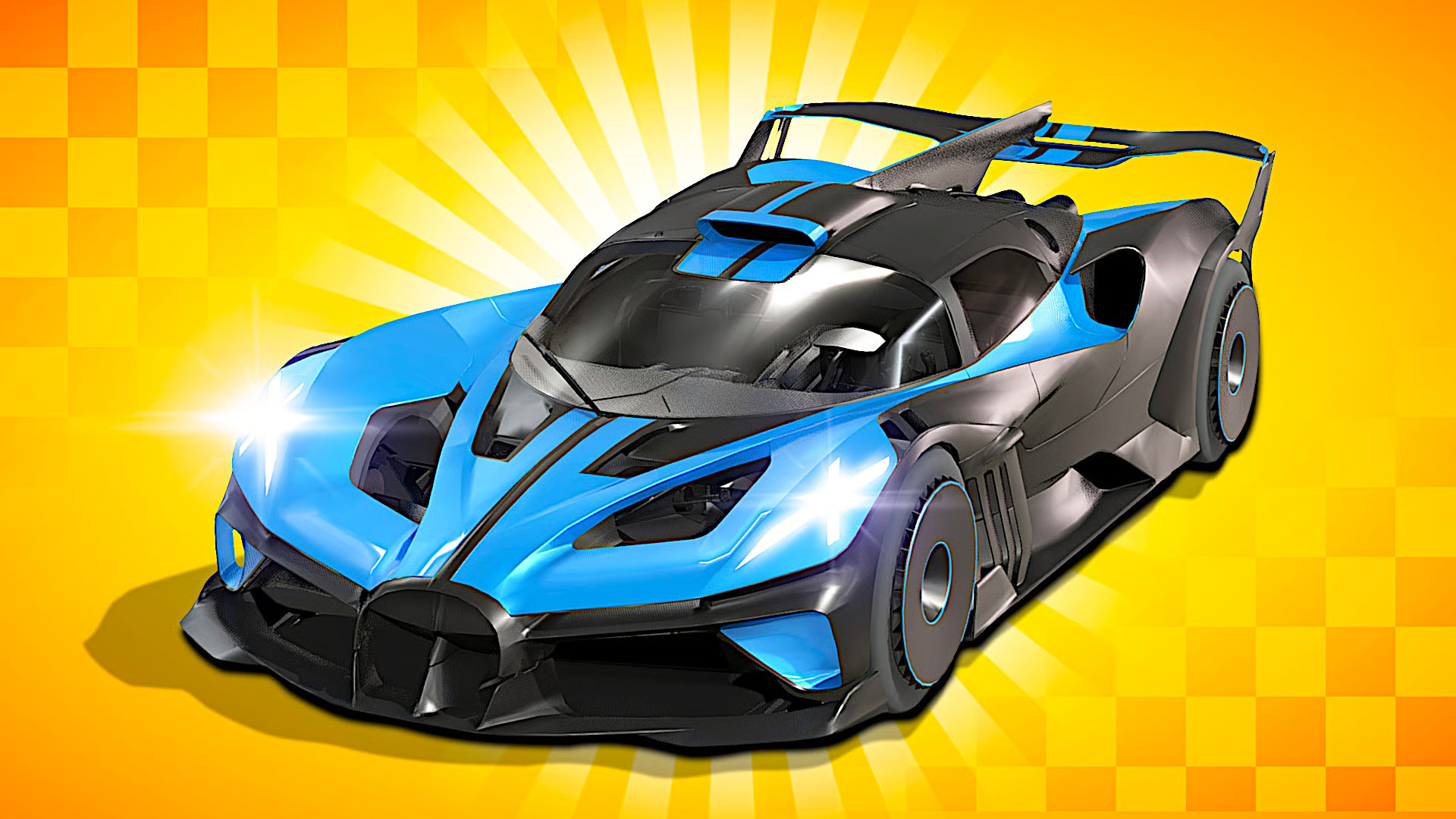
The road is built from orange studded blocks like toy bricks, and a green super-sport car rolls toward a ring at the far end. In GT Cars Mega Ramps you drive cars that you can recolor and tune, from window tint to wheel designs and light colors.
There are three modes, for one player or two. Face to Face puts you side by side with an opponent, and crash debris can end your run on the spot. Color Lands has bright block roads where slowing down can drop you into an abyss. Mega Ramps adds giant rolling balls and walls of crates.
The camera follows from behind. Cars wear green, blue and dark paint, and a giant robot built from boxes with red eyes stands in the road.
GT Cars Mega Ramps has no in-game purchases. It needs a desktop or laptop computer and is not available on phones or tablets.
How to play
- Customize your car's color, window tint, wheels and lights.
- Pick a mode and choose one or two players.
- Drive, dodge crashes and obstacles, and stay on the road.
- Tap R when the car lands badly to put it back on the track.
Controls
- Desktop
- WASD or the arrows move, Left Shift gives NOS, R resets and C changes the camera. In two-player mode player two uses the arrows, N, L and U.
- Mobile
- Not available on phones or tablets.
Tips
- In Face to Face, swerve early to avoid crash debris.
- In Color Lands, keep your speed up, since slowing down can send you off the edge.
Frequently asked questions
Does tuning the paint or wheels cost anything?
No. GT Cars Mega Ramps has no in-game purchases.
Does the game need a computer keyboard?
Yes. It runs in desktop and laptop browsers and is not available on phones or tablets.
Can two people race on one computer?
Yes. Player one uses WASD and player two uses the arrow keys.