Word Chef
Rotate your phone for a bigger game
- No purchases
- Word
- Desktop and mobile
- Portrait
 Up nextPlay next
About Word Chef
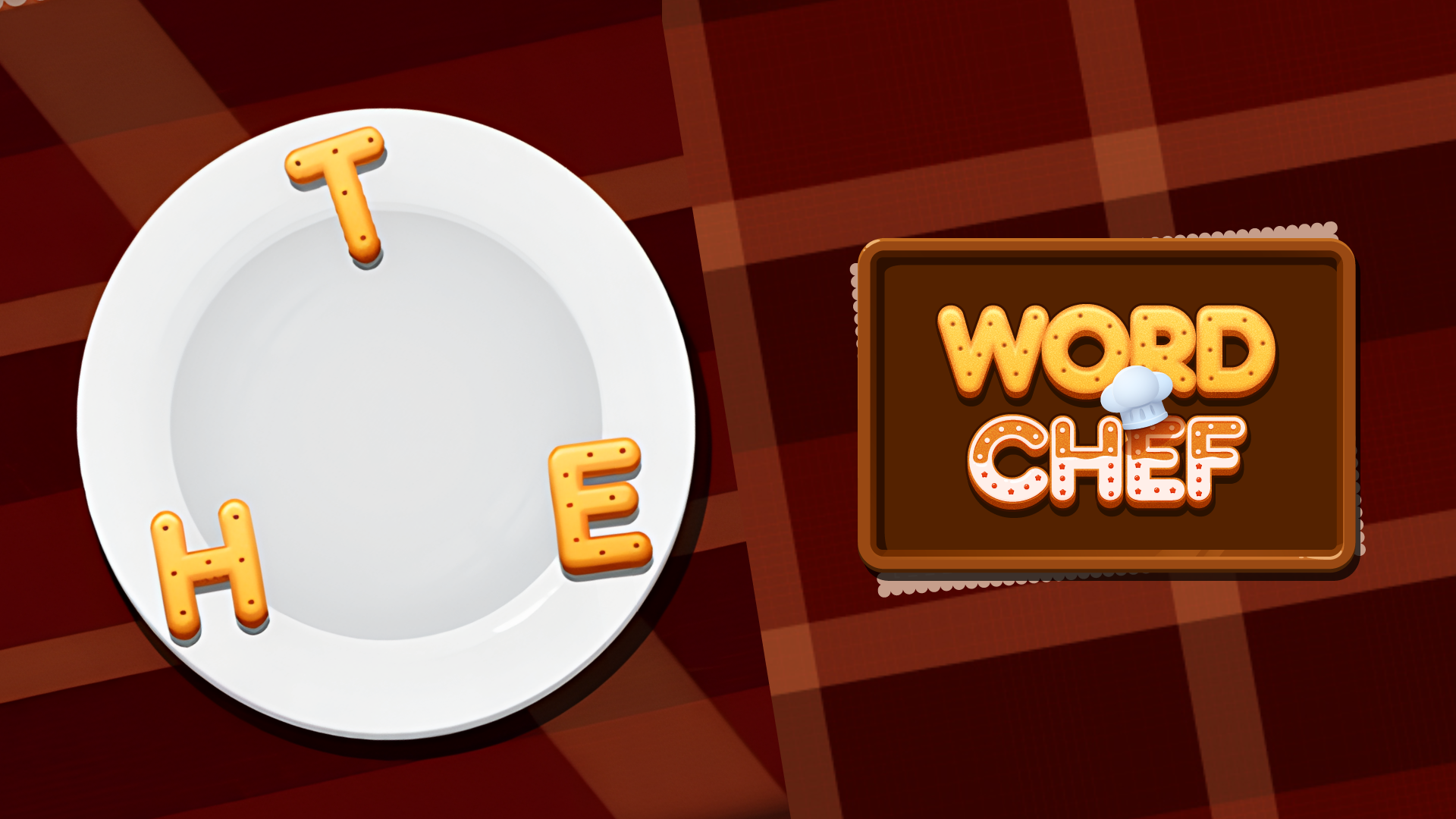
A white plate holds a few golden letters on a dark red cloth, and a board of empty cells waits above it. Word Chef asks you to swipe a line through the letters to spell words that fill the cells.
A valid word is accepted, added to your list and score, and drops into the board. Pink praise words flash over the board as you go. Finding every valid word hidden in the letters completes the level.
There are six difficulties from Beginner to Expert and more than 500 levels, and higher difficulties bring harder or longer words.
Word Chef has no in-game purchases. The layout is made for portrait screens.
How to play
- Look at the letters on the plate and the empty cells above them.
- Drag across the letters in order to spell a word, with the left mouse button or a finger.
- Release and a valid word fills its cells and joins your list.
- Find every valid word hidden in the letters to finish the level.
Controls
- Desktop
- Hold the left mouse button and drag across the letters.
- Mobile
- Swipe your finger across the letters in order.
Tips
- Start with the two and three letter words. They fill cells and show letters of longer words.
- If a swipe is rejected, reorder the same letters before trying others.
- Move up through the six difficulties in order, because longer words arrive later.
Frequently asked questions
Do the higher difficulties cost anything?
No. Word Chef has no in-game purchases.
Can I swipe the plate with a mouse?
Yes. Hold the left button and drag. Word Chef is laid out for portrait screens and runs on phones, tablets and computers.
How many levels does the game have?
More than 500, across six difficulties from Beginner to Expert.
More Word games
See all More Word games



Browse categories
Guide: Word Games Explained: Search, Crosswords and Word Solitaire