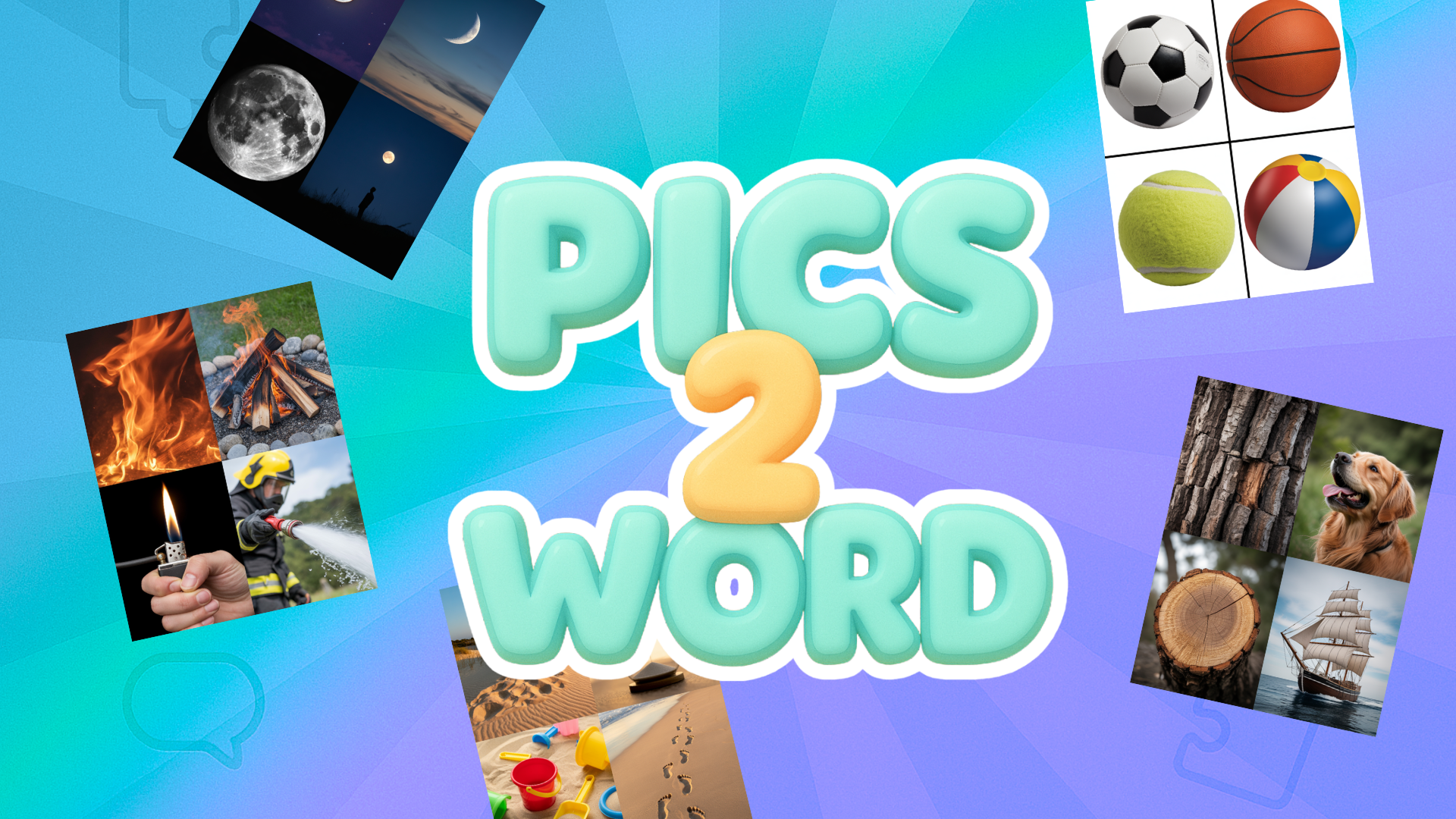
Pics 2 Word
Rotate your phone for a bigger game
- No purchases
- Puzzle
- Desktop and mobile
 Up nextPlay next
About Pics 2 Word
You get four pictures and one job: name the word they share. One level pairs a castle wall, a knight, a crown and a bridge.
Letters are scattered below the pictures. In Pics 2 Word you tap them to drop letters into the answer boxes at the top. Back removes the last letter and Clear empties the line. A correct answer turns the whole screen green and shows the word.
Hints reveal a letter for 40 coins. You start with 50 coins and earn 25 for every solved puzzle, which also moves you to the next level.
Pics 2 Word has no in-game purchases.
How to play
- Study all four pictures and ask what they have in common.
- Tap letters from the pool under the pictures to fill the answer boxes.
- Tap Hint to reveal a letter when you are stuck. It costs 40 coins.
- Use Back to remove the last letter, or Clear to start over.
- Solve the puzzle to earn 25 coins and advance.
Controls
- Desktop
- Click the letters in the pool and the Hint, Back and Clear buttons.
- Mobile
- Tap the letters and the buttons on screen.
Tips
- Look for a shared object, color or setting before touching any letters.
- Keep your 50 starting coins for stubborn levels. A hint costs 40 and a solved puzzle pays 25.
- One word can fit pictures that look unrelated, so think about its other meanings.
Frequently asked questions
Do hints cost anything beyond the coins I earn?
No. Hints use the coins you collect in play, and Pics 2 Word has no in-game purchases.
Does the picture grid work in both phone orientations?
Yes. Phone, tablet or computer, and either way up.
What is the difference between Back and Clear?
Back removes only the last letter. Clear empties the whole answer line.