Tower Defense
Rotate your phone for a bigger game
- No purchases
- Strategy
- Desktop and mobile
- Landscape
 Up nextPlay next
About Tower Defense
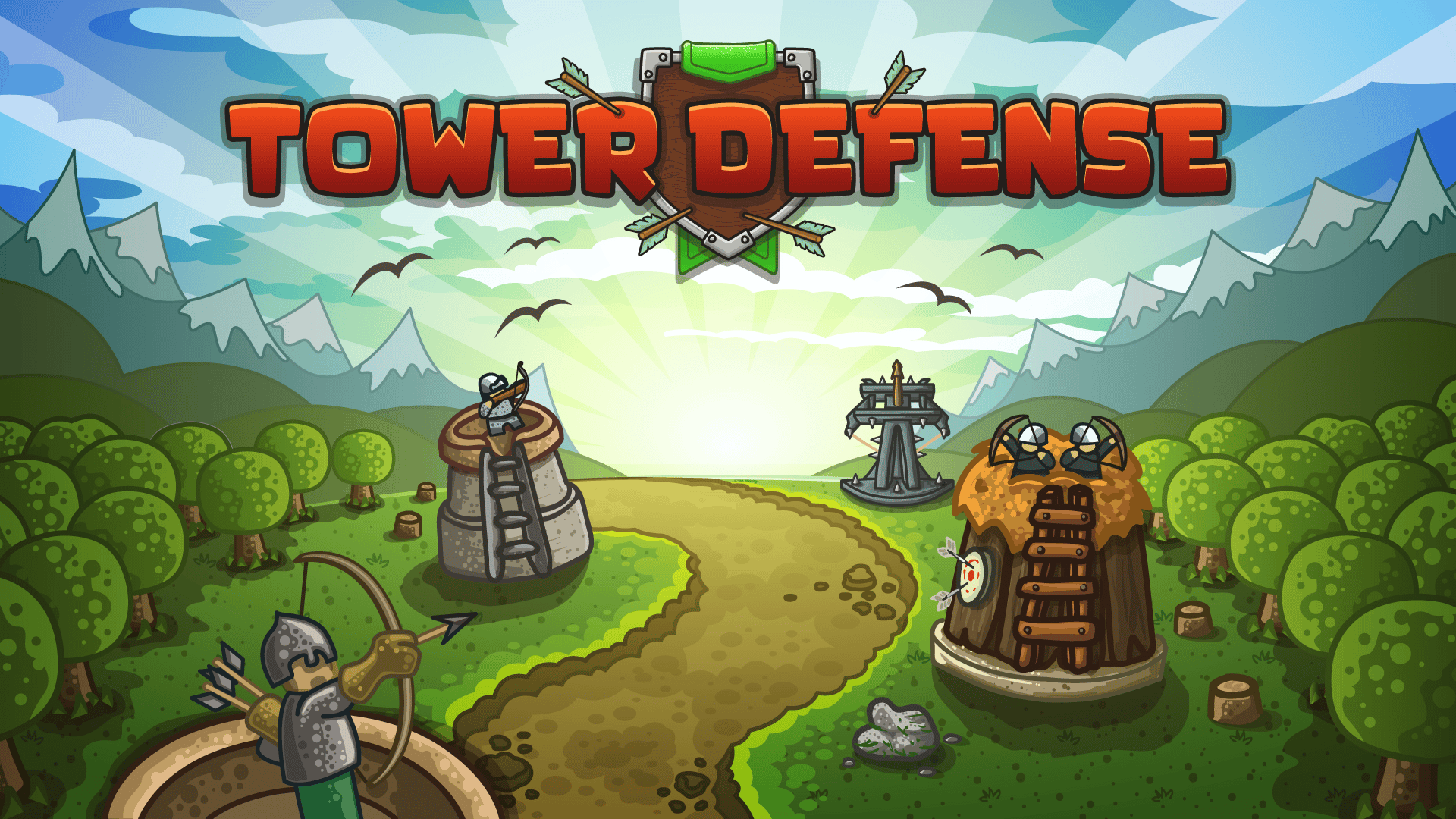
Monsters keep coming down a sandy road toward your castle, and Tower Defense gives you the tools to stop them. Survive every wave.
Towers go on the free spots and attack automatically when monsters come near. If arrows or stones are not enough, you bring in elements. You can use different combinations of towers and elements, cast spells when the pressure builds and upgrade your towers to the maximum.
The map is a dry desert seen from above. A pale road winds across it past dead trees, bones, canvas tents and empty tower bases, ending at a castle with a red roof in the top-right corner. Goblin-like fighters in green march along the road. A heart counter, a coin total and a skull counter showing a fraction sit at the top. Pause and fast-forward buttons sit at the lower left beside three spell buttons. Selecting a base opens a ring of tower icons: a bow, a boulder, a snowflake, a lightning bolt and a flame.
Tower Defense has no in-game purchases. It plays in landscape on computers, tablets and phones.
How to play
- Build towers on the free spots.
- Let them attack monsters that come near automatically.
- Mix different combinations of towers and elements.
- Cast spells when you feel pressured.
- Upgrade your towers to the maximum and survive every wave.
Controls
- Desktop
- Use the controls shown in the game.
- Mobile
- Use the on-screen touch controls.
Tips
- Try elements when arrows and stones fall short; the build ring offers ice, lightning and fire.
- Keep an eye on the coin total before you place or upgrade a tower.
Frequently asked questions
Is Tower Defense free?
Yes. Tower Defense is free to load and has no in-game purchases.
Which devices can run Tower Defense?
Computers, tablets and phones run it in landscape; turn a phone sideways.
Do the towers shoot on their own?
Yes. Towers attack monsters that come near them automatically.