Epic Battle Simulator 2

Rotate your phone for a bigger game
- No purchases
- Strategy
- Desktop and mobile
- Landscape
 Up nextPlay next
About Epic Battle Simulator 2
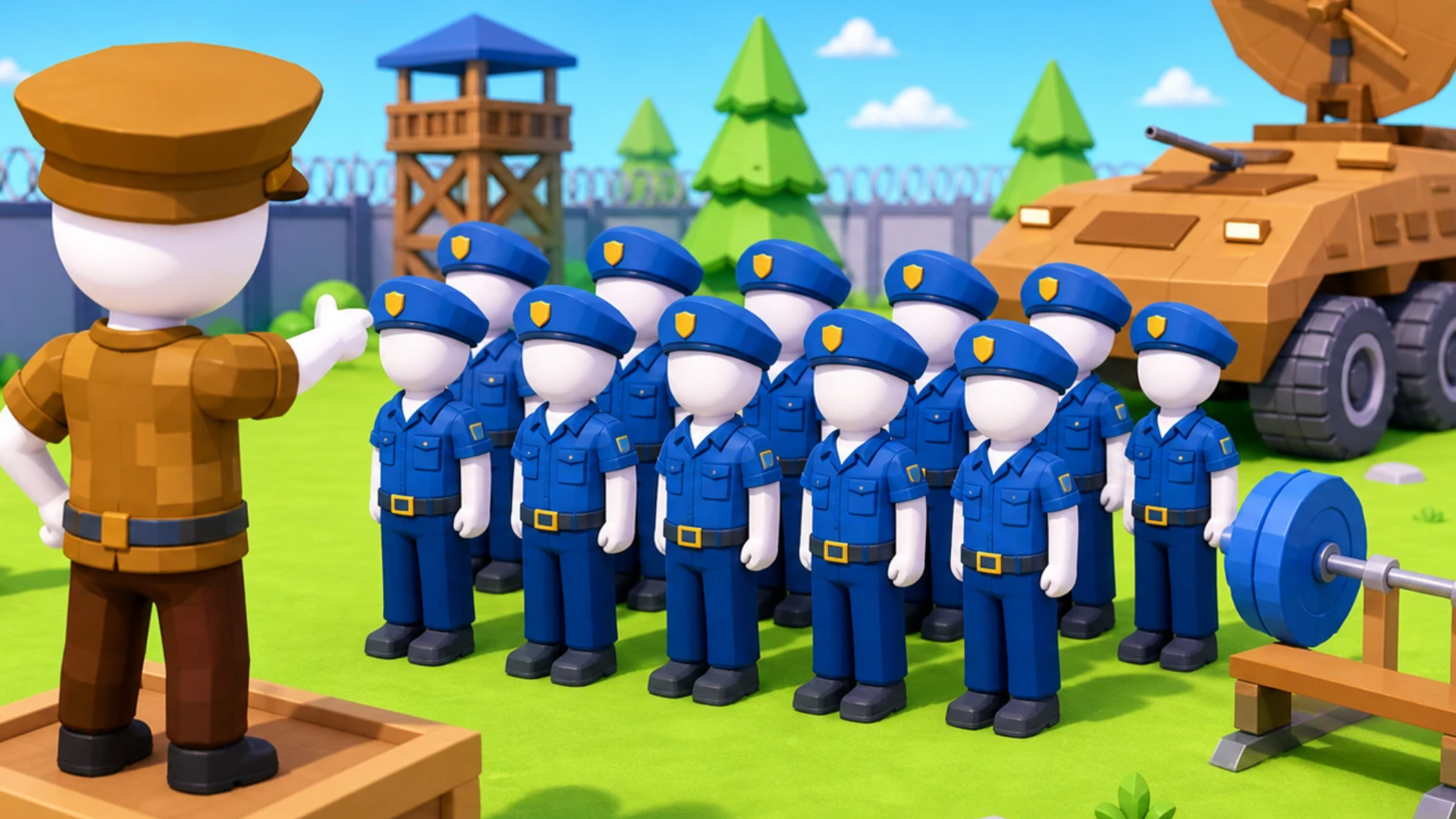
Epic Battle Simulator 2 puts the plan before the fight. You develop a strategy, choose your troops and place them on the battlefield to defeat any opponent, either in campaign levels or in custom mode.
Each army can be upgraded across three tiers, adding strong gear and better stats. The game offers realistic physics and ragdoll effects, an improved placement system for precise tactics, refined graphics and smart troops driven by enhanced AI bots.
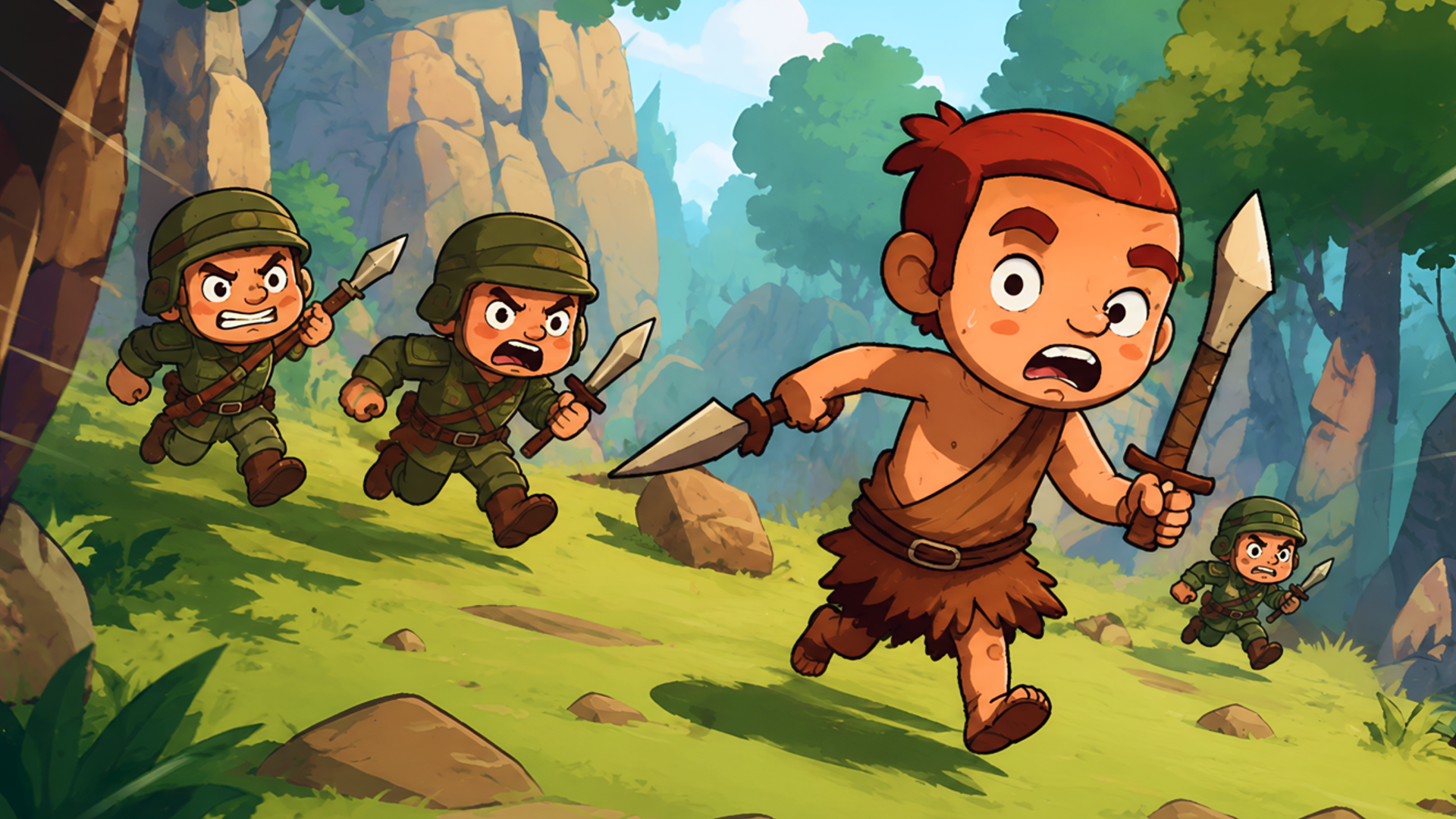
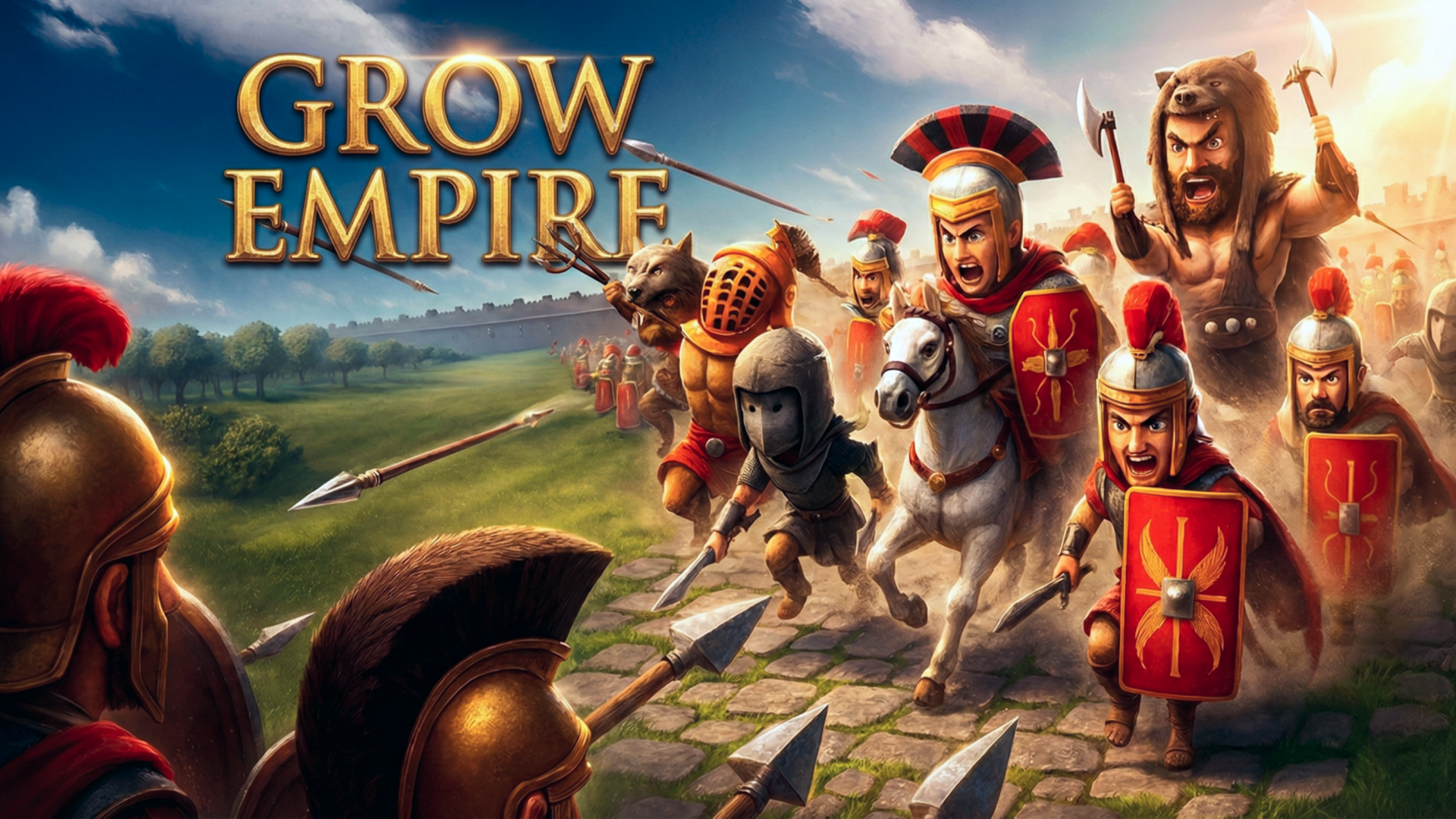
The field is open green grass with fir trees and low mountains. A black line splits it down the middle, with a small blue army on one side and a red one on the other. When they meet, soldiers with shields, spears and axes clash, a horse charges in, and fallen fighters tumble limp across the grass.
Epic Battle Simulator 2 has no in-game purchases. Landscape view works on a phone, tablet or computer.
How to play
- Pick a campaign level or custom mode.
- Choose your troops and place them with care on the battlefield.
- Upgrade your army through three tiers of gear and stronger stats.
- Move the camera to follow the fight.
Controls
- Desktop
- Move the camera with the arrow keys or W, A, S and D.
- Mobile
- Drag a finger from the bottom-left of the screen to move the camera.
Tips
- Place troops with care, since the placement system is made for precise tactics.
- Upgrade your army before a tougher level, because upgrades come in three tiers.
Frequently asked questions
Do army upgrades cost anything extra?
No. Epic Battle Simulator 2 has no in-game purchases.
Can I move the camera on a touch screen?
Yes. Drag a finger from the bottom-left of the screen. Phones, tablets and computers all play it in landscape.
Can I make my own battles?
Yes. Custom mode lets you create your own battles besides the campaign levels.