Mahjong Solitaire Zodiac

Rotate your phone for a bigger game
- No purchases
- Puzzle
- Desktop and mobile
- Landscape
 Up nextPlay next
About Mahjong Solitaire Zodiac
Mahjong Solitaire Zodiac takes the classic mahjong solitaire and sets it against a starry sky, where a ram with curved horns and a glowing halo watches over the tiles. The rules stay familiar: pair up identical tiles and take them off the board until nothing is left.
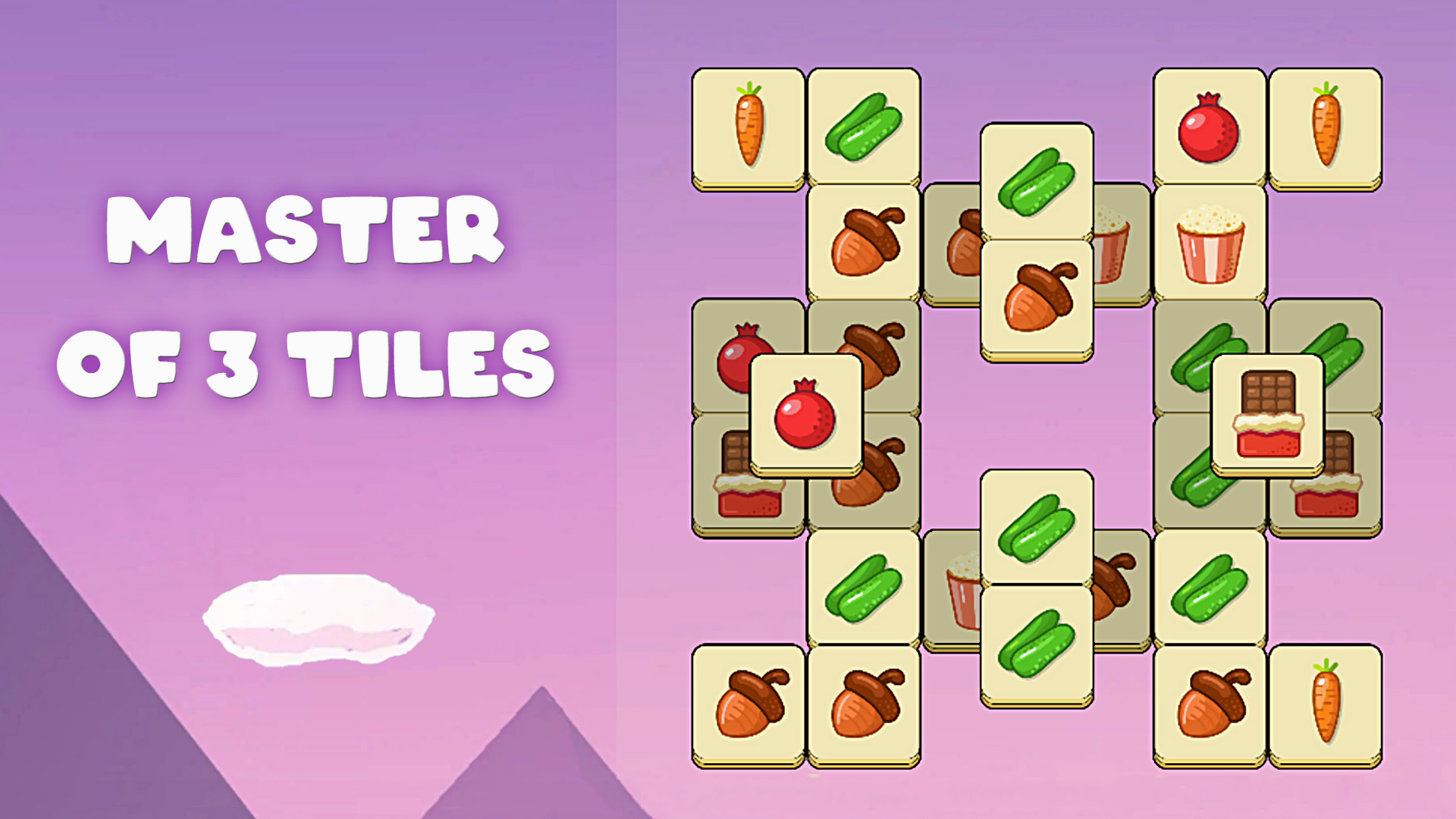
Only open tiles can be removed: nothing may cover the tile, and the space to its left or right has to be clear. The faces are the familiar ones: peacocks, bamboo, circles, characters, and flower and season tiles with small numbers.
A tile you pick turns yellow-green until you choose its partner. The game describes itself as relaxing, with elegant visuals and intuitive controls.
No in-game purchases are included. Mahjong Solitaire Zodiac uses a wide landscape layout.
How to play
- Find two identical tiles that are both open.
- Check that no tile covers either one and that a side is clear.
- Select both tiles to remove them from the board.
- Keep matching and removing pairs until the board is clear.
Controls
- Desktop
- Click two matching open tiles.
- Mobile
- Tap two matching open tiles.
Tips
- Start with the tiles that hide others, because removing them uncovers new matches.
- Before you pick a pair, check that both tiles have a free side.
- When several identical tiles are open, take the pair that uncovers something underneath.
Frequently asked questions
Can I clear the zodiac boards without in-game purchases?
Yes. Mahjong Solitaire Zodiac has no in-game purchases.
Do I need to turn my phone sideways to match tiles?
Yes. The layout is landscape on phones, tablets and computers alike.
What makes a tile open?
No tile covers it, and the space to its left or right is clear.