Mahjong Classic
Rotate your phone for a bigger game
- In-game purchases
- Puzzle
- Desktop and mobile
- Landscape
 Up nextPlay next
About Mahjong Classic
Mahjong Classic is mahjong solitaire: a stack of tiles, and your job is to remove them in matching pairs until the field is empty. Tiles are dealt at random, and every deal has a solution.
Pick from well-known layouts such as Dragon, Cat, Spider, Crab, Fort and Turtle, and replay any of them as often as you like. Undo returns your last pair, Hint shows a pair and Spotlight makes selectable tiles easier to find.
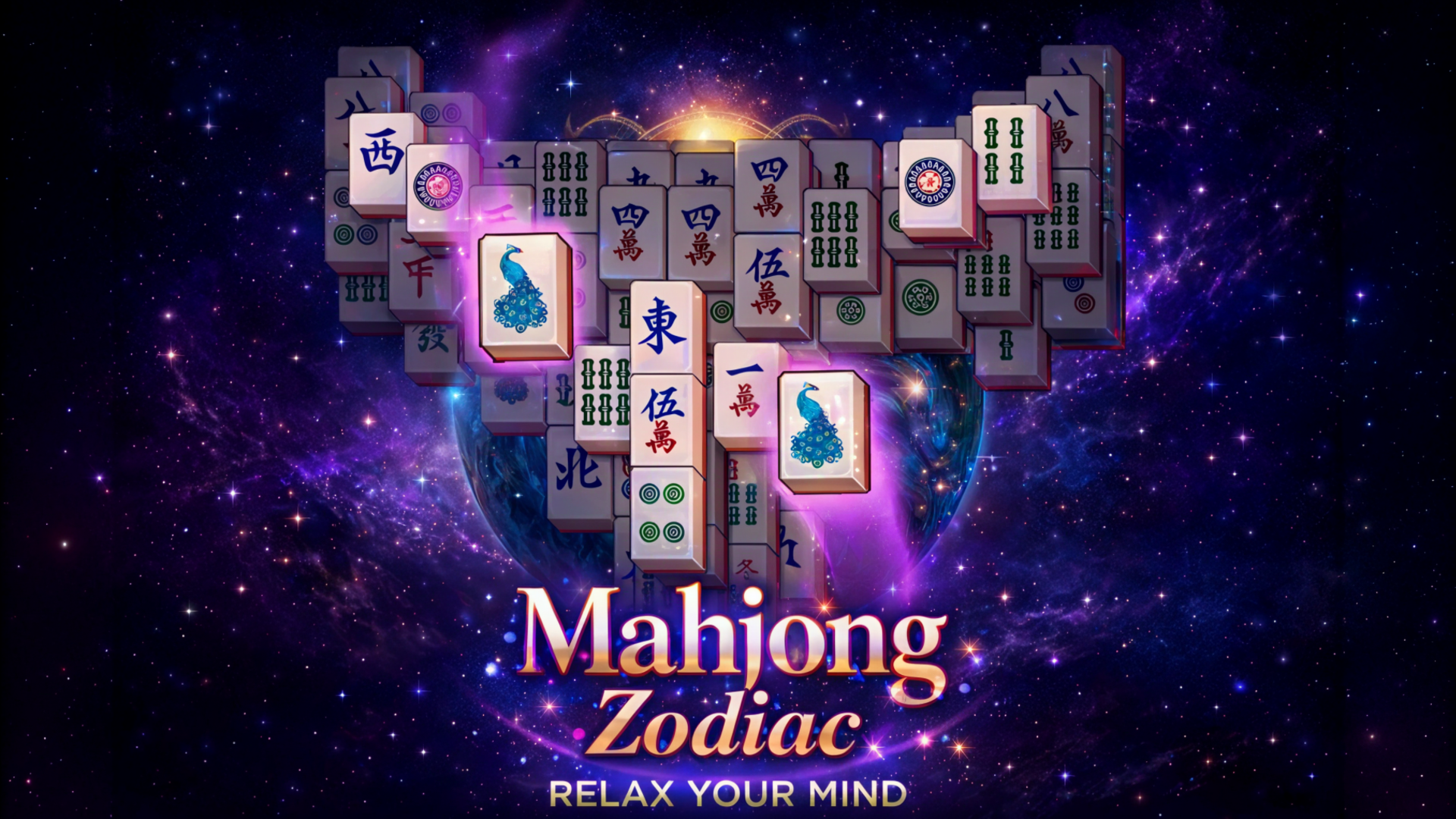
The table is a faded print of cherry trees, a wooden fence and a distant mountain, with ivory tiles piled over it. Bamboo sticks, circles, characters, winds and flowers mark the faces. The layout name sits at the top left above a tile counter and a star score, booster buttons run down the left edge, and a small spark flashes where a pair disappears.
Mahjong Classic includes optional in-game purchases. The layout is landscape on every device.
How to play
- Select two free tiles with the same symbol to remove them. Tiles with nothing blocking them count as free.
- Match any flower tile with another flower, and any season with another season.
- Use Undo, Hint or Spotlight when stuck.
- Clear the whole field to win. If no pairs are left, the game is lost.
Controls
- Desktop
- Click two matching free tiles to remove the pair.
- Mobile
- Tap two matching free tiles to remove the pair.
Tips
- Use Spotlight when the field is crowded: it makes the tiles you can select easier to see.
- Hint points out a pair you might have missed on a crowded field.
Frequently asked questions
Can I clear the Turtle layout in Mahjong Classic without paying?
Yes. Optional in-game purchases exist, and play itself starts free in the browser.
Is Mahjong Classic laid out in landscape?
Yes. It appears that way on phones, tablets and computers.
Can a deal be unsolvable?
No. A unique level algorithm means a random layout of tiles always has a solution.