Cubby Soccer League

Rotate your phone for a bigger game
- No purchases
- Sports
- Desktop and mobile
 Up nextPlay next
About Cubby Soccer League
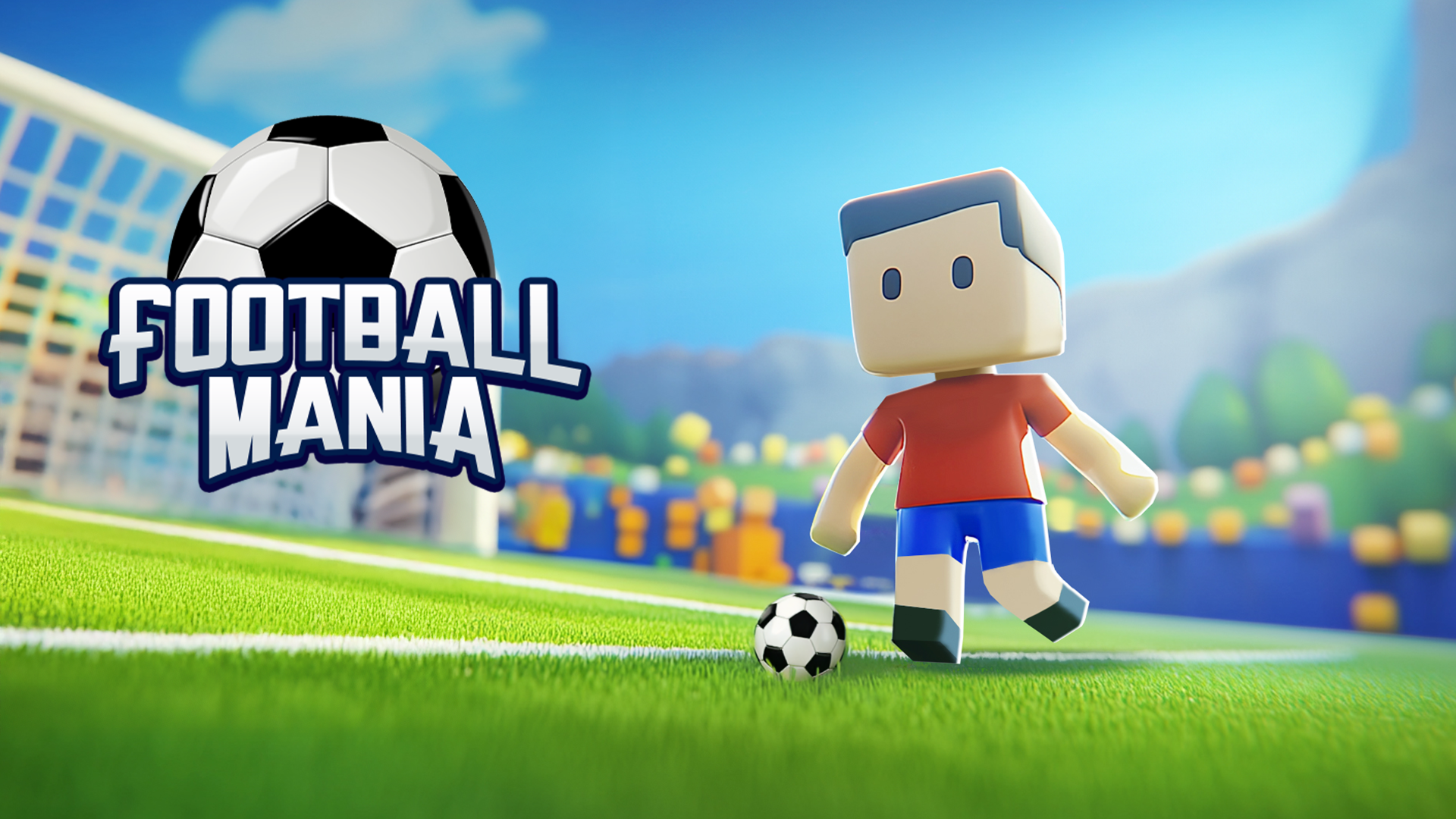
A blocky player in a red-and-white striped shirt runs up a narrow strip of grass while defenders in dark kits close in. Cubby Soccer League asks you to protect the ball, aim for the goal and manage your stamina along the way. A small green and red arc curls around the player carrying the ball.
Penalties change the camera. You stand behind the shooter, the goal sits ahead with a crowd behind it, and a goalkeeper in yellow waits on the line. The goalkeeper is yours to control as well.
Cubby Soccer League has no in-game purchases. It opens in a browser page on phones and computers.
How to play
- Move left and right to dodge the rivals.
- Press Space to move forward. The same key shoots and takes penalties.
- Steer the goalkeeper with the arrow keys, or tap the colors on the goal on mobile.
Controls
- Desktop
- Left and right arrow keys move you. Space moves forward, shoots and takes penalties. Arrow keys steer the goalkeeper.
- Mobile
- On-screen direction keys move you left and right. The ball icon moves forward. Tap the ball icon or the screen to shoot. Tap the colors on the goal to steer the goalkeeper.
Tips
- Move in short bursts so your stamina lasts until the shot.
- Shift left or right early to keep rivals away from the ball.
Frequently asked questions
Can I take the penalties without paying?
Yes. Cubby Soccer League has no in-game purchases.
Can I run the ball on a touch screen?
Yes. On a phone you use on-screen keys and the ball icon, in either orientation.
How do I control the goalkeeper on mobile?
Tap the colors on the goal.