Golf Orbit Tips: Power, Timing and Upgrades
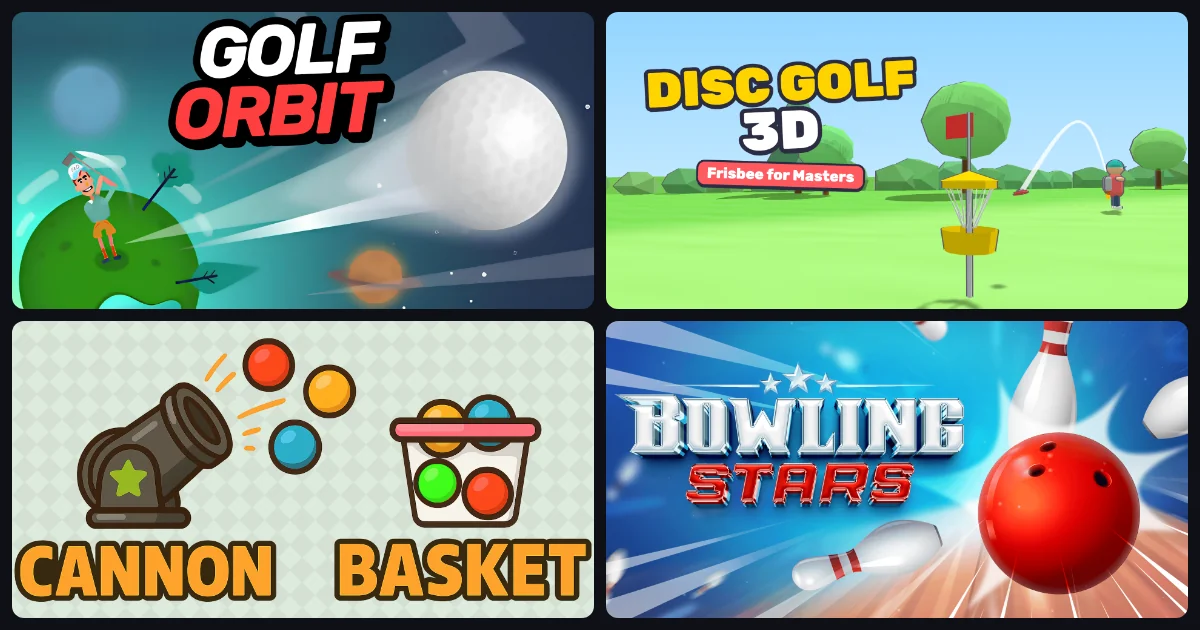
Golf Orbit has one button, so the tips that matter are about timing and spending. Hold to set power, release while the green indicator lines up, and put the coins you pick up in flight into upgrades. This page covers each step in that order, then points to five other aim-and-release sports games.
The five come from sports games, with a few from physics games and arcade games.
How do you set the power?
On a computer, press and hold the left mouse button. Power builds while you hold, and you let go to swing. The skill is the release point. A green band on the indicator marks the strong zone, and a shot released inside it flies farther than one released outside. Treat that band as your only target until the ball leaves the ground.
On a phone you tap the on-screen buttons and drag a finger across the screen, so the same timing applies under your thumb. Golf Orbit is laid out for landscape, which means turning a phone sideways before you start. The game has no in-game purchases.
What happens after the ball leaves the ground?
The release is only the start. In the air, the ball bounces off objects on the field, and each bounce adds distance. A perfect shot can go through obstacles such as trees and buildings instead of stopping at them. A clean release pays twice: more flight, and fewer things in the way.
Coins appear along the ball's path, and you collect the ones you pass. The game records your distance after every shot, and a longer shot earns more points. A birdie or an eagle earns more than an ordinary score.
What should you buy first?
Coins and reward points do different jobs. Coins pay for gear, and the game names ball flight speed and shot power. Reward points boost strength, speed and bounce, the three parts of a perfect shot. A set of mini-quests guides the early game, so follow those before you plan your own route.
Nothing in the game description ranks the upgrades, so measure them yourself:
- Take five shots and note the distance each one records.
- Buy one upgrade, then take five more shots.
- Buy the other upgrade and compare again. Keep the path that adds more distance.
Which other aim-and-release games fit?
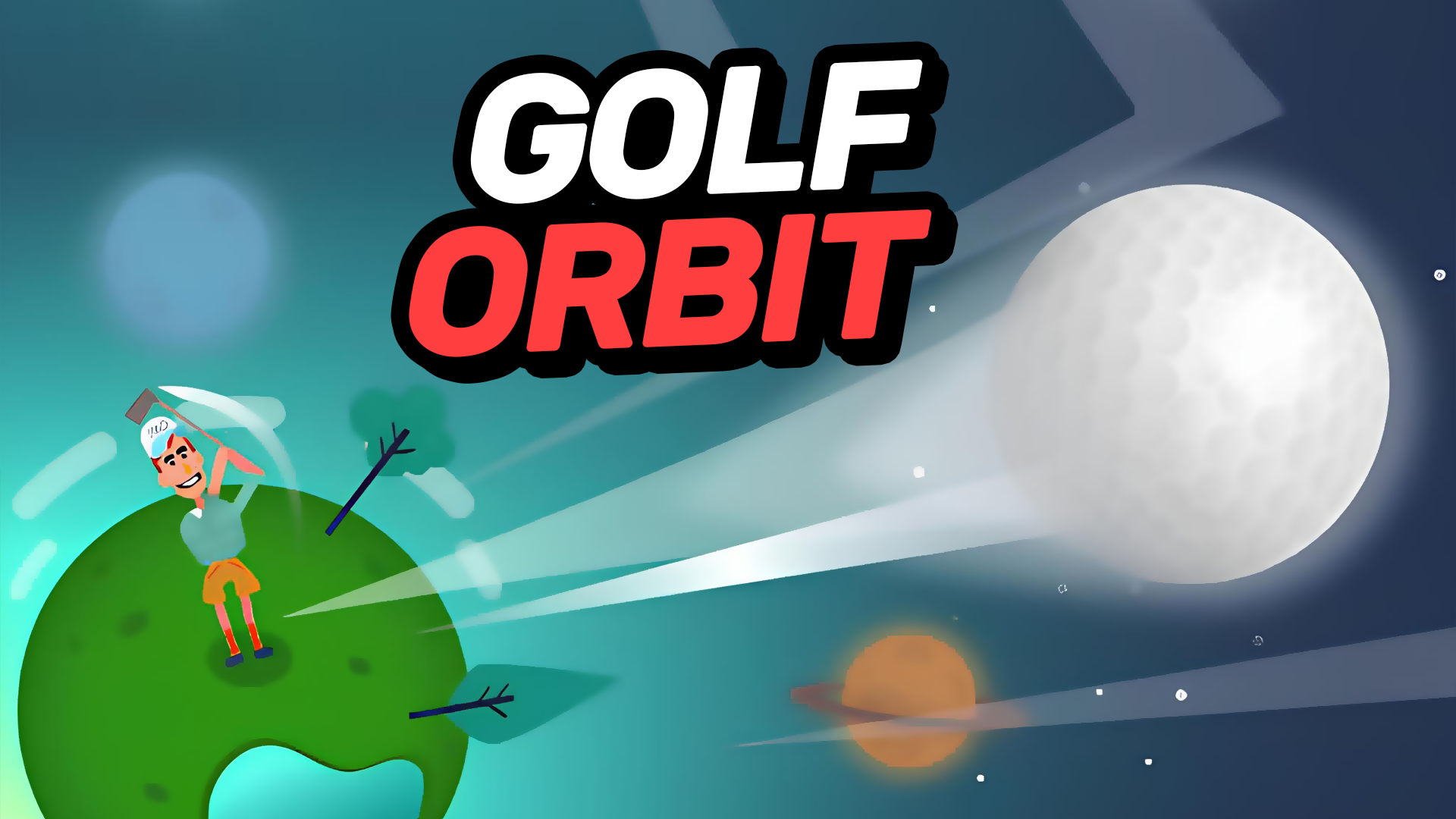
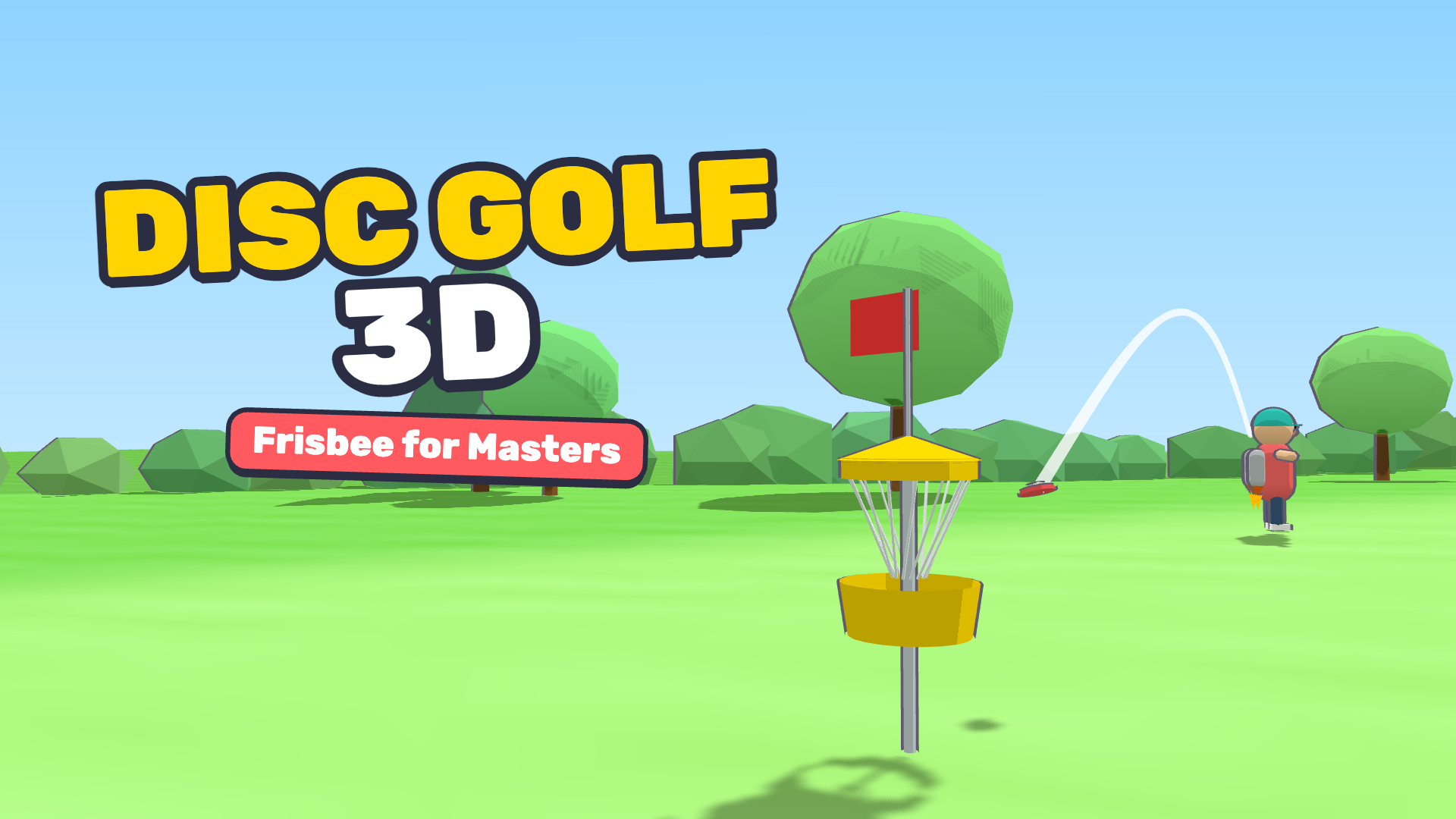
- Disc Golf 3D - Frisbee for Masters adds choices to the throw. You aim by dragging, pick a curve and a throw type, then watch a yellow ring that shows where the disc lands. Swipe mode lets you draw the throw instead. The game has optional in-game purchases and opens free in your browser.
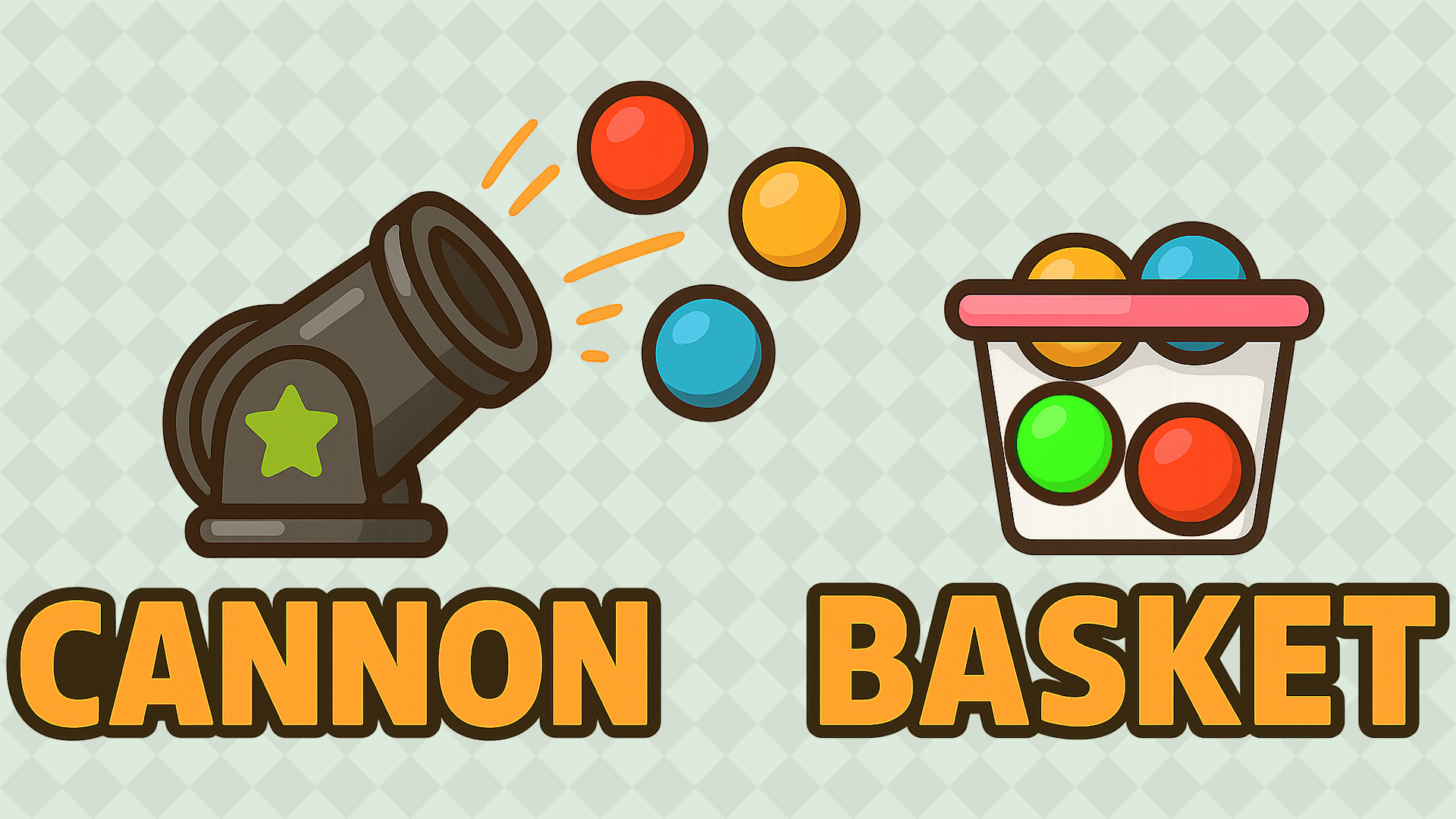
- Cannon Basket fires with a single touch. Between shots you move platforms so each ball follows a path into the basket. It has 45 levels.
- Bowling Stars asks for a swipe that sets both the line and the curve. Cash buys boosts for weight, speed, hook and hook control.
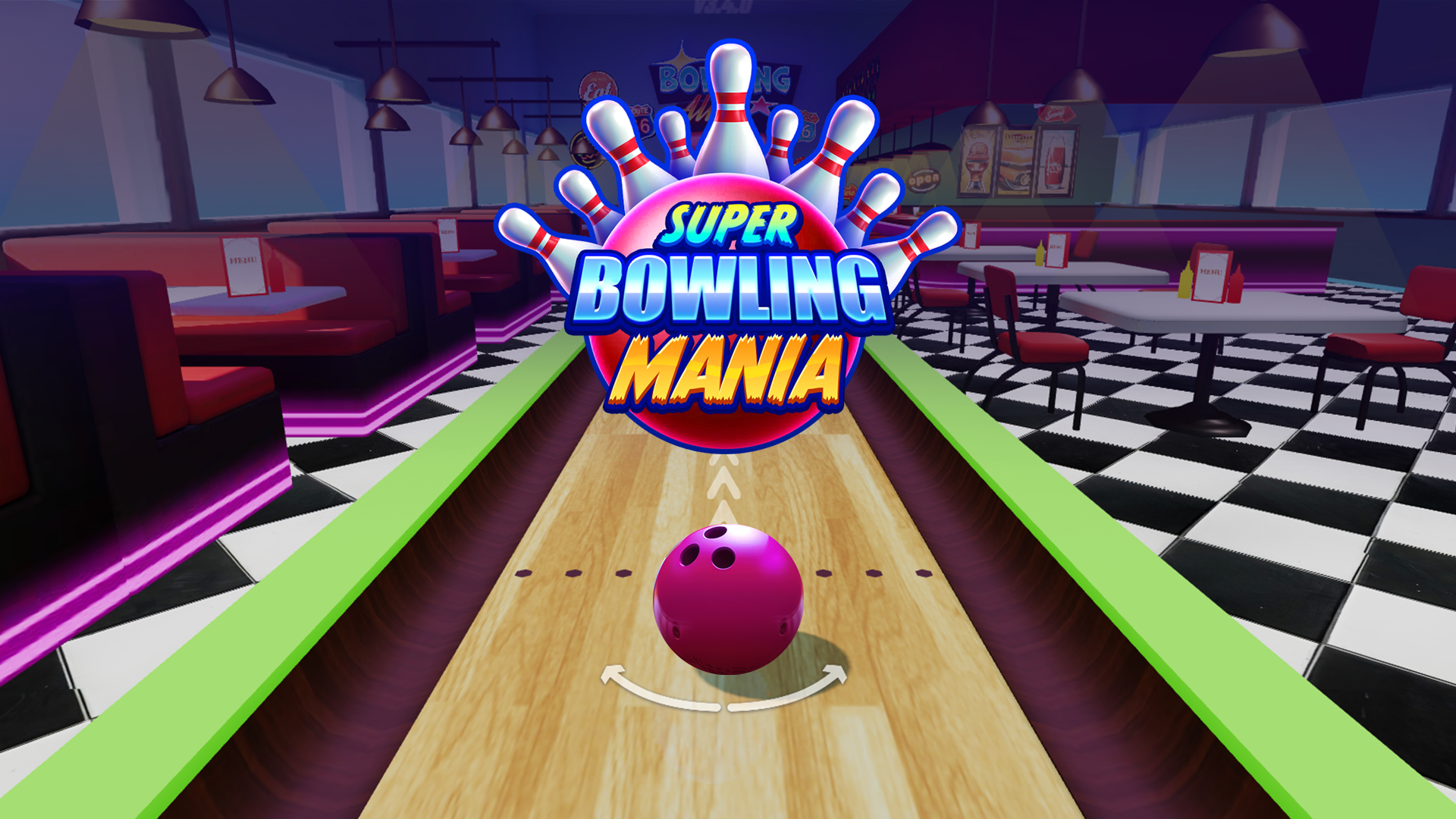
- Super Bowling Mania separates the steps: drag to aim, swipe forward to roll, and add spin to bend the ball.
- School Of Basketball throws with a touch and drag anywhere on the screen. Arcade mode gives you 10 balls, time attack gives you a clock, and distance mode moves your shot back as you score.
Where should you start?
Stay in Golf Orbit until you hit the green zone on most shots. Then open Cannon Basket, which asks for the same patience but aims at a basket instead of a distance record. If you enjoy shaping a curve, move on to Disc Golf 3D or Bowling Stars, where the bend matters as much as the power.
Games in this guide

Related categories
More guides
See all- Games for a Five-Minute Break: Short Rounds That End Cleanly
Every pick here has a clock or a short level in its own description, and the last section shows how to stop on time.
- One-Handed Phone Games: Portrait Games You Play With a Tap
Each pick is built for an upright phone and played by tapping, so a thumb is enough for most moves.
- Games With No Fail State: Coloring, Sandboxes and Decorating
Games where nothing in the description ends your run, and an honest note on which ones say so outright.