Solitaire: The Eternal Deck

Rotate your phone for a bigger game
- In-game purchases
- Card
- Desktop and mobile
- Landscape
 Up nextPlay next
About Solitaire: The Eternal Deck
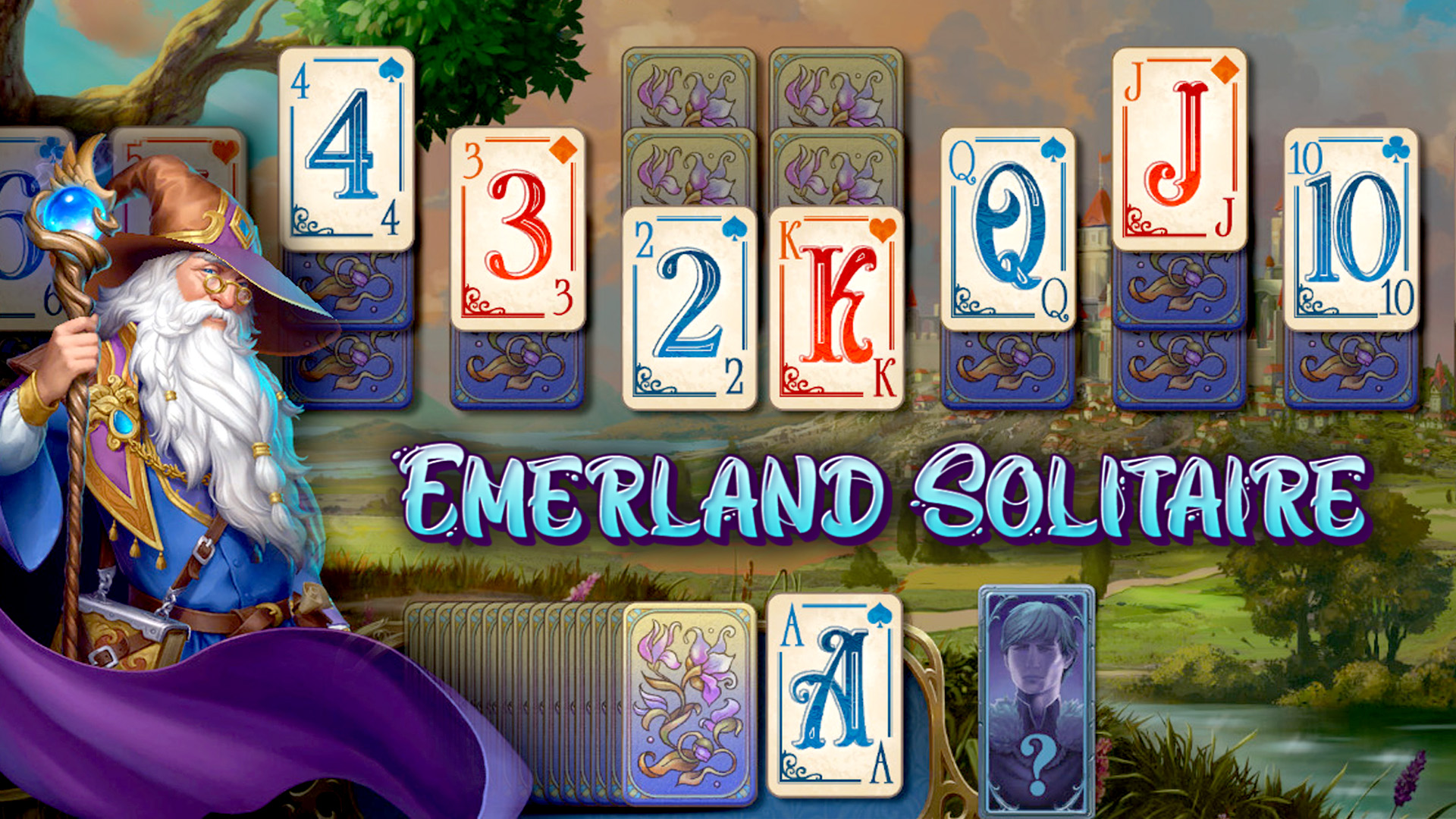
Solitaire: The Eternal Deck keeps the familiar rules and adds convenience. It is a classic card solitaire where the aim is to sort the entire deck into four foundation piles, each suit in ascending order from ace to king.
On the playing field, cards go down in descending order with alternating colors, and only a king can fill an empty space. You can move a single card or a whole sequence, and you draw from the deck by clicking it and refresh the deck when it empties. Moves can be dragged or made with a single tap, and the correct move is executed automatically. The game offers unlimited undo and auto-completes the game after all hidden cards are revealed. Its deal system aims for a higher chance of success.
The game includes optional in-game purchases. The game itself is free to open and play, in your browser.
How to play
- Click the deck to draw a card.
- Move cards by dragging them or with a single tap.
- Build the playing field down in alternating colors.
- Move each suit to a foundation pile from ace to king.
- Use undo if you want to change your strategy.
Controls
- Desktop
- Drag cards with the mouse, or click for a single-tap move. Click the deck to draw.
- Mobile
- Drag cards or use a single tap to move them. Tap the deck to draw.
Tips
- Reveal hidden cards first. Auto-complete starts after they are all uncovered.
- Use undo to test a different order of moves before you commit.
Frequently asked questions
Does Solitaire: The Eternal Deck have in-game purchases?
Yes. Optional in-game purchases are included. Playing the game is free.
Can I undo a move?
Yes. The game offers unlimited undo.
What goes on an empty space?
Only a king.