Single Dad Simulator Family Life

Rotate your phone for a bigger game
- No purchases
- Simulation
- Desktop and mobile
- Landscape
 Up nextPlay next
About Single Dad Simulator Family Life
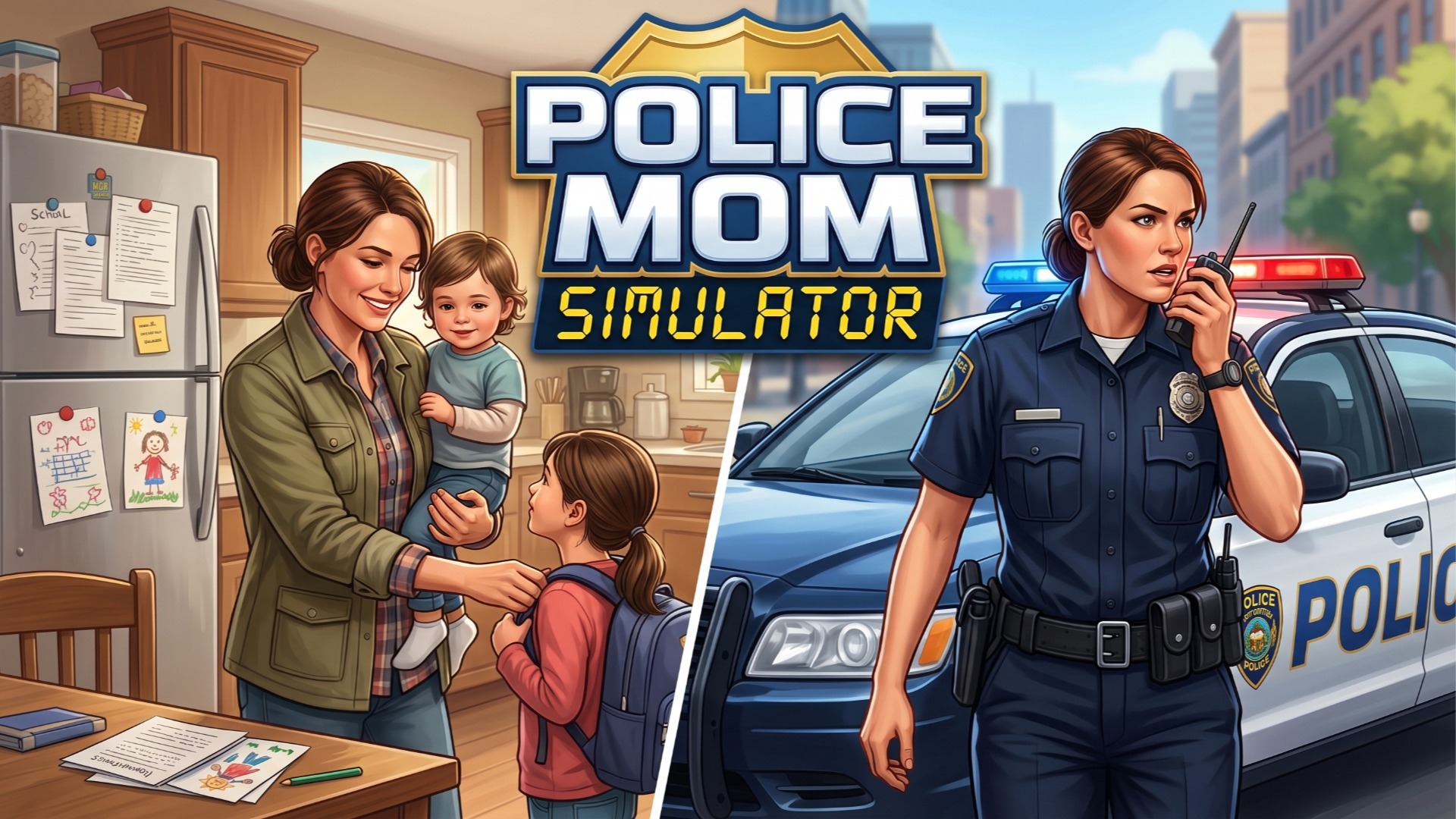
A child's bedroom with cloud-patterned wallpaper and two small beds is where the family side of the game plays out. Single Dad Simulator Family Life follows a hardworking single father who looks after his children, handles household chores, completes work tasks and joins in family activities.
Three modes shape play. Career has story missions and daily responsibilities, Adventure adds driving missions, outdoor trips and challenges, and Free Mode lets you explore the city and drive around at your own pace.
The scenes keep changing: a meeting room where colleagues face a screen with a chart, a funfair with a Ferris wheel, a gym with a row of treadmills, a candlelit restaurant table under disco lights. A coin total, a clock and a round map sit on screen.
Single Dad Simulator Family Life has no in-game purchases. The view is landscape on phones, tablets and desktops.
How to play
- Choose Career, Adventure or Free Mode.
- Complete household, parenting and daily-life missions.
- Prepare meals, clean the house and shop for groceries.
- Drive the children to school and take on the driving missions.
Controls
- Desktop
- Move with WASD and look with the mouse. Left Shift sprints, F is the action key, I shows info, N skips a level, P pauses and Ctrl opens settings.
- Mobile
- Move with the joystick and drag the screen to rotate the camera.
Tips
- Try Free Mode between missions to learn the city at your own pace.
- Press I for info if you lose track of a control.
Frequently asked questions
Do the driving missions or outdoor trips cost anything extra?
No. Single Dad Simulator Family Life has no in-game purchases.
Is the family home playable on a phone screen?
Yes. Phones, tablets and desktops all run it in landscape.
How does Career Mode differ from Free Mode?
Career has story-based missions, while Free Mode lets you explore the city at your own pace.