Maple Lake

Rotate your phone for a bigger game
- No purchases
- Cozy
- Desktop and mobile
 Up nextPlay next
About Maple Lake
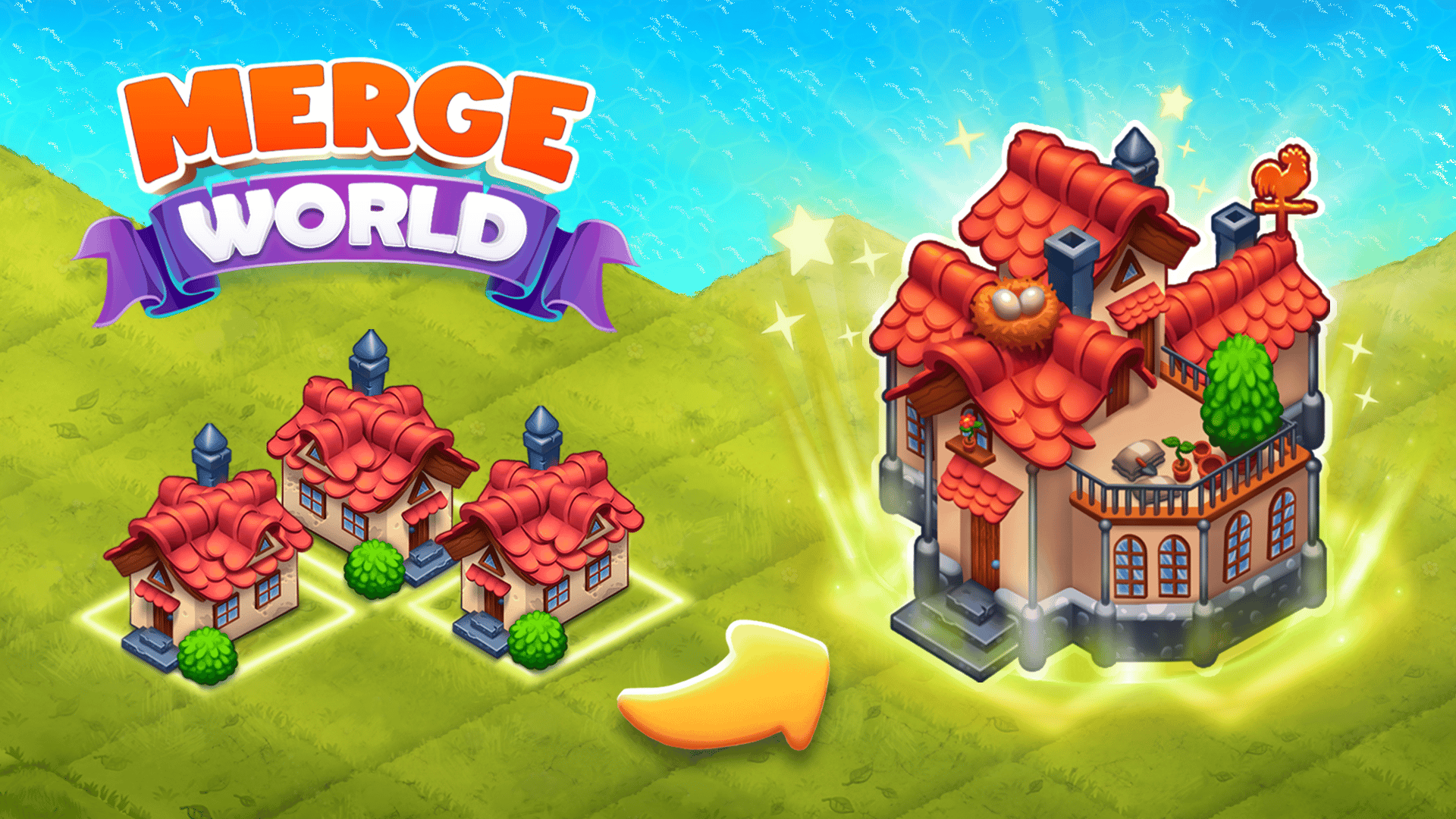
Theo inherited an old lakeside camp from Grandma Hazel, and the story of Maple Lake is how it becomes a resort. You create buildings, merge two identical ones into a higher level, and climb from wood planks and cabins up to hotels and palaces.
From level 5, buildings earn passive income, which pays for more land and for decorations like trees, fountains and lanterns. A story runs across 7 chapters and 24 contracts, and there is no energy system to slow you down. Maple Lake offers no in-game purchases.
How to play
- Tap BUILD to create a new building.
- Drag one building onto a matching one to merge them.
- Use UPGRADE and EXPAND to improve new buildings and unlock land.
- Place decorations and finish contracts for cash and free land.
Controls
- Desktop
- Click BUILD, UPGRADE and EXPAND, and drag buildings with the mouse.
- Mobile
- Tap the buttons and drag buildings with your finger.
Tips
- Add trees, fountains and lanterns, since decorations raise your income.
- Drop one building onto a different one to swap their places.
Frequently asked questions
Is Maple Lake free?
Yes. Playing it costs nothing. Maple Lake has no in-app purchases.
Which devices can run Maple Lake?
It supports computers, phones and tablets. It is playable on mobile and desktop.
More Cozy games
See all More Cozy games





Browse categories
Guide: Games With No Fail State: Coloring, Sandboxes and Decorating