Make A Dress

Rotate your phone for a bigger game
- No purchases
- Simulation
- Desktop and mobile
 Up nextPlay next
About Make A Dress
Every dress in Make A Dress begins with a bare dress form and a tape measure. A client arrives with an idea, and you work through the job in order: measurements, silhouette, fabric, ironing, pattern layout, cutting, machine sewing and the finishing touches. Bows, flowers and gems go on last.
Each finished dress earns stars and gifts. Sparkly fabrics, tools and styles can be unlocked along the way.
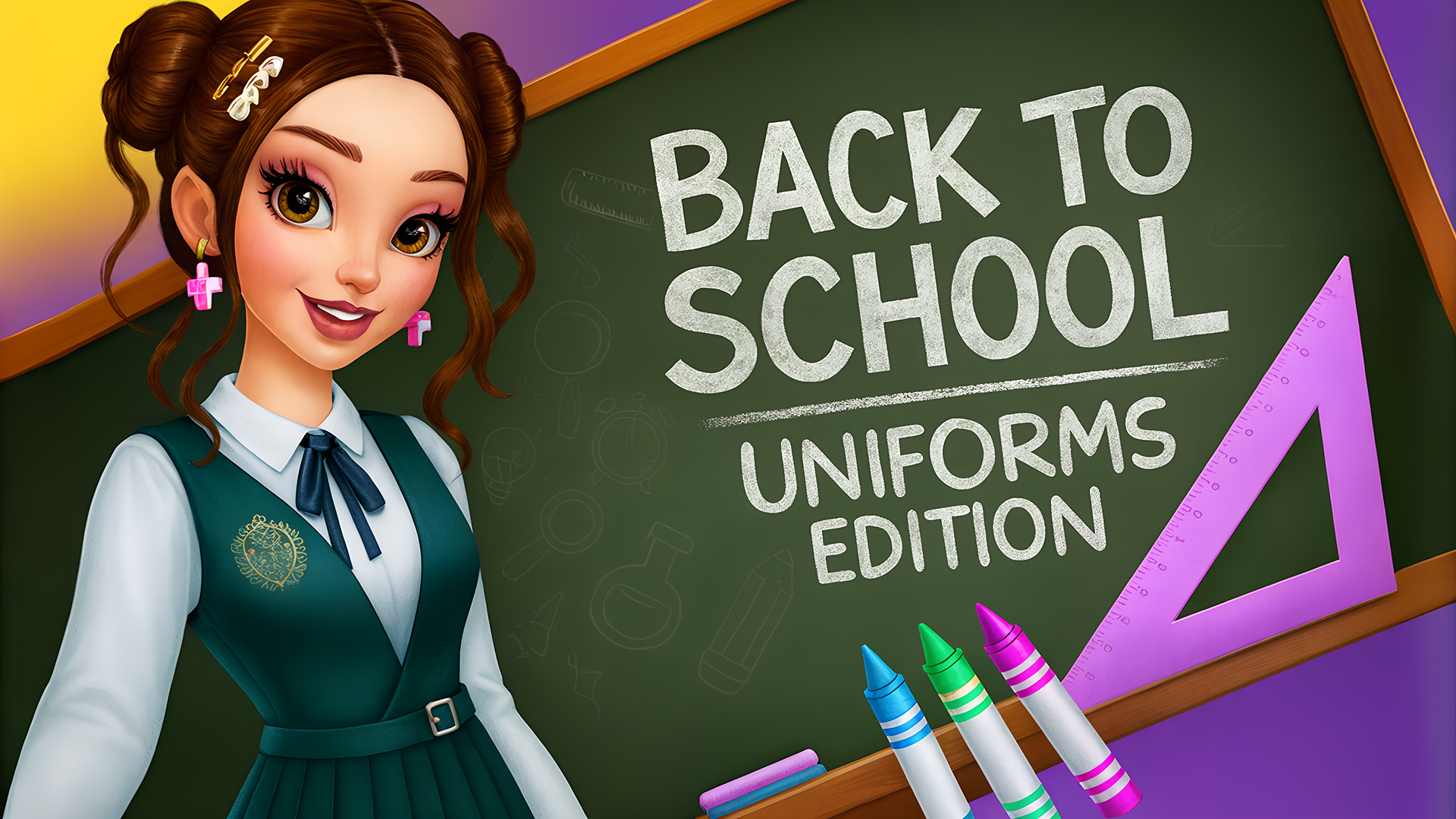
The look is soft and colorful, with a purple and pink backdrop and a hand pointer that shows where to touch. Scissors follow a dashed line across navy fabric dotted with gold stars, and an iron puffs steam. At the end the client, a smiling girl with her hair in a bun, cheers beside a navy gown with a pink bow.
Make A Dress has no in-game purchases. It works in both screen orientations.
How to play
- Take the measurements on the dress form, then pick a silhouette.
- Choose a fabric, iron it and lay out the patterns.
- Drag the scissors and the fabric through the cutting and sewing steps.
- Drag bows, flowers and gems onto the dress.
- Deliver the dress to your client to earn stars and gifts.
Controls
- Desktop
- Click to choose items and drag them onto the dress.
- Mobile
- Tap to choose items and drag them onto the dress.
Tips
- Follow the hand pointer at each step so you know where to drag.
- Cut along the dashed line, since the sewing steps build on that cut.
- Spend your stars and gifts on new fabrics and tools.
Frequently asked questions
Are the sparkly fabrics paid items in Make A Dress?
No. Make A Dress has no in-game purchases, so there is nothing to pay for inside it.
Can I sew on a tablet in either orientation?
Yes. Phones, tablets and computers all run it, held either way.
What happens when a dress is done?
You deliver it to your client and it earns stars and gifts.