Hidden Object: My Hotel
Rotate your phone for a bigger game
- No purchases
- Puzzle
- Desktop and mobile
- Portrait
 Up nextPlay next
About Hidden Object: My Hotel
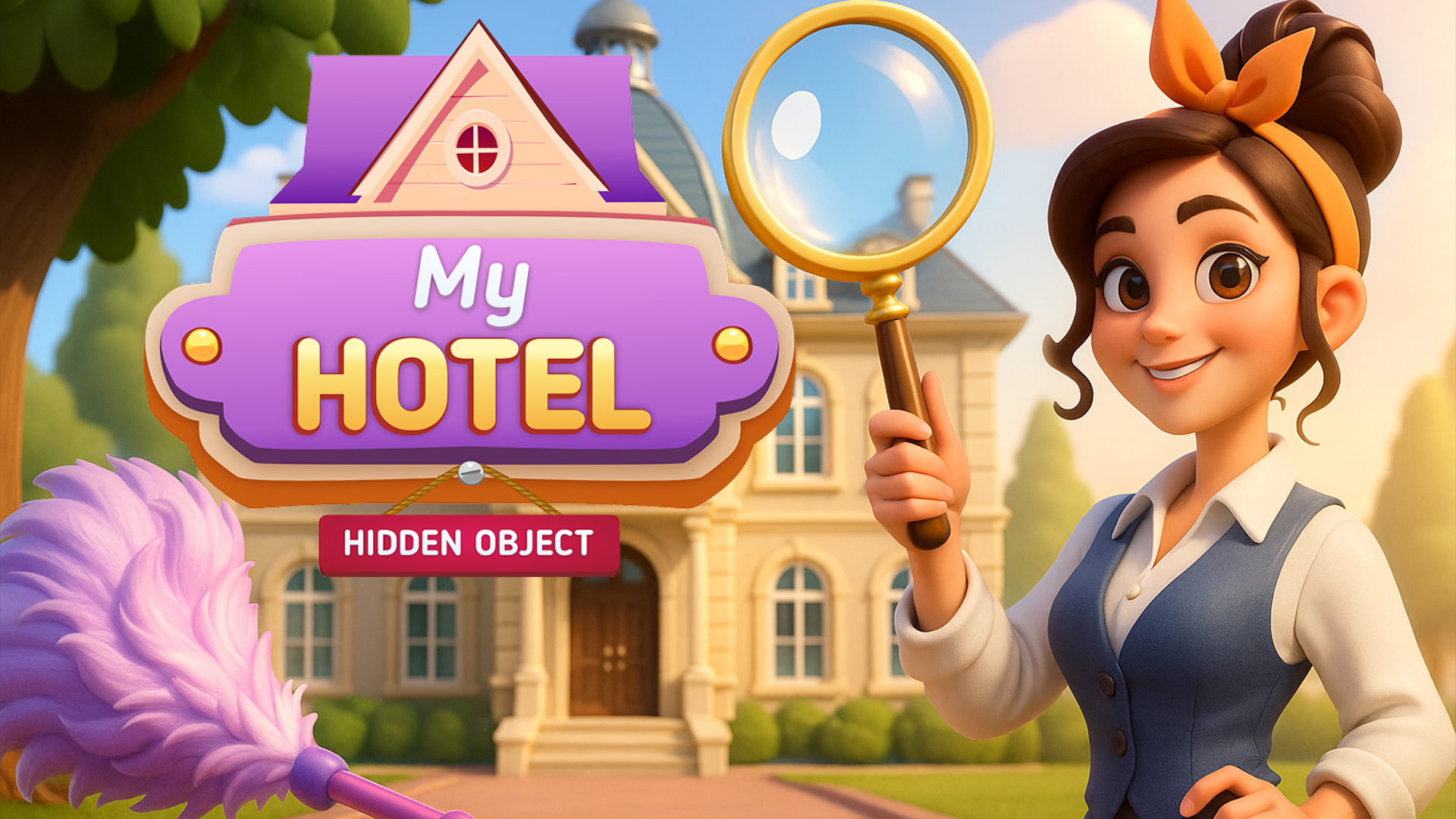
A brick hotel front with a double door, a chalkboard sign and a bicycle against the railing is where the story starts. Hidden Object: My Hotel is a search game about a heroine who has bought an old building and wants to bring back its lost charm.
She needs you to clean up the cluttered rooms by finding the items hidden in the chaos. You can scroll left and right, zoom in for detail and ask for a hint when an object is tricky.
The cartoon scenes glow in warm pink and red. Inside, the lobby holds a reception desk with an old telephone, an arched wall with a framed picture, three wall clocks, leather armchairs and a tall plant, with crumpled paper and cobwebs on the floor. A strip along the bottom holds small icons, and a percentage badge sits above it.
Hidden Object: My Hotel has no in-game purchases. The layout is upright, made for portrait screens.
How to play
- Open a room and look over the cluttered scene.
- Move left and right, and zoom in, to check every corner.
- Find the hidden items to tidy the room.
- Use a hint when an object is hard to spot.
Controls
- Desktop
- Move left and right, zoom in, and select each item you find.
- Mobile
- Use the on-screen touch controls.
Tips
- Cover a room from edge to edge before you zoom, so no corner is skipped.
- Keep hints for items you cannot find after a full pass.
Frequently asked questions
Can I use hints without paying?
Yes. Hidden Object: My Hotel has no in-game purchases.
Is the hotel scene playable on a tablet held upright?
Yes. Phones, tablets and computers run it, with a layout made for portrait screens.
Can I zoom into a room?
Yes. You can move left and right and zoom in to inspect every detail.