Geometry: Black Wave

Rotate your phone for a bigger game
- No purchases
- Arcade
- Desktop and mobile
- Landscape
 Up nextPlay next
About Geometry: Black Wave
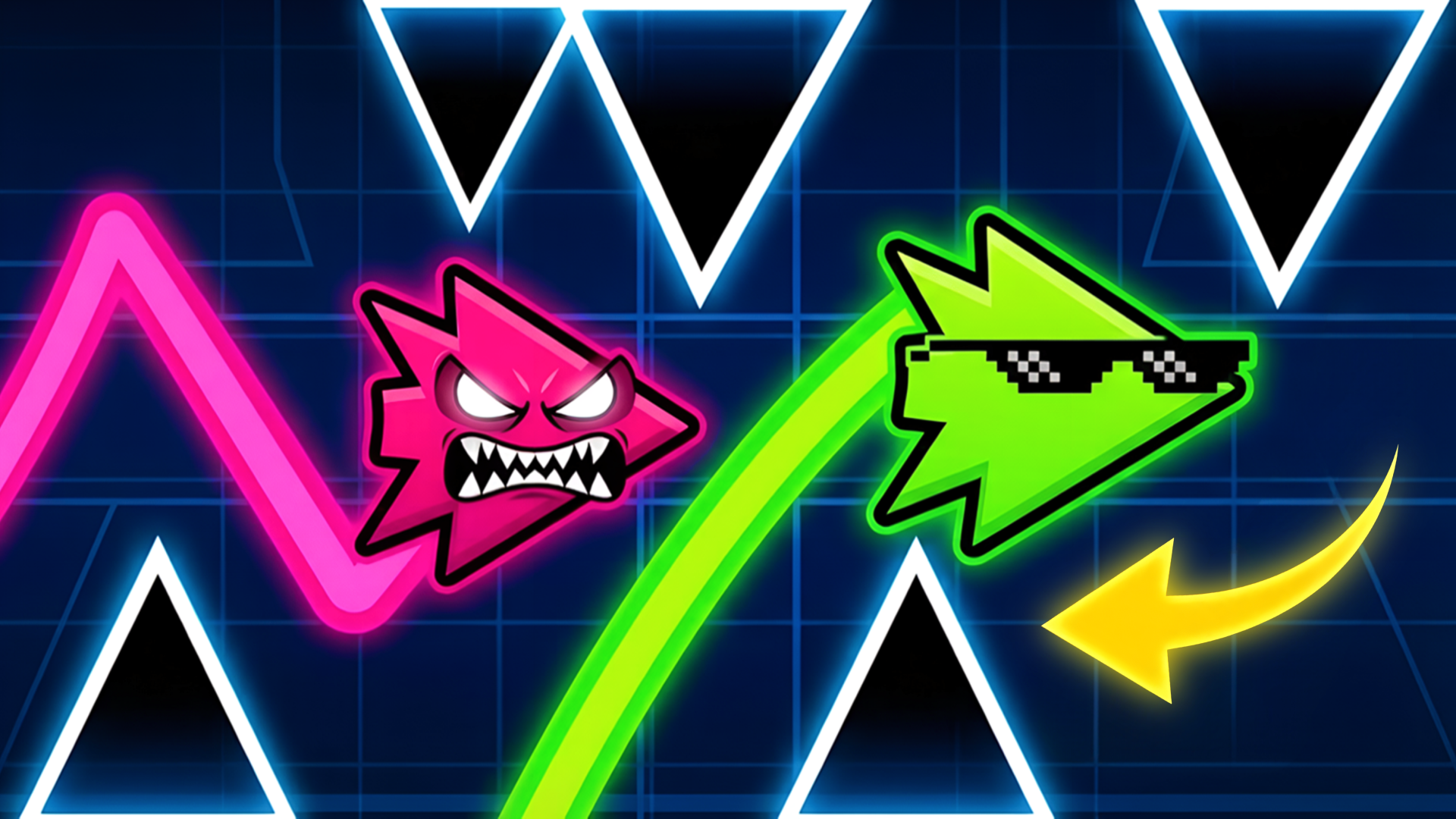
The soundtrack sets the pace, and a small arrow has to keep up. Geometry: Black Wave is a musical platformer in black and white, where you steer a wave through spikes and blocks toward the finish line.
The game has many levels of varying difficulty, each with its own music, and the difficulty of a level is shown by the emoji on its button. The controls use one input: hold the screen and the wave rises, release and it sinks until it reaches the ground. The longer you hold, the higher it goes, until it hits the wall.
Touch any obstacle and you lose, so quick reactions and accurate timing matter. The graphics stay simple while the soundtrack is synchronized with the gameplay.
There are no in-app purchases here. Geometry: Black Wave uses a wide landscape layout.
How to play
- Start the game and choose a level. The emoji on the button shows its difficulty.
- Hold the screen or the mouse button to move the wave up.
- Release it to let the wave move down.
- Avoid spikes, blocks and other obstacles to reach the finish line.
Controls
- Desktop
- Hold the mouse button to rise and release it to sink.
- Mobile
- Tap and hold the screen to rise, and release it to sink.
Tips
- Short taps work better than long holds in tight spaces.
- Listen to the music. It is synchronized with the obstacles.
Frequently asked questions
Is Geometry: Black Wave free?
Yes. No in-app purchases are included. Opening Geometry: Black Wave costs nothing.
How do I move the wave?
Hold the screen to move up and release it to move down.
What happens when I hit an obstacle?
You lose and have to try the level again.