Cat vs Granny. Cat Simulator

Rotate your phone for a bigger game
- In-game purchases
- Simulation
- Desktop and mobile
- Landscape
 Up nextPlay next
About Cat vs Granny. Cat Simulator
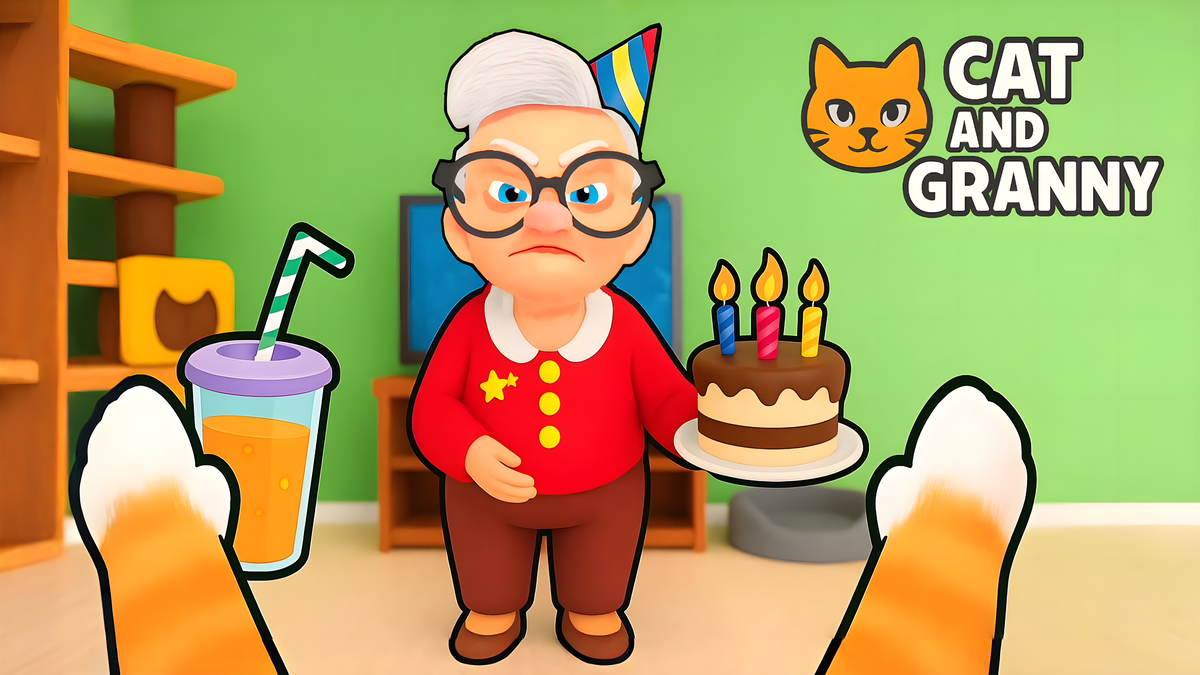
You are a mischievous cat, and Grandma's cozy house is about to become a field of chaos. In Cat vs Granny. Cat Simulator pots get broken, fish vanish from the aquarium, objects fly and furniture gets scratched, all in first person with humor and mayhem.
Rooms are stuffed with interactive objects, and grandma's patience melts with each prank. The goal is to complete all the tasks while annoying Granny.
You see the house through a pair of orange cat paws. Yellow patterned wallpaper, bookshelves, a red armchair and a fireplace fill the rooms, and Granny has pink hair and a blue starry outfit. A task list in the corner asks for things like turning off a machine, running from her for ten seconds or visiting a hardware store.
Cat vs Granny. Cat Simulator includes optional in-game purchases. Phone, tablet or desktop works, in landscape.
How to play
- Explore the rooms and check the task list.
- Break, throw and scratch the interactive objects.
- Annoy Granny while you finish every task.
Controls
- Desktop
- WASD moves, Shift runs, Space jumps, E puts down or takes an item, F interacts and left click throws.
- Mobile
- The left joystick moves the cat and a swipe on the right moves the camera.
Tips
- Pick things up with E and throw them with left click.
- One task asks you to run from Granny for ten seconds, so keep Shift ready when she closes in.
Frequently asked questions
Can I try the pranks without paying?
Yes. Optional in-game purchases exist, but pranking Granny opens right in your browser.
Can I steer the cat with a joystick?
Yes. On phones the left joystick moves the cat. Computers and tablets work too, in landscape.
What is the goal of the game?
Complete all the tasks while annoying Granny.